This article was originally published on devopsstart.com. I'm cross-posting it here to share valuable insights with the Dev.to community on monitoring Kubernetes pods.
Introduction
When you are working with Kubernetes, you often need to see what is happening to your pods in real time. For instance, you might have just applied a new deployment or are debugging a flaky application. Manually running kubectl get pods every few seconds is inefficient. This is where the --watch flag with kubectl get pods becomes useful. It allows you to continuously stream updates for pod status changes directly to your terminal. This tip shows how to use this command for quick, live observability.
What kubectl get pods --watch Does
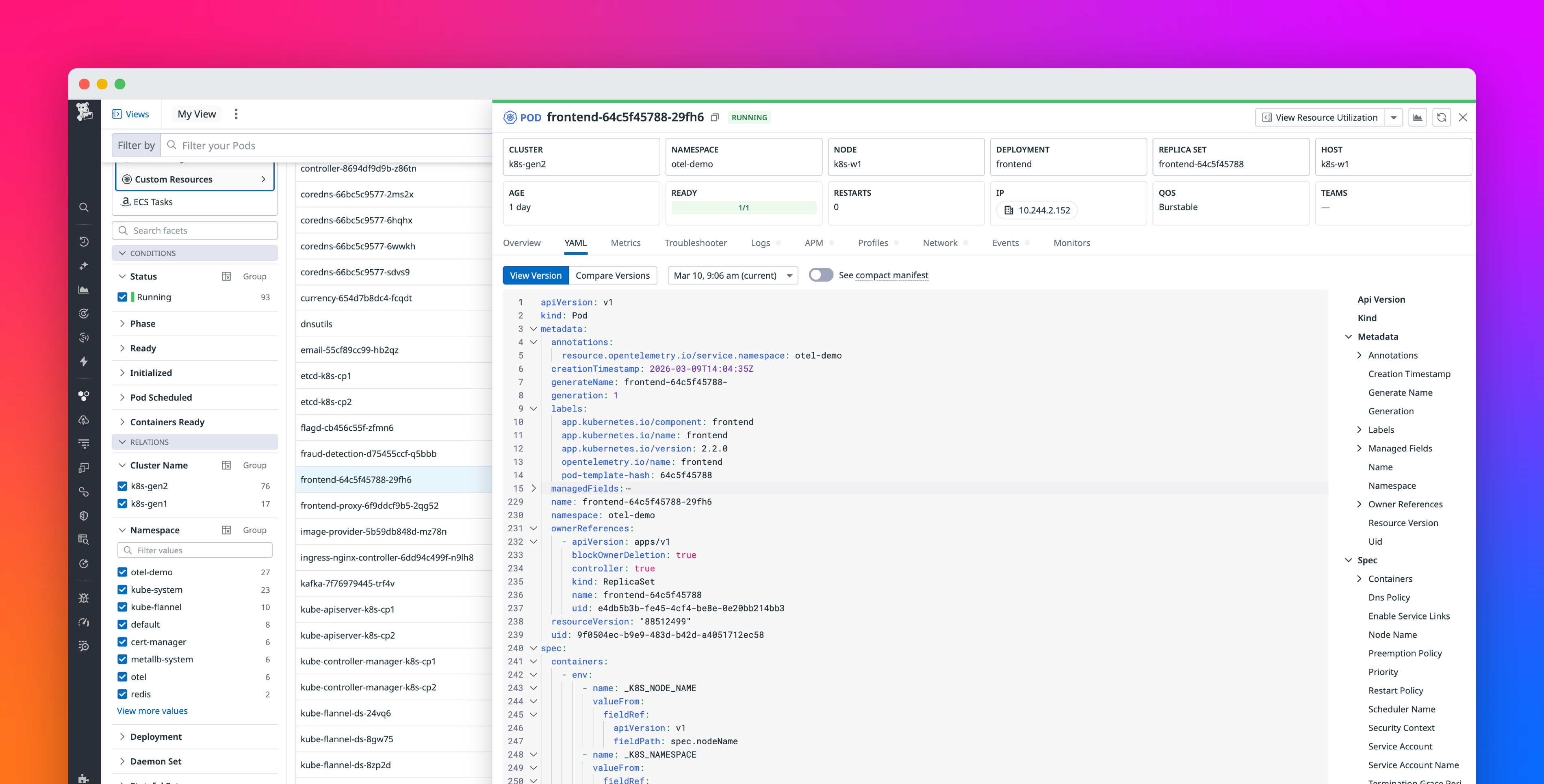
The kubectl get pods --watch command tells Kubernetes to keep an open connection to the API server. It pushes status updates for matching pods as they happen. Instead of providing a static snapshot, this command gives a dynamic view. It shows pods as they change through states like Pending, ContainerCreating, Running, CrashLoopBackOff, and Terminating. This is very helpful for understanding your workloads' lifecycle without repeatedly running commands. You can find more details on using kubectl in the official Kubernetes documentation.