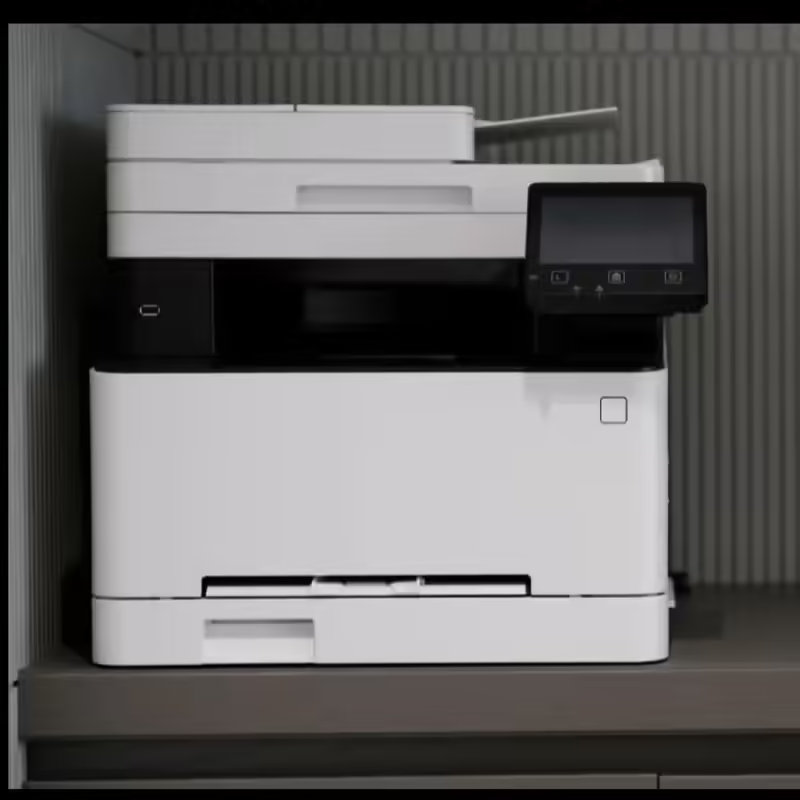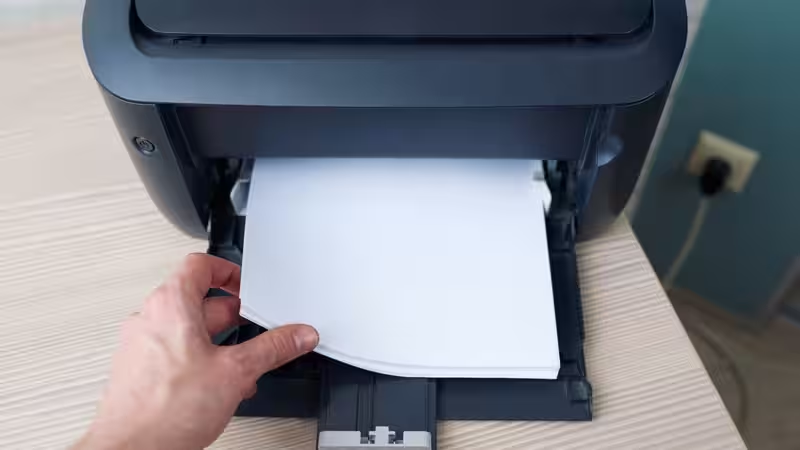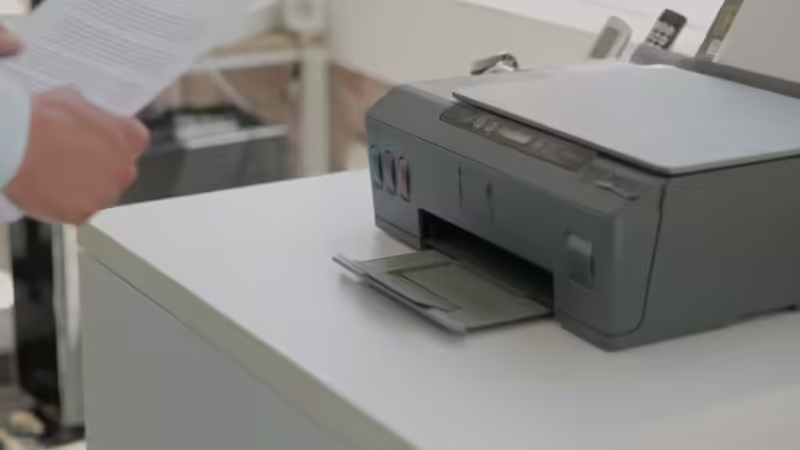
In today's digital workplace and homes, printing remains an essential requirement for offices, educational institutions, startups, and even home professionals. And no modern users today want a clunky machine hogging space, needing their valuable time, and having a lot of cables to print a single sheet of paper. People want something futuristic. For instance, a modern printer makes the job of flipping pages unnecessary when it handles double-sided jobs on its own. That cuts down how much paper gets used while speeding things up, too. Wireless signals let devices like phones, computers, and tablets send signals without cords nearby. More than one person can share access smoothly through the same connection.Out there among today’s options sit machines built to keep pace without fuss and give smooth operation tucked beside steady performance. These models link up easily, think ahead a little, then deliver crisp output every time you ask.How WiFi Connectivity Changes Modern Printing in WorkplacesVersatility of Connection: Most people nowadays use more than one gadget. Laptops sit beside phones, tablets, and online storage tools. Wires tied to old-style printers slow things down when jobs move fast between screens. This is what makes Wi-Fi printers the spotlight of modern-age printing.Multiple Connections at the same time: Wireless connectivity gives multiple users the ability to connect to the printer without wires and from any corner. This is a very important aspect in cases where people switch connections between offices and remote places. Mobile & Cloud Printing: Modern WiFi printers often support mobile printing technologies, cloud printing services, and dedicated mobile applications, allowing users to print files stored on smartphones or cloud storage platforms within seconds.Reduces Cable Mess: From a business perspective and also for home use, printers reduce cable clutter, have simple installation, and make document sharing easier. As the world is becoming more digital than ever, these features become more important than ever Best auto-duplex printers with Wi-Fi, an overview of the products listed below:Best Laser Printers in IndiaPrice on Amazon HP 303dw Auto Duplex WiFi Laser PrinterRs. 14,999Brother DCP-L2541DW Auto Duplex Laser PrinterRs. 21,999HP 323sdnw Auto Duplex WiFi Laser Printer Rs. 24,499HP 323dnw Auto Duplex WiFi Laser Printer Rs. 21,999Brother HL-L2366DW Auto Duplex Laser PrinterRs. 14,499Canon imageCLASS MF289dw Duplex Wireless Laser PrinterRs. 42,990HP 303dw Auto Duplex WiFi Laser Printer HP 303dw Auto Duplex WiFi Laser PrinterKey FeaturesDelivers print speed up to 33 pages per minute (A4)It also has automatic duplex printing, so you consume less paper and time Prints look sharp too, with a print resolution reaching up to 1200 x 1200 dpiA solid monthly duty cycle rated for up to 50,000 pagesRecommended monthly volume is usually around 300 to 2,300 pagesConnectivity is pretty versatile as well; you get dual-band Wi-Fi (2.4 GHz/5 GHz), Ethernet, Bluetooth, and USB 2.0For mobile printing, it supports Apple AirPrint, Mopria, and works with the HP Smart appInput is covered by a 250-sheet tray, while the output tray holds 150 sheetsRuns on a 600 MHz processor with 256 MB of memoryBrother DCP-L2541DW Auto Duplex Laser Printer Brother DCP-L2541DW Auto Duplex Laser PrinterKey FeaturesA 3-in-1 laser printer that supports printing, scanning and copying in a single deviceDelivers print speeds of as much as 30 pages per minute on A4Has automatic duplex printing, so you don’t have to flip stuff manuallyPrint resolution goes up to 1200 x 1200 dpi250-sheet paper tray for everyday office printing needs35-sheet Automatic Document Feeder (ADF) for multi-page documentsFor connections, it supports Wi-Fi, Wi-Fi Direct, Ethernet, and Hi-Speed USB 2.0Compatible with Brother iPrint&Scan directly from supported mobile devicesIncludes 32 MB memory and a 16-character, 2-line LCD tooYou will also get the first page in under 8.5 secondsSupports multiple paper sizes such as A4, Letter, Legal, Executive, A5, and A6HP 323sdnw Auto Duplex WiFi Laser Printer HP 323sdnw Auto Duplex WiFi Laser PrinterKey FeaturesFunctions as a print, scan, and copy multifunction printerSupports automatic duplex printing with 40-sheet capacityDelivers print resolution of up to 1200 x 1200 dpi Paper handling includes a 250-sheet input tray plus a 100-sheet output trayConnectivity includes Wi-Fi Direct, Ethernet, USB, Apple AirPrint, Mopria, and the HP Smart AppRecommended monthly print volume sits around 300 to 2,300 pagesPrint wirelessly directly from laptops, smartphones, and tablets without needing a full network connectionBig body with multiple functions, suitable for businesses overallsupports HP 181A/X Black Original Laser Toner CartridgesHP 323dnw Auto Duplex WiFi Laser Printer HP 323dnw Auto Duplex WiFi Laser Printer Key FeaturesSupports monochrome printing, scanning and copying in a single compact deviceDelivers print speeds of up to 30 pages per minute (A4) Features automatic duplex printingIncludes a 40-sheet Automatic Document Feeder (ADF)Produces sharp monochrome documents with print quality of up to 1200 x 1200 dpiMemory-wise, it uses a shared 256 MB for both the printer and the scannerMonthly duty cycle of as much as 30,000 pagesMonthly print volume sits around 300 to 2,300 pagesYou get both a flatbed scanner and an ADF scanner, with scan resolution up to 600 dpiIt handles media sizes like A4, A5, A5 (LEF), B5 (JIS), oficio, and envelopes (DL, C5)For connections, it offers Wi‑Fi, Wi‑Fi Direct, Ethernet and Hi-Speed USB 2.0 Mobile printing compatibility includes Apple AirPrint, Mopria, and the HP AppIncludes a 250-sheet input tray and a 100-sheet output tray Copying goes up to 99 copies with enlargement and reduction from 25% to 400%Brother HL-L2366DW Auto Duplex Laser PrinterBrother HL-L2366DW Auto Duplex Laser PrinterKey FeaturesMonochrome laser printer with a single function Printing speed of up to 30 pages per minute on A4Supports automatic duplex printingPrint resolution of 600 x 600 dpi and HQ1200 qualityPrints the first page in less than 8.5 secondsConnection options via Wi-Fi, Wi-Fi Direct, Ethernet (LAN) and even Hi-Speed USB 2.0Uses the TN-2365 high-yield toner cartridge, where the drum is rated at around 12,000 pagesSupports wireless security like WPA / WPA2, WPS and Wi-Fi DirectCompatible with Apple AirPrint, Brother iPrint&Scan Mobile App and Brother BRAdmin Features a 250-sheet paper input tray and a 100-sheet face-down output tray16-character, 1-line LCD for easy monitoring Canon imageCLASS MF289dw Duplex Wireless Laser Printer Canon imageCLASS MF289dw Duplex Wireless Laser PrinterKey Features4-in-1 laser multifunction printer with Print, Scan, Copy and Fax functionsIt prints at speeds up to 35 pages per minute (A4)First print-out time of about 4.9 secondsIncludes automatic duplex printing and a 50-sheet Duplex Automatic Document Feeder for two-sided scanning and copyingPrint resolution reaches up to 1200 × 1200 dpiEquipped with a 250-sheet cassette For connectivity, you get Wi‑Fi, Ethernet, and USBWireless printing works with AirPrint, Mopria, and the Canon PRINT Business appIt uses a 6-line LCD touchscreen displayRecommended monthly print volume is about 250 to 2,500 pagesSupports newer security protocols like TLS 1.3How Does an Autoduplex Printer Save Time, Paper & Efforts?Most workplaces and homes fail to notice the hours and money wasted just hitting the printer every day. That fix is to put trust in a printer that flips pages by itself. Without needing anyone to feed paper back in, these machines handle both sides without help. The task becomes easier than ever. And the printers which have this feature are called auto-duplex. Flipping through stacks of printed pages every month for reports, contracts, invoices, kids’ projects, college assignments, and even study notes, it is very easy to see how easily it can pile up. When double-sided printing is enabled, paper use is also reduced because it prints on both sides of the paper. The information and data printed on separate sheets contribute to huge files; however, with an auto-duplex printer, the files become thin. The cost of supplies like paper and ink also reduces by a fraction and becomes less month after month when the pattern holds. Auto duplex printing keeps people at their desks instead of feeding paper. Tasks proceed without pause whenever someone waits by the machine. Pages come out neatly ordered, no flipping sheets halfway through. Another advantage of auto-duplex printing is that it reduces the mistakes of printing upside-down or mixed-up pages. The document looks more professional with sharper printers in no time. Nowadays, offices and homes care more about saving resources, so double-sided printing isn’t a fancy feature anymore. When companies handle lots of paperwork, using both sides of the page helps things move faster without spending extra.Frequently Asked QuestionsAre laser printers better than ink tank printers?Laser models sprint ahead when cranking out heaps of black-and-white pages quickly. Ink tanks win on cost over time if you're chasing affordable full-colour output.Can WiFi printers print directly from smartphones?True. Many current wireless printers work with phone apps, letting you print through AirPrint or tools like Mopria; some rely on software made by the brand itself.Are all duplex printers capable of duplex scanning as well?No, they are very different things. Automatic duplex printing and automatic duplex scanning are not at all the same. Many printers can print on both sides automatically, but users have to manually flip pages while they are scanning. If duplex scanning is important, then look for a printer with an ADF or Automatic Document Feeder. What specifications should I check before buying an auto duplex laser printer?The main key features or specifications that you should look for when buying an Auto duplex laser printer are the speed, which is mentioned in PPM. Then, the print resolution, multifunctionality and versatile connectivity of the printer. These factors determine how well the printer can handle your workload.Conclusion Everyday chores like churning out piles of paperwork get simpler with a solid printer around. And if one gives quick prints, ease of access, and saving money matter, then such models with automatic double-sided printing plus WiFi beat older types hands down. Flipping pages by itself cuts down time and a lot of effort. With Wi-Fi connectivity, you can link them to any near and dear device and get the job done in seconds. All the products mentioned in this listicle are some of the top auto-duplex printers with Wi-Fi that meet the real demands of both personal and professional life. end of article
Auto-Duplex Printers With WiFi: Laser Printers Designed For High Efficiency
Most days in the office, handling stacks of pages feels smoother if the machine flips sheets by itself and links up without cables. Flipping paper automatically? That’s what duplex laser models do best, especially when WiFi keeps them in sync across rooms. For busy spaces, big offices, small firms, and even crowded home desks, all of them reach for these gadgets just to save time and half the reams of paper. Brands like HP, Brother, and Canon are offering some amazing printers with auto-duplex p...
1,649 words~7 min read