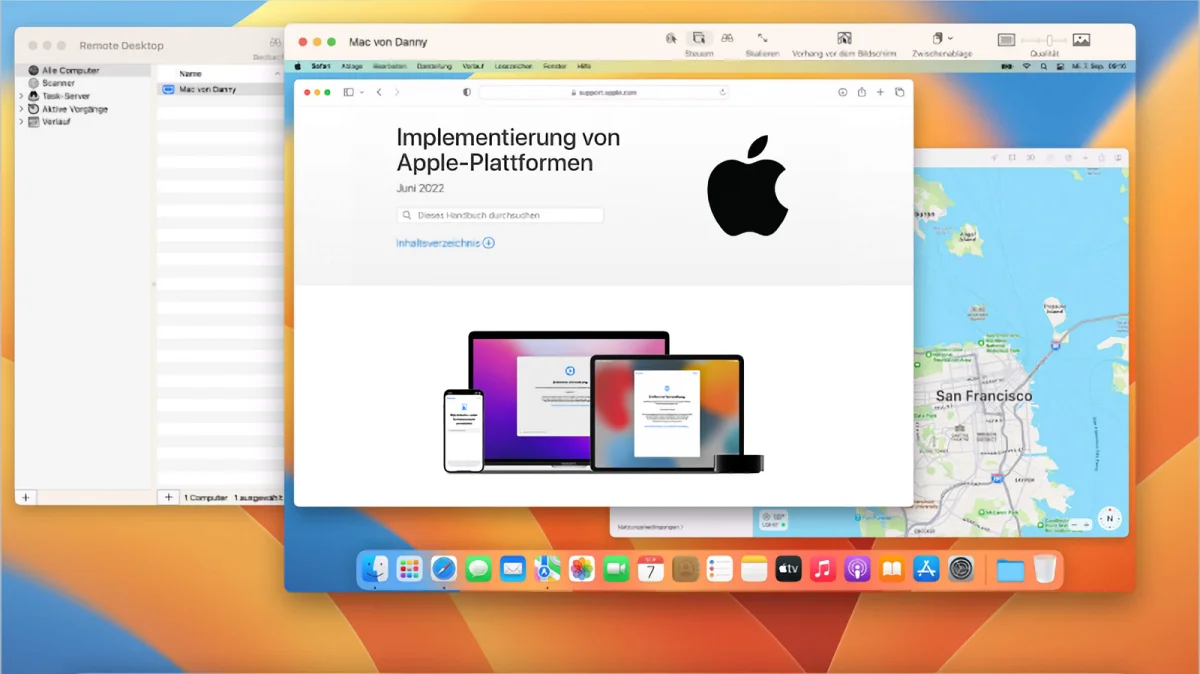
Apple’s built-in screen sharing support for Mac-to-Mac connections has always been a help for those of us with remote setups: headless Macs acting as servers, an office and home Mac, or the laziness of having Macs in different parts of your house you want to access without standing up.1
Under the hood, Apple relies on VNC (Virtual Network Computing), a fairly ancient standard at this point in time, and you probably get the sense of its creaking joints if you use the Screen Sharing app regularly.2 But it’s possible you didn’t know that, starting in Sonoma, Apple added a “super excellent” mode to Screen Sharing as an option when you connect two Macs with M-series chips. Called High Performance, it can deliver on its name.
Let’s shift into overdrive
When you initiate a connection, Screen Sharing asks you to pick between Standard and High Performance modes.
When you connect to another Mac using Screen Sharing, you’re given a choice of which mode to use. Let’s walk through the connection steps: