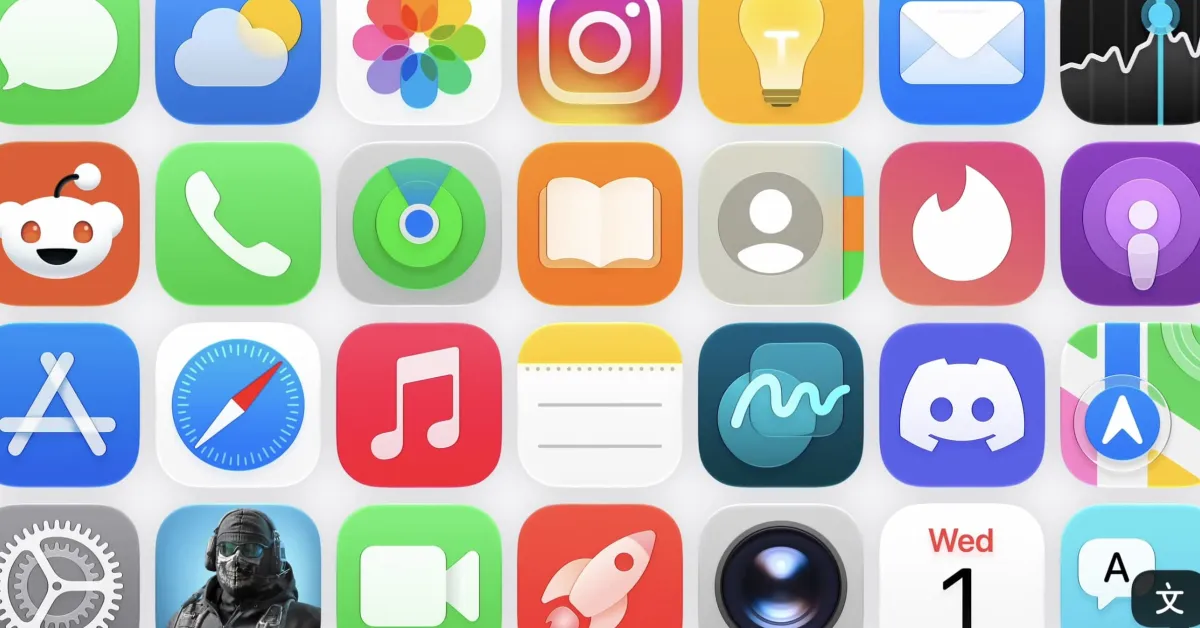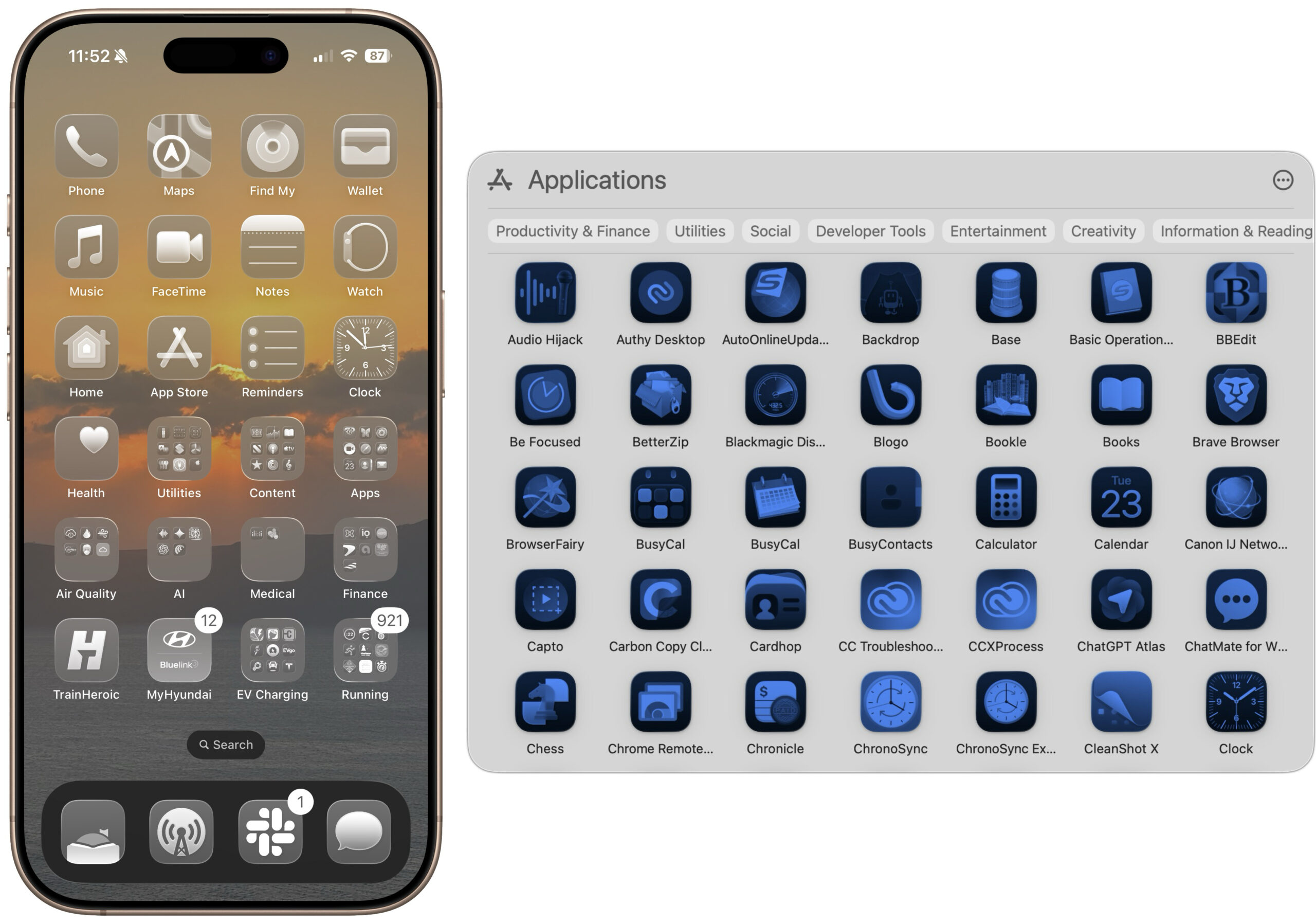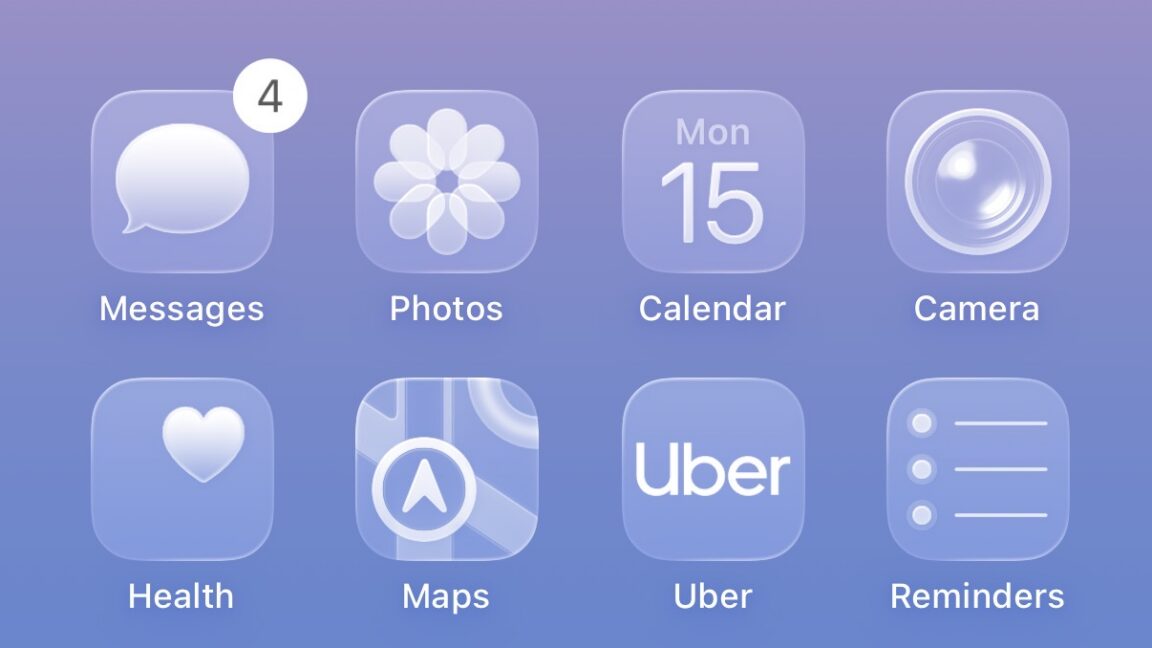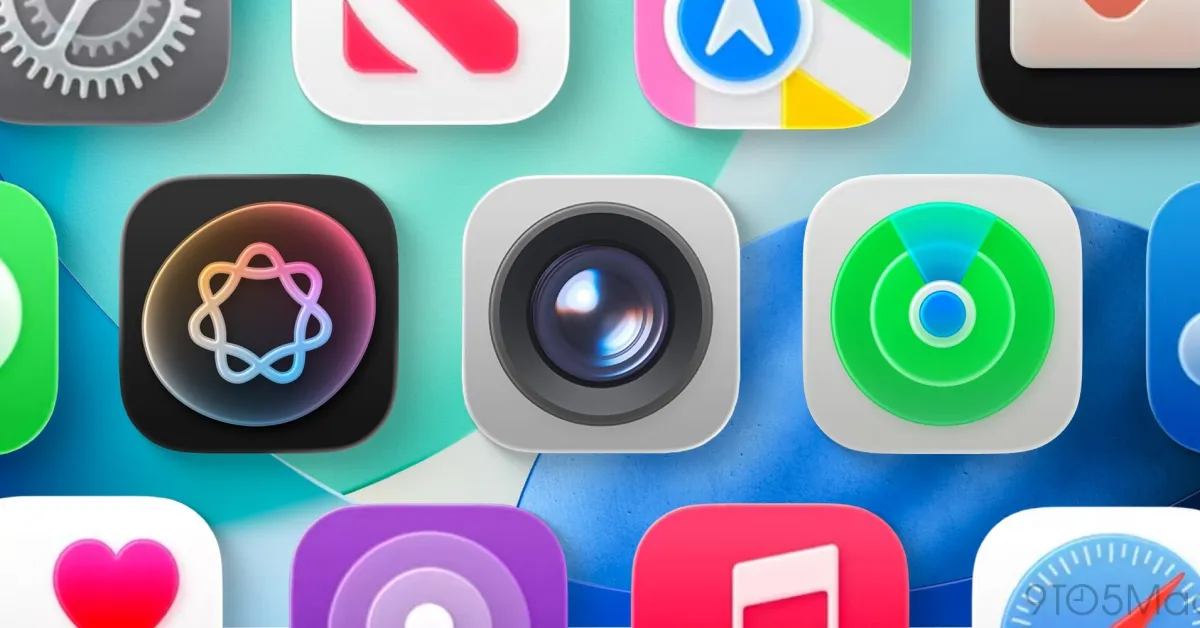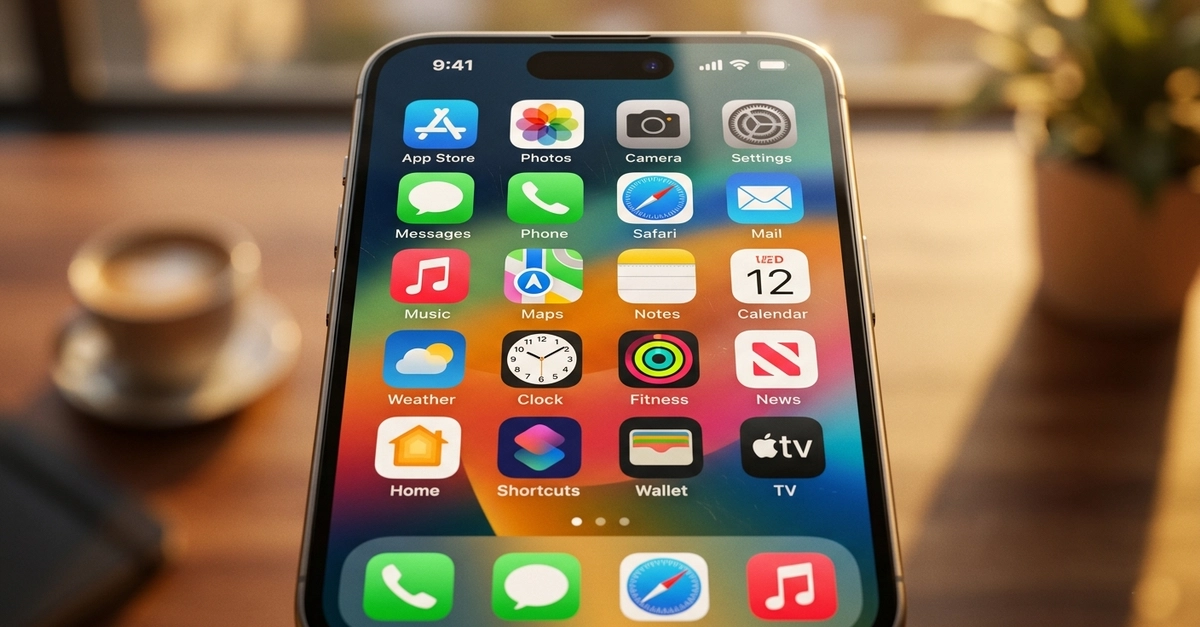
If you have ever submitted an iOS application to Apple's App Store and received a cryptic rejection notice about icon specifications, you are not alone. Apple's human interface guidelines for icons are extraordinarily precise — and for good reason. The iOS ecosystem spans devices from the tiny Apple Watch to the expansive iPad Pro, each requiring icons at exact pixel dimensions to render correctly across Retina, Super Retina XDR, and ProMotion displays.
Understanding iOS icon sizes is not optional. It is a prerequisite for shipping. Every pixel dimension you provide must match Apple's specifications exactly, must use lossless PNG format, must not include transparency, and must be delivered with the exact filename that Xcode expects. One missed size, one wrong filename, and your project fails to build correctly. Precision is not a suggestion — it is a hard requirement enforced by Xcode's build system.
iPhone Icon Sizes
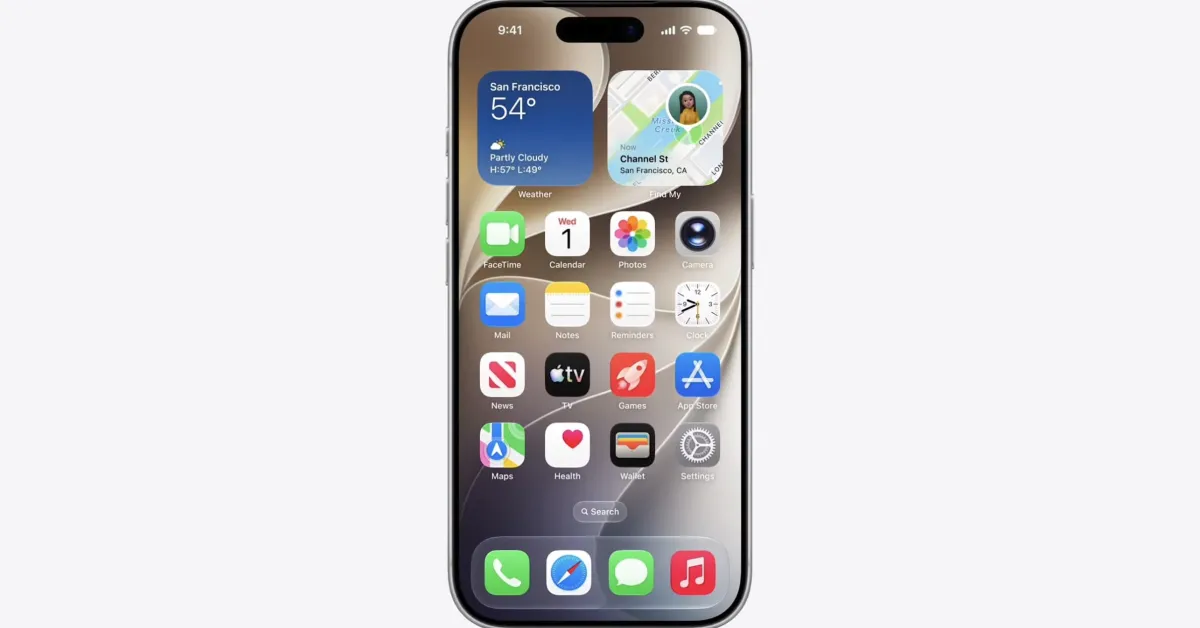
For iPhone applications, the required icon sizes span multiple uses within the operating system. The App Store listing requires a 1024×1024 pixel icon. The home screen displays icons at different sizes depending on device generation and display density. Notification icons, Spotlight search results, and Settings app icons all require their own specific dimensions.