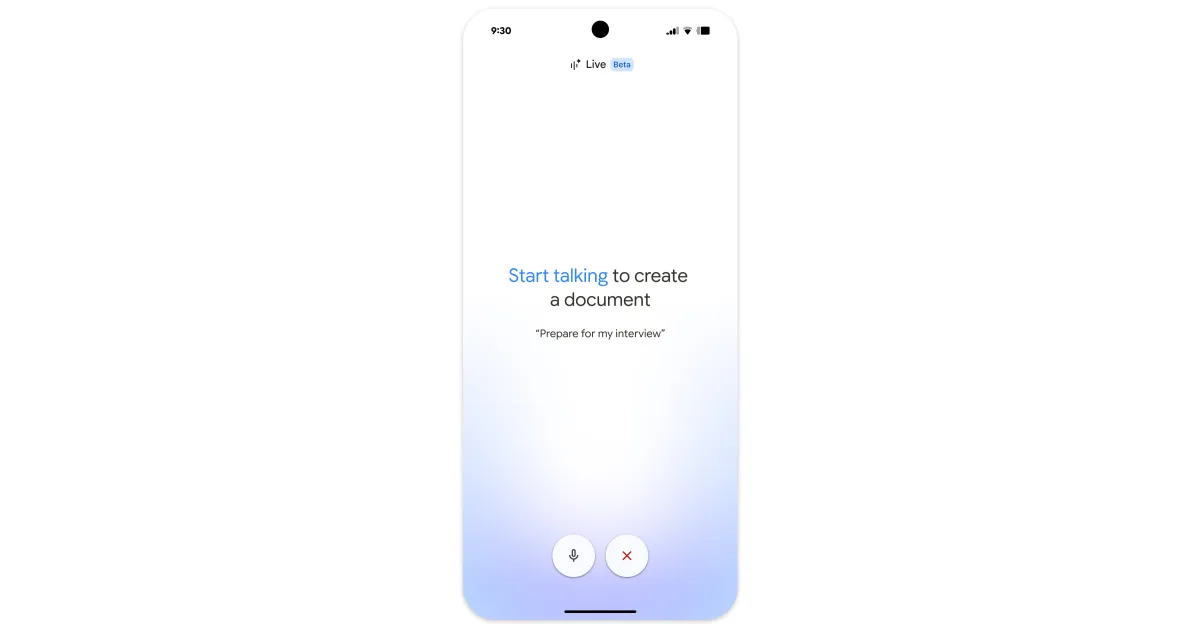
Google Keep on Android is getting some tweaks to the FAB (floating action button) ahead of its new AI voice feature coming this summer.
Keep for Android goes from a regular-sized FAB to a larger one. Tapping or long-pressing, depending on your “Create text notes by default” setting, also reveals some changes, starting with a new open/close animation.
Old vs. new
The FAB menu is now slightly higher on the screen. “Image” is now the first shortcut at the top followed by “Drawing” — which gets a new icon — and then “Audio.”
Related: Google Tasks rolls out Material 3 Expressive widget redesign