Ghostty: A GPU-Accelerated Terminal That Works With Zero Config
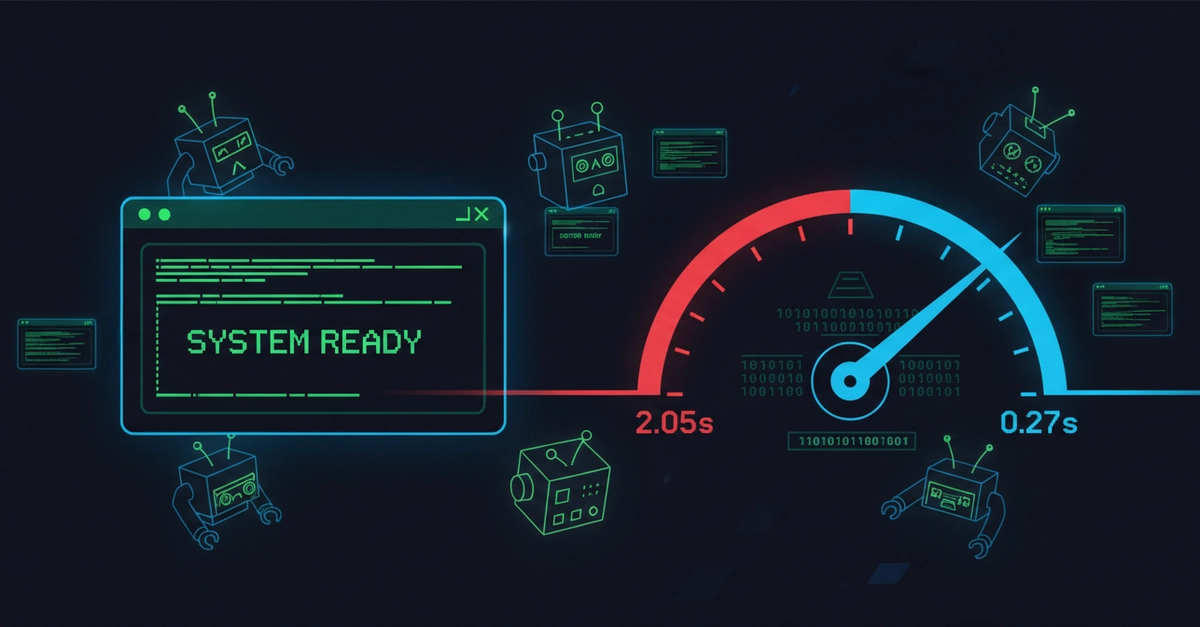
Ghostty is a terminal emulator built by Mitchell Hashimoto, the founder of HashiCorp. Its goal is to nail speed, a rich feature set, and platform-native UI all at once — hitting exactly the points that iTerm2, Alacritty, and kitty each had to give up. This post covers what Ghostty replaces, how to get started from install to config file, and the traps worth knowing about up front.
A terminal that goes after speed, features, and native UI all at once
When you pick a terminal emulator, you usually end up giving up one of three things. iTerm2 is feature-rich but Mac-only and on the heavier side. Alacritty is blazing fast thanks to GPU acceleration, but it deliberately leaves out features like tabs and splits, so you have to layer tmux on top yourself. kitty is fast and feature-rich, but its UI is drawn with its own widgets, so it doesn't quite feel OS-native.
Ghostty's design philosophy is to compromise on none of those three axes (speed, features, native UI). Rendering is GPU-accelerated, tabs and splits are drawn with the OS's native UI components, and the keybindings follow platform conventions. The core engine lives in a shared library written in Zig called libghostty, while the macOS GUI is built natively in Swift (AppKit/SwiftUI) and the Linux GUI in Zig (GTK4).