Following the introduction of Apple's subscription creative package, many users are wondering about the different icons the manufacturer is now using for some of its best-known apps. With Creator Studio, applications are suddenly offered in two different variants: a subscription and a paid version. The free iWork office suite has also been completely redesigned, and the applications Pages, Keynote, and Numbers have since been replaced by new versions for which paid content is available as part of the subscription. To inform users about which programs are which, Apple has now created an overview in the form of a support document.
You shall recognize them by their color
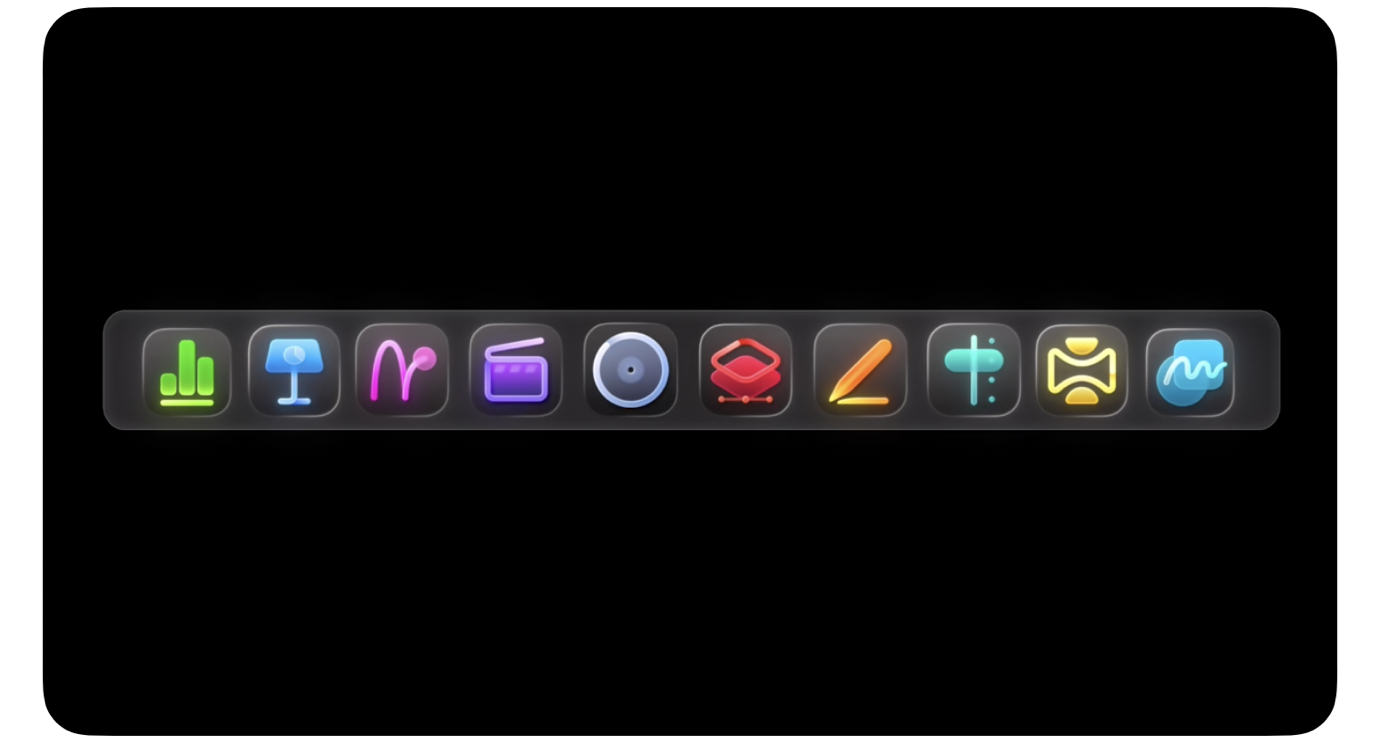
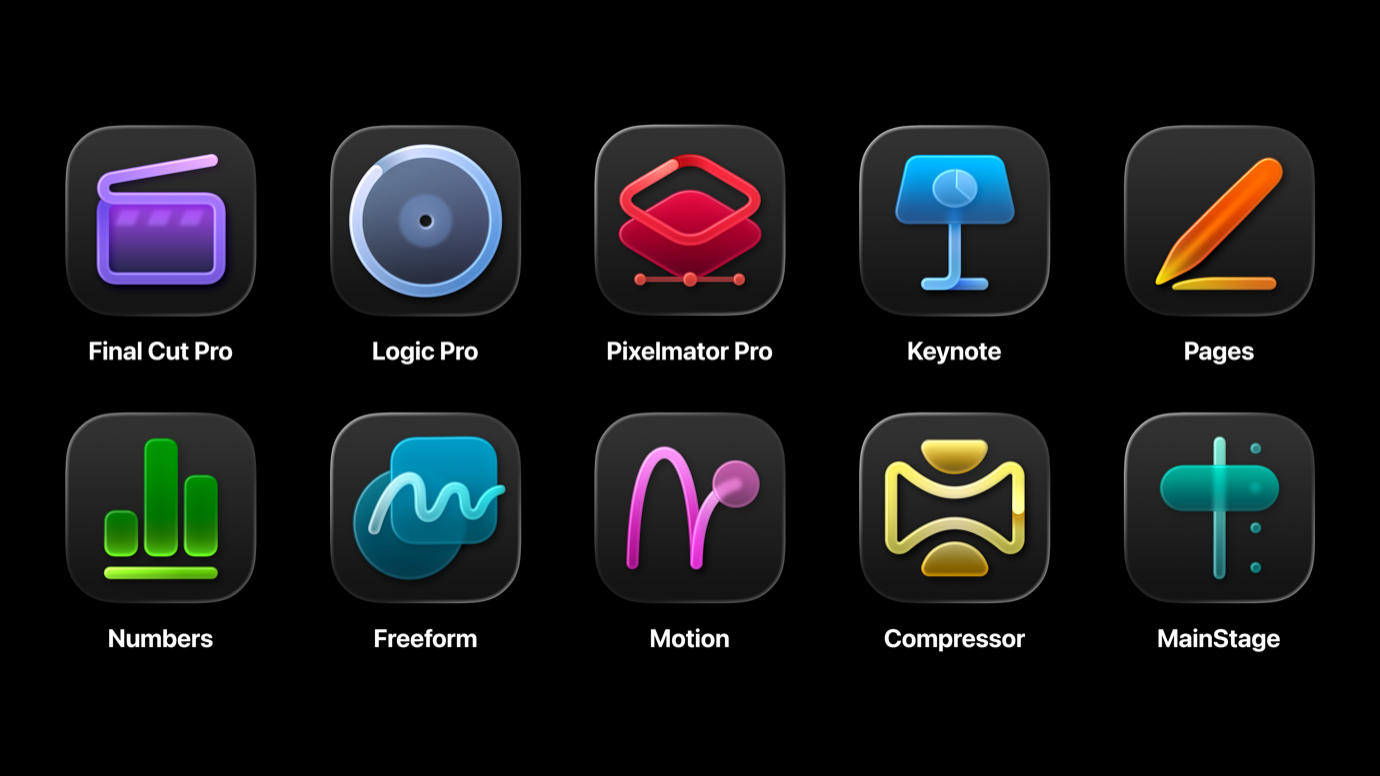
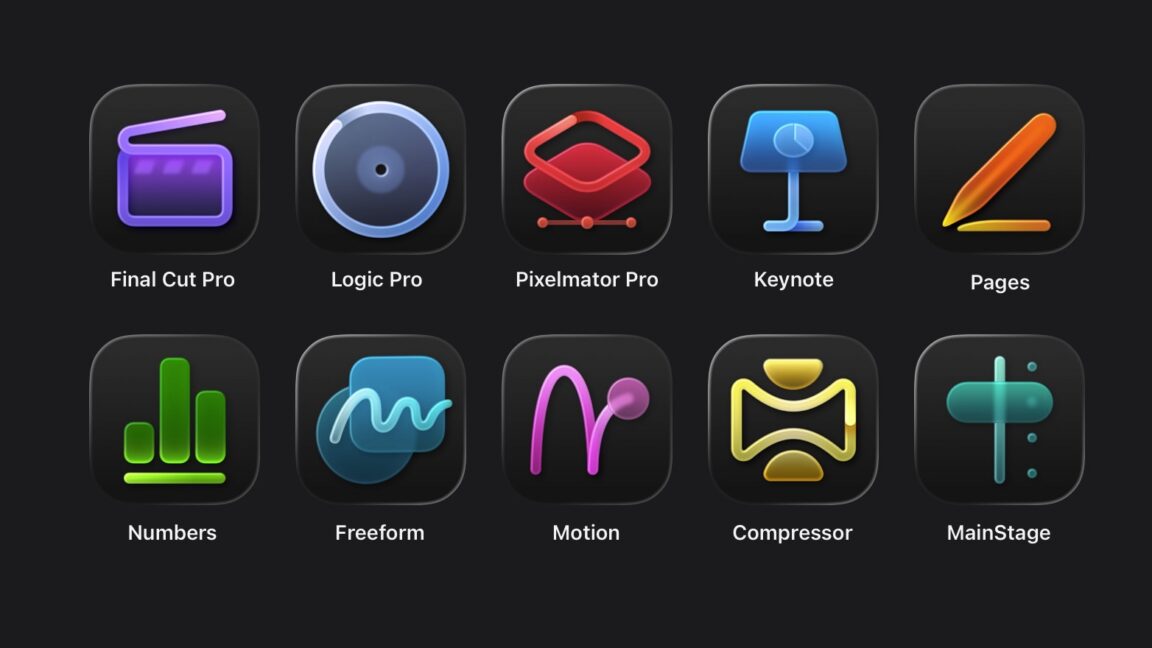
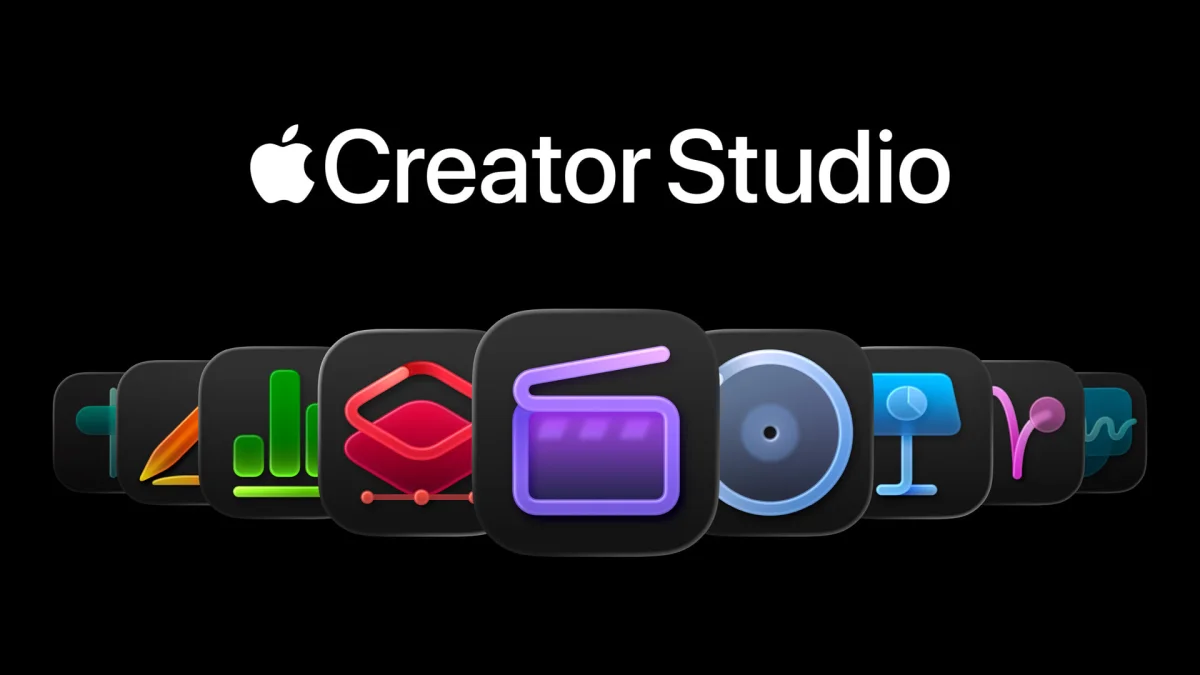
It is currently only available in English and is actually easy to understand: The new neon-colored and more stylized icons for Final Cut Pro (purple), Logic Pro (blue), MainStage (blue-green), Motion (red-pink), Compressor (yellow), and Pixelmator Pro (red) belong to Apple Creator Studio. Those who have already purchased Apple's creative apps (“one-time purchase”) will be confronted with the old icons. This applies to all the apps mentioned.
Nothing changes with the duplicate apps themselves: it is quite possible to have Final Cut Pro as a paid version on your Mac and also get the subscription version via Creator Studio. In Spotlight search, Finder, or the Dock, you have to orient yourself by the icon. Apple acknowledges the confusion: “Since both apps may be installed on your Mac, please check the app icon to ensure you are using the correct app or taking necessary troubleshooting steps.”