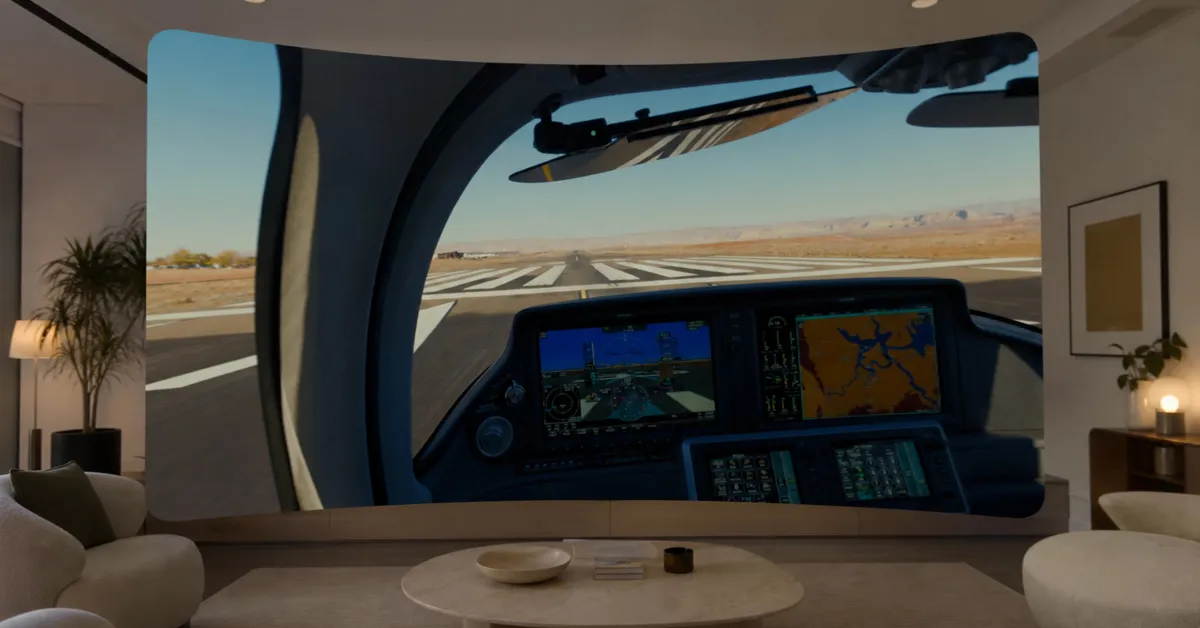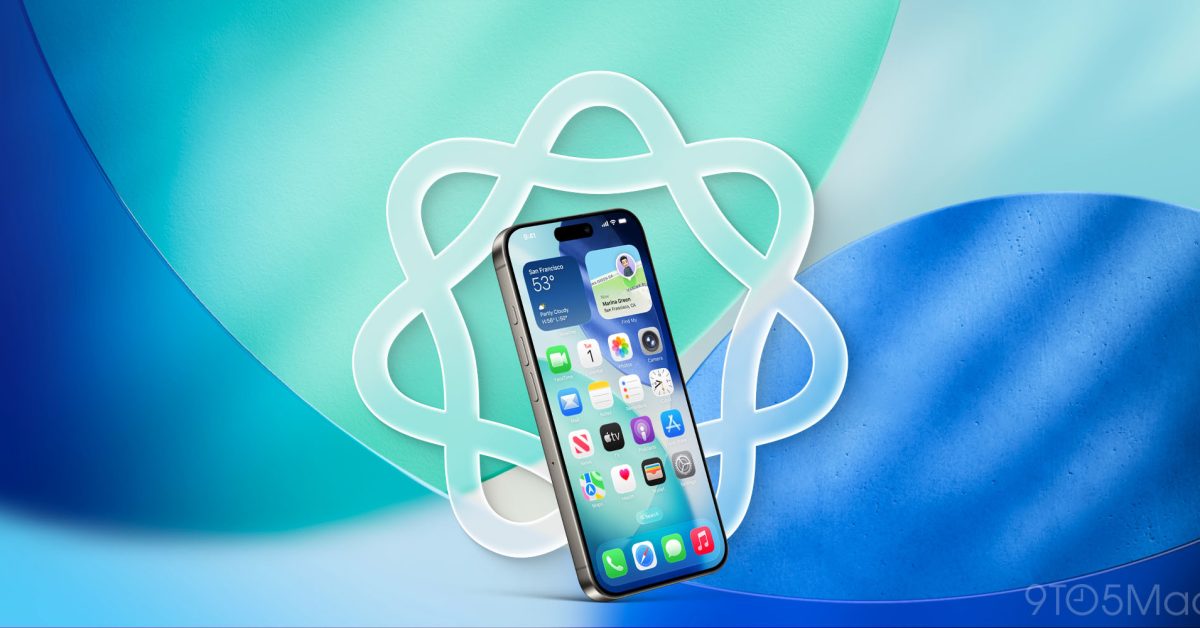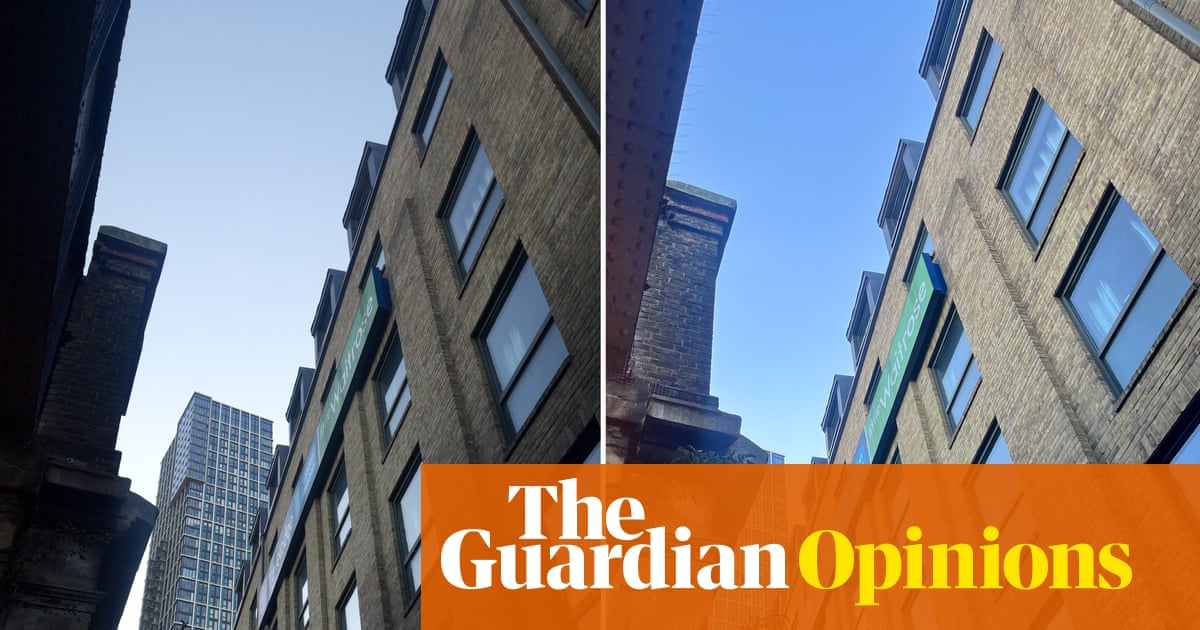
Have you ever really looked at your Photos, man? There’s much depth there—just keep looking. I’m not stoned; I’m just thinking about Apple’s two ways of demonstrating depth in Photos to simulate adding a sense of layers or dimensionality to images you took with one or more cameras on your iPhone.
Starting way back in iOS 16, Apple started analyzing images for your Lock Screen to offer a cool in-front/behind split against the clock. In iOS 26, Apple went further, with Spatial Scene photos. I’ve heard from readers and seen online that both ways of spatializing photos leave people confused: Which photos does iOS choose? How does the analysis work? And, importantly for some, how do I disable these effects on a per-photo or overall basis?
Depth Effect
Starting way back in iOS 16 and available on an iPhone XR or XS or later, Depth Effect provides a sense of layering in a photo when used on your Lock Screen when you are pulling images from your Photos library. To access it:
Touch and hold your Lock Screen.