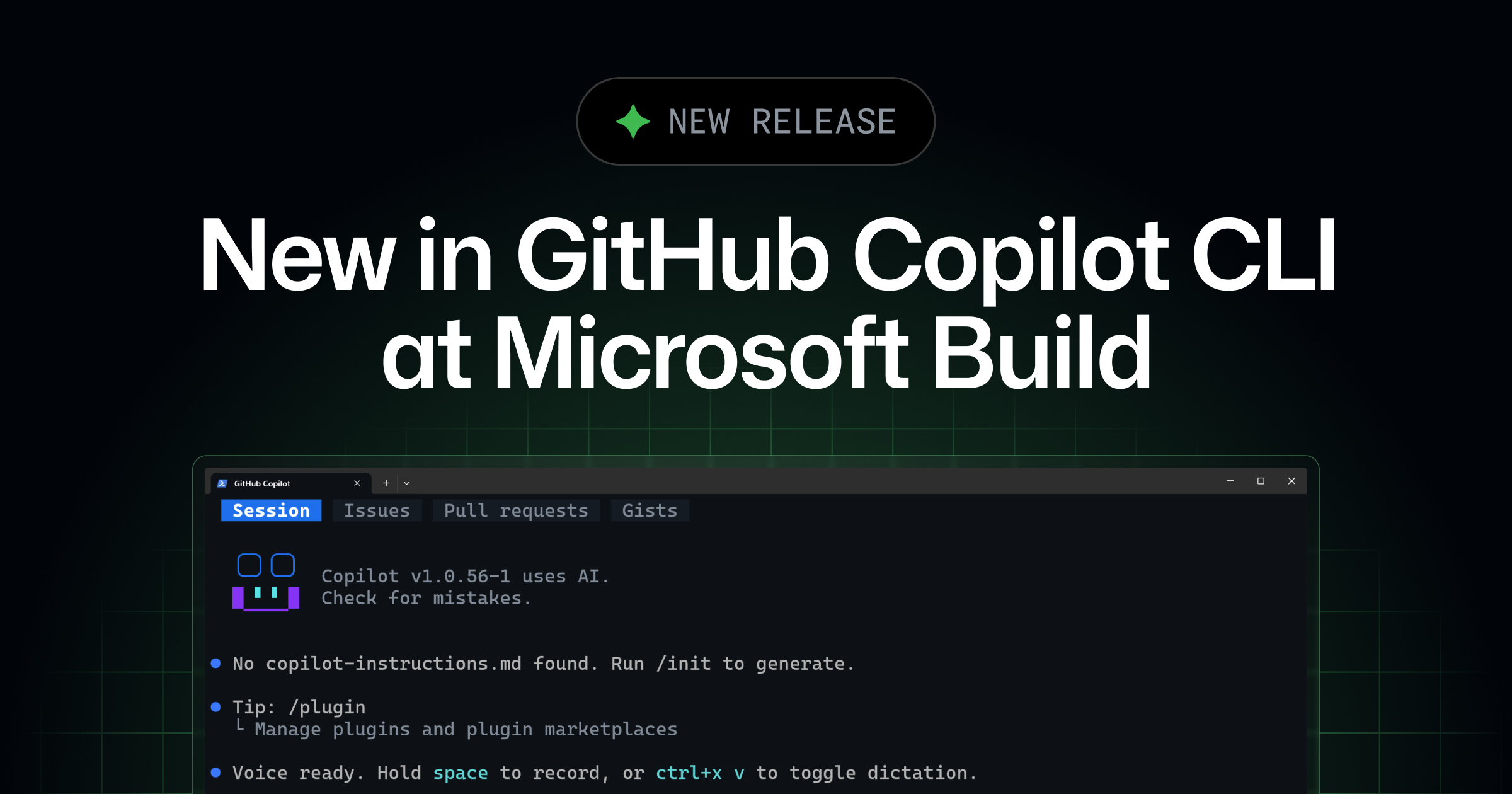
GitHub Copilot CLI is getting a major refresh at Microsoft Build 2026. Rubber duck, prompt scheduling, and voice input are generally available today, and a new experimental terminal interface—including tabs for working with issues, pull requests, and gists—is available to try via /experimental.
A new terminal experience (experimental)
We’re previewing a redesigned terminal interface for Copilot CLI. You get a cleaner layout, theme-aware semantic colors, and responsive components that adapt to narrow terminals without truncating the things you need to read.
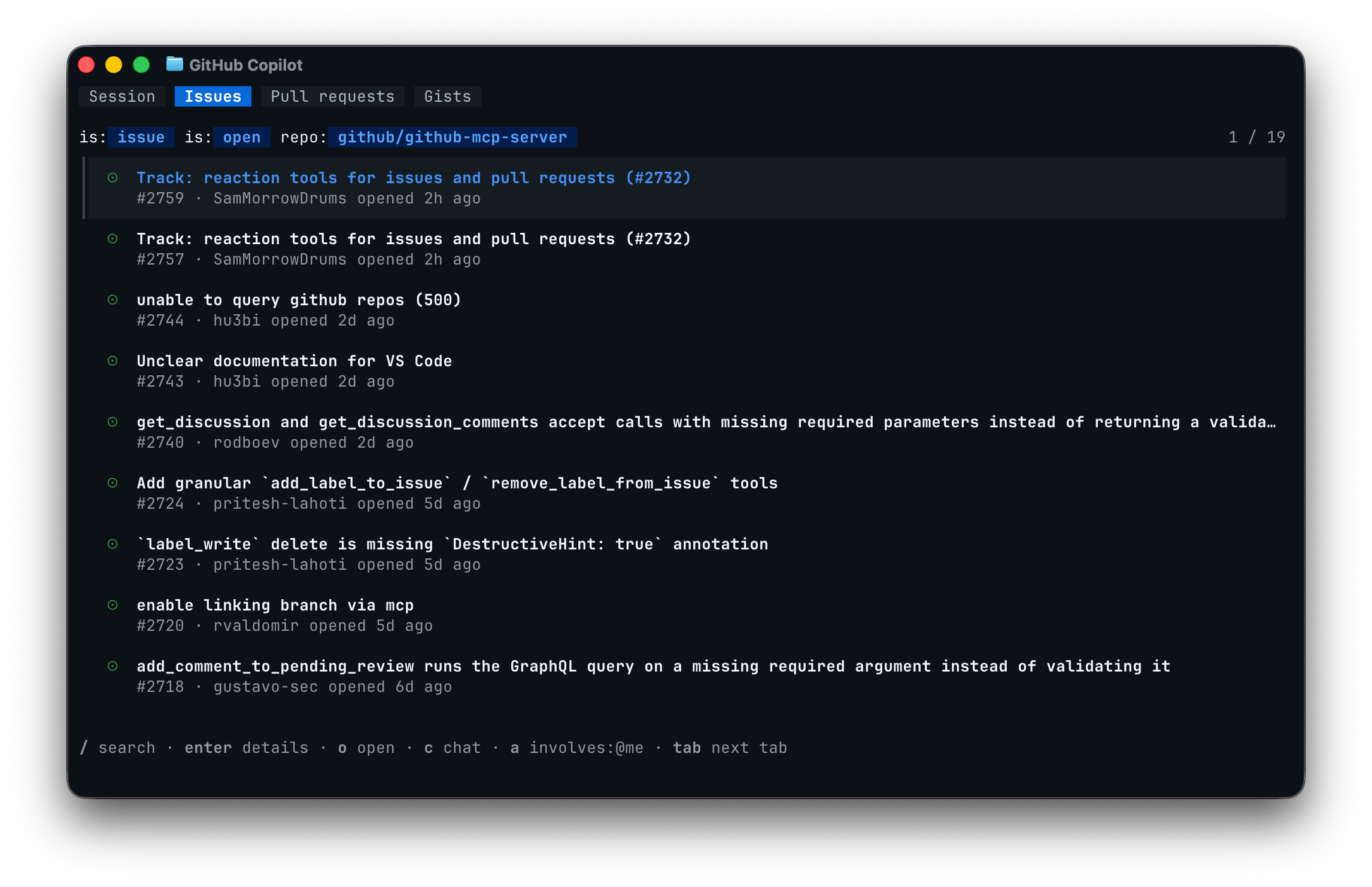
The biggest visible change is the introduction of tabs. When you use the CLI in a GitHub repository, you can press Tab to switch between the default Session view, tabs for the repository’s Issues and Pull requests, and a tab for your personal Gists. This lets you view issues, pull requests, and gists without leaving Copilot CLI.
The redesign also makes Copilot CLI more accessible: