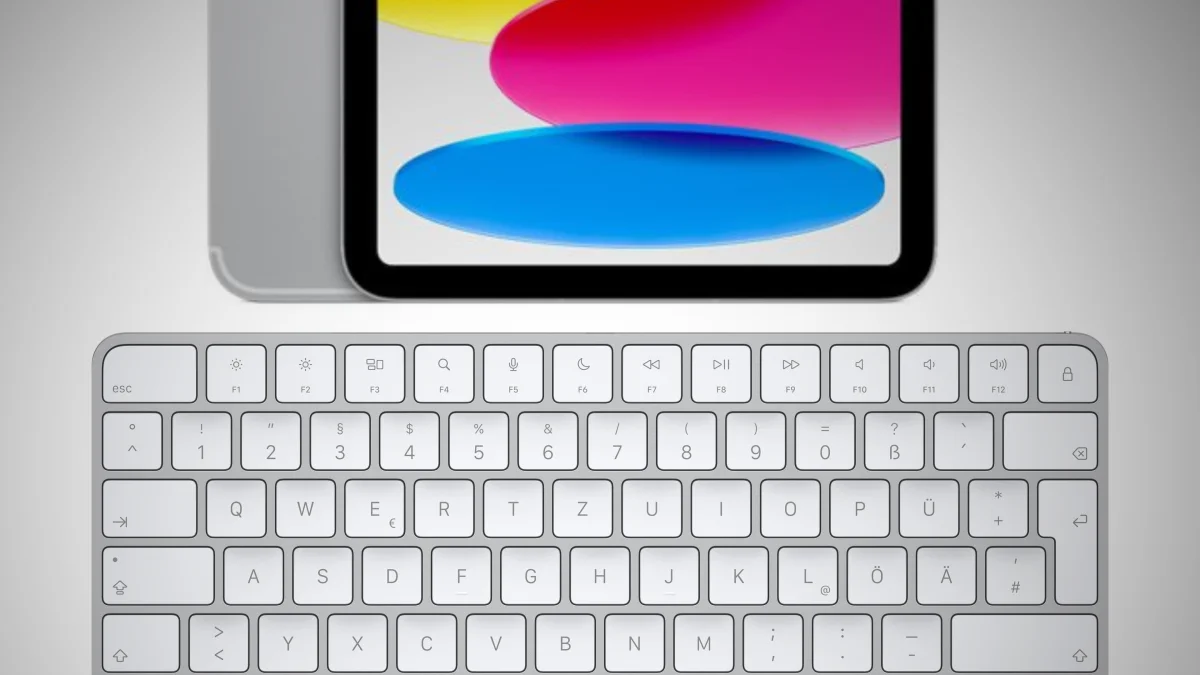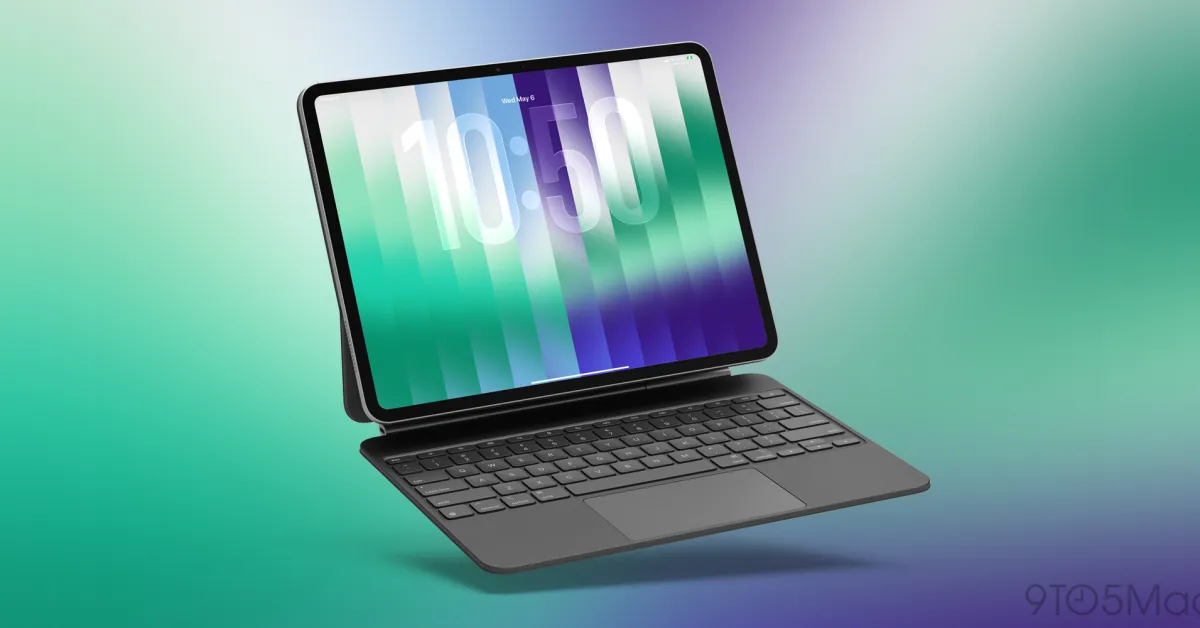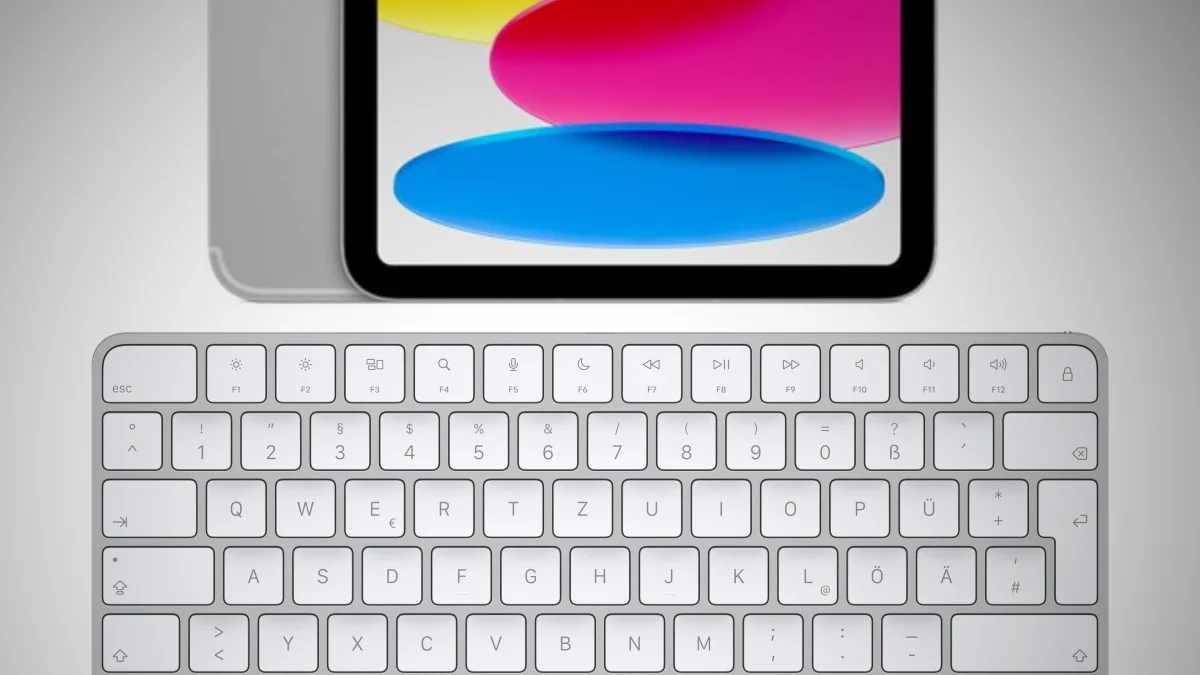
Unfortunately, Apple is not known for publishing comprehensive release notes for its new operating systems. Often, only individual new features are published, sometimes none at all – then it is stated, in essence, that there are “bug fixes and security improvements recommended for all users.” In iPadOS 26.5, released about half a month ago, a practical new function is now hidden that simplifies the connection of Apple keyboards to the manufacturer's tablets. It's about quickly switching between wired and wireless use, as has been known from macOS for many years.
Plug in once, then Bluetooth
The feature was discovered by the Apple blog 9to5Mac. In addition to Magic Keyboards intended for Mac, it also affects Apple trackpads and Apple mice (Magic Trackpad and Magic Mouse). On the Mac, you don't have to worry about the Bluetooth setup as long as you have connected the “Magic” device to the computer for the first time using a USB-C cable (or, with older models, a USB-C to Lightning cable). The initial physical connection, when the computer is unlocked, simultaneously initializes the wireless connection.
You'll notice this at the latest when you disconnect the keyboard, mouse, or trackpad from the computer, because macOS then indicates that it will continue wirelessly. If you don't want this, you have to delete the Bluetooth connection again. According to 9to5Mac, this is now also the case in iPadOS 26.5 on Apple tablets. The feature was already found in the first beta of iPadOS 26.5. The description is simple: If you plug “Magic” accessories into the tablet via cable, Bluetooth is automatically activated after disconnection. The function is also said to be available on the iPhone.