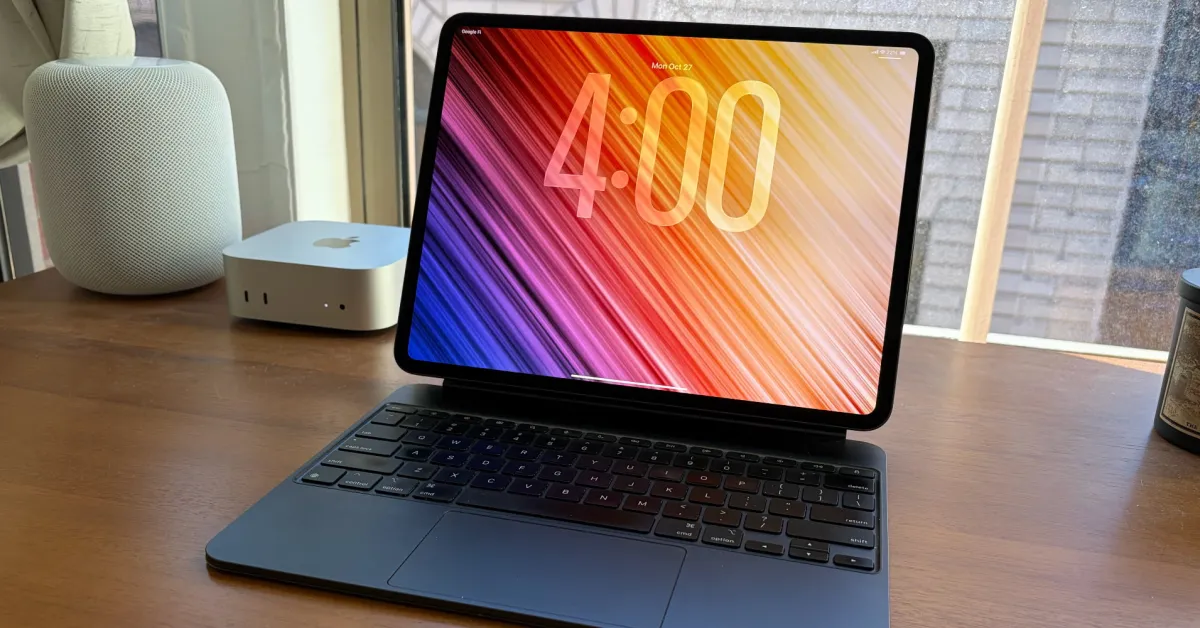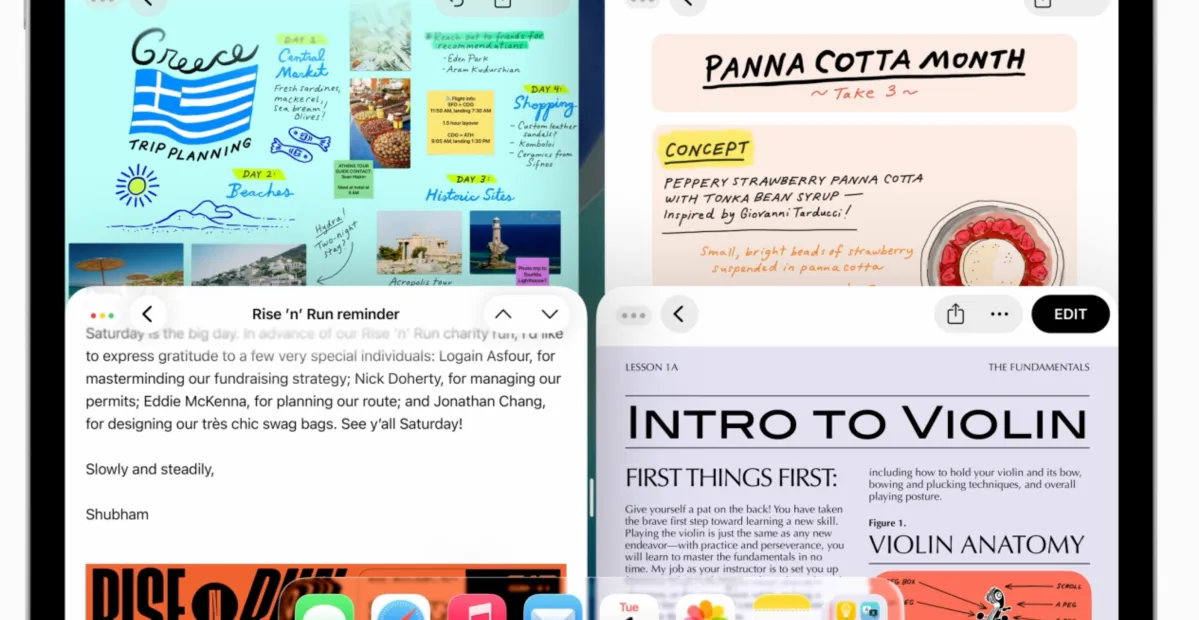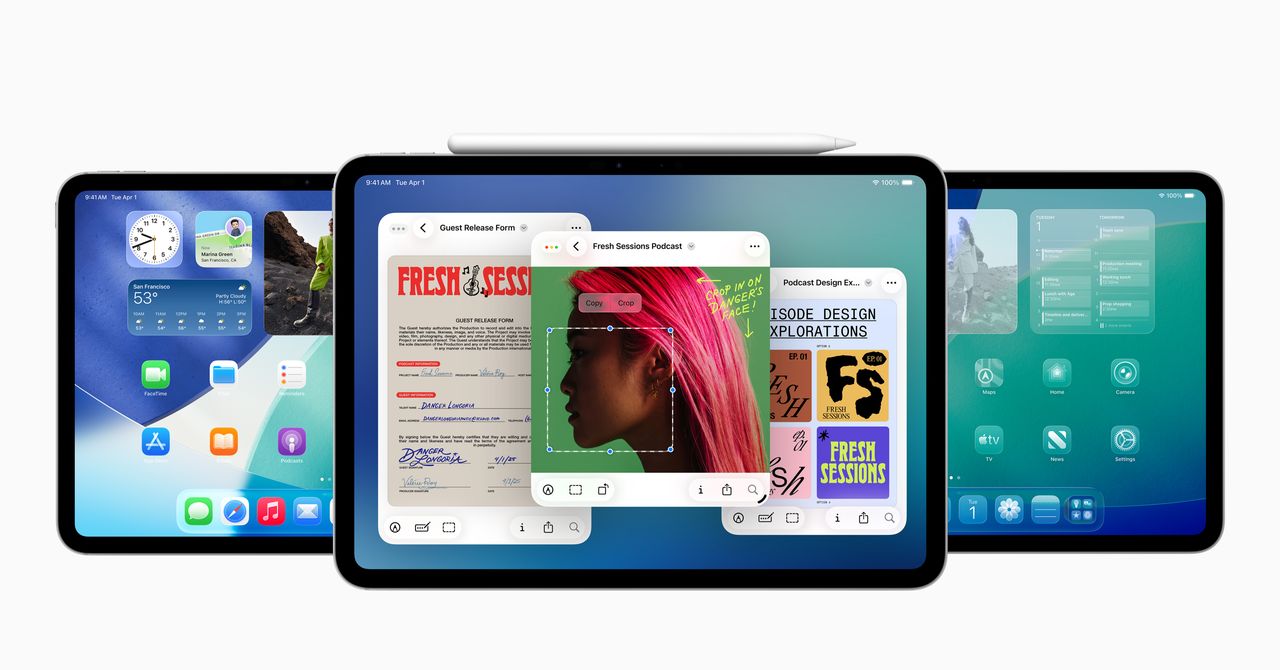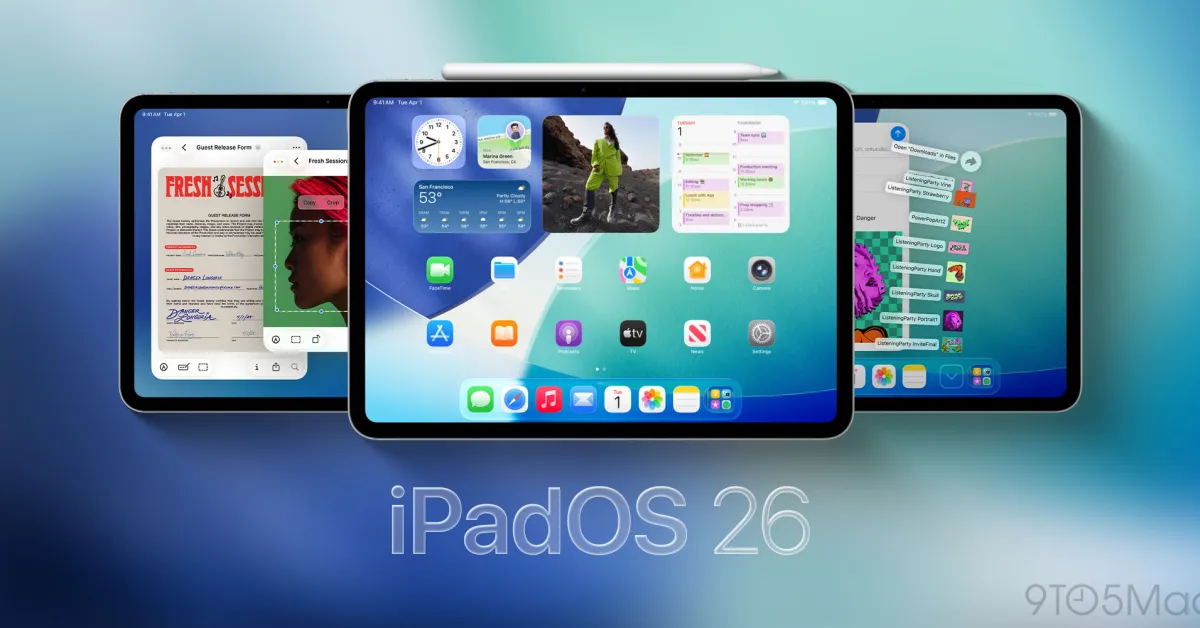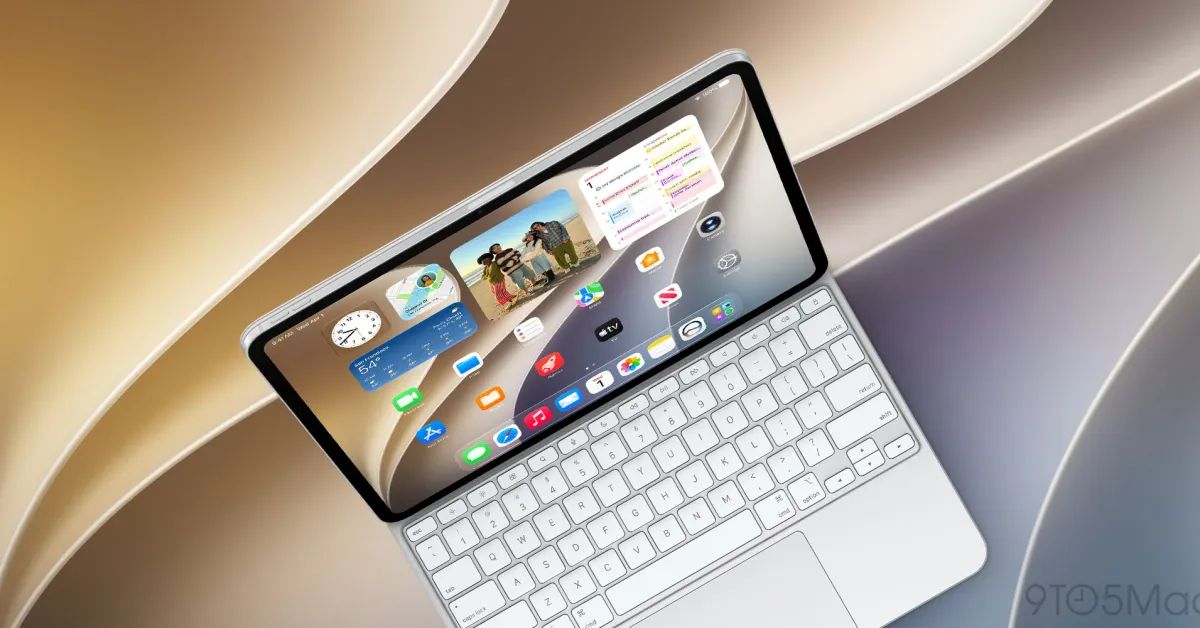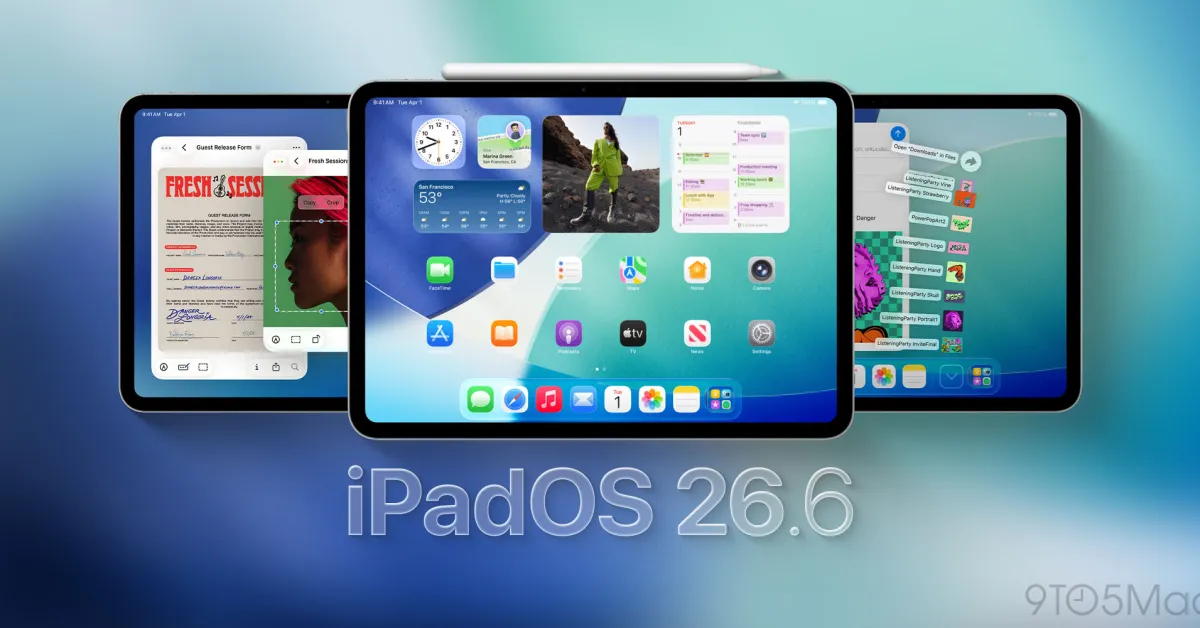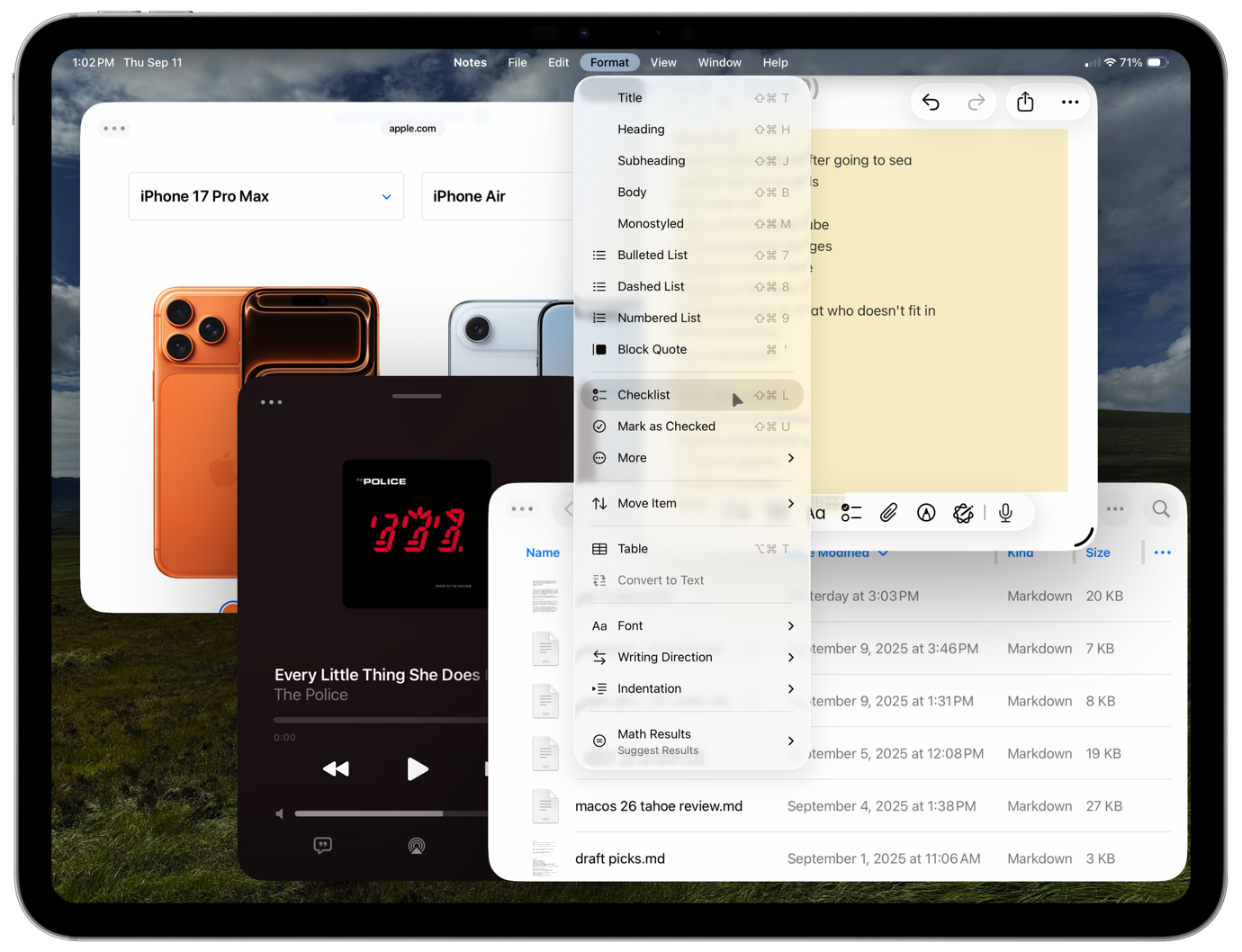
iPadOS 26 is one of the biggest updates in iPad history. There’s a new design that changes the look and feel of the whole interface, yes, but also the introduction of a whole raft of productivity features that lift the iPad closer to the Mac—for those who want to use it that way.
It’s like a weight has been lifted from the soul of the iPad. It remains a very nice device to use in full-screen mode with all the simplicity attendant to that mode. But via a single tap, it can also transform into a multi-window, multitasking device that’s appropriate for the Mac-class hardware underpinning today’s iPads.
The iPad no longer feels like it’s trying to live up to the promise of being the Future of Computing; with iPadOS 26, it’s more comfortable being itself.
An invasion of glass
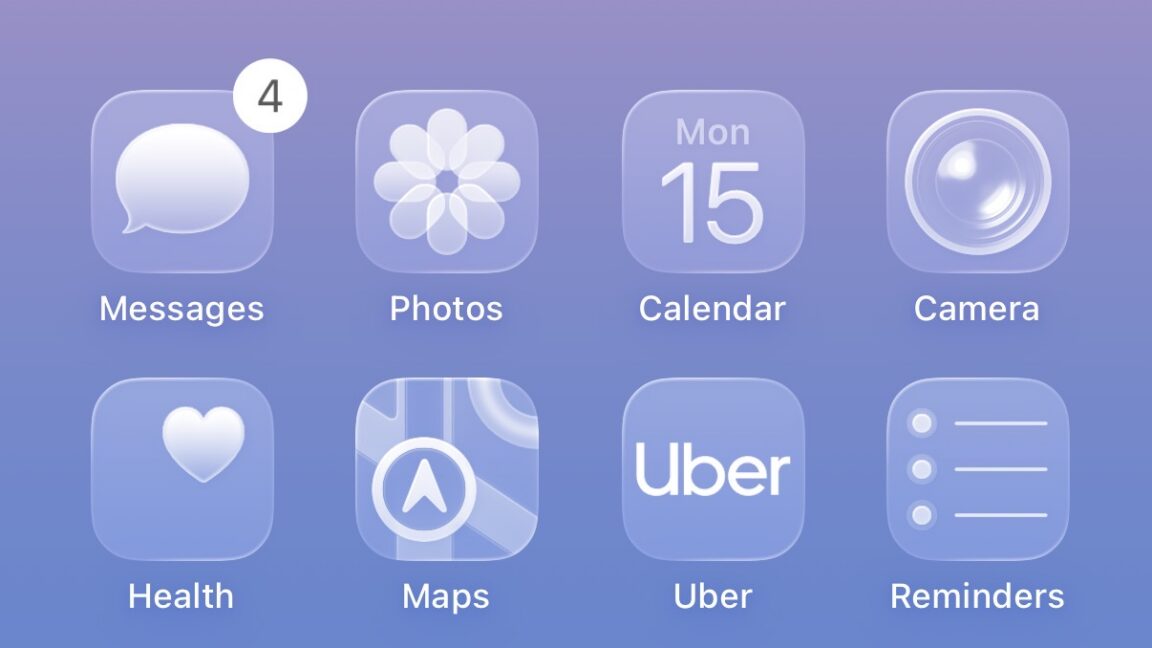
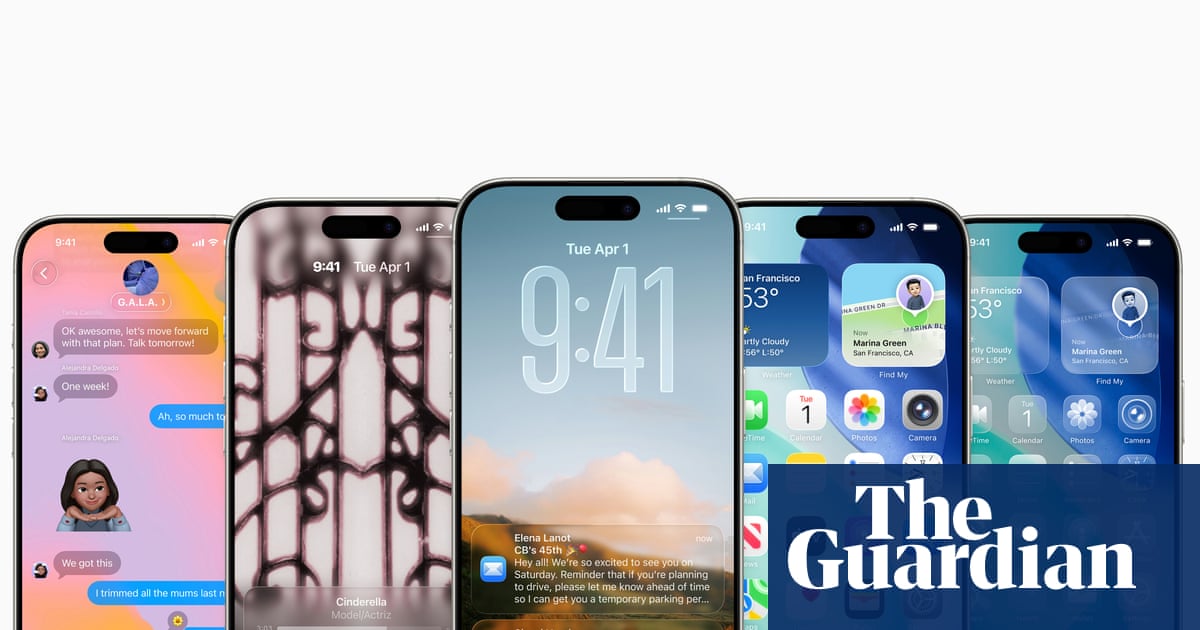
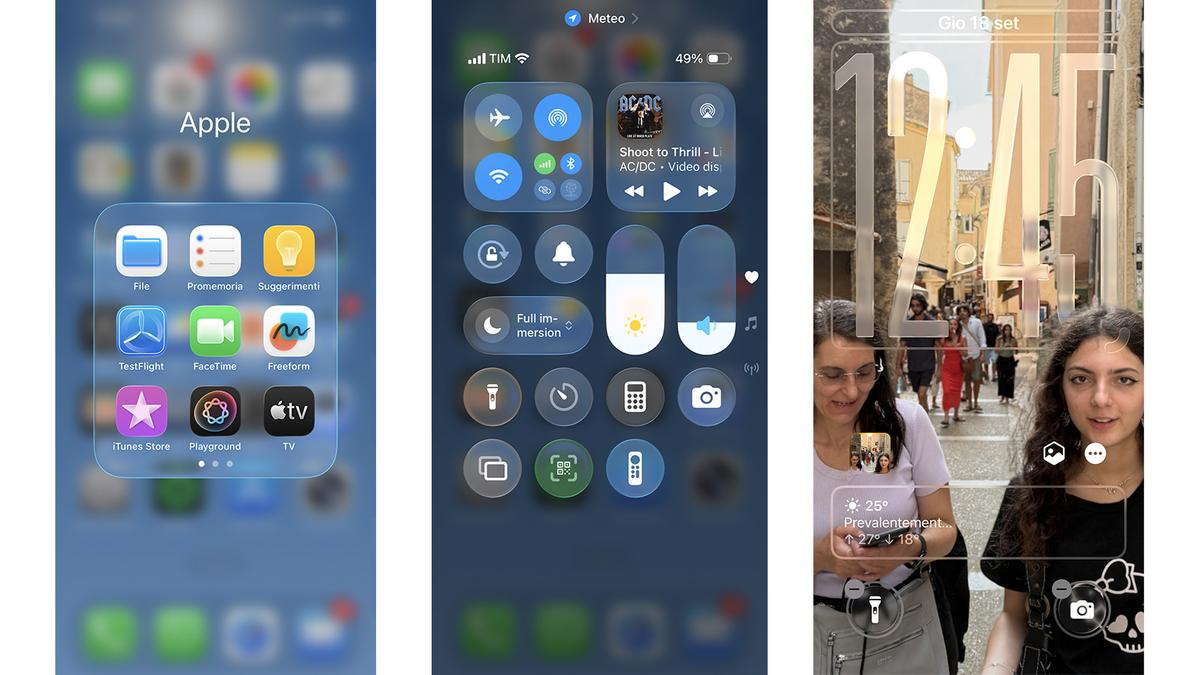
Apple is introducing a new design language across all its operating systems for the ’26 “model year,” and that means iPadOS has picked up a whole new look around the idea of “liquid glass.” Basically, Apple has updated a lot of its controls to match the metaphor of sliding glass overlays that distort the content behind them to provide an effect of depth and the illusion of an actual material. I think it’s probably best on the iPhone, but the metaphor works pretty well on the iPad, too.