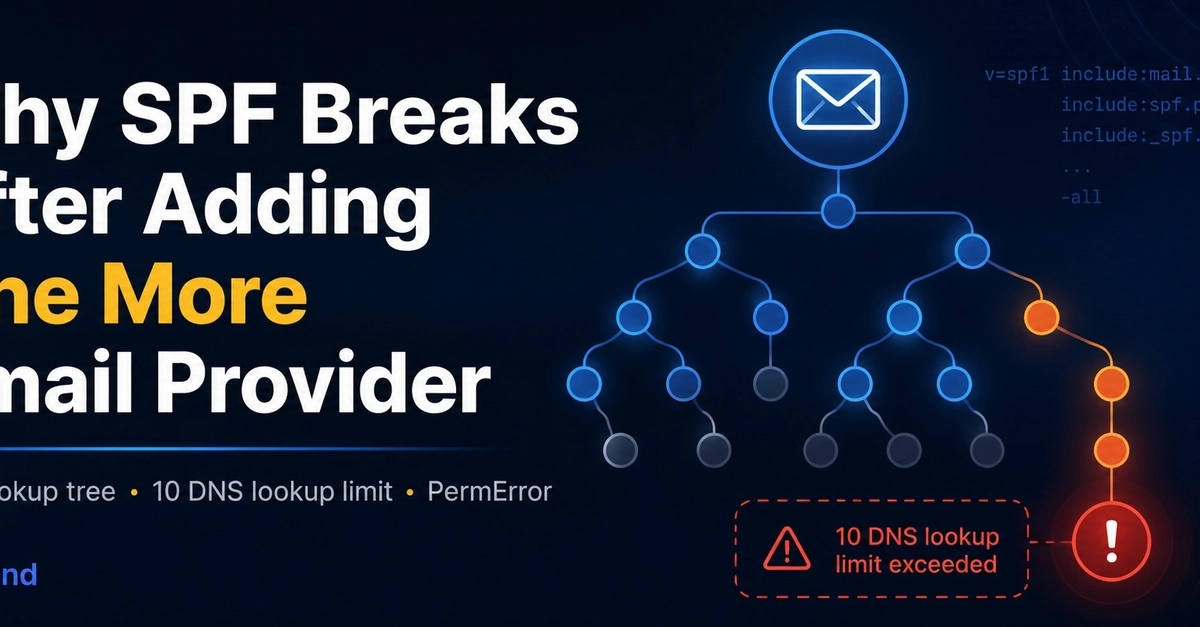
Your SPF record looks correct. You added the include values your email provider told you to add. You saved the record. Emails are still landing in spam.
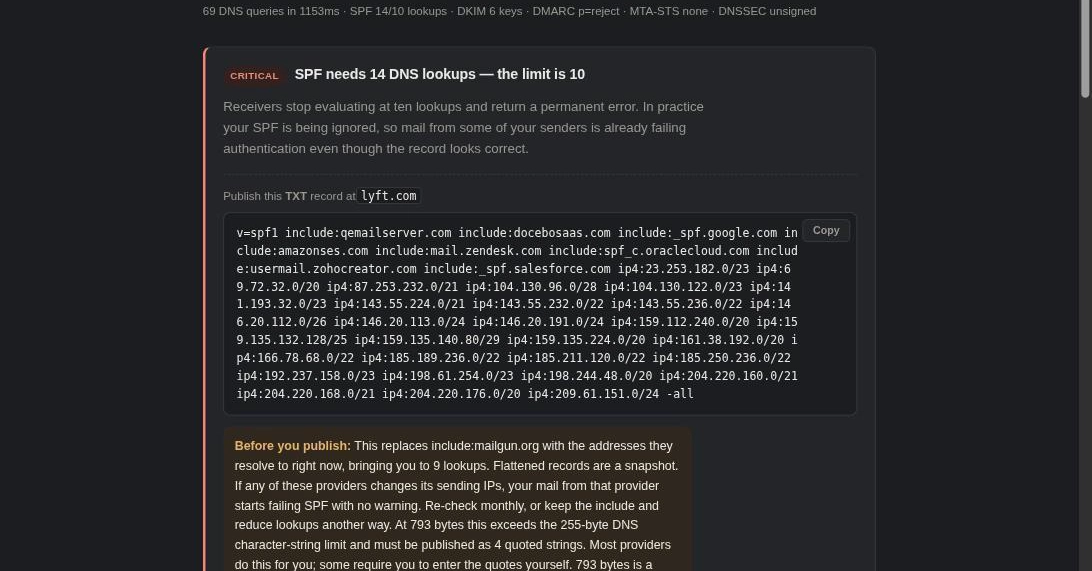
The problem is almost certainly one of five things — and four of them are invisible in your DNS provider's interface. You cannot tell by looking at the record whether you have exceeded the 10-lookup limit. You cannot tell from a browser whether your propagation has completed. You cannot see from the dashboard that a second SPF record was created instead of the existing one being edited.
This guide covers how to test for each of the five most common SPF mistakes, what the symptoms of each one look like, and the exact fix.
The Basics: What SPF Is and What It Isn't
SPF (Sender Policy Framework) is a TXT record published at your root domain that lists which mail servers are authorized to send email on your behalf. When a receiving server gets an email claiming to be from your domain, it checks your SPF record and asks: did the sending server have permission?