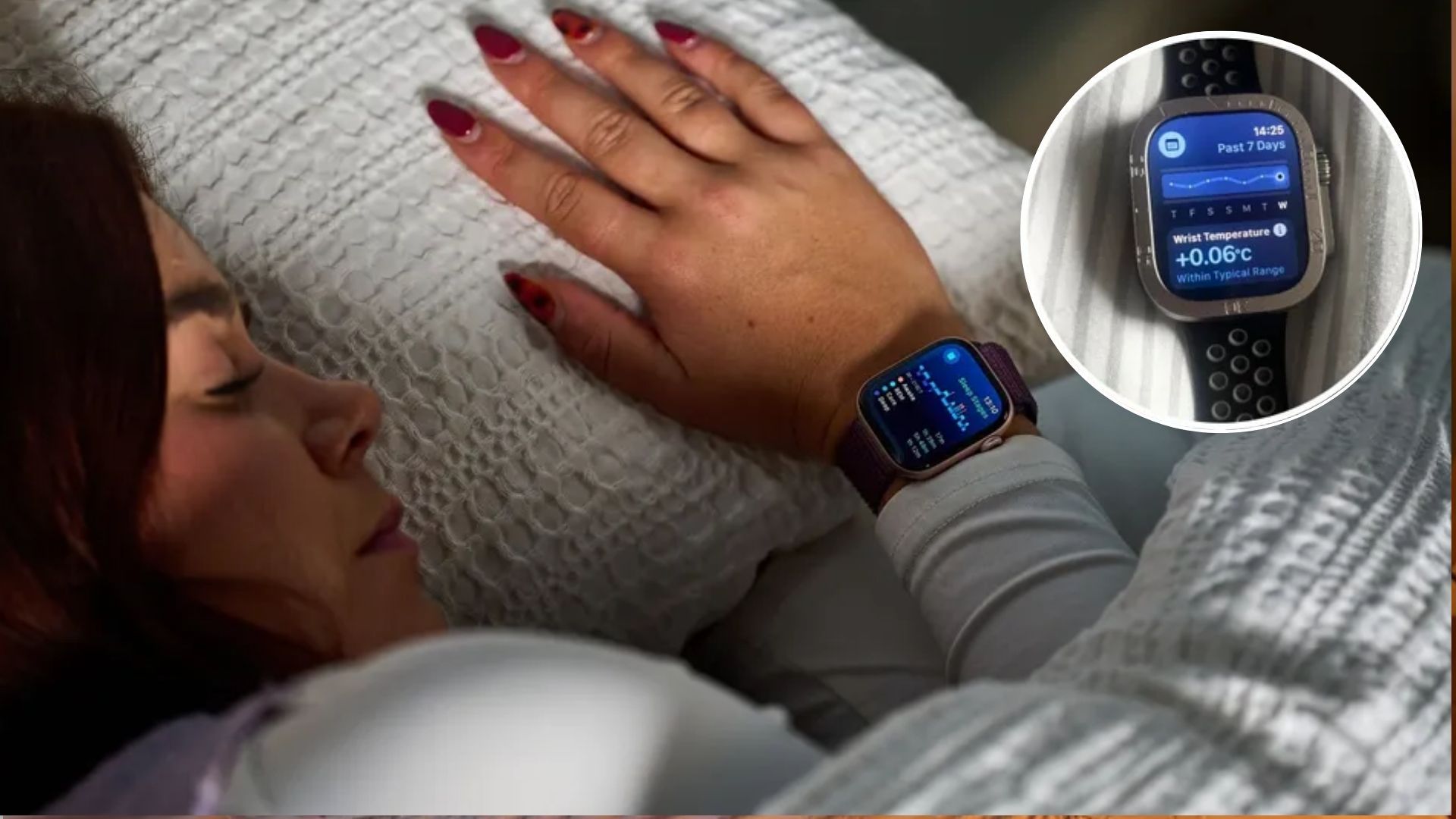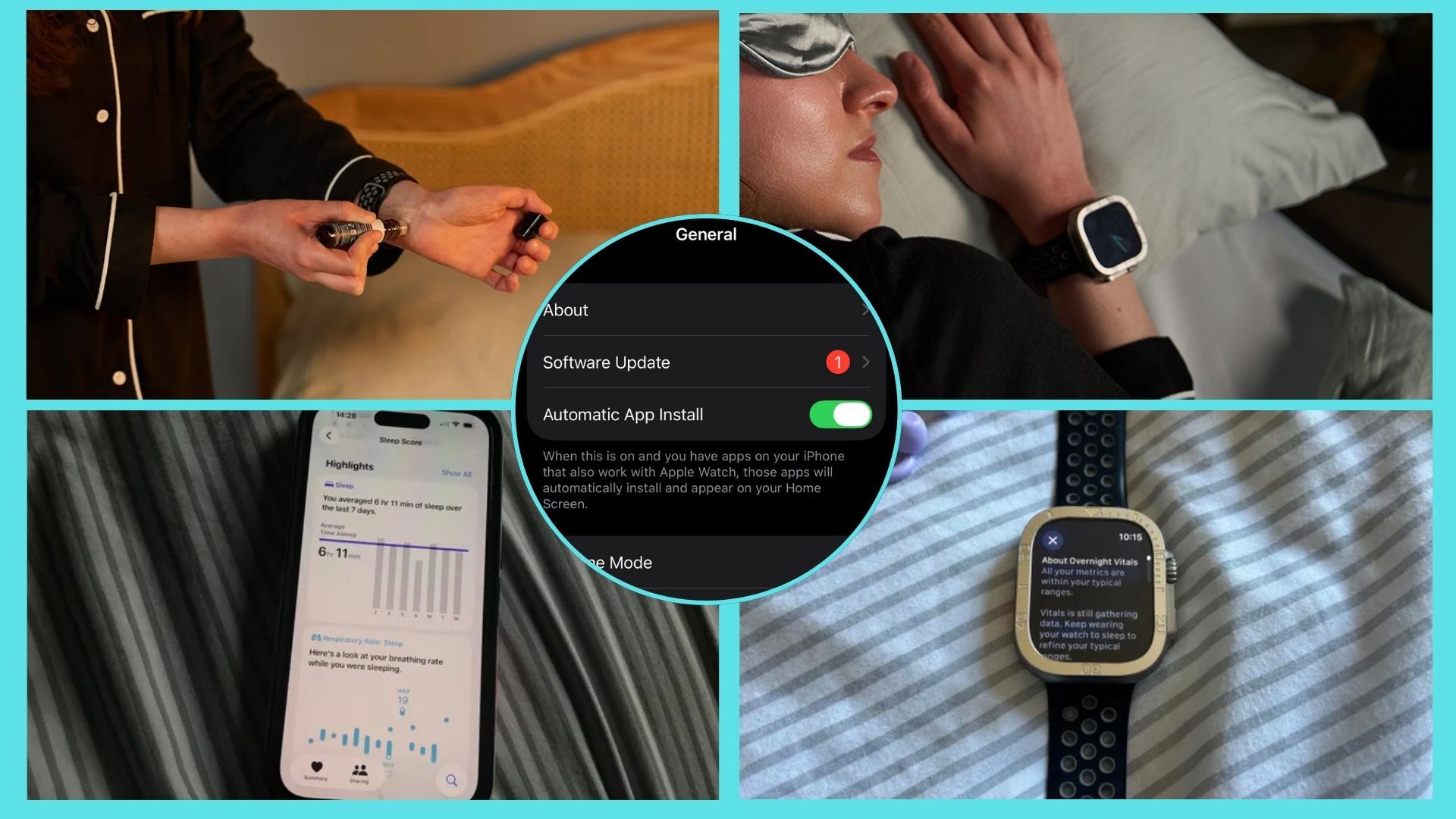
When I started using my first Apple Watch to track my sleep, I thought I was doing everything I could to get the most accurate results possible; I always used the Apple Watch's vital settings for precise sleep data, for example. But I was completely oblivious to my bad Apple Watch habits that were secretly interfering with its accuracy.As one of the best sleep trackers on the market, the Apple Watch offers key features that can boost your sleep. However, keeping your Apple Watch in top condition for optimal sleep tracking performance is all down to you.I learned that the hard way, making little-known mistakes that I didn't realize were skewing my sleep tracker data — until I noticed some things that didn't add up. So, learn from my mistakes with this guide to avoiding bad lifestyle habits that get in the way of sleep tracking accuracy, plus how I'm keeping my Apple Watch in shape so it can live up to its potential.5 Apple Watch habits to avoid for better sleep tracking accuracy1. Not wearing your Apple Watch's band properly
(Image credit: Future)Let's start with possibly the most common Apple Watch mistake: not checking the fit of the strap is right. Because while we all have comfort preferences, the wrong fit can impact your tracking data.Your Apple Watch's strap should accommodate your wrist size, but an Apple Watch that fits too tight or too loose can impair the sensors' job.According to Apple Support, you should wear the Apple Watch in a way that's "not too tight, not too loose, and with room for your skin to breathe."Afraid that the watch would slip off in the night, I initially pulled my Apple Watch's strap so tight that it caused irritation. To fix this, I overcompensated by loosening the strap too much.Get instant access to breaking news, the hottest reviews, great deals and helpful tips.As a result of the loose fit, the Apple Watch's face (otherwise known as its monitor) started to slide down to my hand or to the bottom of my wrist — a huge problem as the sensors only work when it sits on the top of your wrist. Also, make sure your it's positioned above your wrist bone (towards your elbow rather than your hands).Basically, the Apple Watch must maintain constant skin contact for accurate results, but not so tight that it causes discomfort or prevents your skin from breathing.2. Charging my Apple Watch at the 11th hour