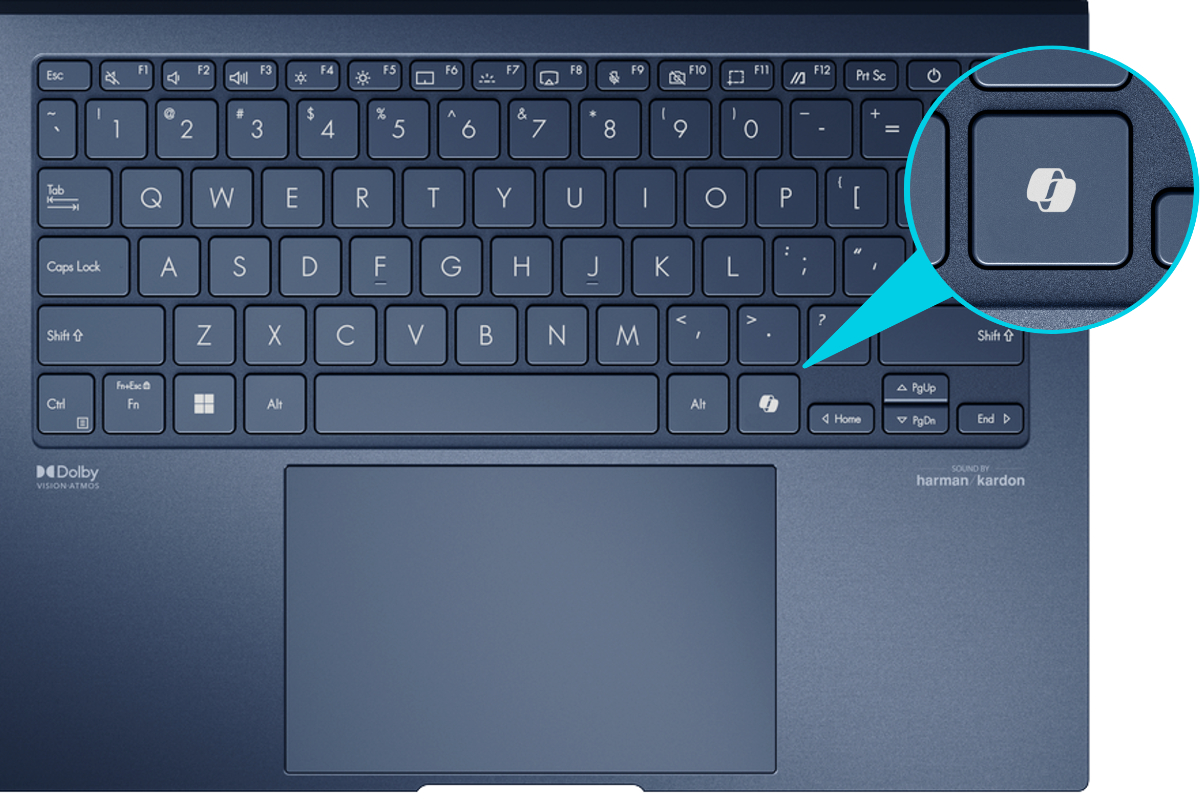
FACEPALM: Microsoft released a cumulative update preview for Windows 11 this week with a range of quality-of-life improvements, and shared audio is one of the headline features. It lets you stream audio from your PC to two Bluetooth devices simultaneously – handy for watching movies or listening to music with someone nearby. There's a catch, though: for now, it only works on Copilot+ PCs with Bluetooth LE support, which leaves most Windows users waiting.
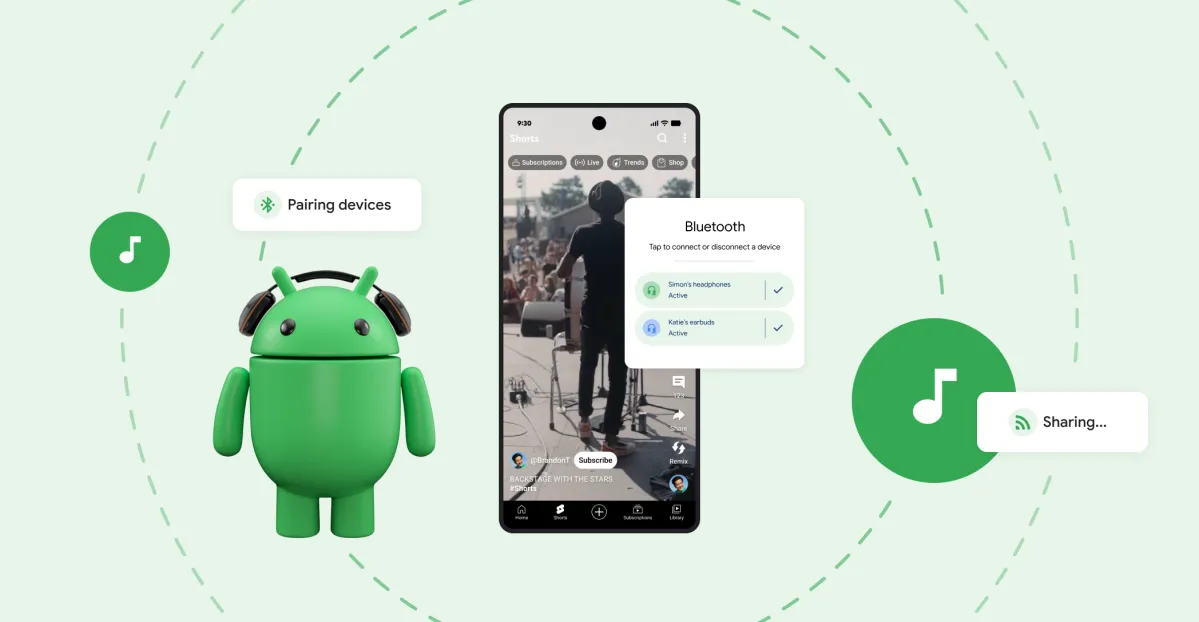
In a blog post, Microsoft explained that shared audio enables a PC's audio output to be transmitted simultaneously to two Bluetooth LE audio devices.
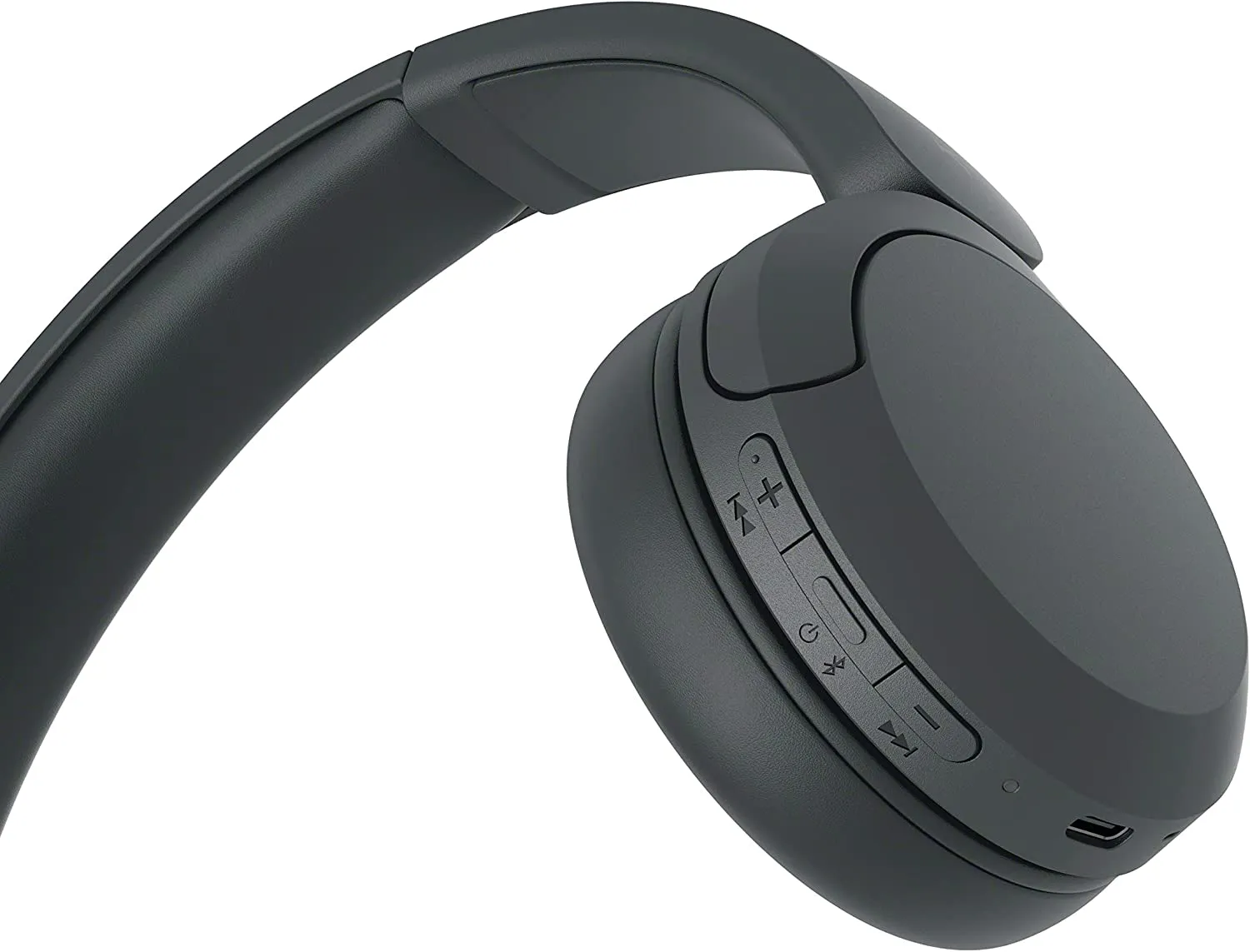
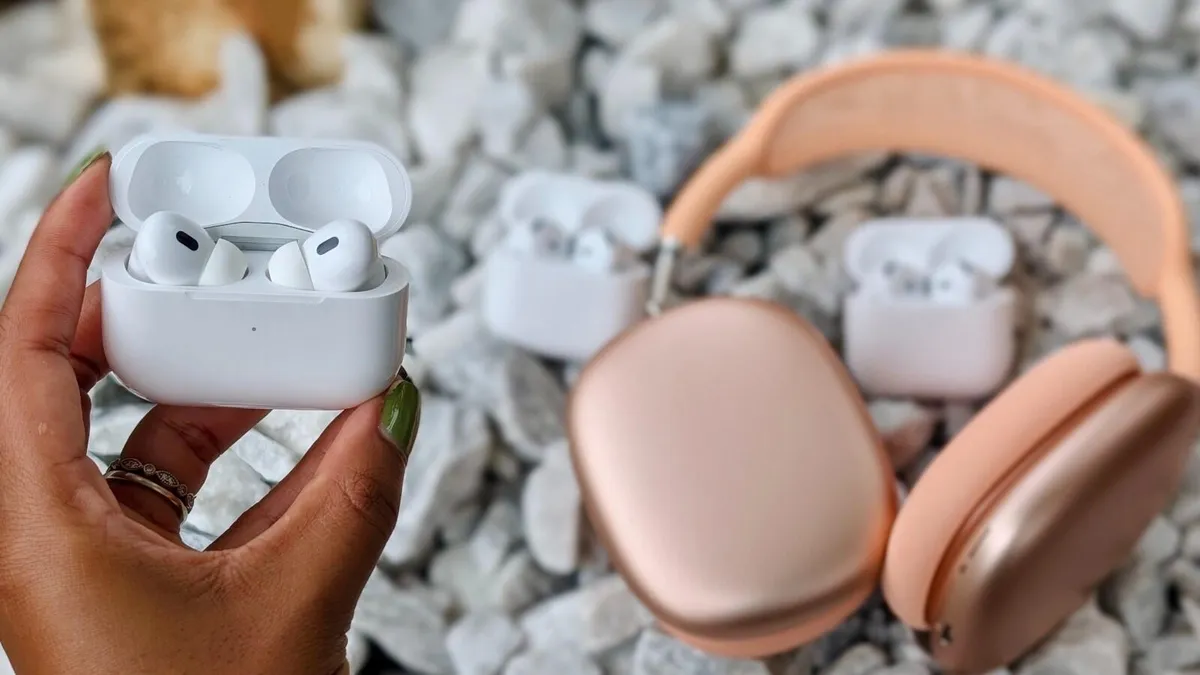
The feature supports a wide range of Bluetooth LE accessories, including headphones, earbuds, and standalone speakers. Microsoft also says it is compatible with several assistive technologies, such as hearing aids and cochlear implants.
To use shared audio, pair and connect two Bluetooth LE audio accessories with an updated Windows 11 PC. After that, open the Quick Settings panel by clicking the speaker icon on the Taskbar, click on the "Shared audio" button, and select the two devices that would receive the shared audio output.
Once the devices are selected, simply click on the "Share" button to start sharing the audio output.