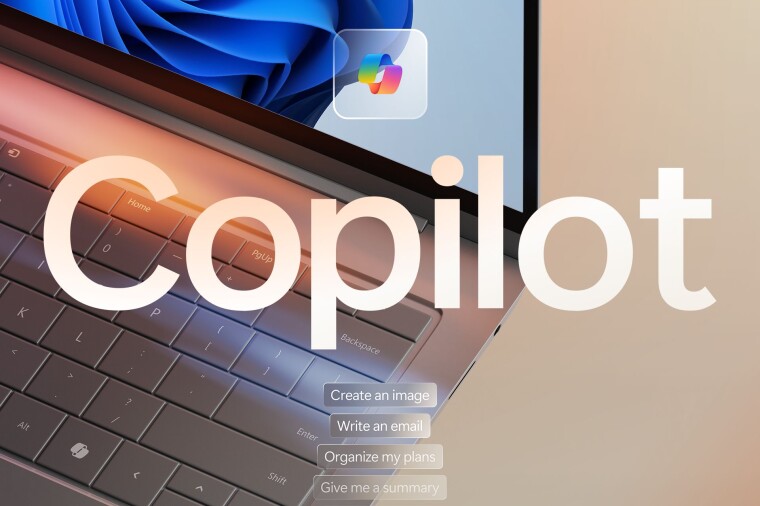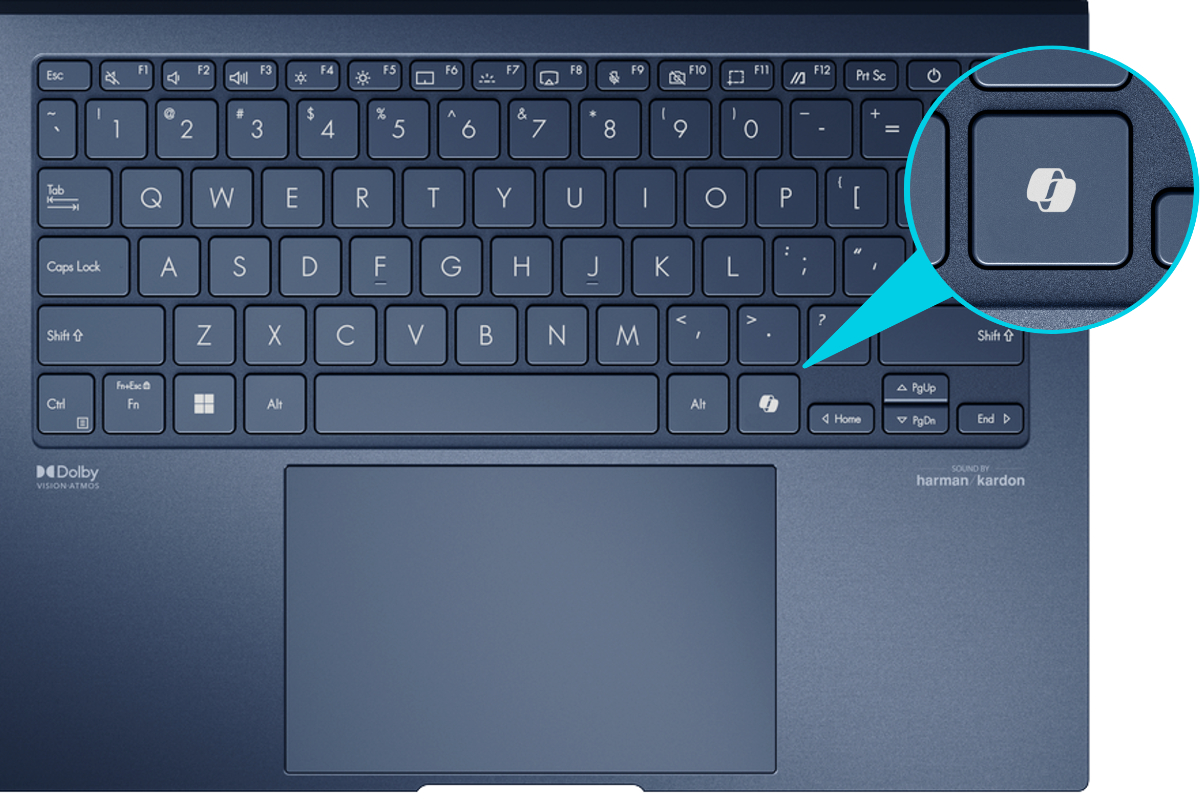
Windows 11 users will soon be able to remap the dedicated Copilot key on newer laptops, restoring lost functionality such as the Right Ctrl and Context Menu keys, Microsoft announced this week. Introduced in 2024 as a mandatory standard on “AI PCs,” the Copilot button gave quick access to Copilot or Microsoft 365 Copilot and represented the biggest Windows keyboard layout change in decades.
However, many power users and professionals complained that removing the Right Ctrl and Context Menu keys broke established workflows and essential shortcuts—such as Ctrl + Arrow, Shift + Ctrl + Arrow—and disrupted navigation in specialised software. Critics accused Microsoft of forcing its artificial intelligence (AI) ecosystem onto users.
In a documentation update, Microsoft confirmed an upcoming Windows 11 release will add a remapping option at Settings > Bluetooth & devices > Keyboard. Users will be able to assign the Copilot key to act as Right Ctrl, the Context Menu key, or the Start menu.
In a recent documentation update, Microsoft confirmed that an upcoming Windows 11 update will allow users to customise the Copilot key's function. By navigating to Settings > Bluetooth & devices > Keyboard, users will be able to reassign the button to function as the Right Ctrl key, the Context Menu key, or the Start menu.