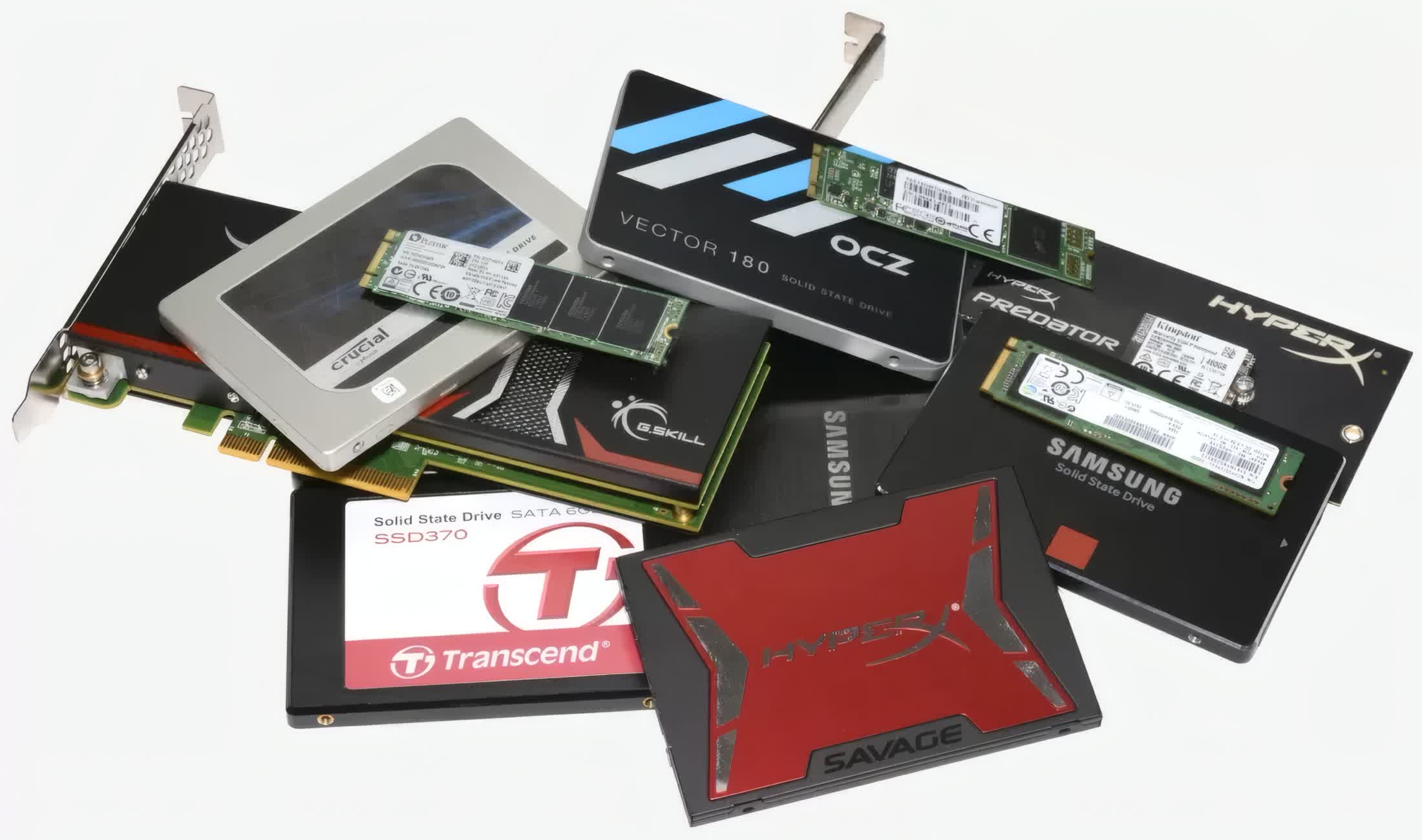
Getting excited about new games is fun – until you find out you don’t have any space on your console left for them. It instantly puts you in a complicated position; you are looking forward to enjoying the latest titles but also don’t want to delete your current favorites to free up space.
See at Amazon
Spacious Capacity
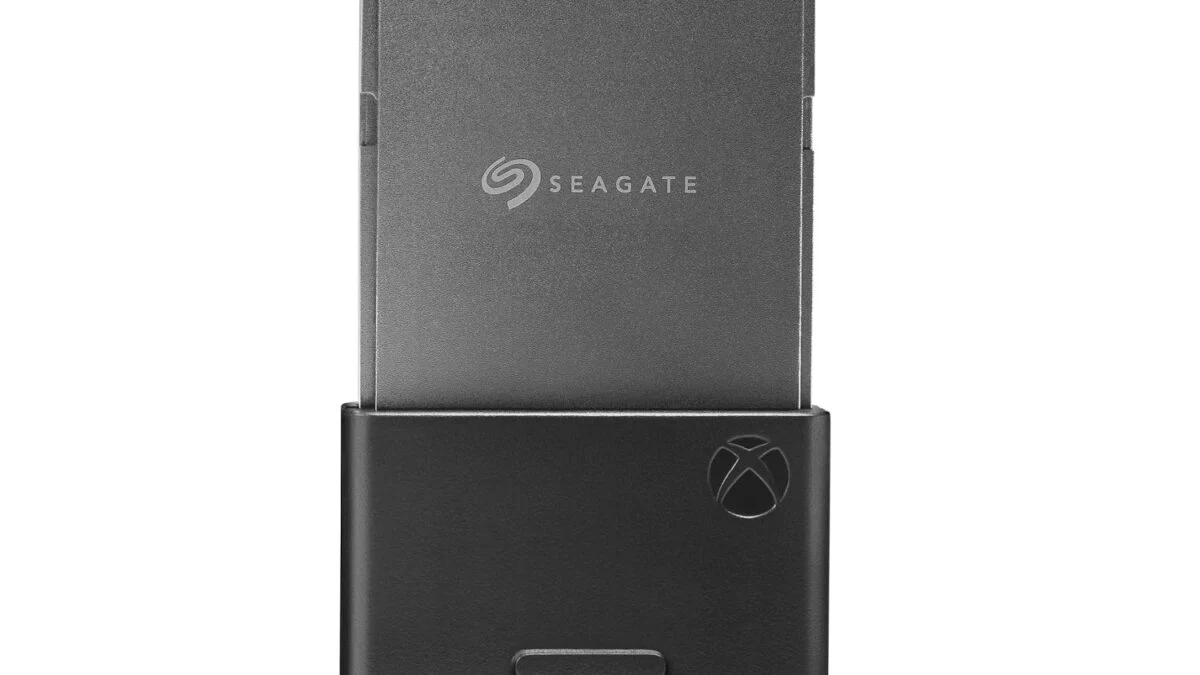
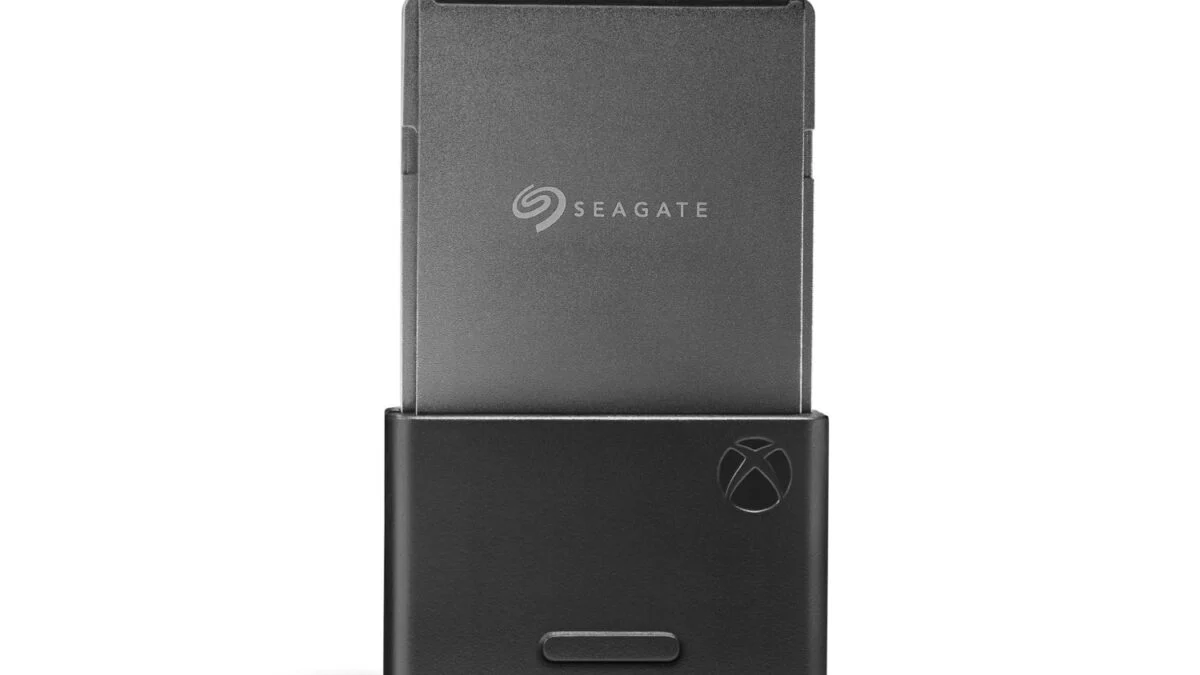
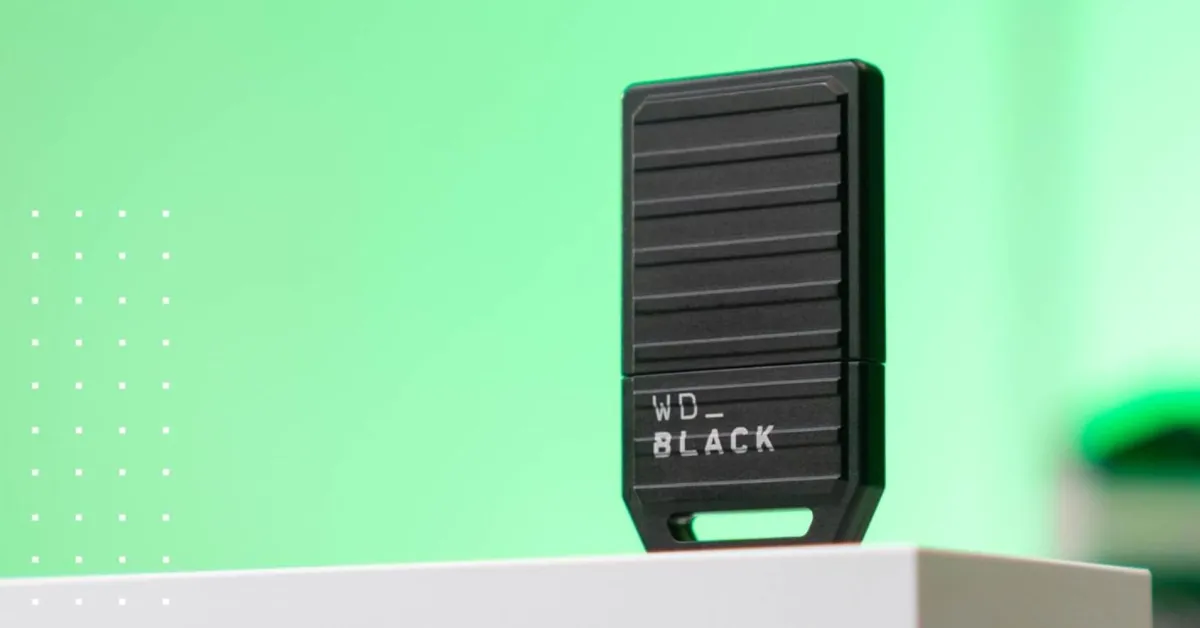
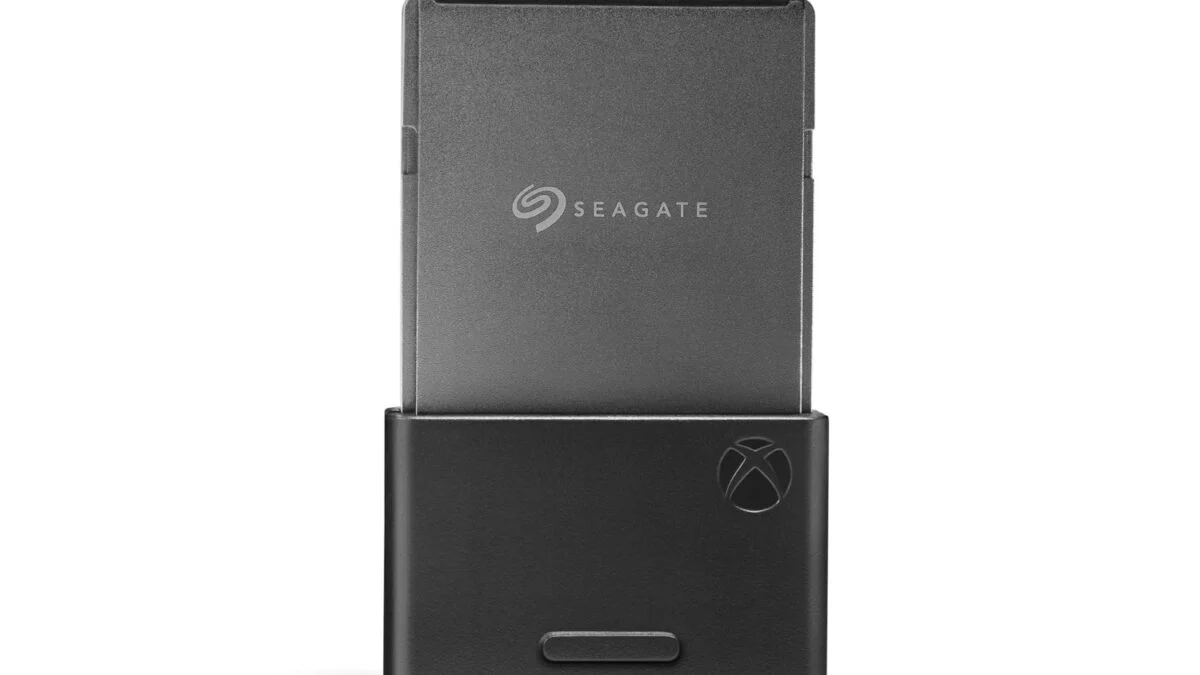
This tiny but mighty SSD is designed in partnership with Xbox using the Xbox Velocity Architecture. It works nicely with the existing setup and offers the same fast load times and richer in-game environment as the console’s internal SSD. That goes for thousands of Original Xbox, Xbox 360, and Xbox One games. You’ll just enjoy a much bigger storage capacity without sacrificing graphics or dealing with lag.
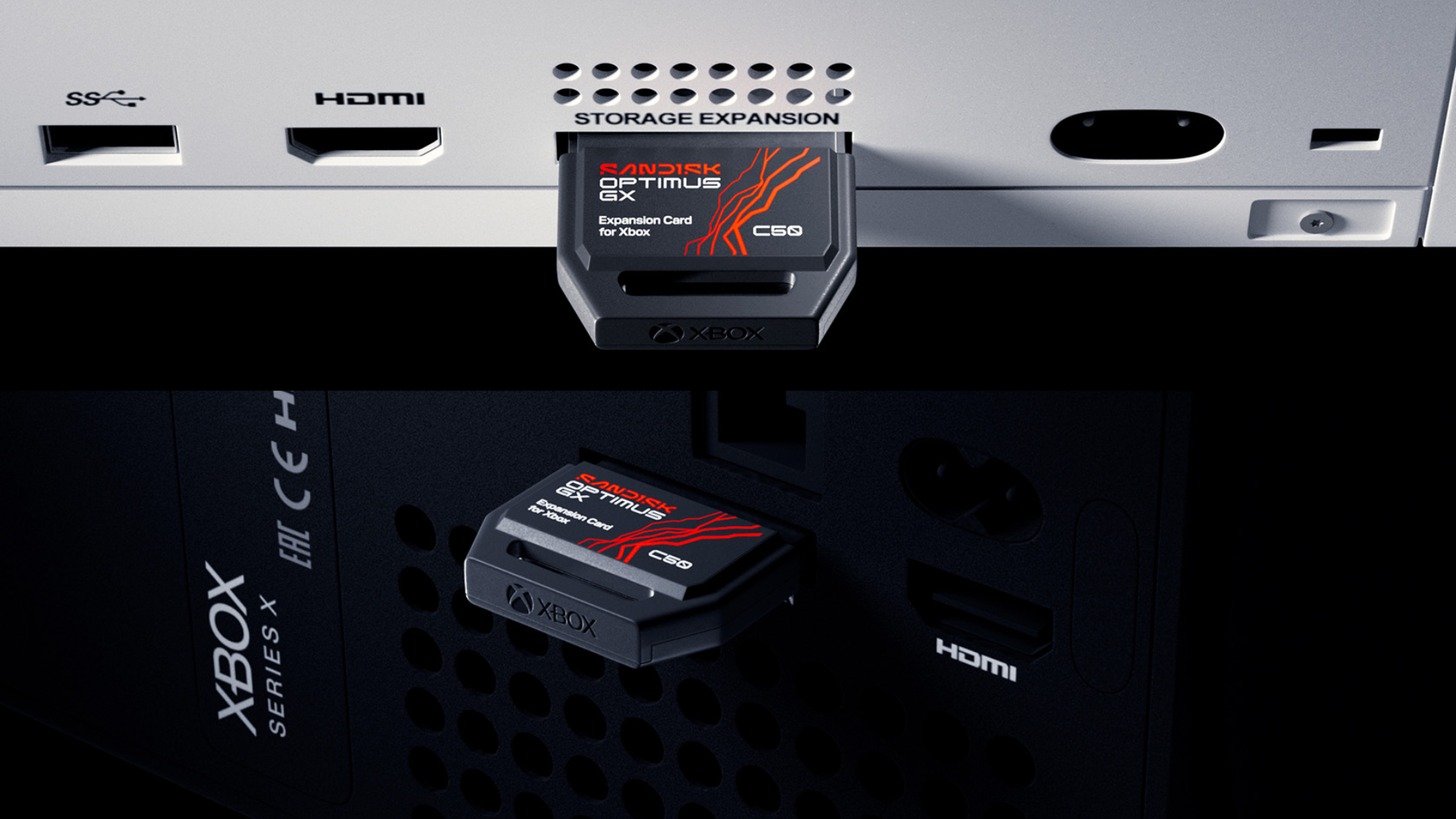
The plug-and-play setup makes it incredibly easy to get started. You simply need to locate the storage expansion slot on the back of your console. Once found, remove the protective cover from the SSD and carefully insert it into the slot. After the card has clicked into place, you can follow the on-screen instructions to complete the process. All this shouldn’t take more than a few minutes.