WHAT JUST HAPPENED? Remember the Low Latency Profile (LLP) feature that Microsoft has been working on? The frequency-boosting update is rolling out to eligible Windows 11 24H2 and 25H2 users, promising up to 70% faster flyouts and 40% quicker app launches. If you want to try it now, check out how to enable it below.
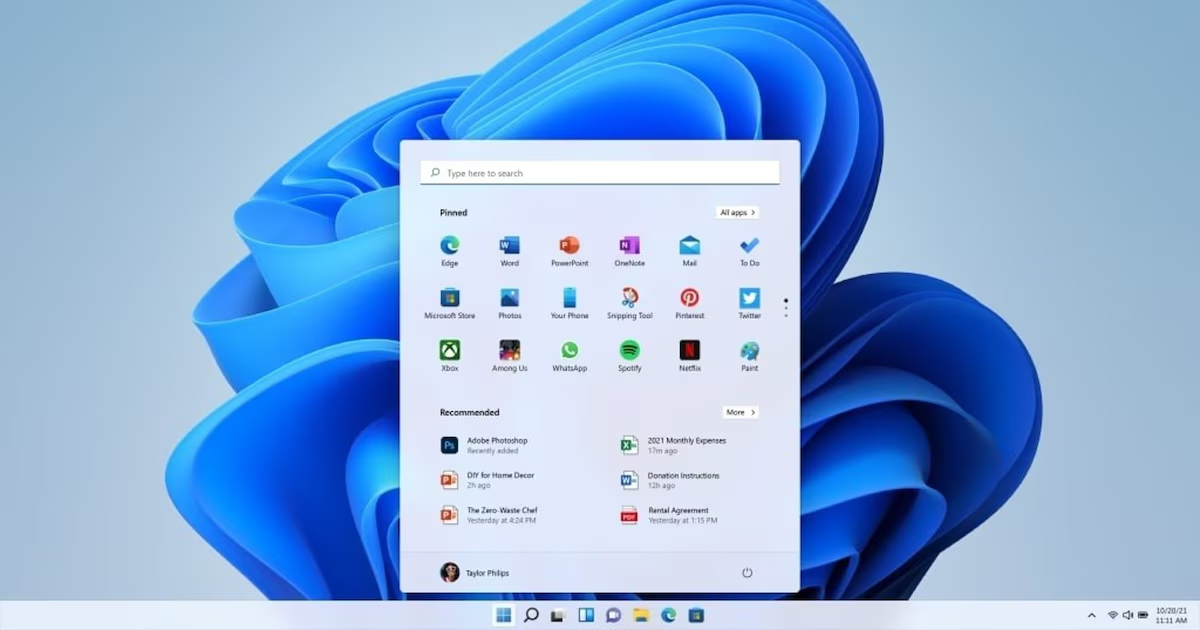
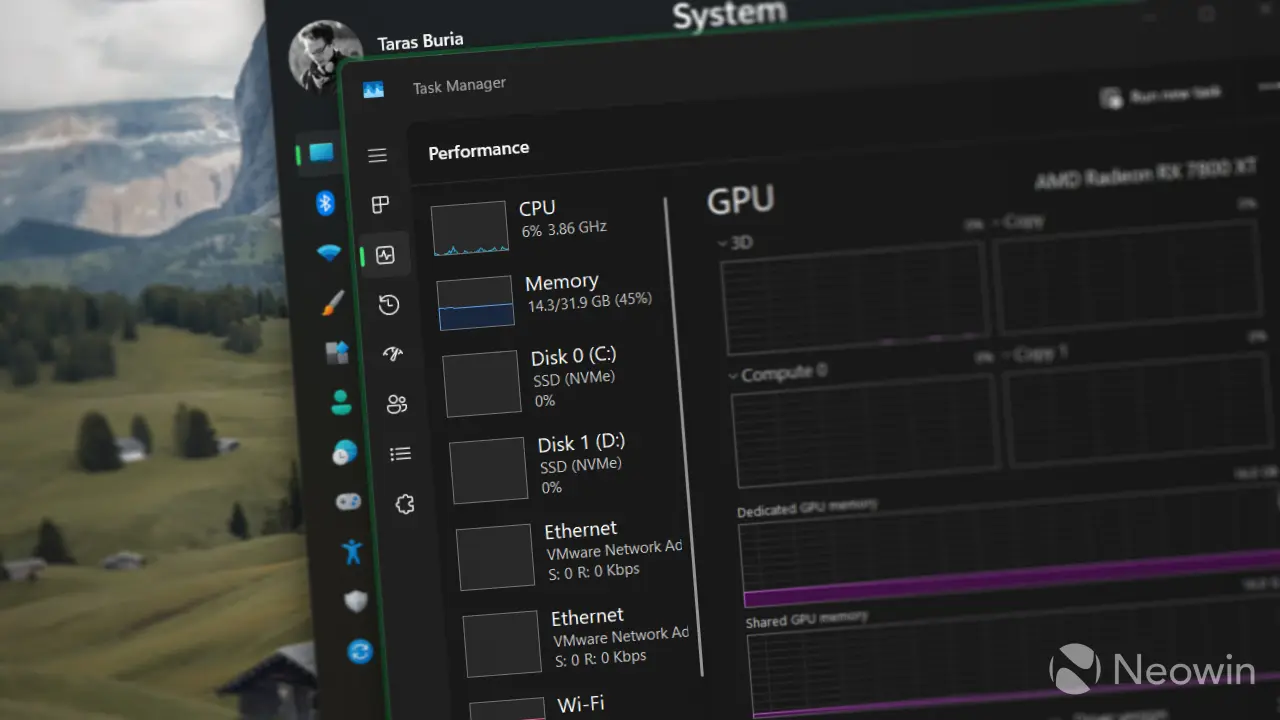
Microsoft lists the change in update KB5089573 as a "General Performance" improvement, saying it accelerates app launches and core shell experiences such as the Start menu, Search, and Action Center. This is the same LLP system we covered earlier this month, a feature that briefly pushes CPU clocks higher when Windows detects an interaction that would otherwise feel sluggish.
LLP is designed to cut those delays that make Windows 11 feel slower than it should, such as opening the Start menu, bringing up Search, launching apps, or triggering flyouts and context menus.
Instead of letting the processor ramp up gradually, Windows gives it a short burst of maximum frequency for one to three seconds, finishes the task sooner, then drops back down. Microsoft has defended the approach as normal modern OS behavior rather than a cheat, noting that phones, macOS, and Linux already use similar tricks.