Table of Contents
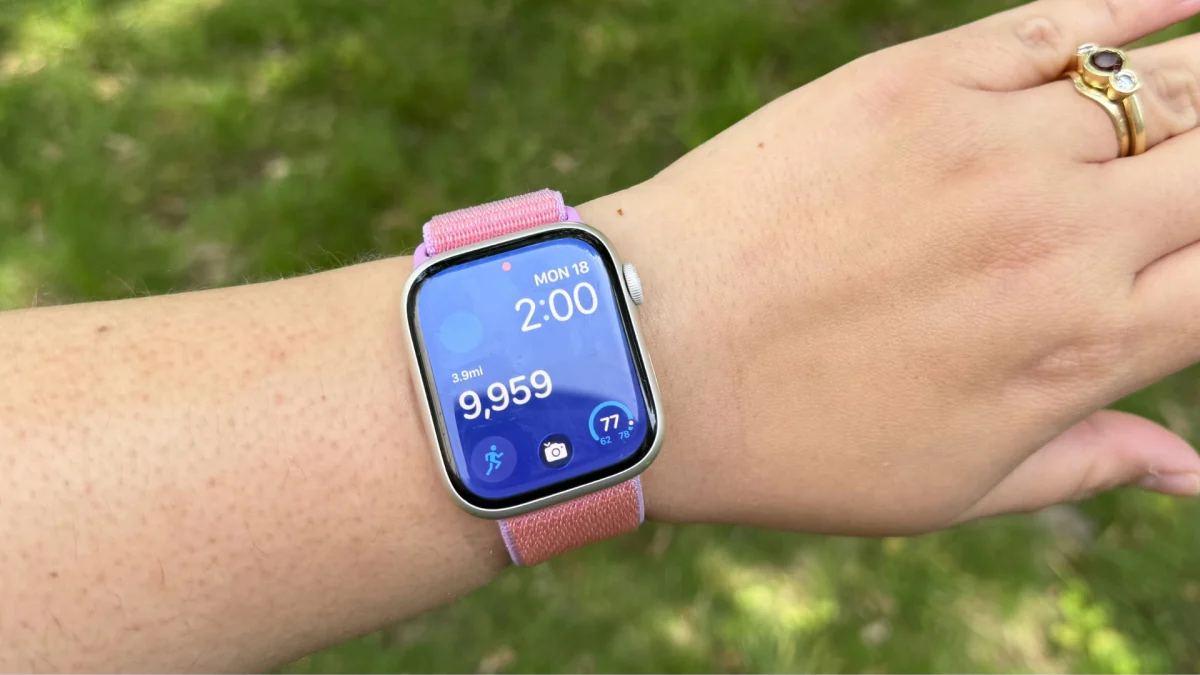
Like every other 20-something, Gen-Z-millennial cusp, I've embraced the hot girl walk. Working from home means I have to work to get in my steps since my office is literally just steps away from my bed. On my quest to hit 10,000 steps a day, my Apple Watch is my on-wrist companion, measuring every step and even reminding me to get up and stretch my legs. Unfortunately, step count isn't front and center — you have to scroll down a few pages in the Fitness app.
Right now, Apple only offers a widget displaying your daily mileage, not an actual step count.
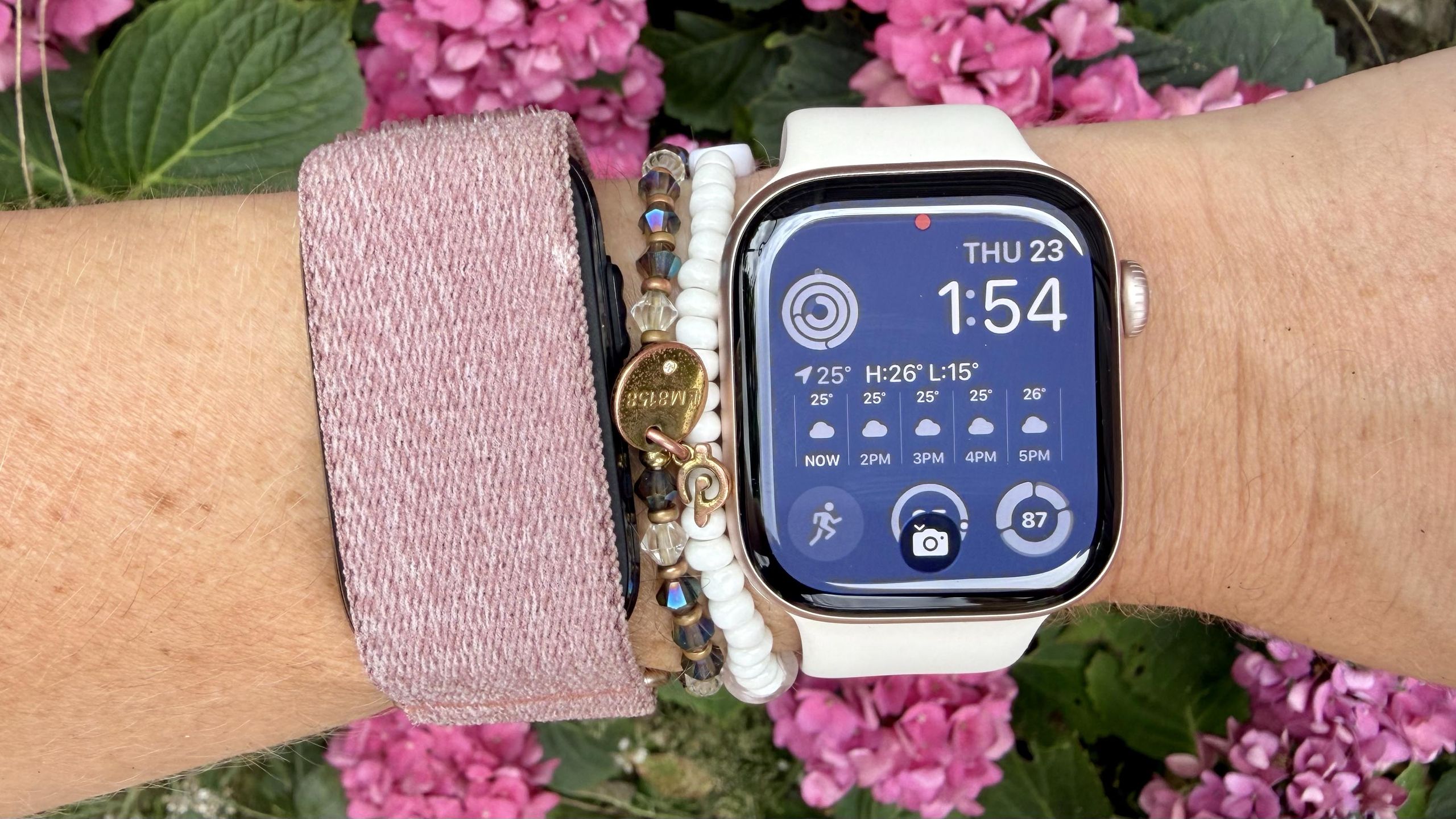
While you can customize your home screen with several widgets from Apple's built-in fitness app, there is an option to display step count, but it doesn't actually show your steps. Instead, it shows your mileage, which is fine, but I'm more interested in my actual step count. After a little bit of research, I discovered that you can add a step count widget to your Apple Watch so you can glance down and see it on your wrist — it just requires an additional app.Find a pedometer appYour iPhone and Apple Watch both have built-in pedometers, but if you want to see your step count on your Apple Watch home screen, then you need to download a pedometer app. The good news? There are so many pedometer apps to choose from. I've tried StepsApp, Steps, and Pedometer++, and each works for our purposes.