If you’ve ever spent 20 minutes getting an AI coding assistant up to speed on your project’s quirks, only to watch that context evaporate the moment your session ends, xAI just built a fix for that.
Grok Build v0.2.3 shipped with a new /remember command that lets developers save persistent notes across sessions. The AI coding tool now has a notepad that doesn’t get wiped clean every time you close the window.
What the update actually includes
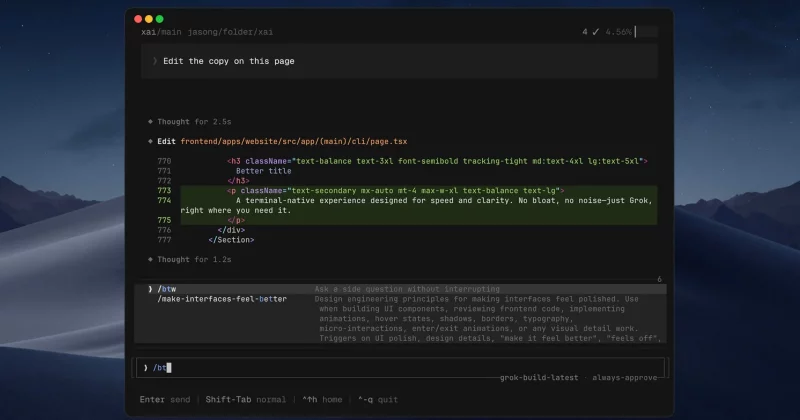
The /remember command comes with rich side-by-side previews and fullscreen editing accessible via Ctrl+F, along with a # shortcut for quick access to saved notes.
Grok Build v0.2.3 also introduced two companion commands that round out the memory system. The /flush command handles session saving, while /dream supports what xAI describes as layered memory.