(Image credit: Tom's Guide)
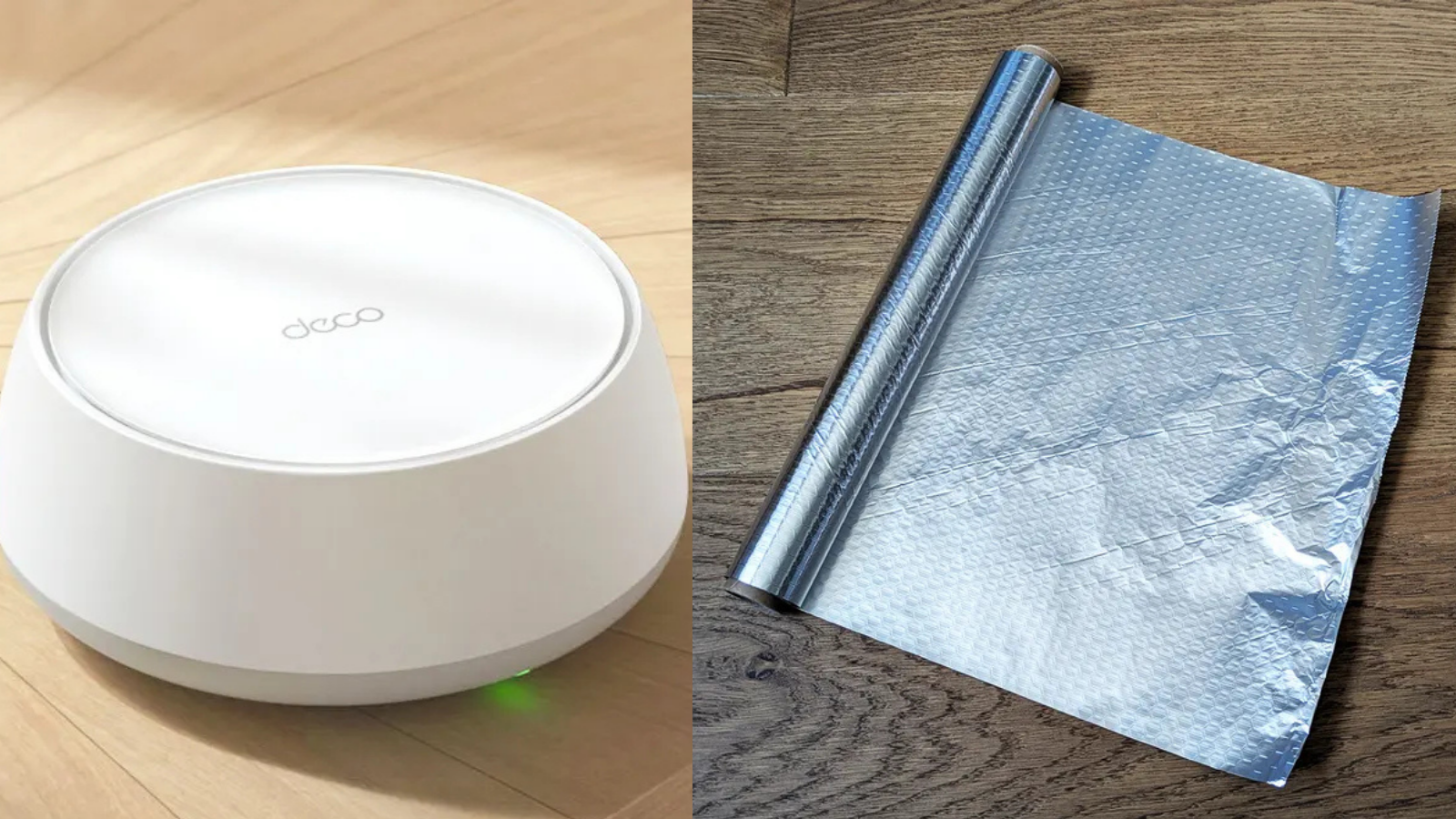
Your Wi-Fi signal reaches every room in your house except the one where you actually spend time. The bedroom gets perfect coverage. The hallway is fine. But your living room couch, where you actually sit and stream, buffers constantly.The problem is that routers broadcast in all directions equally, which sounds fine until you realize that means blasting signal into walls, out through windows, and into your neighbors' living rooms. Half your coverage is going somewhere you'll never use it.A sheet of aluminum foil positioned behind your router can redirect that wasted signal toward the rooms that actually need it. It sounds like the kind of tip your uncle shares on Facebook, but research from Dartmouth College confirms it. Here's how to set it up.
How to position aluminum foil behind your router
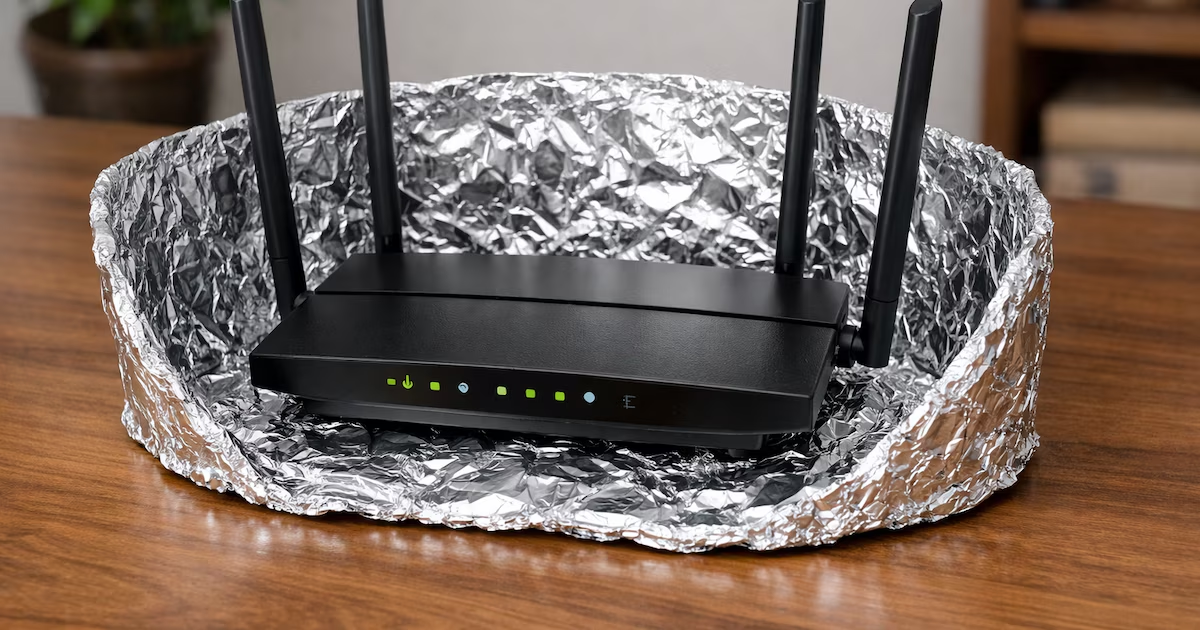
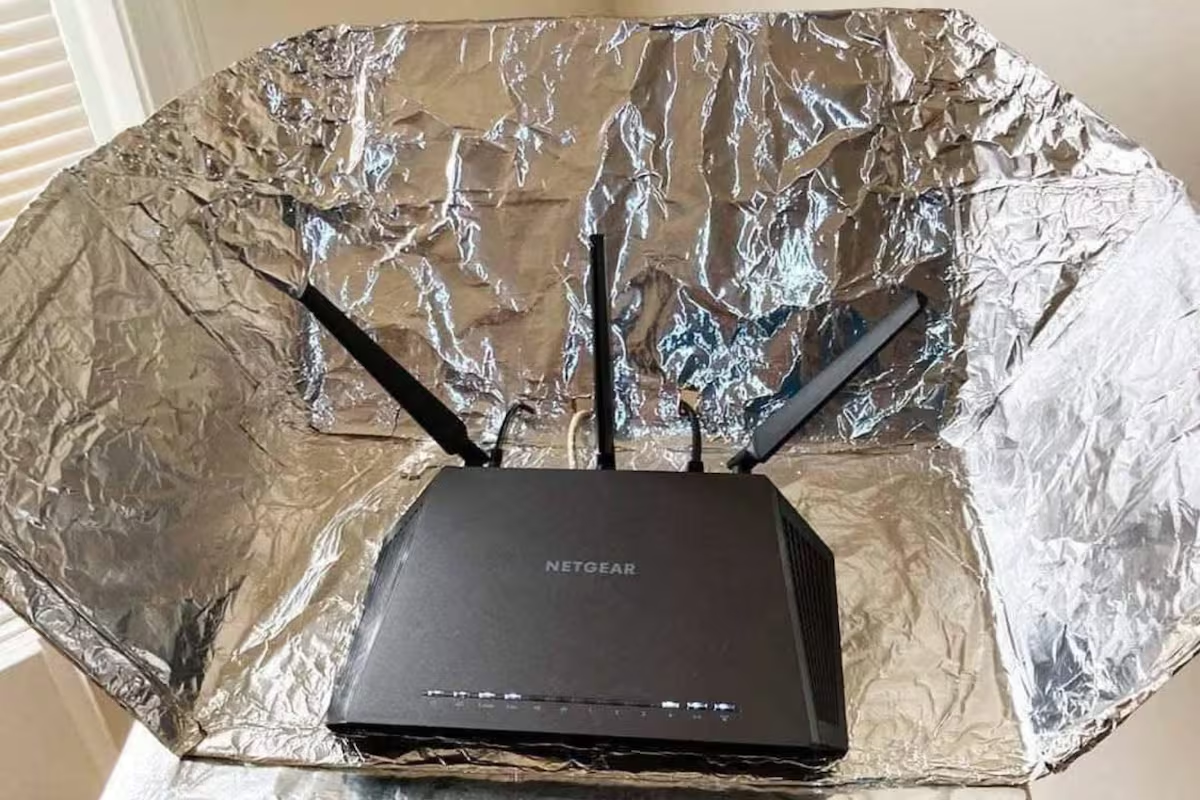
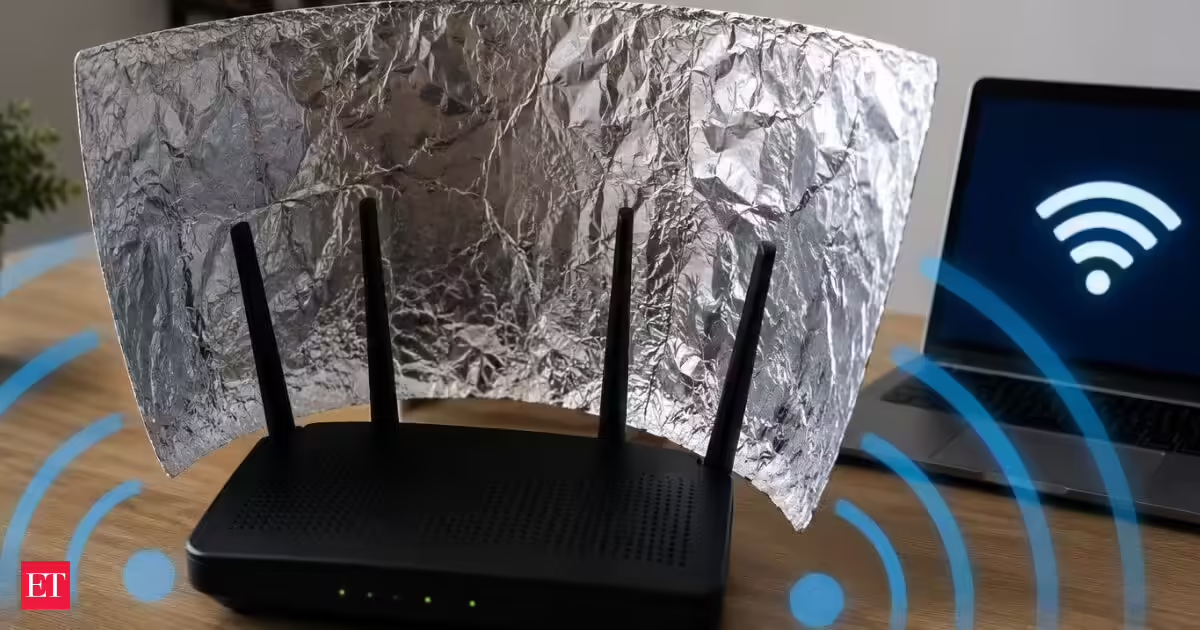
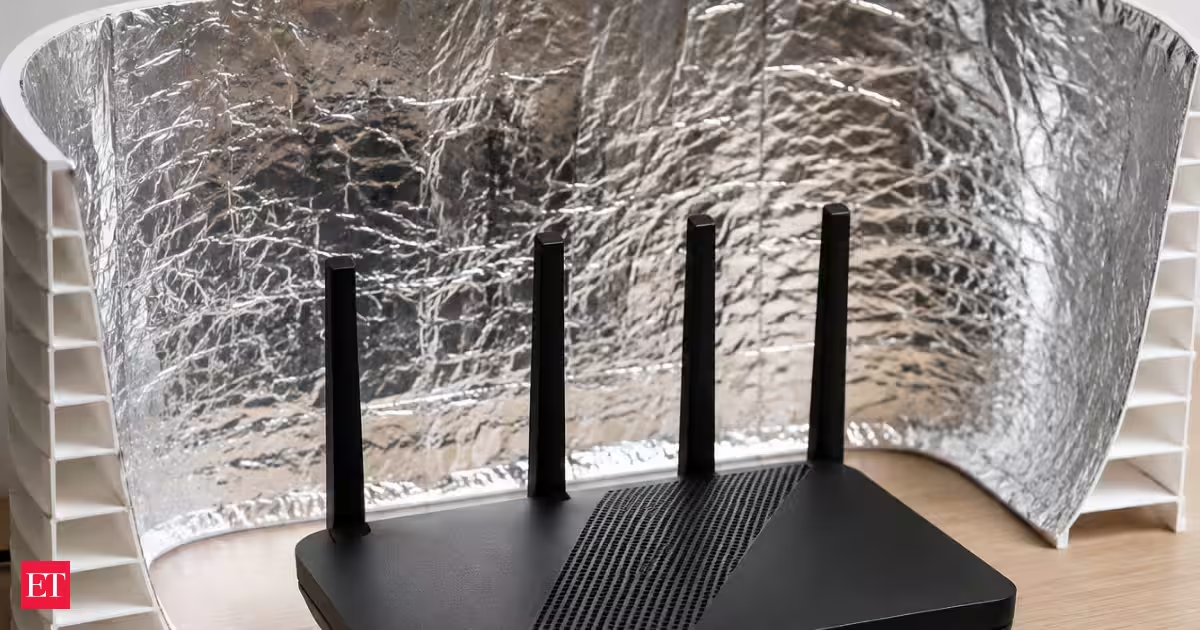
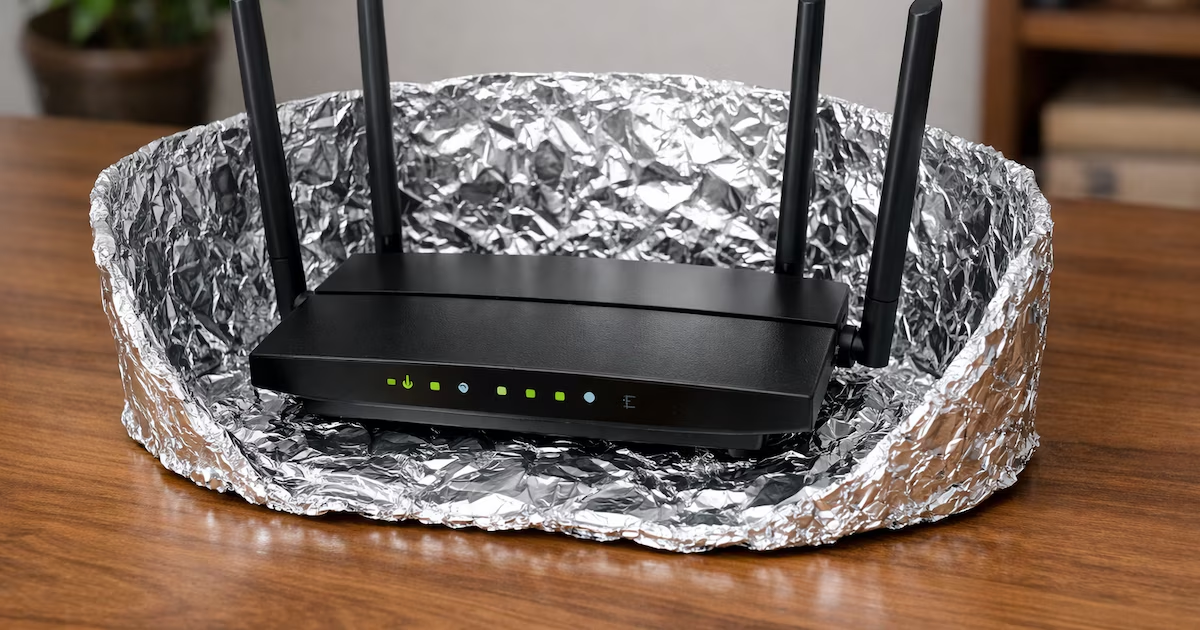
Cut a piece of aluminum foil about 12 inches long (30 cm) and as tall as your router. If your router has external antennas sticking up, the foil should extend a few centimeters above them.Fold the foil into a curved shape with the shiny side facing inward toward the center of the curve. You're essentially creating a parabolic reflector like the curved mirrors behind headlights or satellite dishes that focus signals in one direction.Stand the foil upright behind your router with the curved side facing the router and the opening pointing toward the room or area where you need better signal. The foil reflects Wi-Fi signals that would normally broadcast backward and redirects them forward toward your target area.If the foil won't stand on its own, fold the bottom edge slightly to create a base, or tape it to a cardboard backing for stability. The foil needs to stay upright and maintain its curved shape to work effectively.