(Image credit: Future)
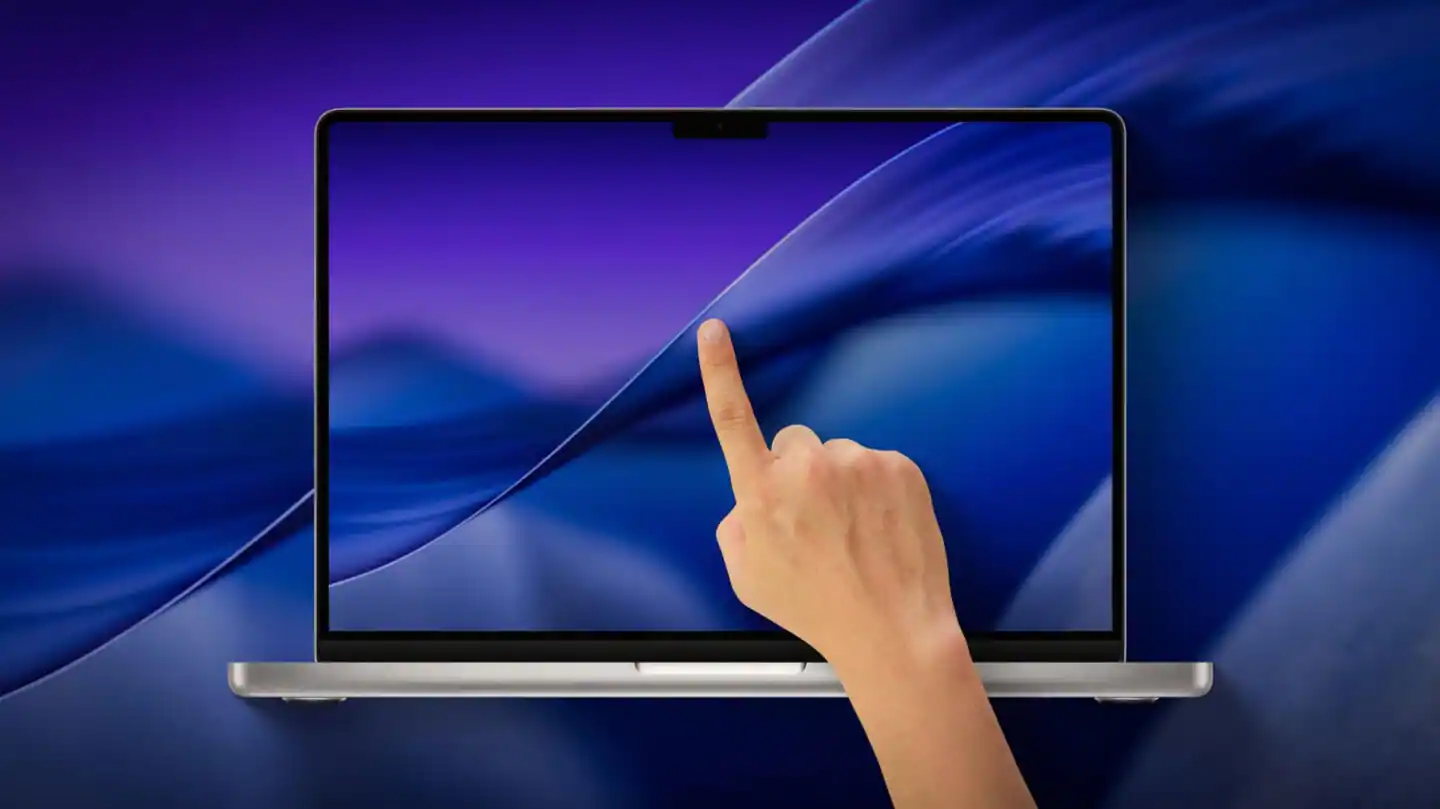
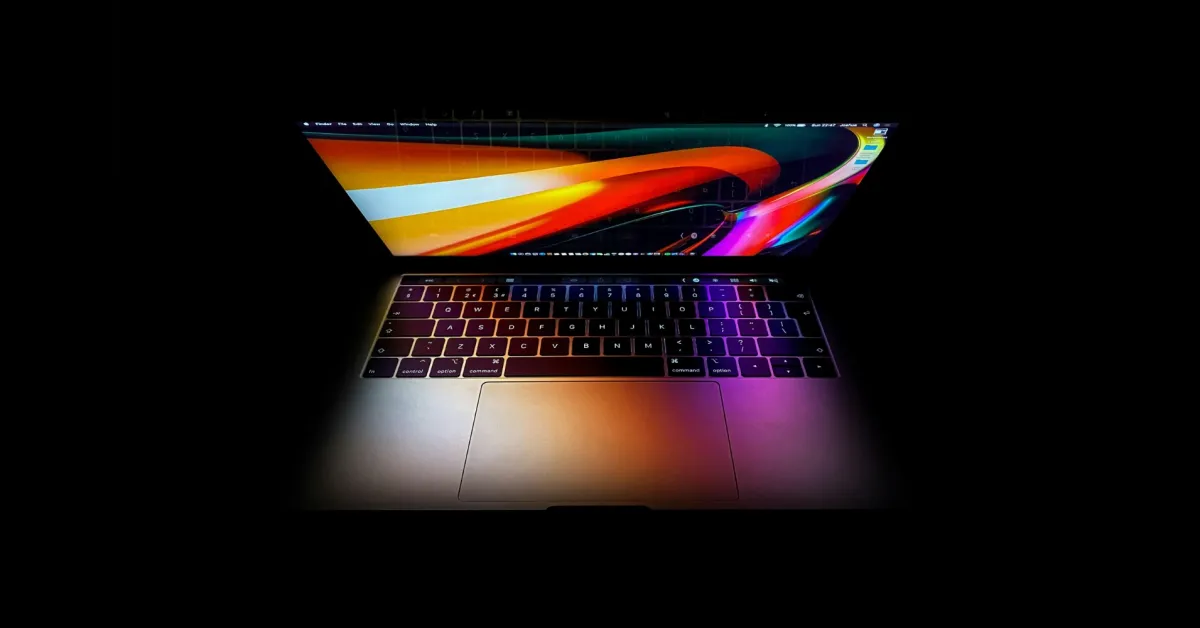
The MacBook Ultra is making a lot of headlines — namely for being the first system that will reportedly bring touchscreen to the MacBook. But what if you wanted that without having to pay the (probably) massive price that’ll come with a top-of-the-line Apple computer?That’s where Intricuit’s Magic Screen comes in. Unveiled at CES, I’ve been testing one for a while now, and not only is it a fantastic piece of kit for converting to a 2-in-1 and extracting more value from your laptop, it proves that Cupertino may be more ready for a touchscreen Mac than you may think.So, consider this both a review of my three weeks using Magic Screen and a look into Apple’s quiet work preparing for when the worlds of iPad and Mac collide ahead of WWDC 2026.How it works
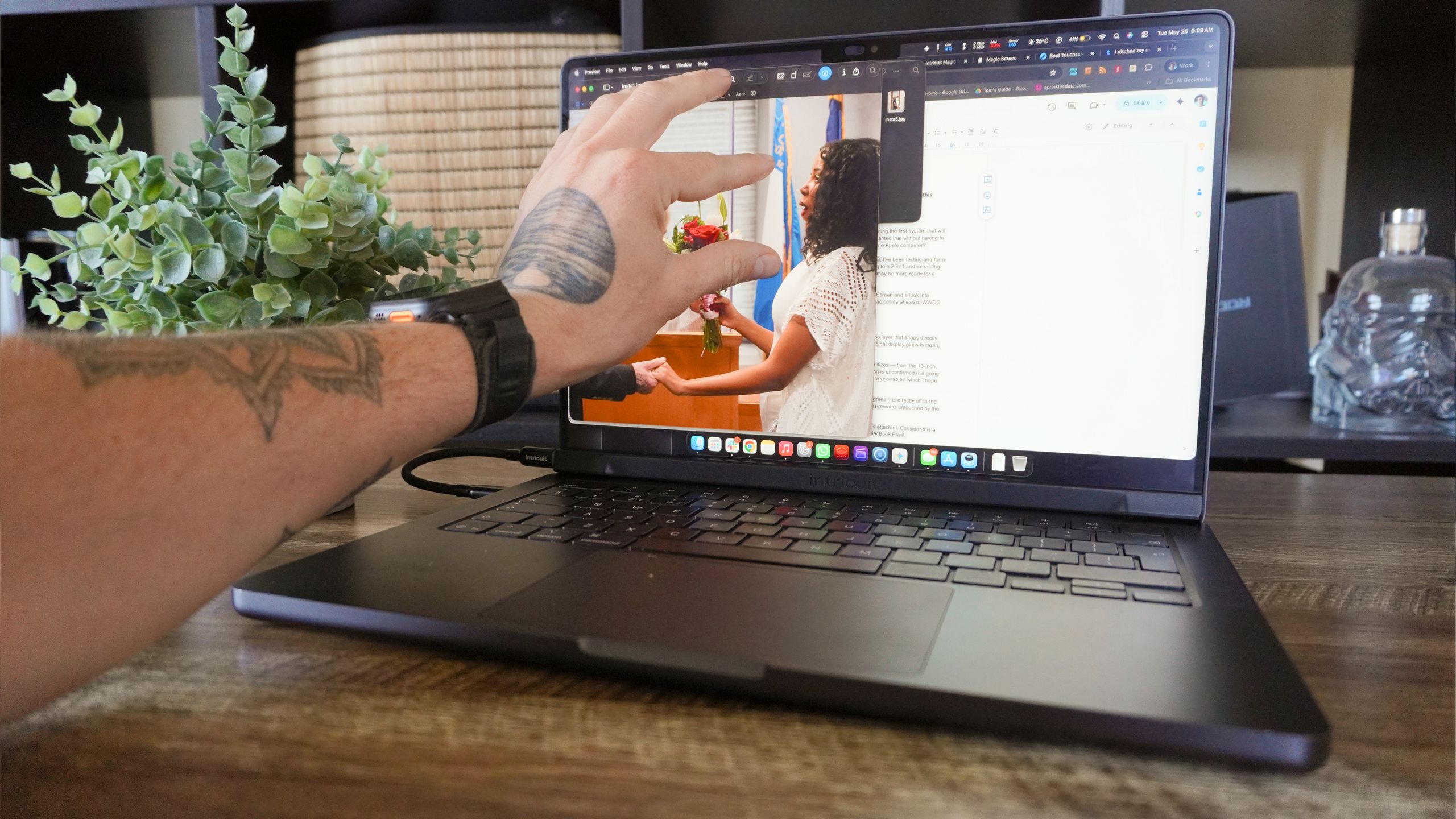
(Image credit: Future)It’s a lot simpler than you think! Magic Screen is a magnetic glass layer that snaps directly on top of your current MacBook Pro’s display. Make sure the original display glass is clean, pop it on top, connect via USB-C and you’re off to the races.In terms of availability, you’ll be able to pick one up in all display sizes — from the 13-inch MacBook Neo all the way up to the 16-inch MacBook Pro. Offical pricing is unconfirmed (it’s going through Kickstarter first), but we do know early bird pricing will start at $139. That's giving me hope that the final retail cost will be reasonable!You can see it impacts viewing angle at the most extreme of degrees (i.e. directly off to the left or right — places where you won’t be using it), but brightness remains untouched by the additional layer.Plus, with the lip, you will not be able to close the laptop with this attached. Consider this a PSA because I don’t want eager users destroying their pricey MacBook Pros!Get instant access to breaking news, the hottest reviews, great deals and helpful tips.MacBooks suit touch input well(ish)