(Image credit: LG)
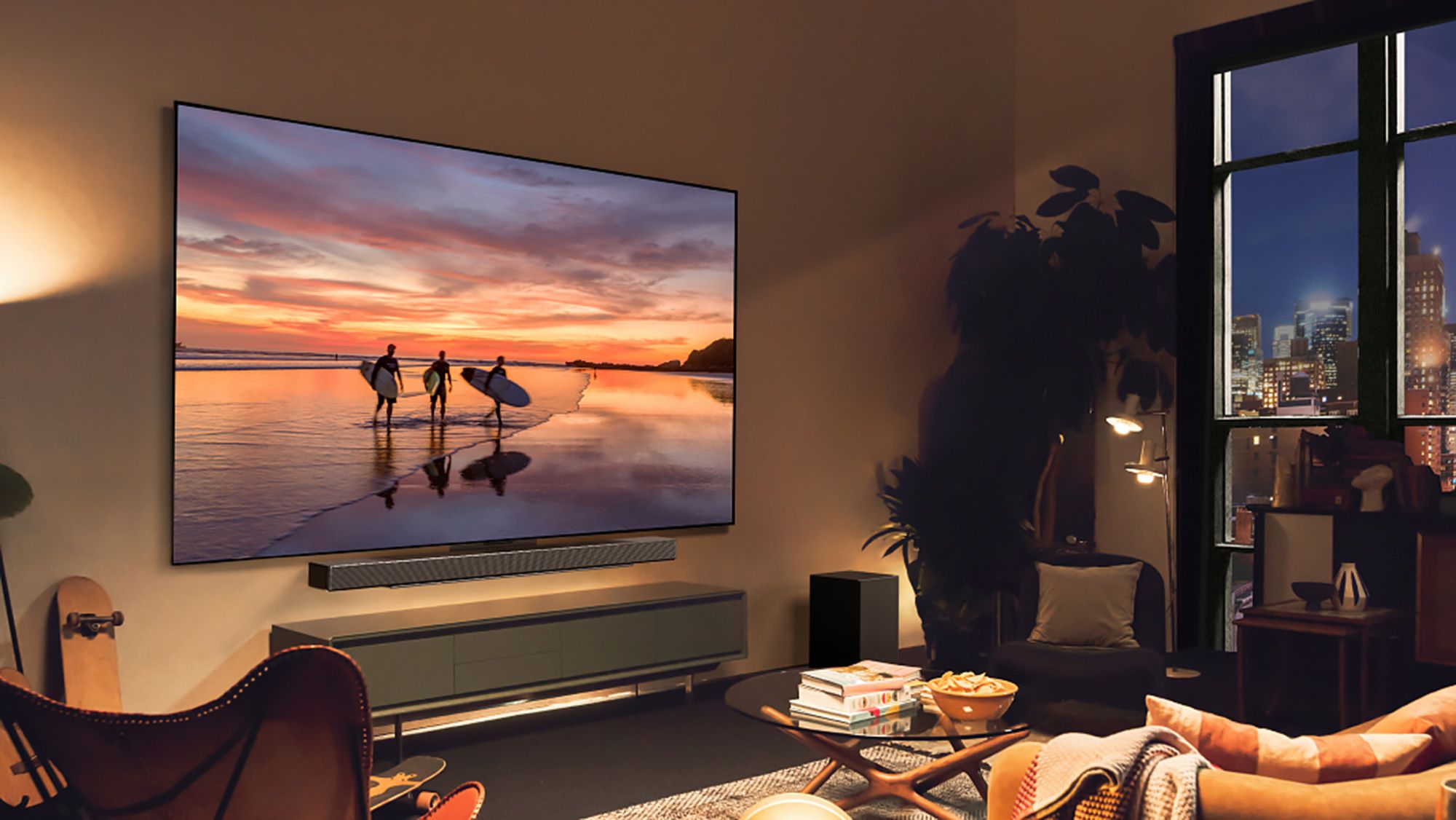
OLED TVs are among the best TVs you can buy, but like all TVs, they’re not everlasting. I’ve been covering OLEDs since LG’s first 4K OLED TV hit the market, and while they’re much more durable now than they were over a decade ago, even the best OLED TVs are liable to wear down over time.Why does it happen? OLED displays harness organic material. This material plays a huge role in what makes OLED technology so stunning, but it’s also why these TVs tend to fail in distinct ways.When it comes to the telltale signs of an aging OLED — dead pixels, color tinting, dimness and the dreaded OLED burn-in — I’ve seen it all. Here’s what to look out for if you’ve got an aging OLED TV on your hands.1. Dramatically diminished brightness
(Image credit: Tom's Guide)For years, the hit on OLED TVs was that they’re not nearly as bright as LED-based TVs. In the decade I’ve spent covering the industry, massive strides have been made in pushing OLED brightness to levels comparable to many high-end LED TVs — at least when it comes to small highlight detail. In terms of full-picture brightness, LED TVs still lead the pack.Nevertheless, on average, OLED TVs are plenty bright for most living spaces these days. But they’re also susceptible to dimming over time, and because of the organic material in play, it’s likely to be one of the first signs that your OLED is wearing down.This should not be confused with your OLED’s Automatic Brightness Limiter (ABL), a built-in function that protects the display and prevents burn-in by subtly dimming the picture on occasion. On most OLED TVs, you can often clock the ABL function switching on when there’s a sustained, still image on the screen. It also tends to activate during long sequences in which on-screen content remains relatively unchanged.2. Dead pixelsWhile this problem isn’t specific to OLED displays, it’s still a sign of hardware failure. Dead pixels happen when one or more of a display’s millions of pixels stop working.Get instant access to breaking news, the hottest reviews, great deals and helpful tips.On OLED TVs, dead pixels appear as dull, gray- or black-colored specks across the image. You’re more likely to spot them during bright scenes.If dead pixels materialize relatively early on in your OLED-owning tenure, you might be covered under a brand or retailer warranty. That said, they’re more likely to appear with age.3. Lines of failing pixels