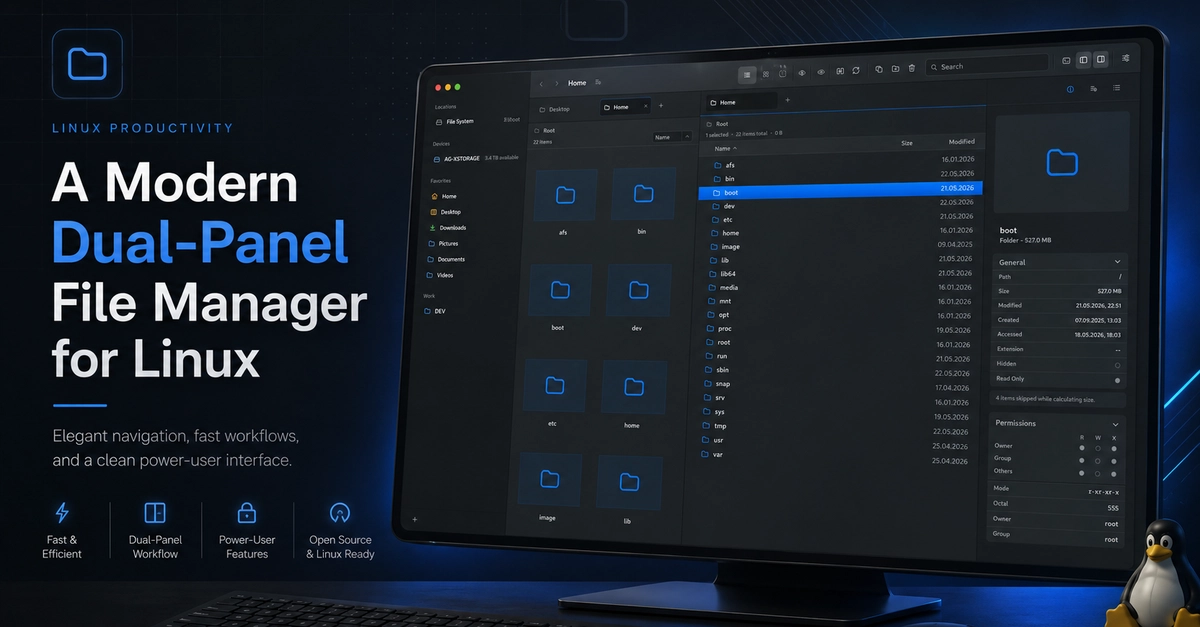
Moving from macOS to Linux is usually easier than people expect. The terminal is excellent, package managers are powerful, window managers are flexible, and most development workflows feel at home quickly.
Then you start looking for a file manager.
Not just a basic file browser. A real dual-pane file manager. Something that lets you compare folders, move files with confidence, work with remote storage, preview content, open a terminal when needed, and keep your hands on the keyboard. Something modern enough to feel like it belongs on a current desktop, but practical enough to handle daily work.
On macOS, ForkLift fills that role well for me. It is polished, fast, and built around the kind of workflows power users actually repeat every day. After using that kind of tool, switching to Linux can feel surprisingly rough. Linux has capable file managers, and some classic dual-pane tools are extremely powerful, but the choices often fall into two categories: beautiful single-pane desktop browsers, or older commander-style tools that prioritize capability over modern interaction design.
Carelo started from that gap.