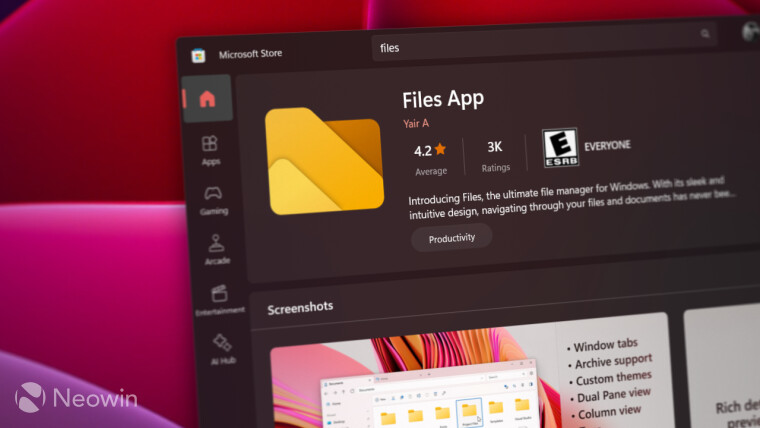
Yesterday, we covered an interesting news report wherein Microsoft is seriously considering redesigning one of its most useful PowerToys utilities, called Awake, to improve its ease of access. While it's not a built-in app, it's very useful for power users who want more customization options. Speaking of which, one such app is Files. If you use that instead of Windows 11's official File Explorer, there is a new update worth checking out.
The popular third-party file manager has now been updated to version 4.2. The latest release focuses heavily on navigation and multitasking, while also introducing several quality-of-life improvements that make everyday file management a bit more convenient.
One of the new additions in this release is a new Tree View in the sidebar. The feature displays folders in an expandable hierarchy, allowing users to browse through deeply nested directories without constantly opening new locations. Thus, instead of navigating back and forth between folders, users can expand and collapse branches directly from the sidebar, making it much easier to move around large directory structures.
The update also introduces a new Open With flyout on the toolbar. Once added through the toolbar customization menu, the button provides quick access to applications capable of opening the currently selected file. Rather than relying on the traditional context menu, users can launch files with their preferred application directly from the toolbar, streamlining the workflow.