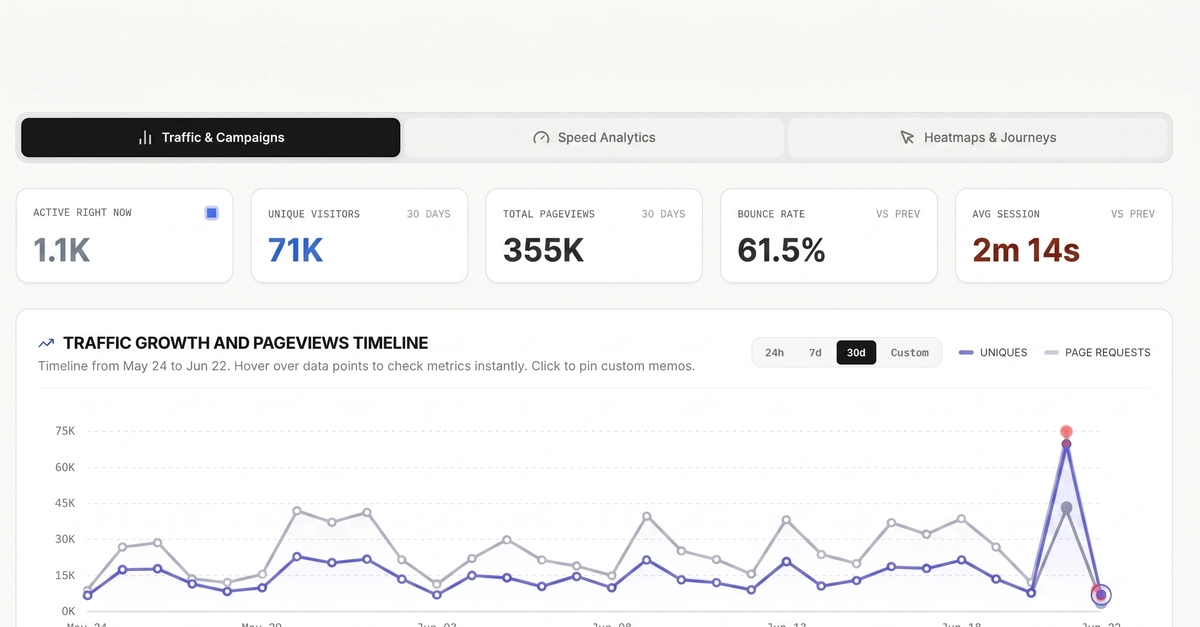
When you launch a new website or blog, every visitor count feels like a milestone. But as you test layouts, update content, and fix bugs, your own traffic can easily inflate your metrics.
If your website gets 100 visits a week, and 40 of those visits are you checking if a button works, your data is compromised. Your average session duration, bounce rates, and conversion paths will be completely skewed by your own behavior.
The Big Myth: Does "Incognito Mode" Stop Google Analytics Tracking?
If you want to go incognito and stop Google Analytics tracking, your browser's standard Incognito Mode (or Private Browsing) is not the answer.
This is a massive misconception: Chrome's Incognito mode only prevents your browser from saving your browsing history, cookies, and form data locally on your own device. When you visit a website in Incognito mode, the Google Analytics tracking script (gtag.js) still runs completely normally. To the website owner and to Google, you are still tracked as a active user.