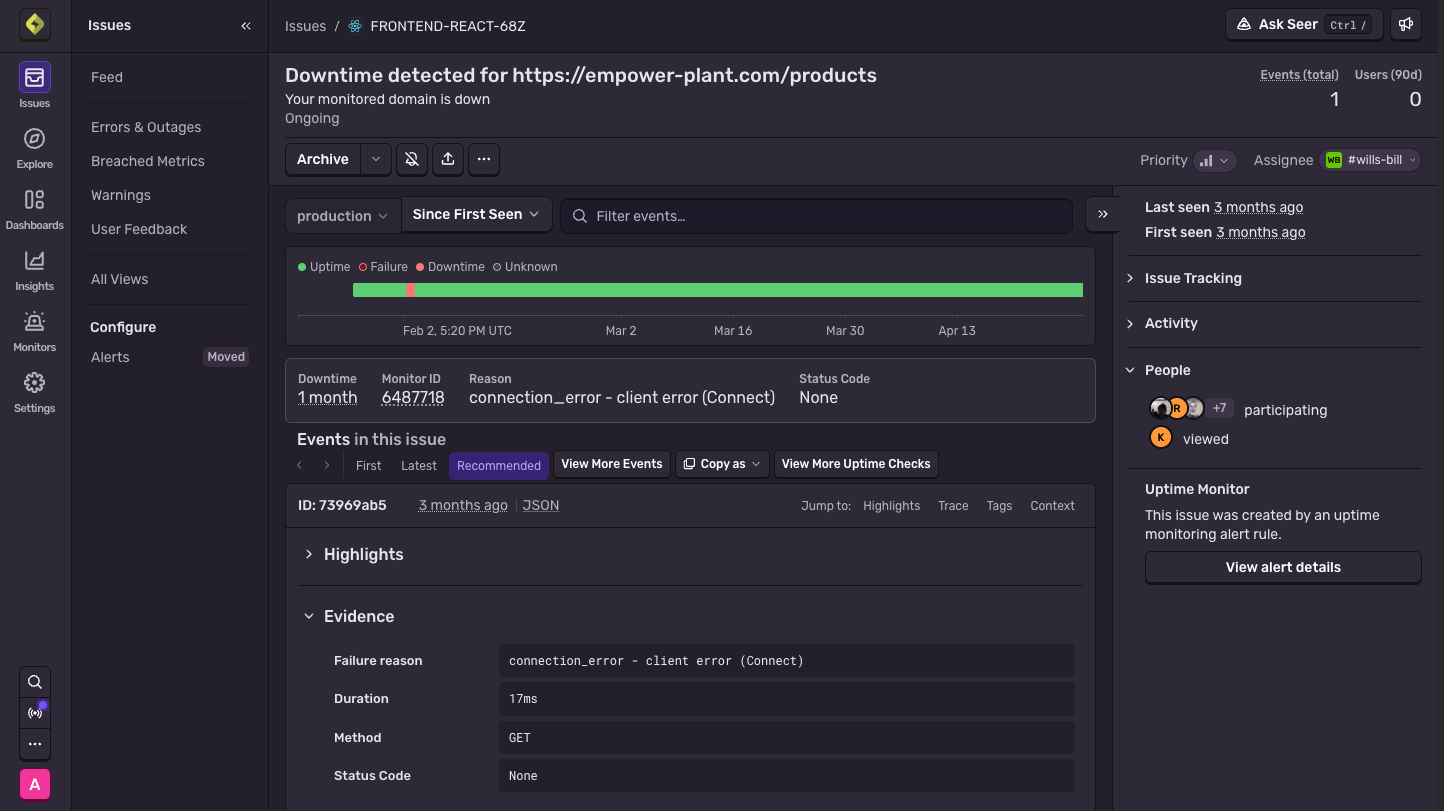
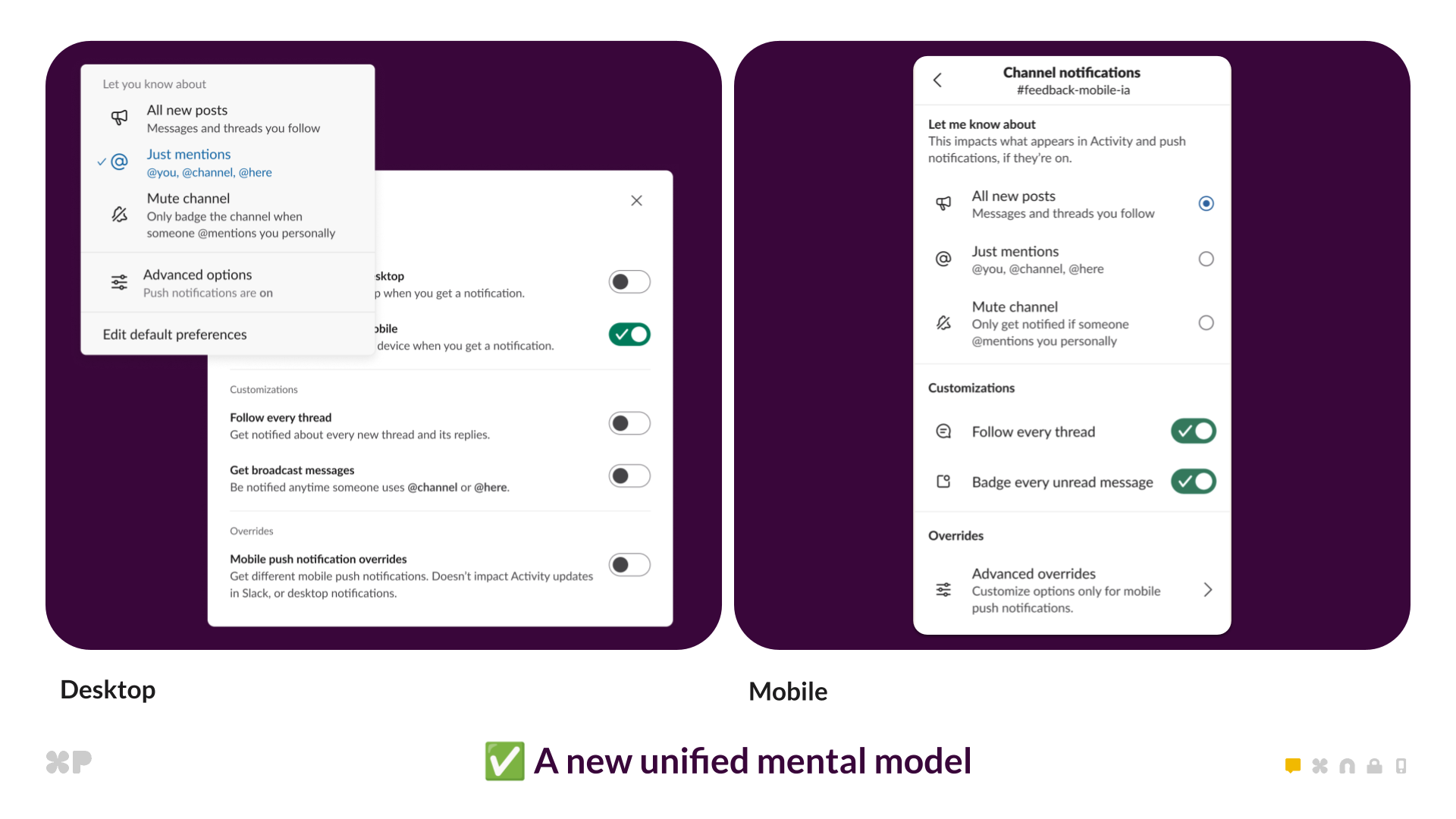
Customize your notifications Reduce noise and ensure critical bugs don't fall through the cracks by defining which notifications you receive and who receives them with personal and team notifications. See the docs Track and debug in real-time Take immediate action with issue context—and assign and resolve all within the message. View the related pull request, commit and easily access the alert and project that triggered the notification.Each action you take in Slack is recorded in the message itself so your teammates can see which messages still require action. Go from alert to fix without leaving the channel Sentry alerts in Slack now include an initial read on the likely cause and a Fix with Seer button. One click kicks off the full Autofix workflow—root cause analysis, proposed patch, and PR—right from the notification that paged you.Currently in public beta. Read the docs Debug with Seer Agent, together Start an investigation the way you'd ask an on-call engineer—DM Seer Agent or mention it in an incident channel, no detour through the Sentry UI. Anyone in the thread can redirect it mid-step, drop in context it didn't have, or just follow along. The investigation stays in the thread after the incident resolves, so the next time the same pattern shows up, it's a search away instead of a fresh start.Seer Agent in Slack is in active beta and ready to use today. Responses may be inaccurate. Some features require a paid Slack plan.
Slack + Sentry Integration
Send notifications to chatrooms so everyone on your team knows when an error needs to be resolved
325 words~1 min read