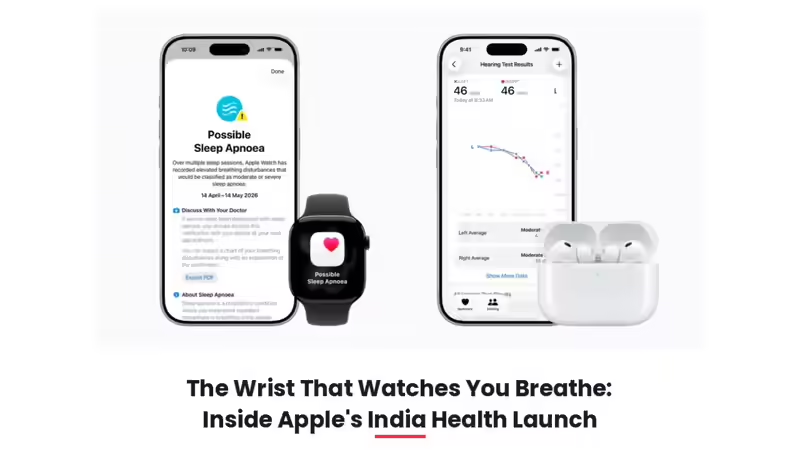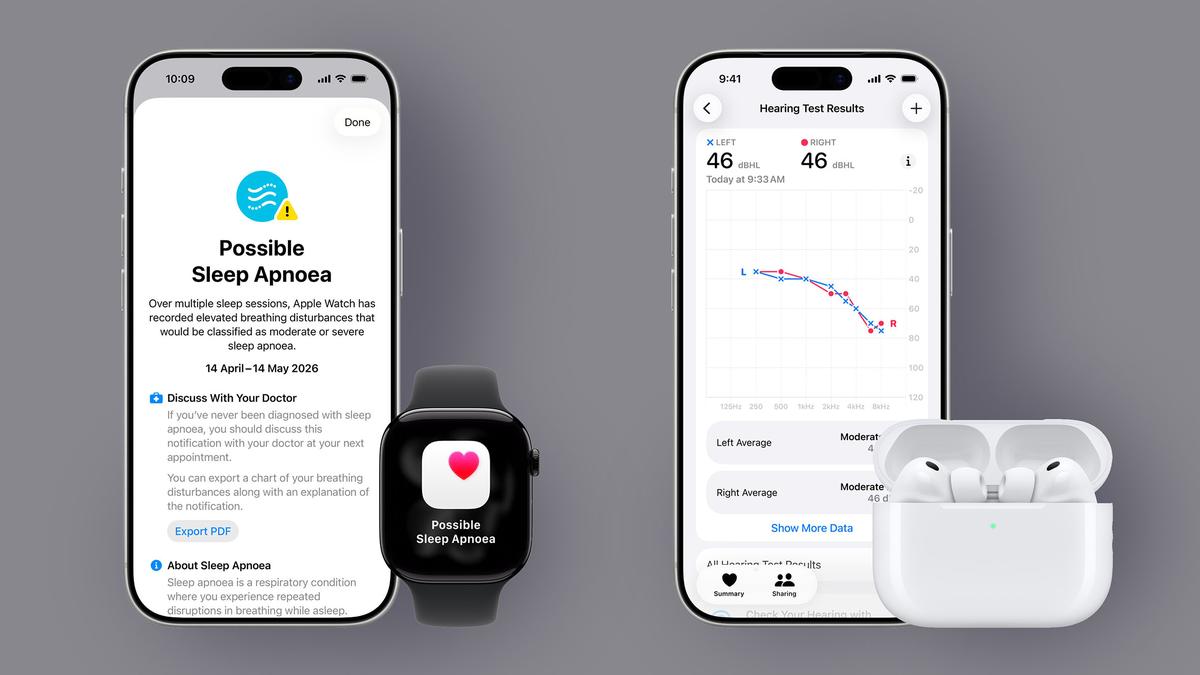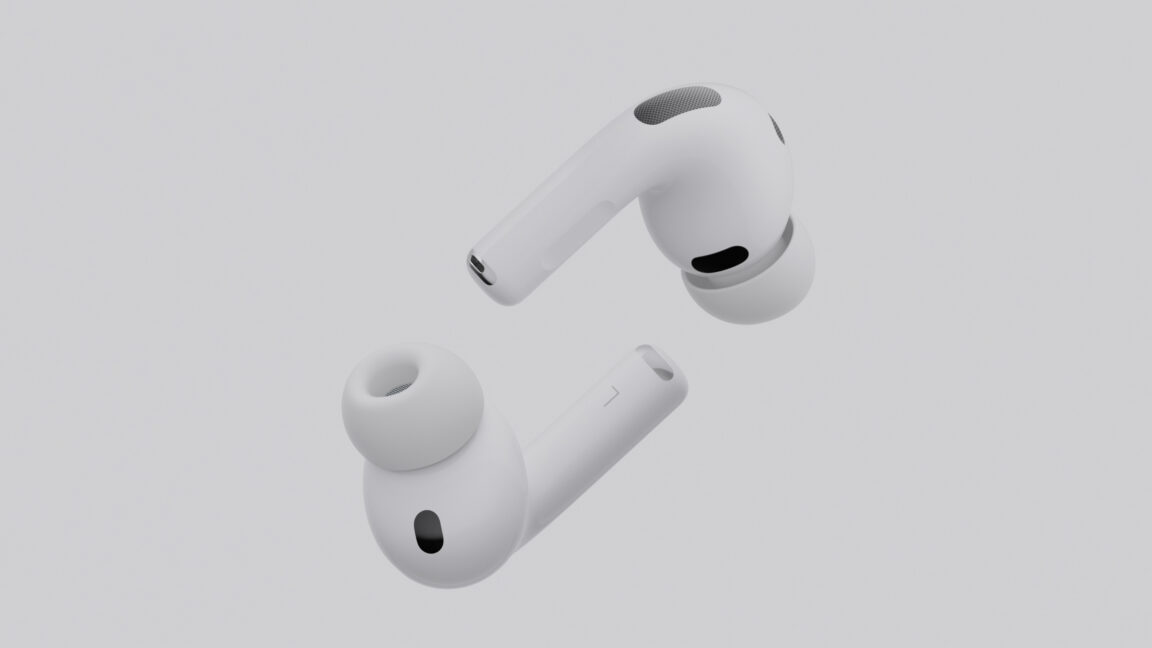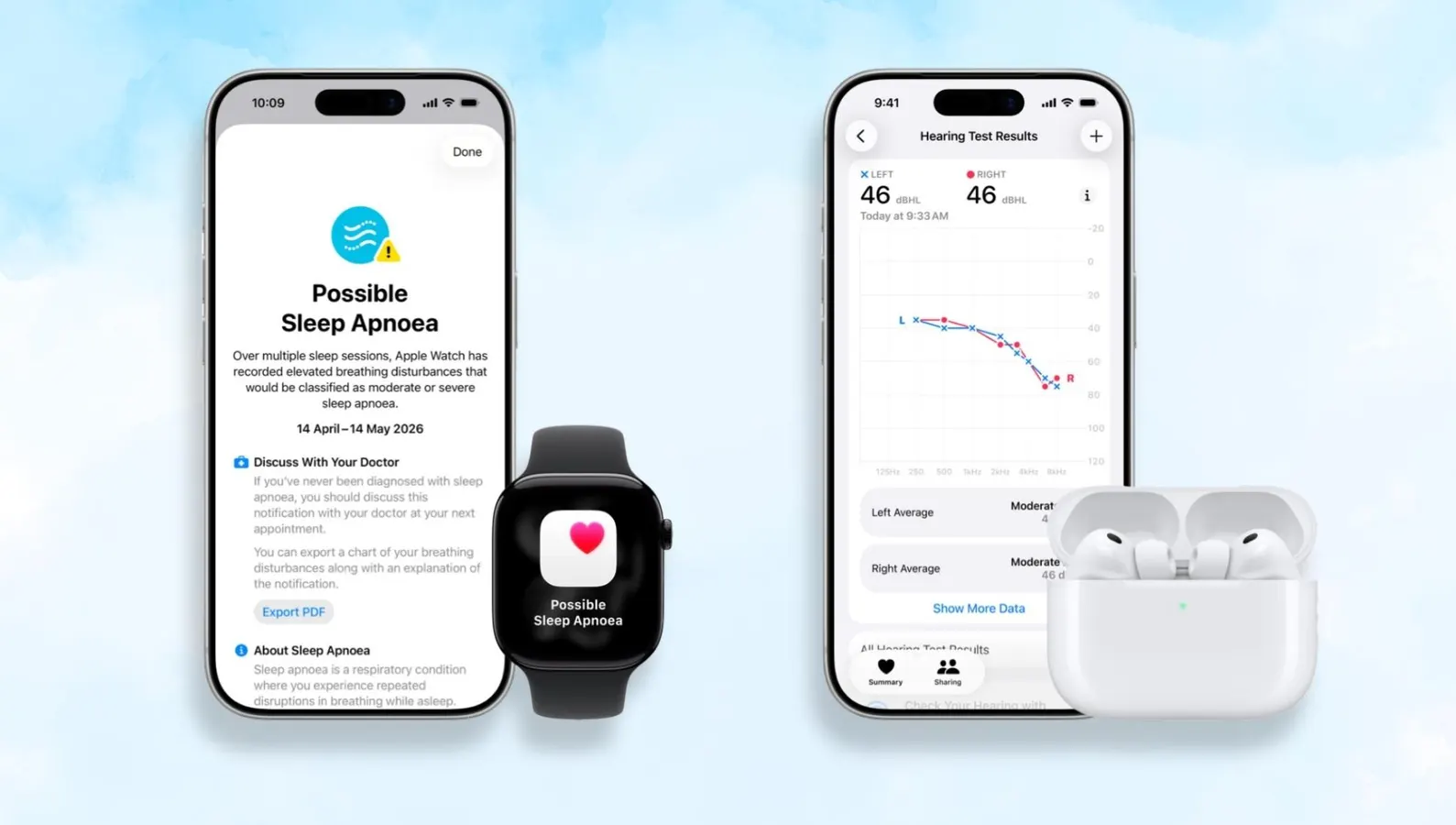
Apple is rolling out sleep apnoea detection and Hearing Test features for Apple Watch and AirPods Pro users in India.AppleApple has been on a spree of rolling out crucial health features to more people around the world. On May 12, it released the Hearing Aid features for AirPods Pro 2 and Pro 3 users in Italy, Romania, and Czechia. Now, it has announced the expansion of sleep apnoea notifications and the Hearing Test feature for the Apple Watch and AirPods Pro 2, respectively, in India.Sleep apnoea is estimated to impact more than 1 billion people worldwide and, in most cases, goes undiagnosed. Detecting sleep disorders like sleep apnoea typically requires you to place sensors all over your body, but Apple managed to replicate this ability in a tiny wrist companion and get it cleared for use by the Food and Drug Administration (FDA) in 2024. It works by measuring movements in the wrist associated with breathing interruptions.ForbesApple’s Upcoming Accessibility Features Show The Real Potential Of Apple IntelligenceBy Prakhar KhannaWhile the Apple Watch isn’t medical-grade equipment and can’t diagnose sleep disorders or replicate comprehensive sleep studies, it can help you figure out whether you should at least speak with a doctor about this condition. This is important because, if left untreated, it can increase the risk of hypertension, type 2 diabetes, and cardiac issues.Similarly, hearing loss often worsens gradually and can leave many people unaware that they may be living with the condition. Apple is rolling out the ability to get a clinical-grade Hearing Test, based on the standard clinical approach, for AirPods Pro 2 and Pro 3 users in India. While the Hearing Aid feature is yet to be released in the country, you can now take the Hearing Test in five minutes and get a summary of your results.MORE FOR YOUHow To Turn On Sleep Apnoea Notifications On Your Apple WatchApple Watch Series 10Prakhar KhannaThe sleep apnoea notifications feature is supported on Apple Watch Series 9 or later, Watch Ultra 2, or Watch SE 3 with the latest version of watchOS. Apple says the feature is intended for use by people 18 years or older who have not been diagnosed with sleep apnoea.To enable sleep apnoea notifications on your Apple Watch, you need to:Go to the Health app on your iPhone.Tap Search and then tap Respiratory.Scroll to Sleep Apnoea Notifications > Set Up > Next.You’ll be asked to confirm your date of birth and whether you’ve ever been diagnosed with sleep apnoea.Provide the required information, then tap Continue > Next > Done.ForbesApple Sends Out WWDC 2026 Invites With A “Coming Bright Up” TeaseBy Prakhar KhannaOnce set up, you’ll be able to view your sleep apnoea notifications or breathing disturbances in the Health app. If you receive a notification, you can also share a detailed report with your healthcare provider by scrolling down and tapping Export PDF.How To Take A Hearing Test With AirPods Pro 2 and AirPods Pro 3The Hearing Test feature is now available on AirPods Pro series (left) and not for AirPods 4 (right) because the test requires a tight seal in your ear.Prakhar KhannaBefore you take the Hearing Test, you need to make sure your AirPods have a complete seal when placed in your ears. You can take the Ear Tip Fit Test to figure out the best silicone ear tip size. Once done, find a quiet place and follow these steps:Wear the AirPods in your ears. Make sure they’re connected to your iPhone.Go to Settings > your AirPods > scroll down to Hearing Health and tap Take a Hearing Test. You can also use the Apple Health app for this.Follow the on-screen instructions. For instance, if the app asks you to run a check, put your AirPods back in their case, close the lid, then tap OK. Tap Take Hearing Test when the check is finished.Once the Hearing Test starts, tap the screen when you hear a tone. It will pulse the tones three times to give you time to respond, and you only need to tap one time when you hear a tone. Apple says it is OK if you miss a tone.When done, you’ll see your hearing test results and any recommendations inside the Apple Health app. In the report, the higher the number, the louder the sounds need to be for you to hear them. For example, up to 25 dBHL indicates little to no hearing loss, whereas 26–40 dBHL indicates mild hearing loss. You can also see a detailed chart of your hearing level across the specific frequencies tested and export it as a PDF to share with your healthcare provider.
Apple Rolls Out Two Crucial Health Features For Apple Watch And AirPods In India
Apple Watch users in India can now access sleep apnoea notifications, while AirPods Pro users get clinical-grade Hearing Tests. Here’s how to set them up.
770 words~4 min read