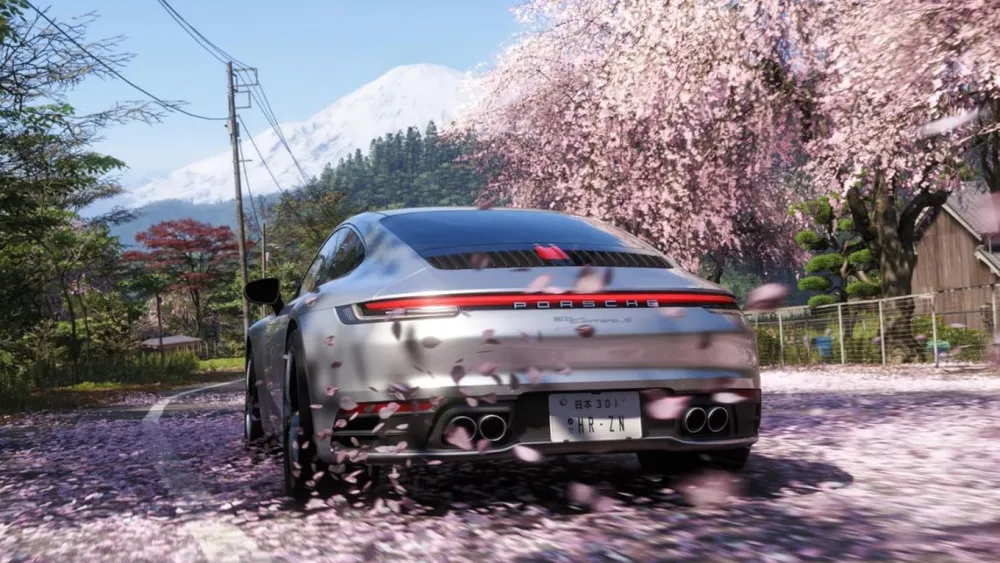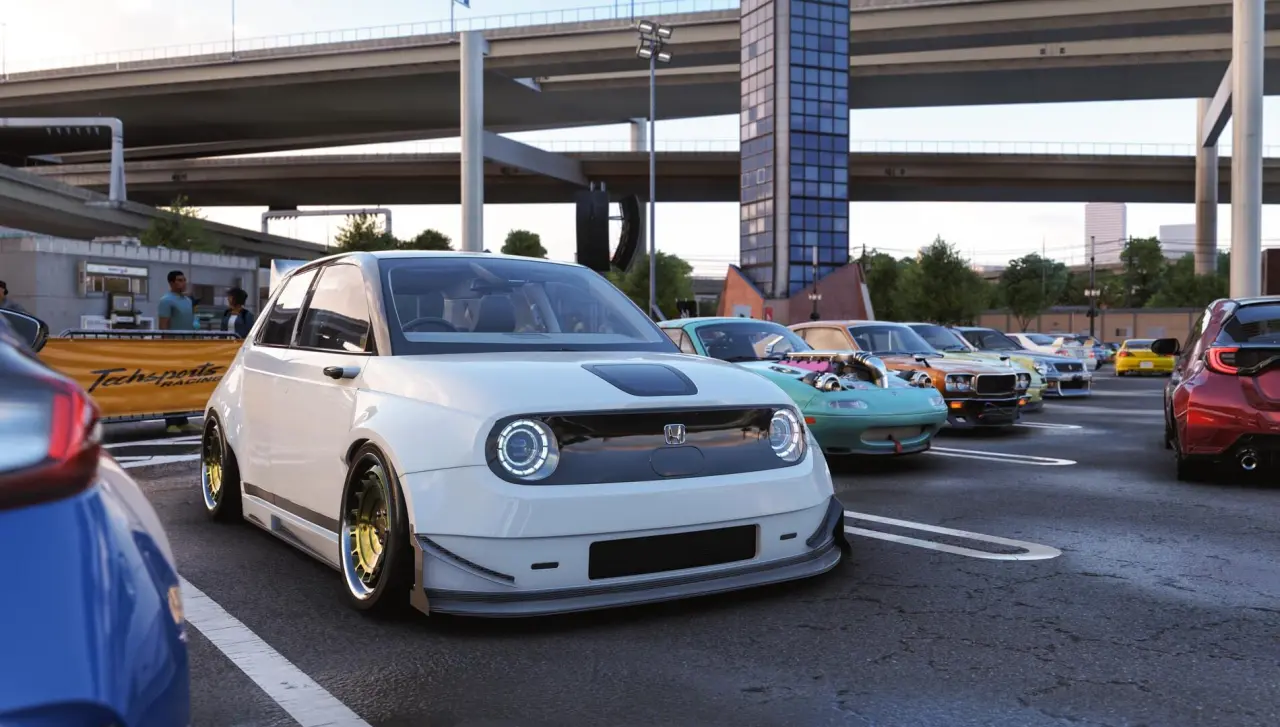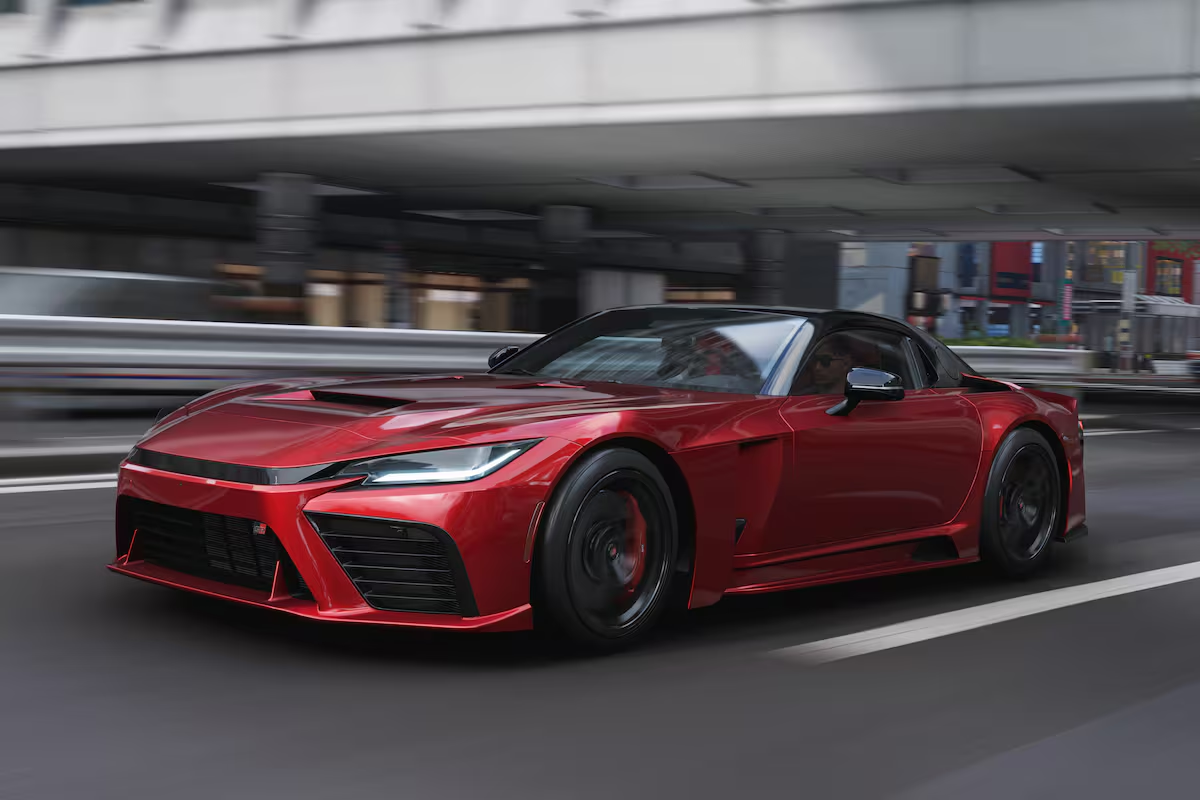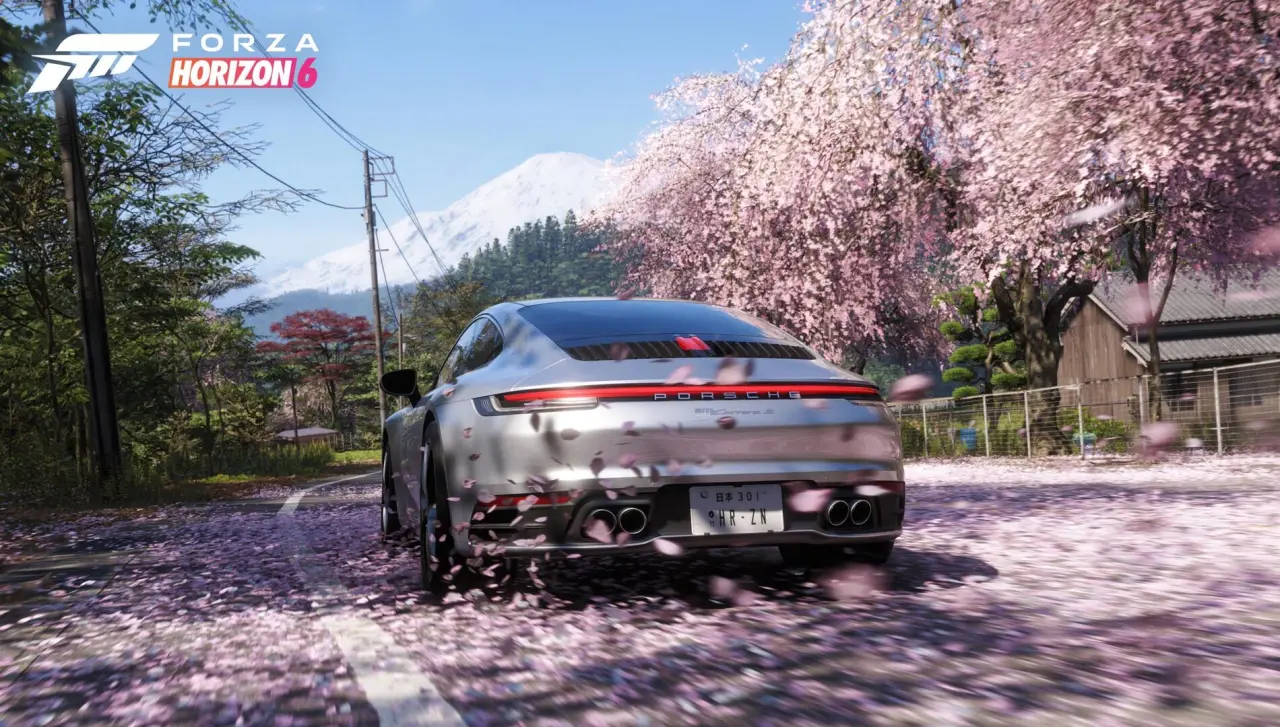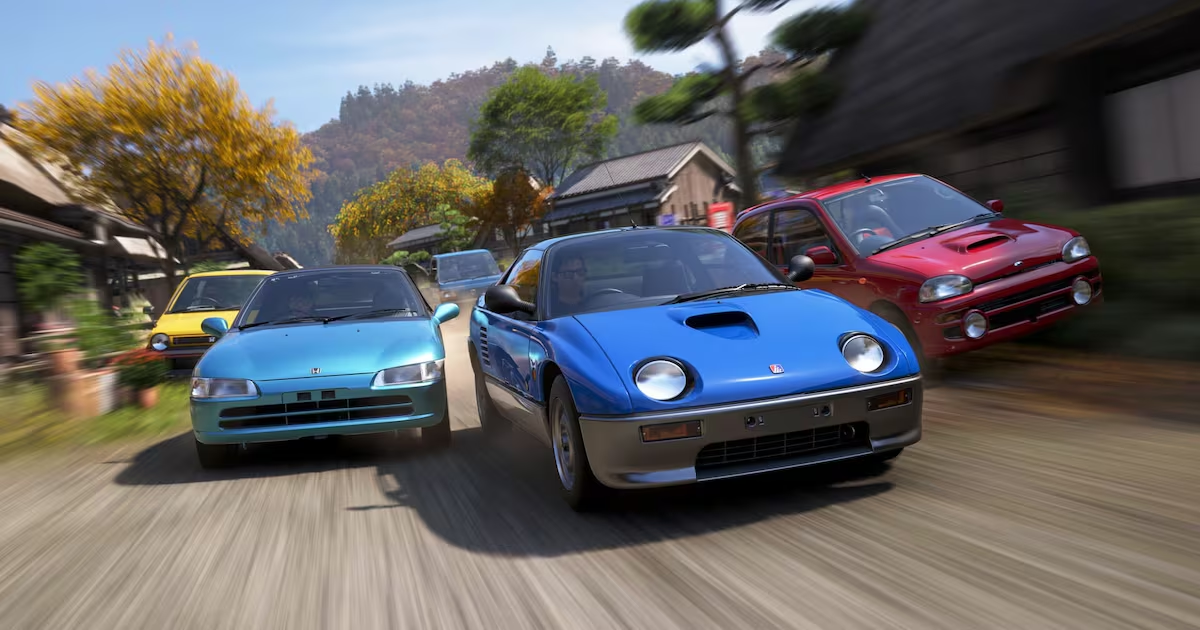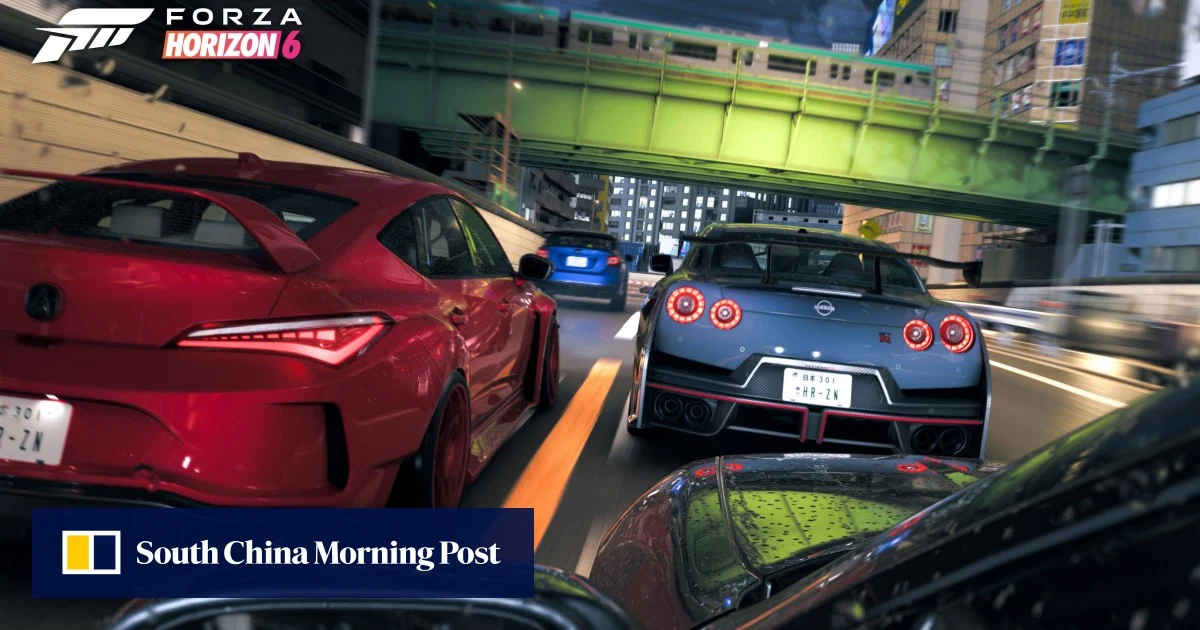
We've been playing Forza Horizon 6 for the last week and really enjoying it as longtime fans of the series. It's a fun game that runs well on PC and looks fantastic, with major visual upgrades over the previous title. Still, there's always room for optimization, so in today's guide we'll walk through every setting in Forza Horizon 6 and show you which options to tweak to maximize performance without sacrificing too much visual quality.
The good news is that, like previous entries in the series, Forza Horizon 6 appears to be very well optimized. At maximum settings, it is naturally more demanding than Forza Horizon 5, which makes sense given the improved graphics, but we wouldn't describe the performance hit as excessive. There are also plenty of options that improve performance with excellent scaling. As seen in our Forza Horizon 6 benchmark review, the 1440p High preset runs very well on most hardware.
The game also supports most modern graphics features. For upscaling, there's DLSS 4.5, FSR 3.1, which can be upgraded to FSR 4.1 via AMD's driver override, and XeSS 2.0.
It's disappointing that Frame Generation is only available on Nvidia GPUs through DLSS, with no support for FSR or XeSS Frame Generation. Still, we don't think this will be a must-have feature for most gamers. Despite the use of ray-traced effects, Ray Reconstruction and Ray Regeneration have not been implemented.