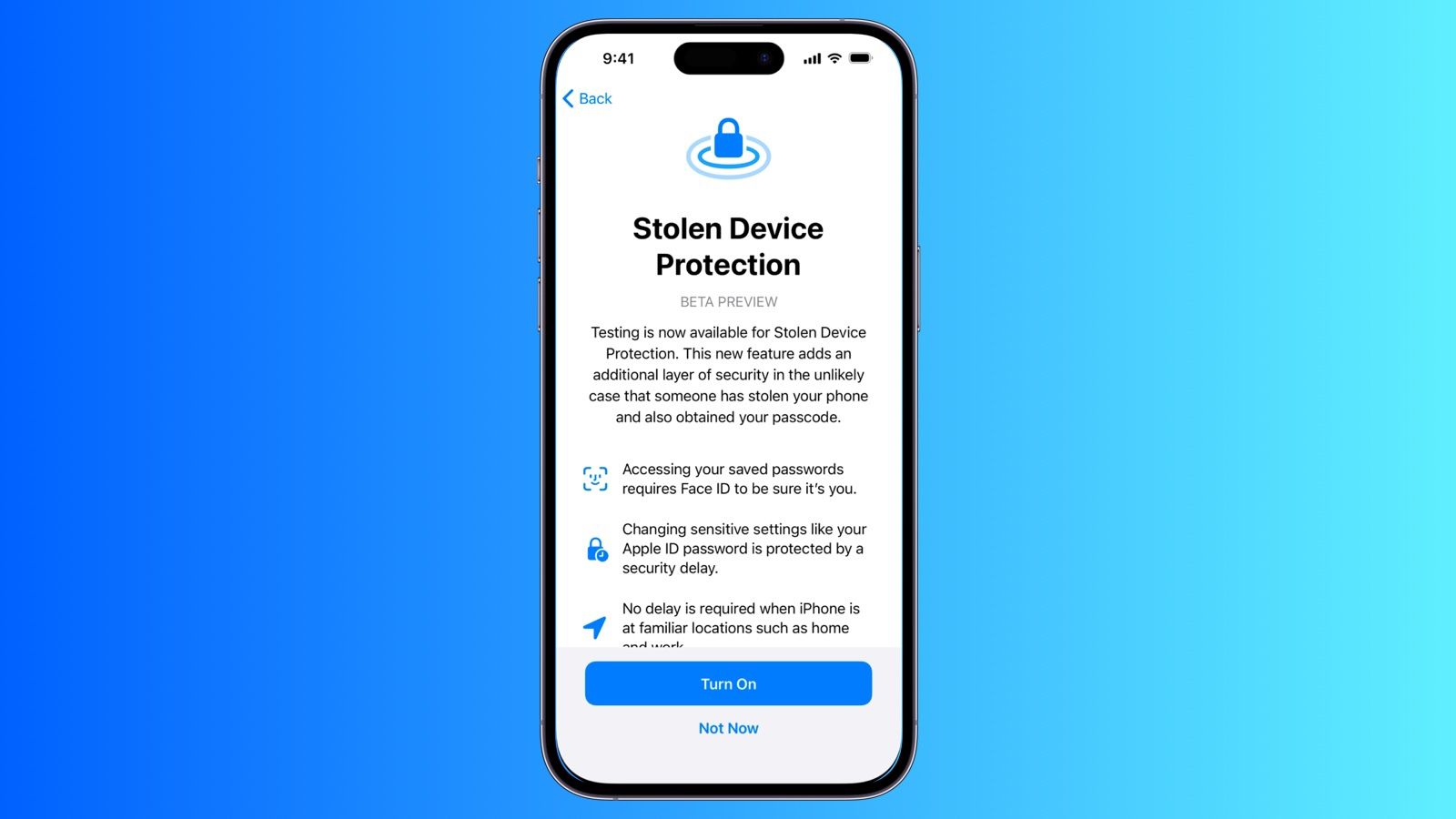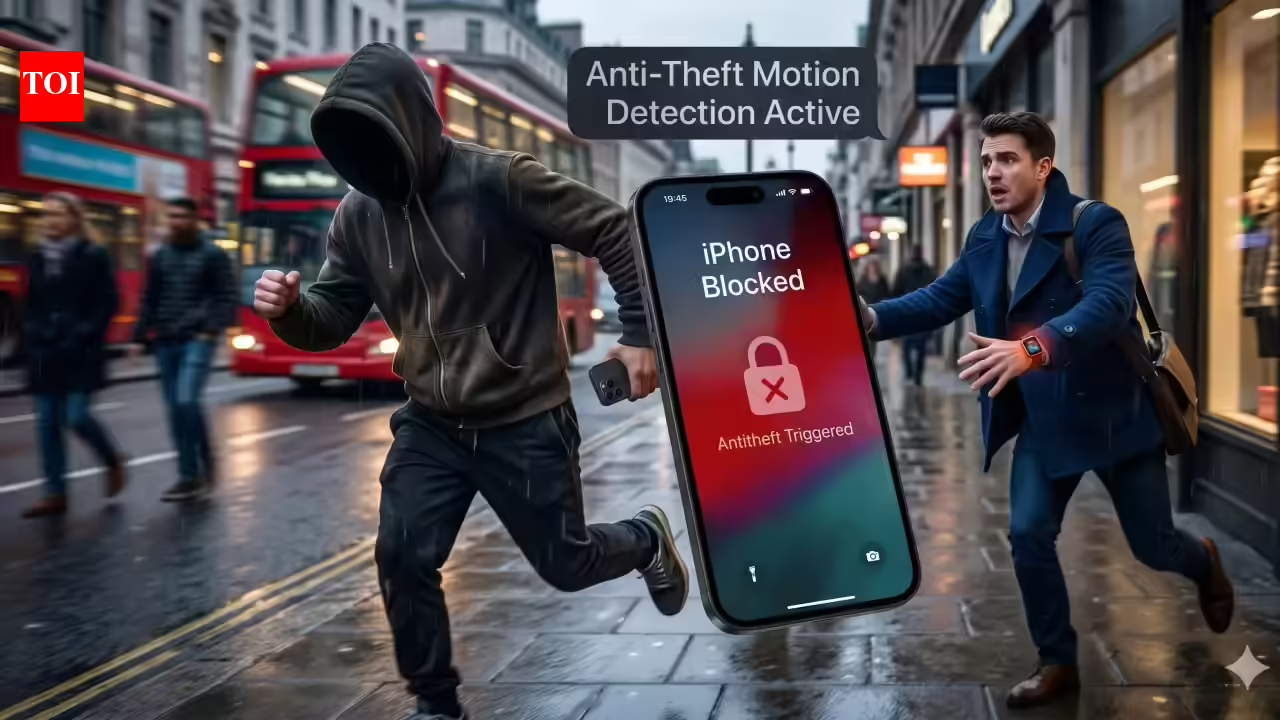
You might have noticed that, after installing iOS 26.4, your iPhone is behaving differently. Some actions (like changing your password) require a one-hour wait, followed by biometric authentication. You never had to do this before. Why now? Because with iOS 26.4, Apple has decided to enable its Stolen Device Protection feature on all iPhones. This feature may not make you safer—or feel safer—but it should prevent or severely deter misuse and hijacking of your iPhone and Apple Account.
Alternatively, you may not have noticed this—several sites reported in February 2026, during the 26.4 beta testing period, that Stolen Device Protection was automatically enabled in the update. Or a dark pattern—a user-interface design that pushes you to a particular decision without removing one or more others—may have caused you to opt in. However, I’ve found no confirmation from Apple, nor do various sites that write about Apple have a definitive answer!
So this is a good time to review Stolen Device Protection, whether or not you had it enabled without your permission.
One who steals my iPhone, steals my Apple Account
Months after a report in the Wall Street Journal about multiple people being assaulted or shoulder surfed to unlock a stolen iPhone, and from there to hijack the owner’s Apple Account, Apple added Stolen Device Protection. This feature flipped the script on iPhone authentication, requiring Face ID or Touch ID to access certain features or make significant changes—a passcode no longer sufficed. It also added a cooldown period, requiring a one-hour delay in many circumstances before those biometrically authenticated actions could occur.