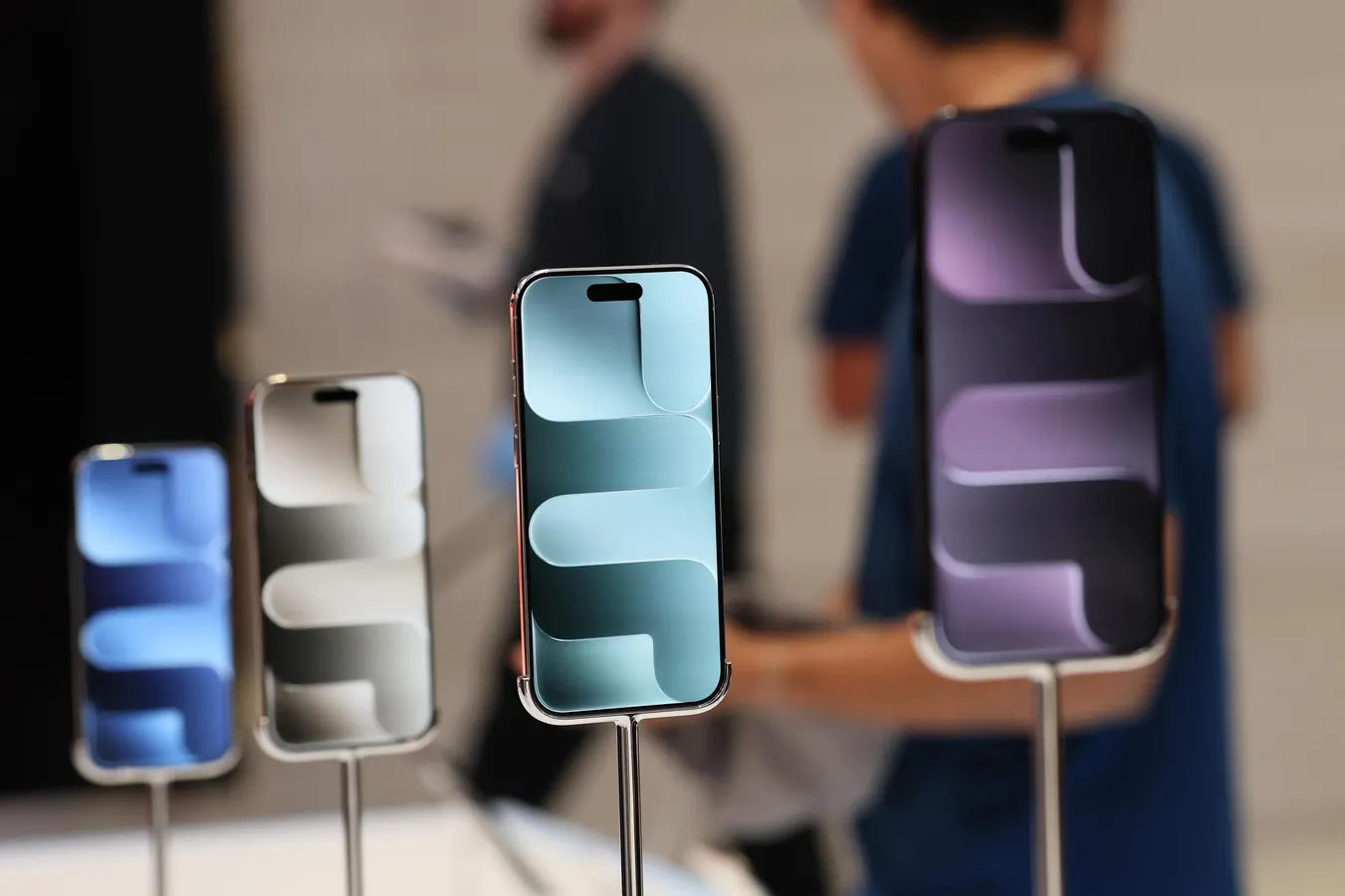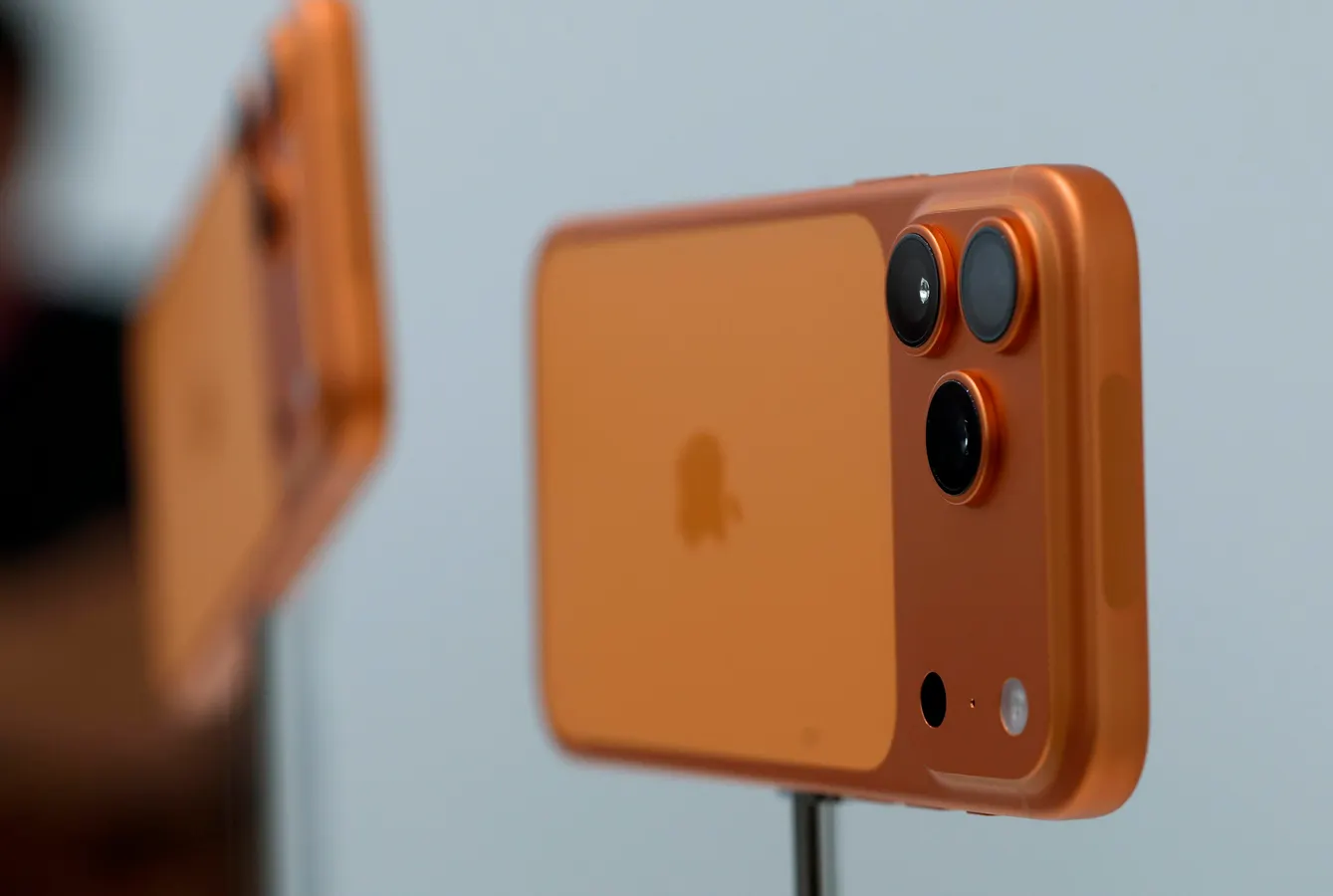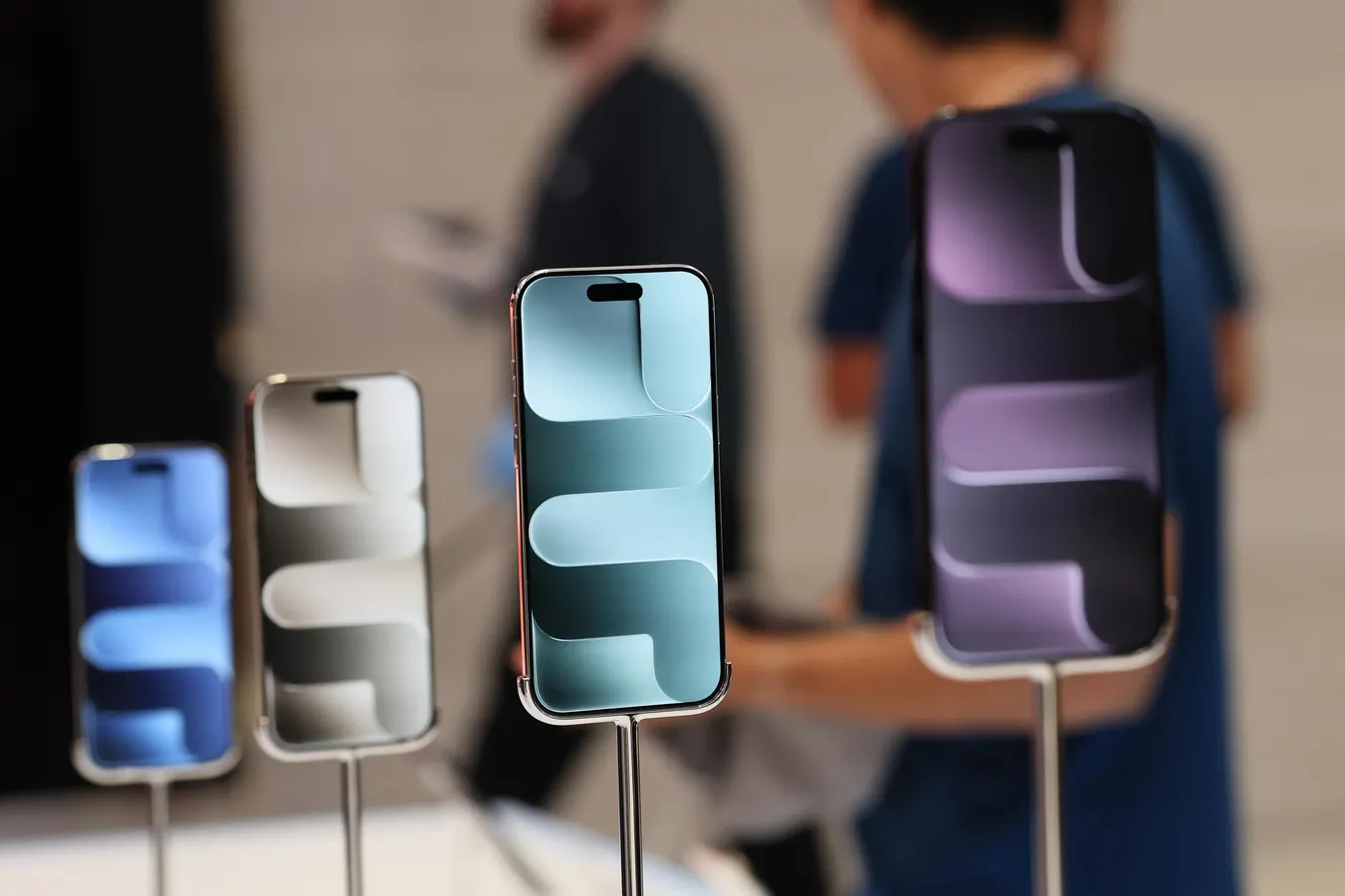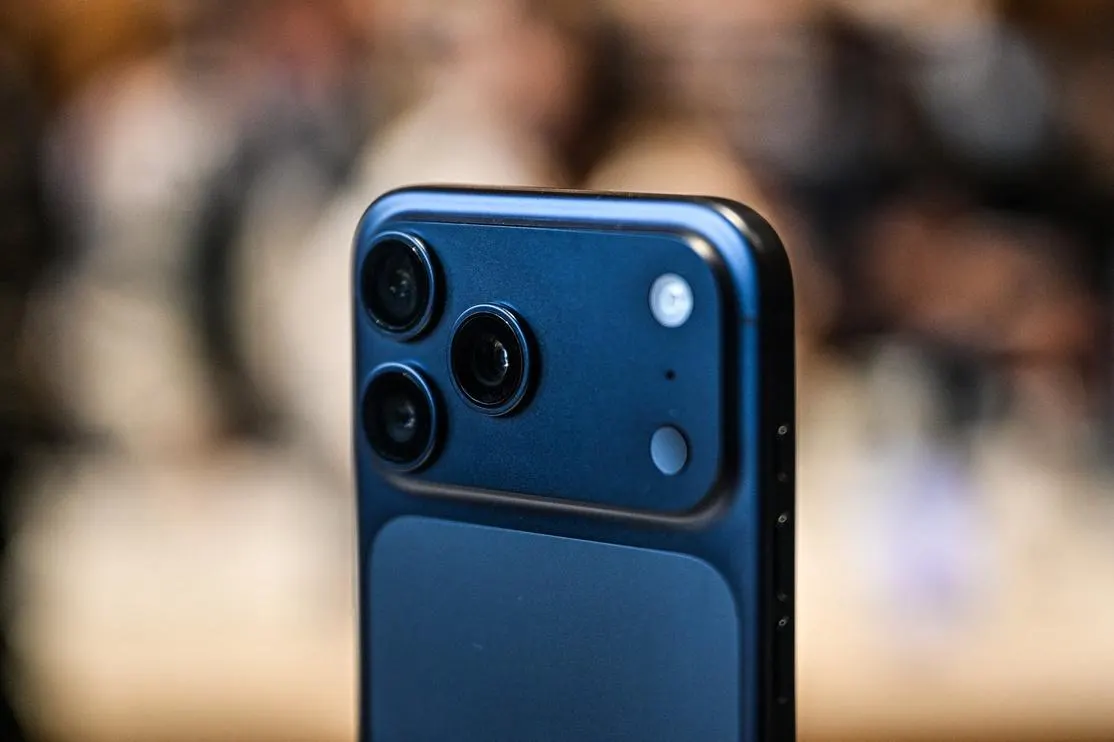
Apple iPhone 17 Pro MaxNurPhoto via Getty ImagesApril 11 update. This post, first published April 8, has been updated with more details of what’s arrived in the latest iPhone update.There have been plenty of iPhone updates recently, and today, Wednesday, April 8, there’s another. It doesn’t look like it’s security-related. Here’s what’s in iOS 26.4.1 — and what’s not: it’s not a security update, which has come as a surprise to some.ForbesApple’s 2026 Shake-Up: iPhone 18 Pro Leaks While iPhone Fold Steals The ShowBy David PhelanWhich iPhones Can Run iOS 26.4.1?Like all other updates in the iOS 26 cycle, this one is for all iPhones from 2019 onwards. That means iPhone 11 and later. The second-generation and third-generation iPhone SE handsets are included. All members of the iPhone 17 series, including the latest release, iPhone 17e, plus iPhone Air, are also supported.How To Download And Install iOS 26.4.1Open the Settings app on the iPhone and choose General, followed by Software Update. Here you’ll find Download and Install, and it’ll be downloaded promptly. It’s a small update, 671MB on my iPhone 17 Pro Max. It downloaded and installed quickly — less than 10 minutes in all.iOS 26.4.1 — What’s In The ReleaseSince Apple introduced Background Security Improvements updates in March 2026, the arrival of iOS 26.4.1 is something of a mystery. If it were security only, it would likely have been a BSI update. MORE FOR YOUWhich says that this update is living up to its very basic release notes: “This update provides bug fixes for your iPhone,” the notes said. Two other things have now come to light. First, and importantly, enterprise customers will now see Stolen Device Protection automatically enabled, Apple revealed in a support document for enterprise. This happened for regular users in iOS 26.4, but comes to enterprise users now.Secondly, as spotted by 9to5Mac, Apple’s developer forums have indicated that the new release fixes “a significant bug related to iCloud data syncing,” it said.“The issue meant that changes made by a user on one device would not automatically be delivered to iPhone and iPad clients. Affected developers could do nothing but submit bug reports to Apple and wait for the company to push the operating system fix, which has now happened,” it went on.This didn’t affect just third-party apps, either. The bug also hit Apple services relying on CloudKit infrastructure, such as the shared passwords feature in Apple’s Passwords app.Also affected were note-taking apps, such as the essential Apple Notes app. Additional apps at risk were task managers and productivity tools from other sources. The new update is designed to restore normal syncing, so everything appears across desires as expected. iOS 26.4.1 Security Content — Or Lack Of ItSoon after an update is released, Apple reveals what the security content of the new version entails, something it did on April 8 in a support document. Here, however, it specified that “This update has no published CVE entries,” which confirms that though there are bug fixes, there are no security updates in this release.The recent iOS 26.4 had dozens of security updates, so it’s less surprising that there are no more changes coming here. And, since Apple now has another way to introduce security updates in its Background Security Improvements releases, if something urgent appears in the next weeks, it’s likely Apple will deliver another of those.It’s worth noting that last week Apple threw a lifeline to users who could update their iPhones to iOS 26 but have chosen to stick with iOS 18. The recent iOS 18.7.7 was made available more widely because of the greater threat of an exploit called DarkSword. Full details of that here. That lifeline meant that the millions of users who haven’t embraced iOS 26 yet were no longer insecure. It looks like the new update is not related to security, so those holdouts may feel safe not updating yet. ForbesApple iOS 18.7.7 Unprecedented New iPhone Software: Should You Upgrade?By David Phelan
iOS 26.4.1 Release: Crucial iPhone Feature Update Arrives, But No Security Fix
Here it is, an iPhone update that has landed just over two weeks since the last iPhone release, unexpectedly landing midweek. Here’s all you need to know.
660 words~3 min read