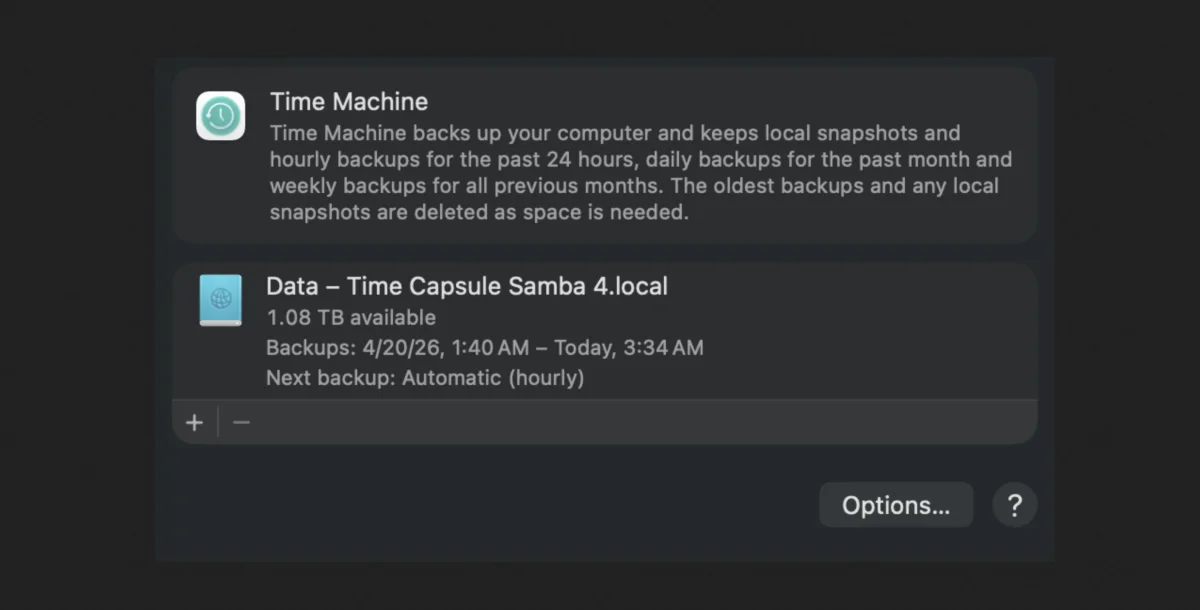
Time Machine used to be a mess. I would try it with each new macOS release, get frustrated, and give up. My incoming email from readers was sometimes dominated by Time Machine problems, particularly when Apple transitioned from HFS+ to APFS as the Mac’s default startup volume file system. At one point, Time Machine volumes had to be formatted as HFS+ even after APFS became the default startup volume format.
Which is why I’m so pleased that Time Machine generally—generally, mind you—now performs as I would expect as part of my backup-and-archive systems.1 I use Backblaze for encrypted Internet-hosted backups, Carbon Copy Cloner for nightly local clones, and Time Machine for continuous archiving and backups. I also use Dropbox and iCloud Drive for nearly all of my documents.
Often, however, I want to exclude something—or a lot of somethings—from Time Machine. A file or folder is too big (like Parallels virtual machines), a volume contains a clone of another volume (and thus should be ignored), or some data changes so frequently that it’s not ideal to archive using Time Machine.
Here’s how you can control what Time Machine archives.
Via the main System Settings interface