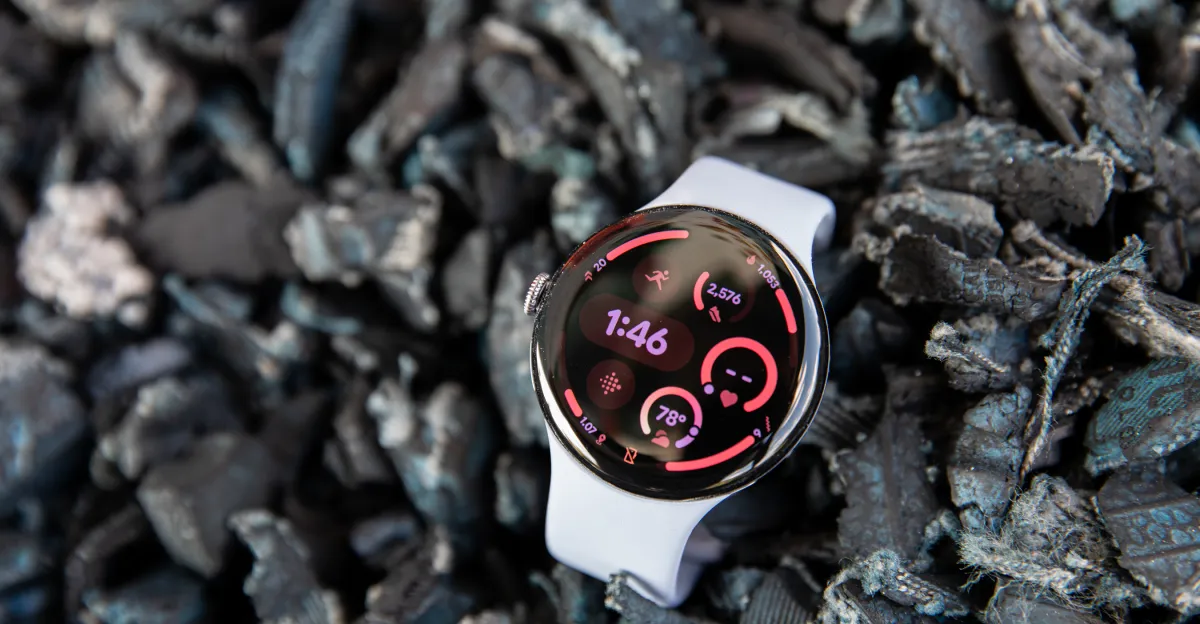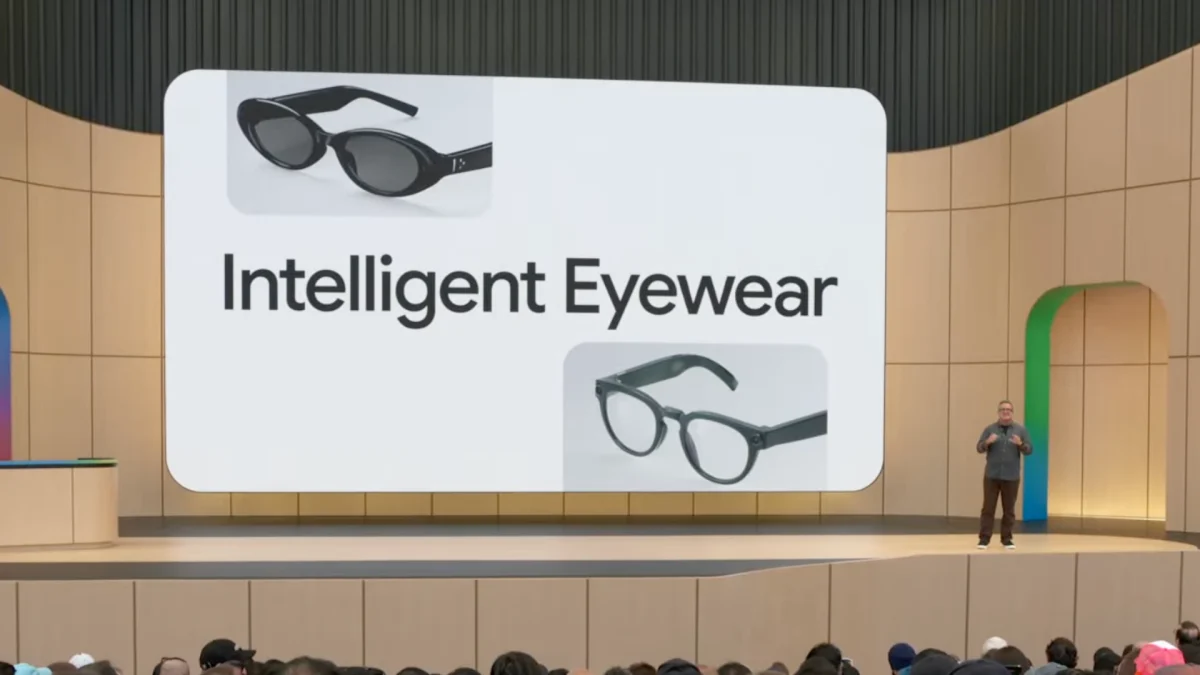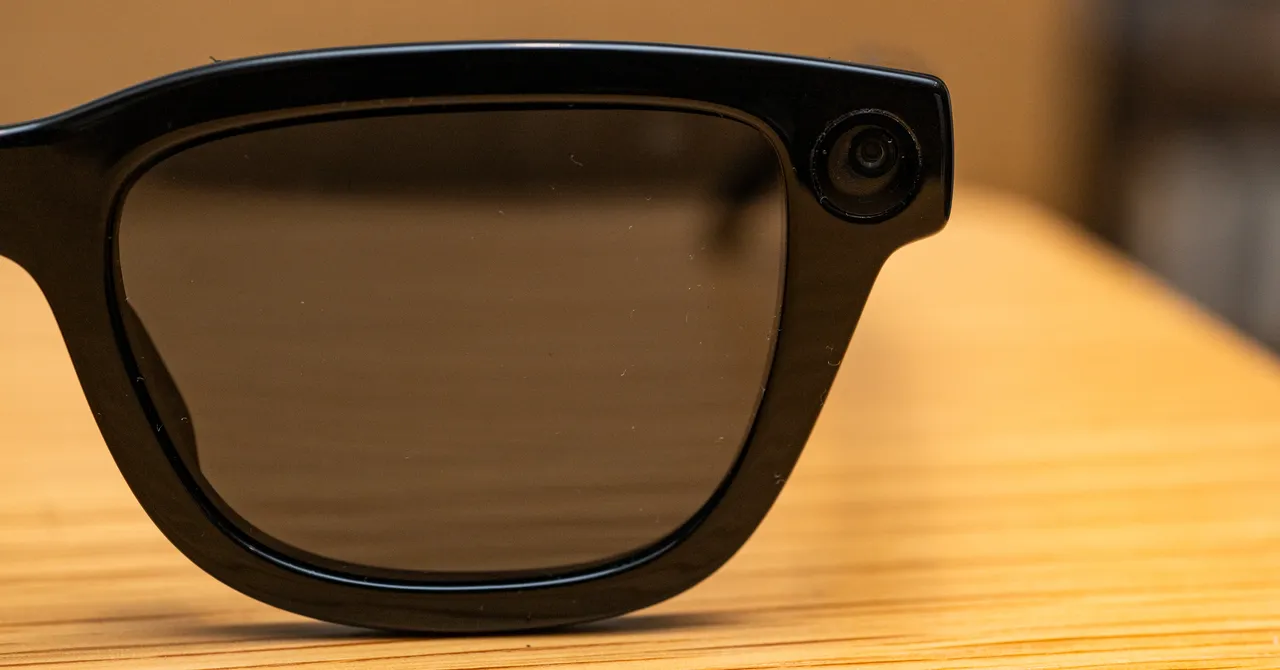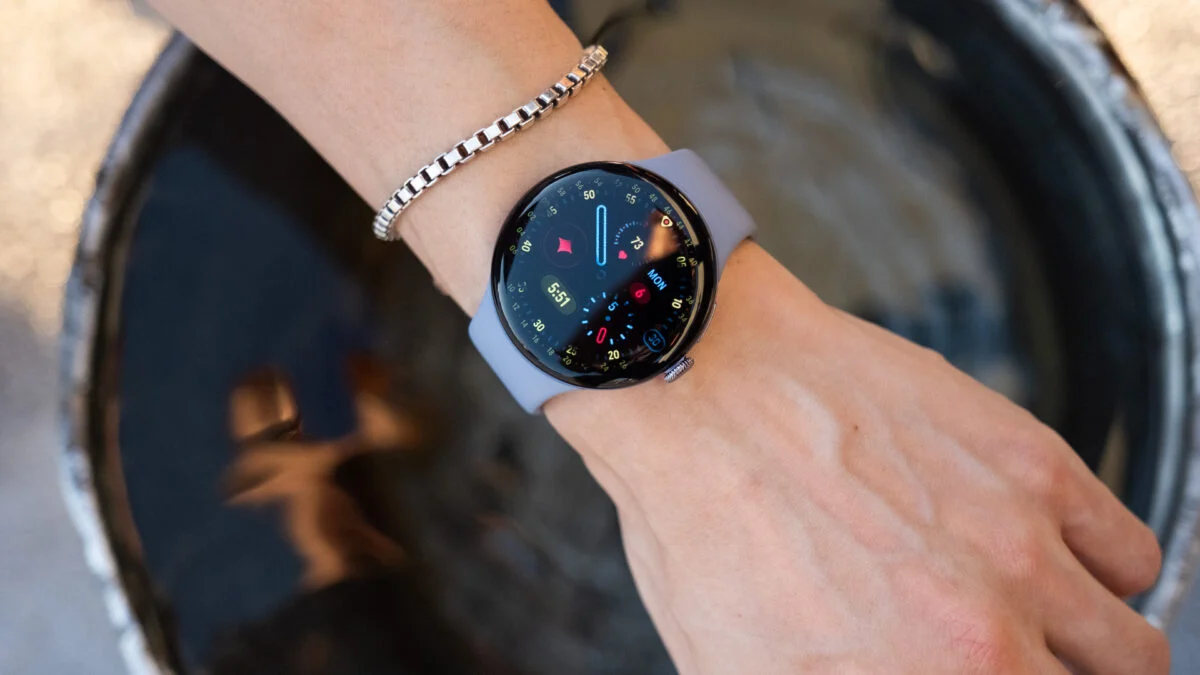
The next time you check your wrist, it may be because you asked your glasses to take a picture or order you a meal. Now that Google is getting in on smart glasses—sorry, I mean “intelligent eyewear”—the next version of your Android watch may one day become a secondary screen for your always-connected AI wearables.
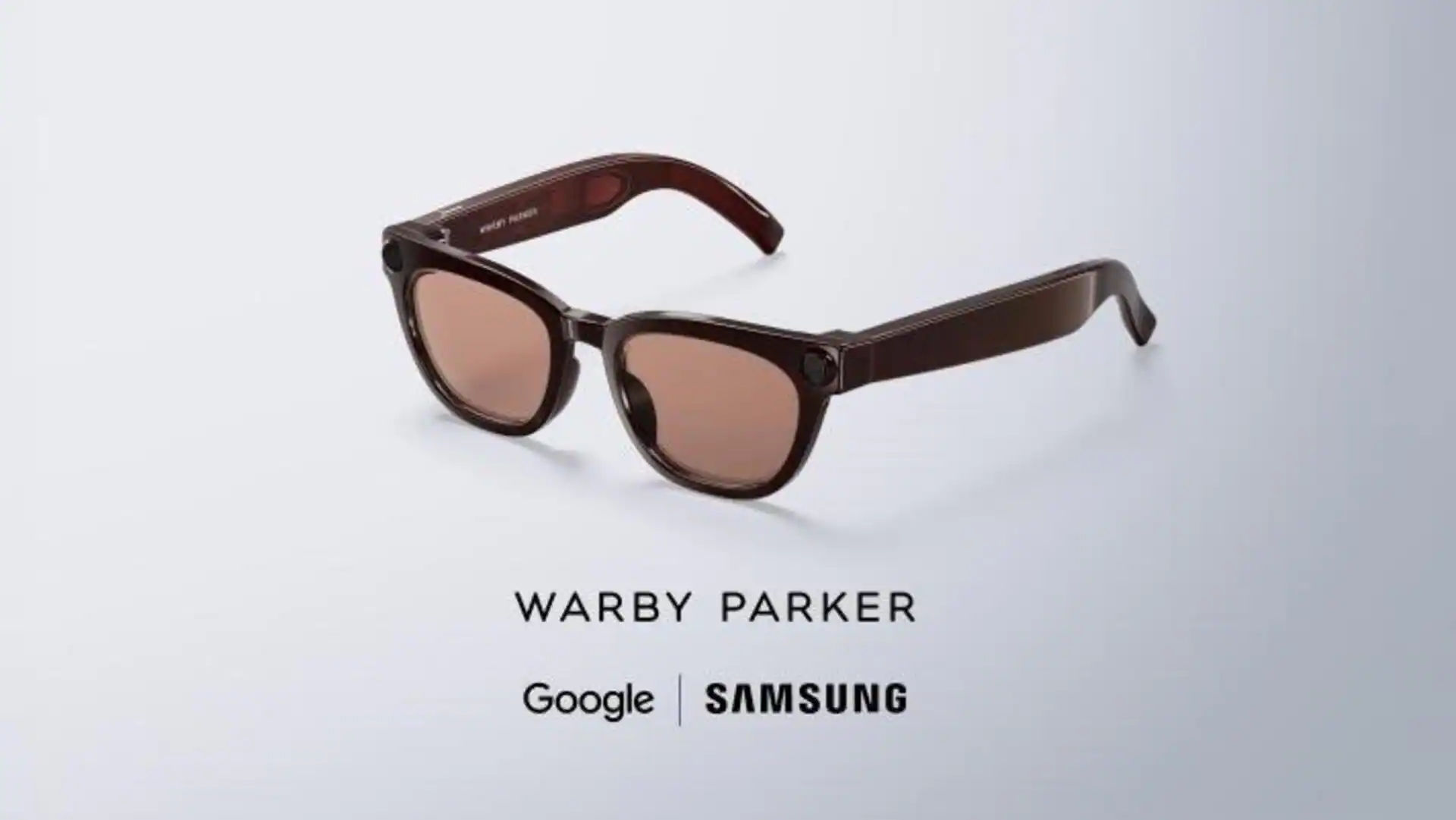
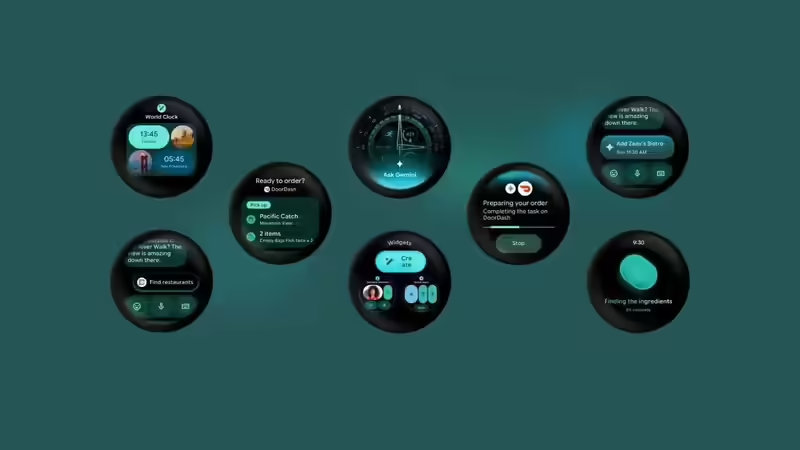
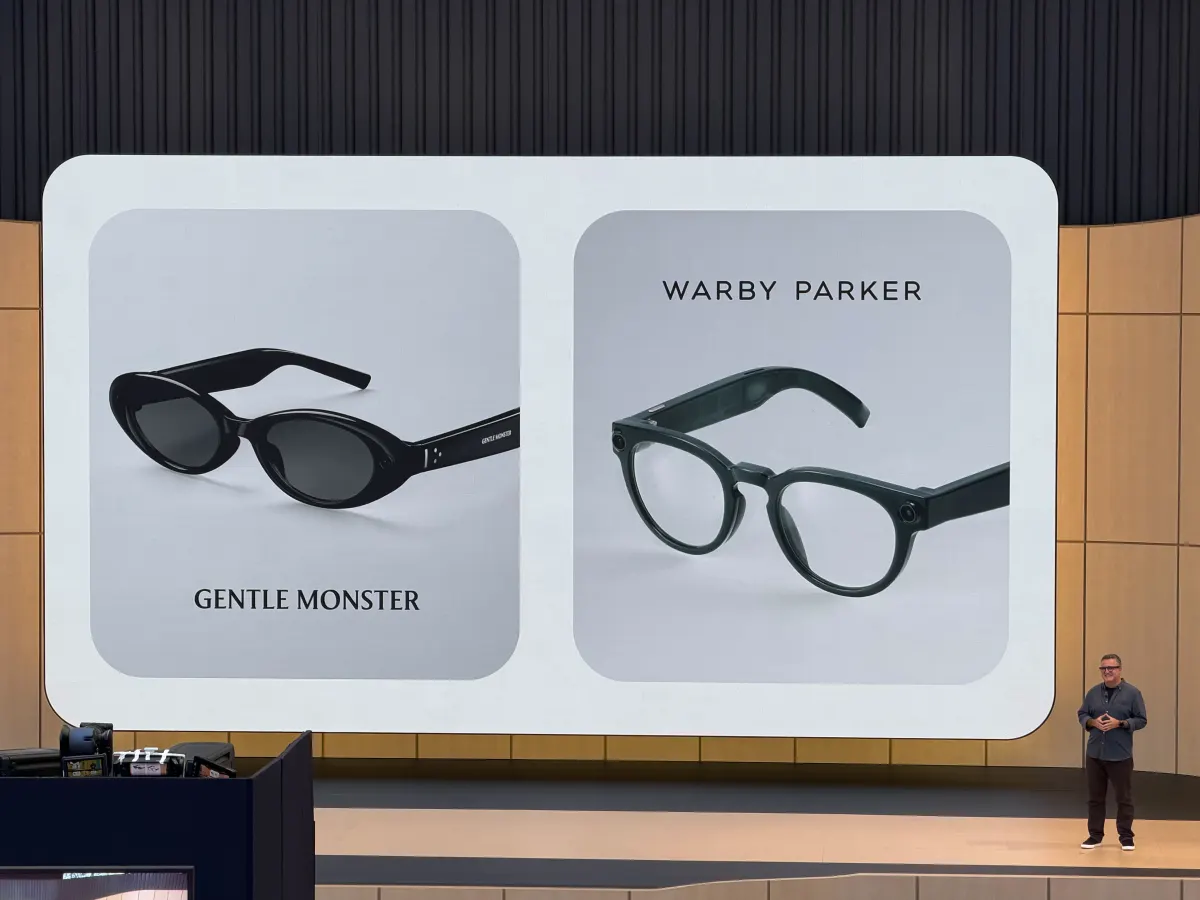
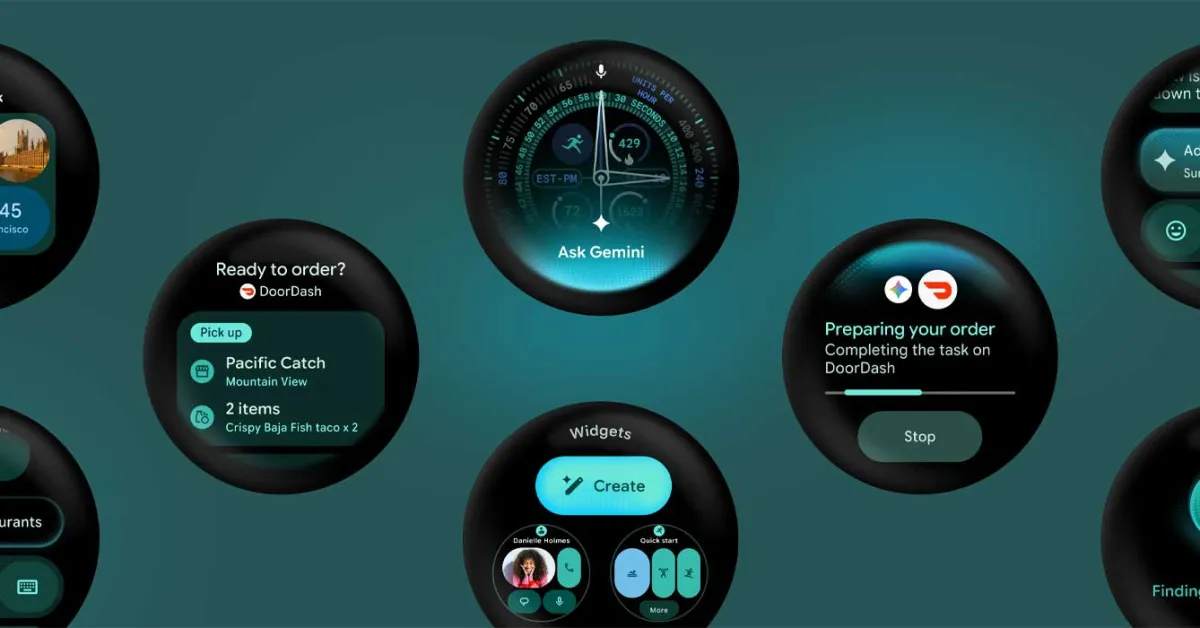
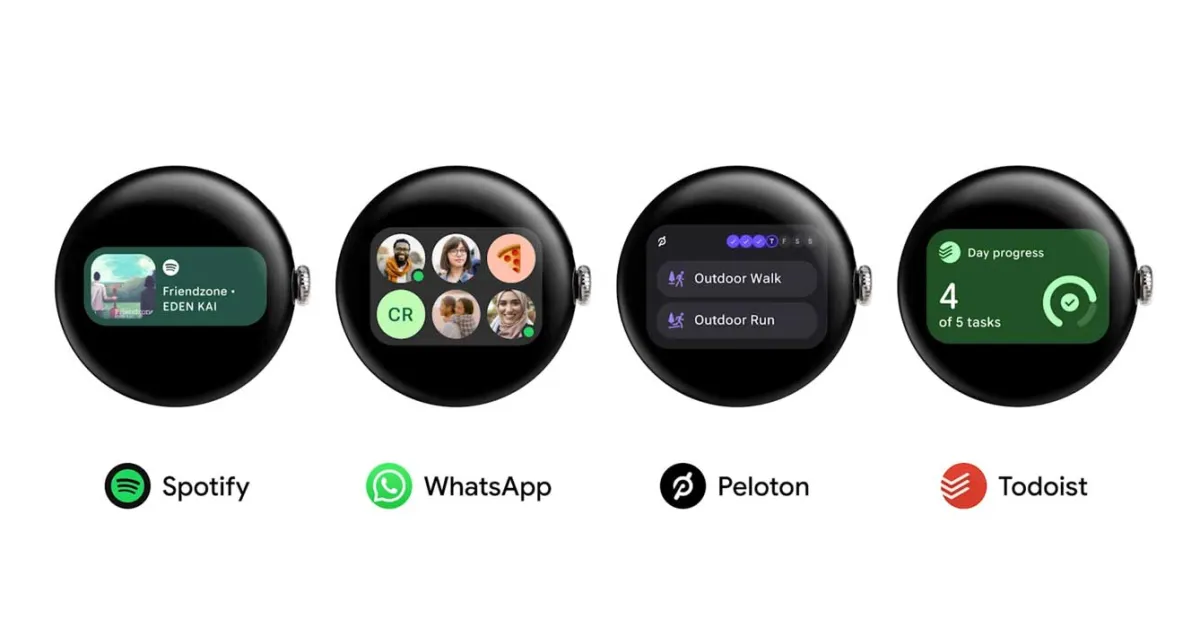
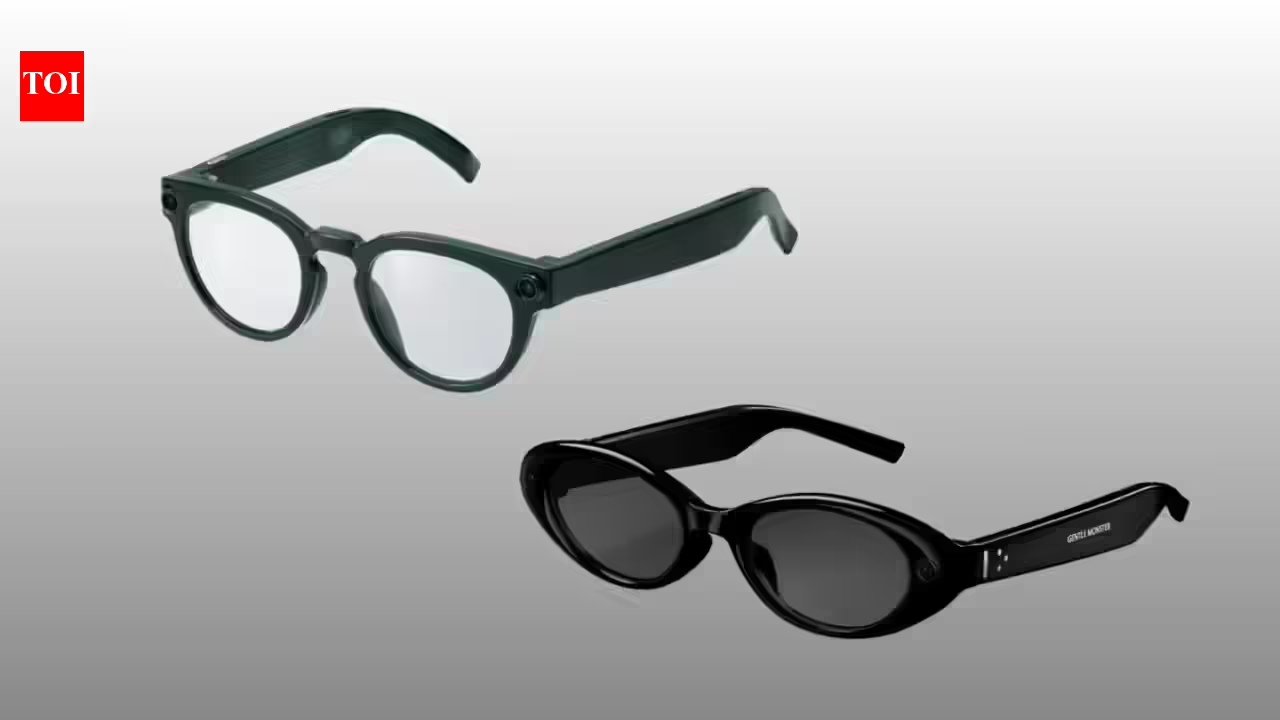
Google didn’t offer the barest ounce of context for its upcoming Wear OS 7 update at its I/O 2026 keynote. Instead, it provided a small snippet that explained a fair bit of how Google’s face-based devices compare to wearables like the Ray-Ban Meta. Google is currently working with smart glasses maker Xreal on Project Aura, a pair of glasses with an attached compute puck and a screen embedded in one of the lenses. These glasses are supposed to facilitate using Google’s Gemini AI on-device. Glasses without a screen will need a separate device to handle all the more complex tasks. © Google; screenshot by Gizmodo Both Google and Samsung are working alongside established glasses brands Warby Parker and Gentle Monster on two separate pairs of “audio glasses,” named that way so they can be differentiated from Meta’s eyewear. Though just like the Ray-Bans, Google and Samsung still plan to make use of built-in cameras you can use to take pictures and video. During the I/O keynote, Google’s lead of XR devices, Shahram Izadi, showed how the pictures you take with your glasses can appear as notifications on a Wear OS-compatible watch like the Pixel Watch 4. Looking at your wrist is certainly faster than ripping the phone out of your pocket to check if you caught your subject in frame. More than that, these glasses are being built for Gemini. The AI should be able to push the buttons on select phone apps and complete a full DoorDash delivery without you needing to select the meal yourself. But, as evidenced by the upcoming Wear OS update, you don’t need glasses to accomplish the same thing and still keep the phone in your pocket. In an Android developer blog post, Google showed how Wear OS 7 Canary includes new “task automation” features that will let you “invoke” certain app actions on your phone.