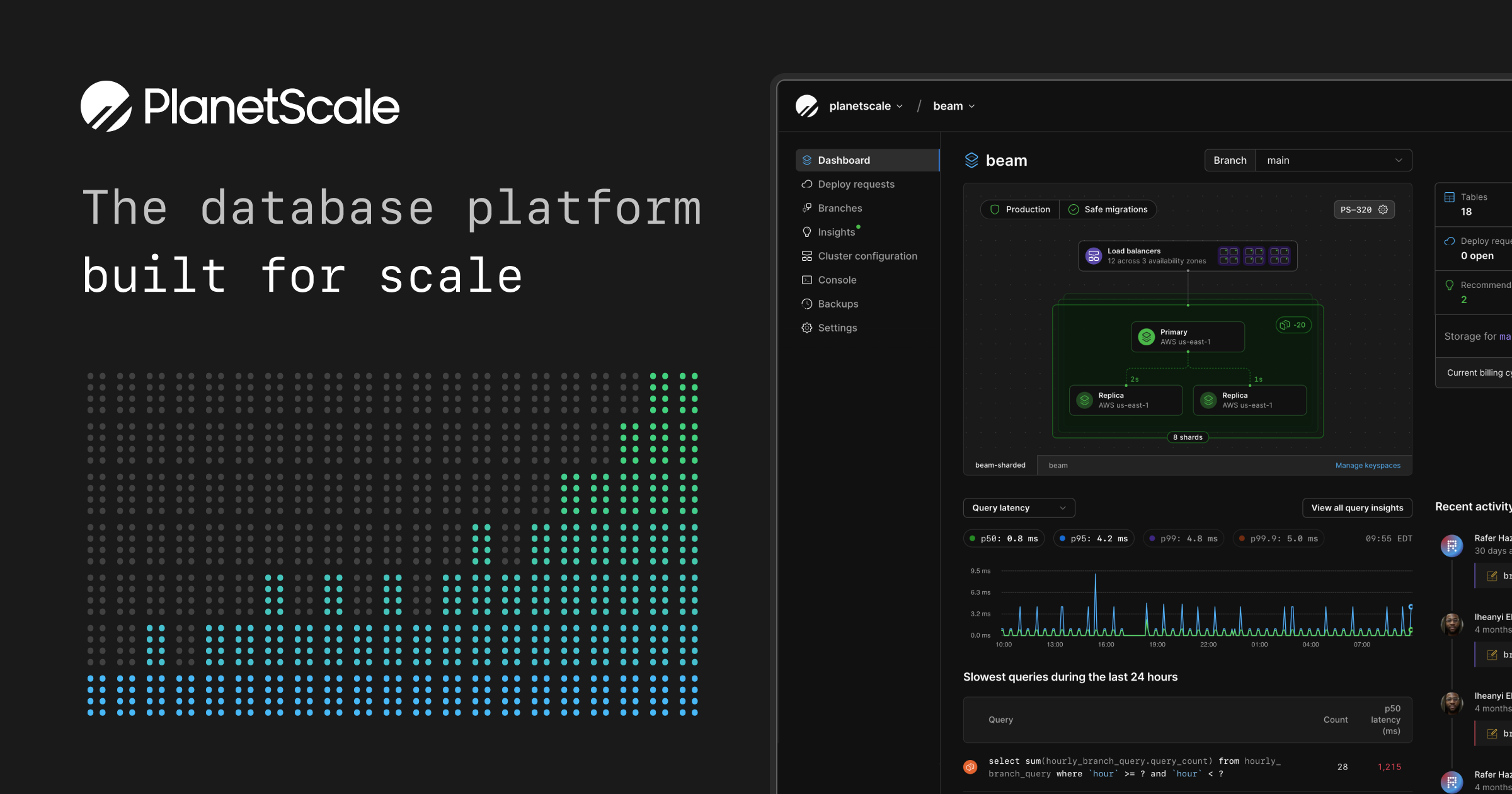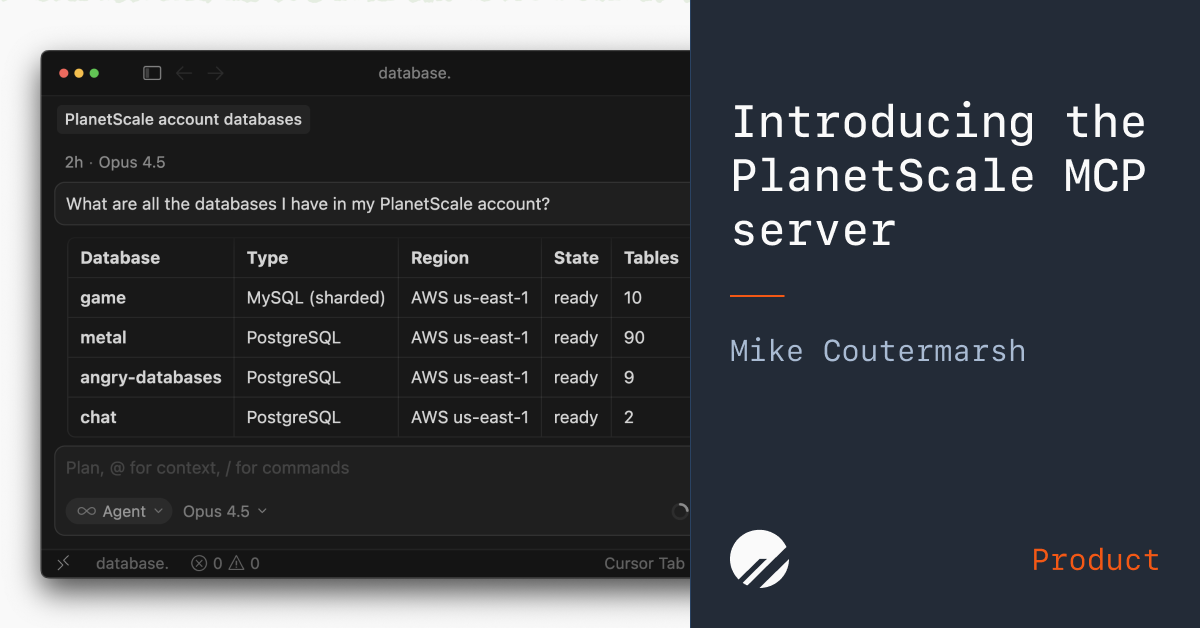
Mike Coutermarsh | January 29, 2026Today we're releasing the new PlanetScale MCP server, bringing your database directly into your AI tools. With the Model Context Protocol (MCP), Claude, Cursor, Open Code, and other AI tools can now connect to the PlanetScale API to help you improve and better understand your database.What is the PlanetScale MCP server?The PlanetScale MCP server is a hosted MCP server that exposes your PlanetScale organizations, databases, branches, schema, and Insights data to MCP-compatible tools. It's authenticated via OAuth for configurable access to permissions and scopes, and accessible from any client that supports MCP servers.Configurable accessYou have full control over which databases the MCP server is able to connect to and access with configurable read-only or full-access permissions which can be set for both production and development database branches.We advise caution when giving LLMs write access to any production database. Always carefully review queries before execution.Available toolsThe MCP server exposes the following tools:get_insights — Access query performance data and patterns from PlanetScale Insightslist_organizations / get_organization — List and inspect your PlanetScale organizationslist_databases / get_database — List and inspect databases within an organizationlist_branches / get_branch / get_branch_schema — List and inspect database branches and their schemaslist_regions_for_organization — List the regions available for an organizationlist_cluster_size_skus — List available cluster sizes for an organization (filter by engine, include rates, or specify a region)search_documentation — Search across PlanetScale for documentation, code examples, API references, and guidesAvailable if granted permission:execute_read_query — Run read queries (automatically routed to replicas when available)execute_write_query — Run write queries with built-in safety checkslist_invoices / get_invoice_line_items — View billing and invoice detailsWe will be actively adding to this list of tools. Please let us know how you're using the MCP and what additional data would be useful to you.Safe and intelligent query executionOur MCP server includes built-in safeguards and optimizations for running queries:Automatic replica routing — Read-only queries are automatically run against a replica if your database has replicas configured.Ephemeral credentials — Each query uses short-lived credentials that are created on demand and deleted immediately after execution.Built-in query tracking — All queries include source=planetscale-mcp SQL comments, making them easy to identify by tags in PlanetScale Insights.Destructive query protection — UPDATE or DELETE statements without a WHERE clause are blocked, and TRUNCATE is not allowed.Human confirmation for DDL — Any schema-changing operations (CREATE, DROP, ALTER, etc.) prompt the LLM to request human confirmation before proceeding.PlanetScale MCP use casesThe MCP server gives your AI tools direct access to your database metadata, query patterns, and performance metrics. Here's how you can use it:Optimize your database schema and queriesUse our MCP server to analyze your database structure, identify bottlenecks, and suggest schema improvements. Ask questions like "Why is this query slow?" or "How should I index this table?" and get answers based on your actual database schema and query patterns.Use natural language to learn about your dataPull metrics like daily signups, active users, or conversion rates without writing SQL. Read-only queries are automatically routed to a replica. Get instant insights into how your product is performing and identify trends early.Debug with full contextOur MCP server has direct access to your schema, indexes, and query patterns. Combining this production context with your codebase gives the LLM the data it needs to find problems and suggest fixes.Get startedThe PlanetScale MCP server is available now. Check out the setup guide to connect your AI tools to your database in minutes.
Introducing the PlanetScale MCP server — PlanetScale
Connect Claude, Cursor, and other AI tools directly to your PlanetScale database to optimize schemas, debug queries, and monitor app performance.
565 words~3 min read