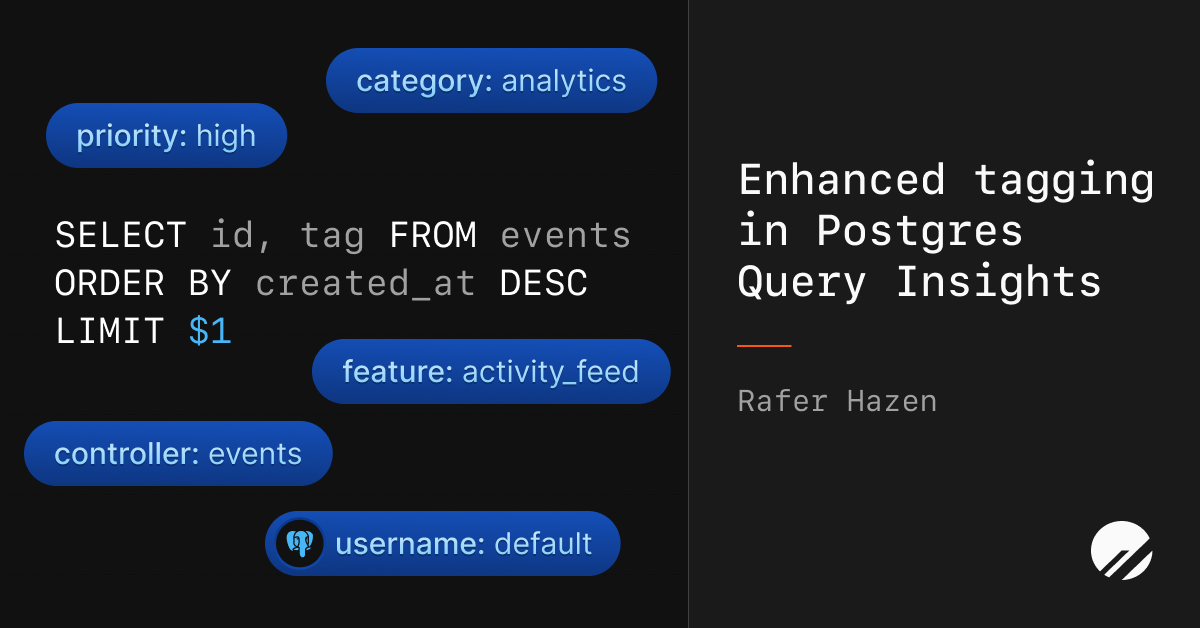
Rafer Hazen | March 24, 2026As part of yesterday's Traffic Control launch, we made enhancements to the Insights query tagging feature for Postgres databases. Insights has supported query tags for some time, but they were previously only attached as metadata on individual notable query logs. With yesterday's release, tags are now present in aggregated query data, which enables powerful new capabilities. It's now possible to view the complete distribution of tags assigned to a query pattern, search queries by tag, and see a per-tag breakdown of database-level statistics. This blog post gives an overview of the feature, and digs into the details of how we implemented it.Query tags are string key-value pairs that are included in query SQL using specially formatted SQL comments. For example, the following query has the controller and action tags attached.select * from users
where id = 1
/* controller='users',
action='show' */;
Typically tags are specified at the application level and applied automatically to all queries issued by the database framework you're using. Common examples are controller, action, job, or source_location.In addition to tags set by the database client, Insights automatically adds the following tags to all queries:application_name - set by the Postgres driverusername - the Postgres user executing the queryremote_address - the remote IP addressFeature OverviewThis feature introduces three new surfaces where tag information can be seen.Query Pattern TagsTo see the set of tags associated with a given query pattern, click on a query pattern from the main Insights dashboard. This page lists the tags that have been submitted with a given query pattern over a particular time range, as well as the percentage of queries that included each tag value.Database TagsTo see aggregate statistics for your entire database broken down by tag, go to the Tags section in the Insights sidebar and select the tag or set of tags that you want to view.Query FilterTo see a list of query patterns that have a given tag value, go to the Insights dashboard and search for a particular tag with tag:MY_TAG:MY_VALUE. The returned query patterns and statistics are filtered to only queries with the specified tag pair.ImplementationTo understand how tagging works in Insights, it helps to understand the underlying data sources that power Insights. Query performance data is observed by the Insights Postgres extension, emitted to Kafka and written to ClickHouse. The extension publishes to two separate Kafka topics:Individual queries - any query reading more than 10,000 rows, taking longer than 1 second, or resulting in an error. One message is sent per qualifying query. This powers the Notable queries feature.Aggregate summaries - statistics like total query count, rows read, and cumulative query time. One message is sent for every query pattern every 15 seconds. This powers the majority of Insights including the query table, anomalies, and all query-related graphs.Prior to this release, tag data was only attached to the individual query data stream. This adds important information to notable queries, but because the data wasn't present in the aggregate summaries, it wasn't possible to filter or group aggregate data by tag. Insights couldn't answer important questions like:What queries has this user executed?What percentage of my total query run time is coming from this controller?Which background jobs are executing this query?Our goal with this release was to associate all query data with the relevant tags to make it possible to answer this class of questions.To explore the various approaches for implementing tags, let's use the following query executions as an example:select * from users where id = 1 /*controller='users'*/;