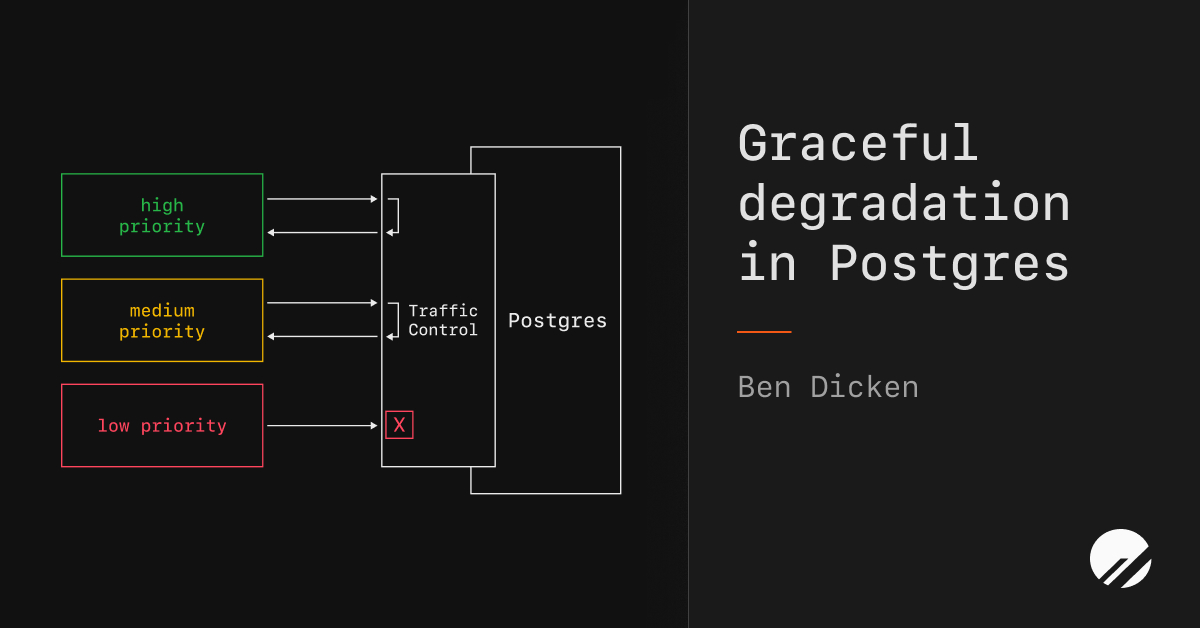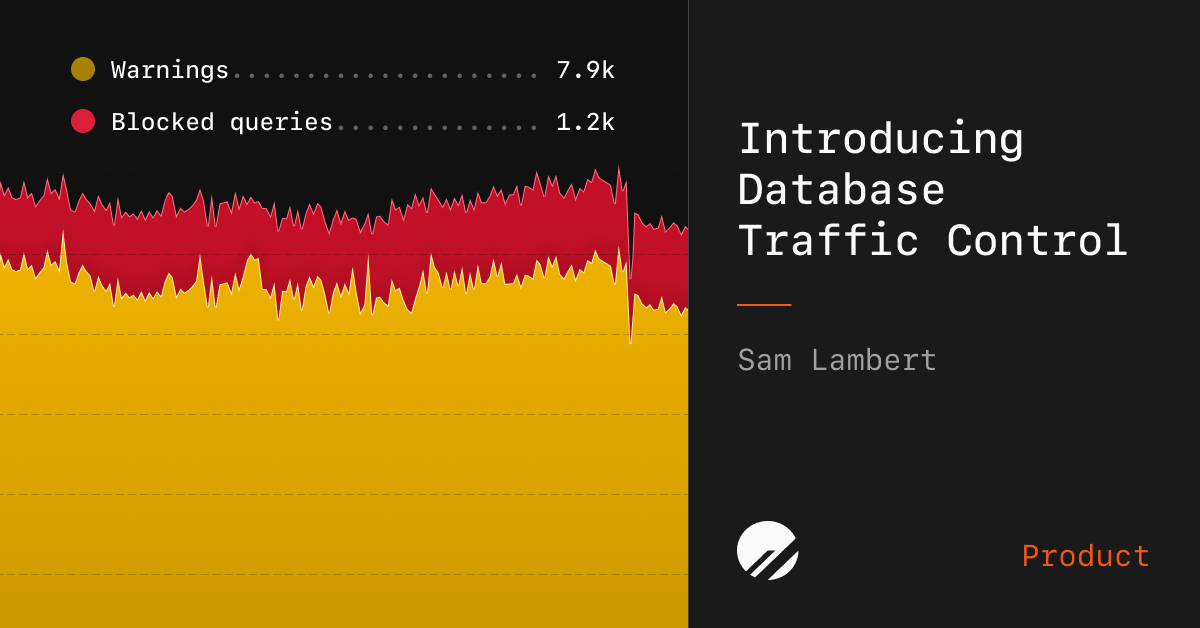
Sam Lambert [@samlambert] | March 23, 2026Postgres has a fundamental gap when it comes to managing query traffic. When an unexpected spike of bad queries, or runaway workload hits your database, Postgres has no good way to fight back. It accepts every query thrown at it until performance degrades or, in the worst case, the server goes down.Today we're introducing Database Traffic Control™, a Postgres traffic management system built into PlanetScale that lets you enforce flexible budgets on your database traffic. With Traffic Control, you decide in real time how much of your database's resources any given workload is allowed to consume, and Postgres enforces those limits.How it worksTraffic Control allows you to create budgets that target subsets of your query traffic. You specify which queries fall into the budget using rules that match on different dimensions, including:Query pattern: a specific query fingerprint identified in InsightsApplication name: the app that sent the queryPostgres user: the database user executing queriesCustom tags: any metadata you attach to your queries via SQL comments (feature name, priority level, region, customer tier, etc.)After deciding what queries you want in your budget, you define the resource limits the budget is allowed to utilize. You can place caps on things like CPU %, CPU burst limits, backend process concurrency, and per-query timing.Budgets can run in warn mode to observe what would be throttled, or enforce mode to actively block queries that exceed limits. You can also switch between modes at any time.PlanetScale Insights tracks statistics for every query running against your database. When something goes wrong, you can find the problematic query in Insights, see detailed usage data, and set up a budget to restrict it in just a few clicks.Use casesTraffic Control is powerful and flexible. It's helpful in a variety of scenarios both for preventing and reducing the impact of database-related incidents.Incident responseA rogue query is spiking CPU and degrading performance for your entire application. Find it in Insights, budget its resource usage, and stabilize your database while your team investigates and ships a fix.Priority-based traffic shapingTag your queries by priority (high, medium, low) and create budgets for each tier. Core features like authentication and critical user flows can have higher limits, while lower-priority background jobs are kept from starving them out.Isolating human from AI agent trafficAs AI-powered features drive more and more queries to your database, Traffic Control lets you set guardrails so automated traffic can't overwhelm the queries powering your human user experience.Prioritizing paid tiers in multi-tenant appsIf you run a multi-tenant application, you can use tags to identify traffic by customer or tier, then budget accordingly. Enterprise customers stay protected during load spikes caused by trial users.Getting startedTraffic Control is available today for all PlanetScale Postgres databases. To start using it:Navigate to your database in the PlanetScale dashboardOpen Insights and go to the Traffic control tabCreate your first budget by selecting the tags and limits you want to enforce (Note: a database restart may be required)Start in warn mode to observe the impact before switching to enforceTo get the most out of Traffic Control, add sqlcommenter tags to your application's queries. This gives you rich dimensions for categorizing traffic.Traffic Control is also available via the PlanetScale API and CLI, so you can automate budget creation as part of your deployment pipelines.See it in actionWe built a demo tool to let you try it out and see it in action. Just clone onramp, and run onramp create to auto generate a schema, Traffic Control budgets, and rules.You can also learn more in the Traffic Control documentation, read the behind-the-scenes deep dive, or follow along with our detailed feature walkthrough:Traffic Control gives your Postgres database something it has never had: the ability to defend itself. Set up your first budget today and stop worrying about the next query that tries to take your database down.
Introducing Database Traffic Control — PlanetScale
Enforce real-time limits on your Postgres query traffic to protect your database from runaway queries and unexpected load spikes.
641 words~3 min read