Our always-online digital society comes with a lot of undeniably horrific downsides.
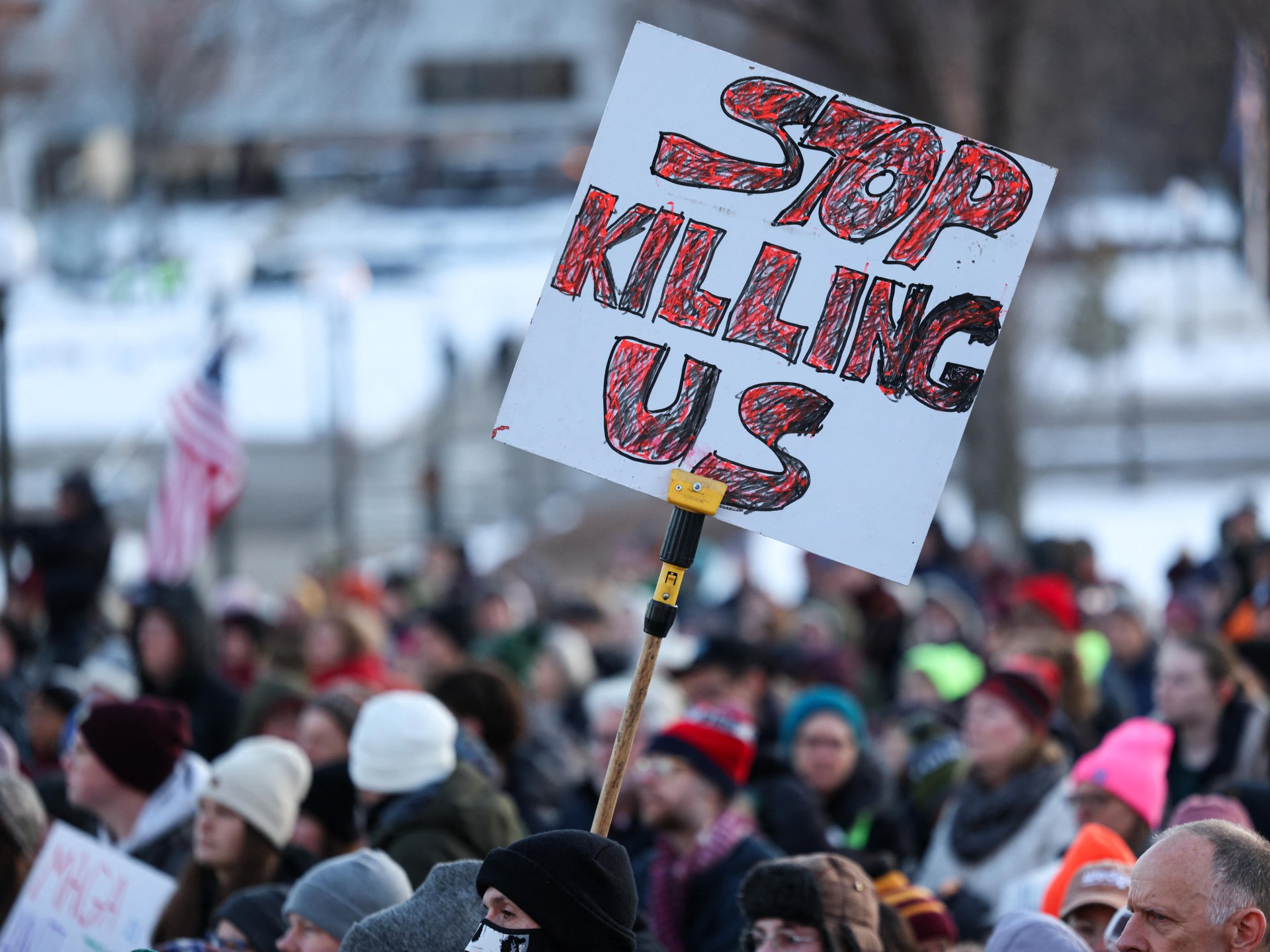
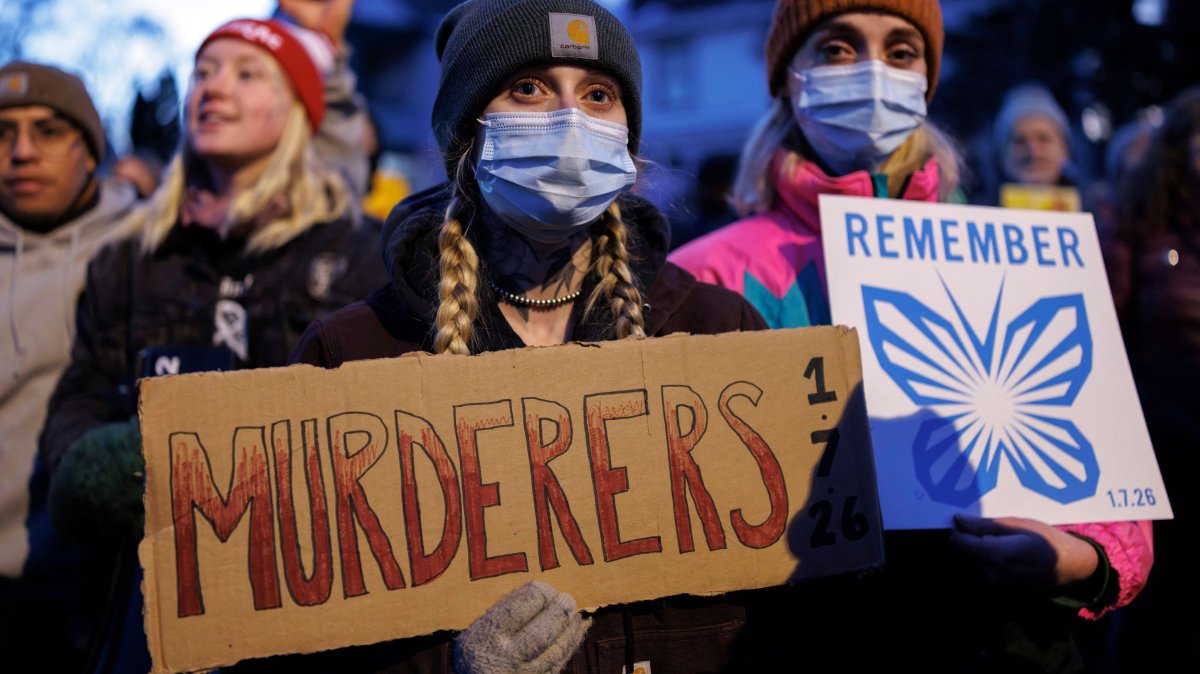
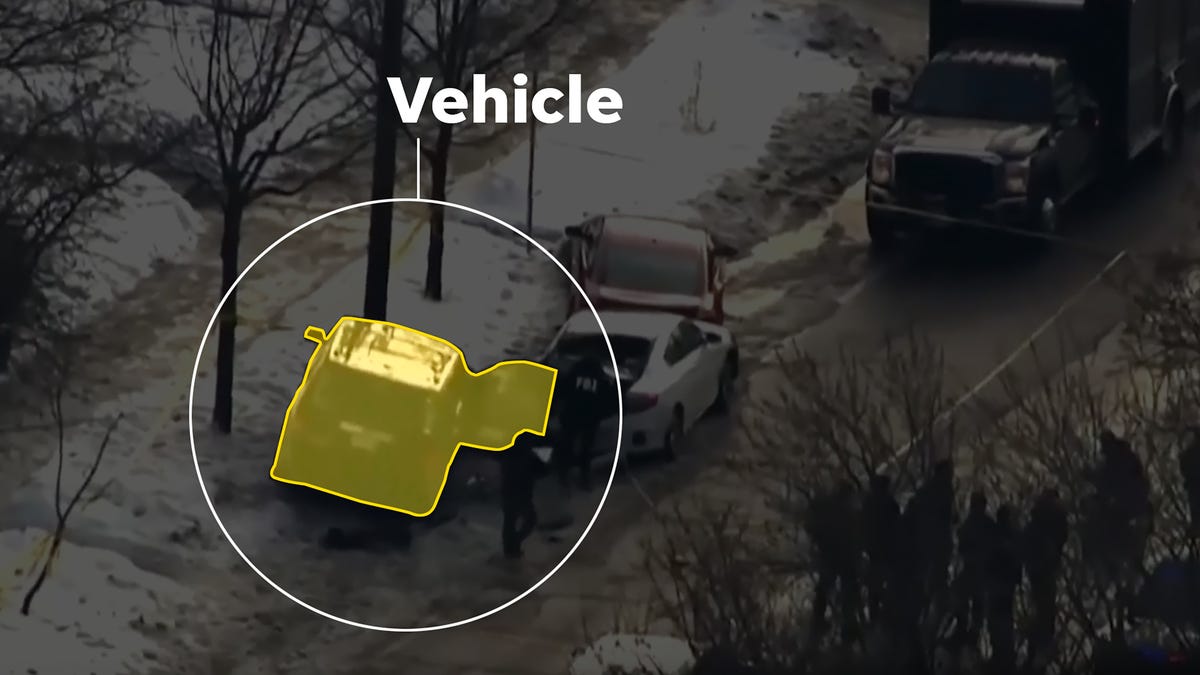
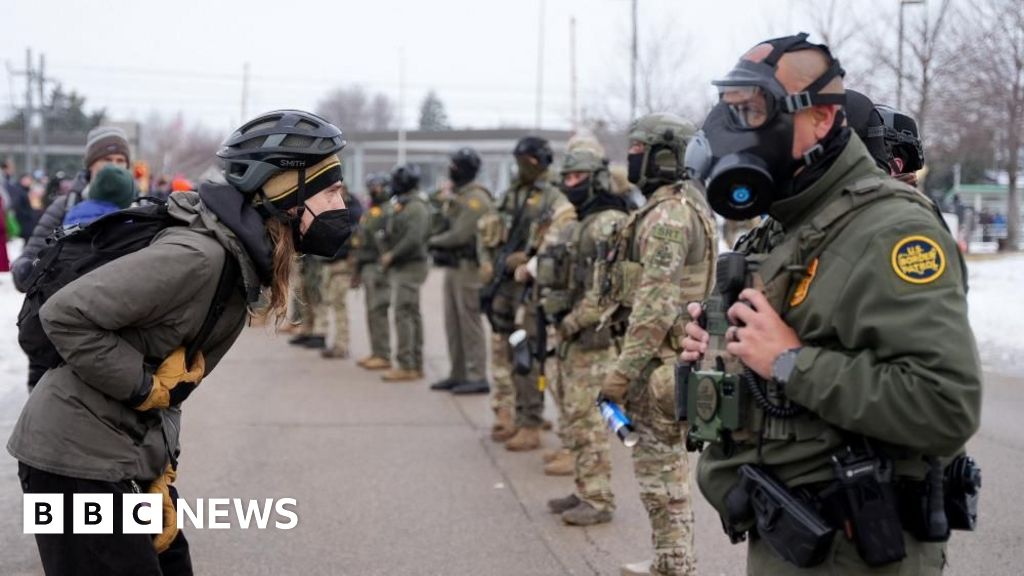
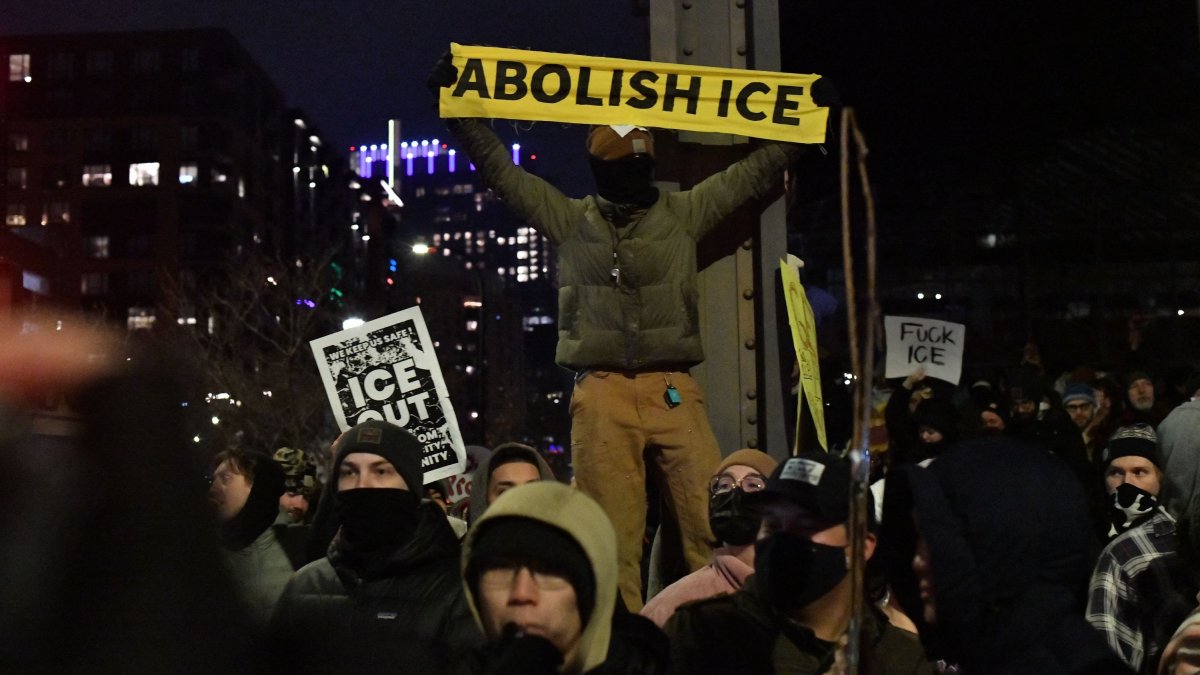
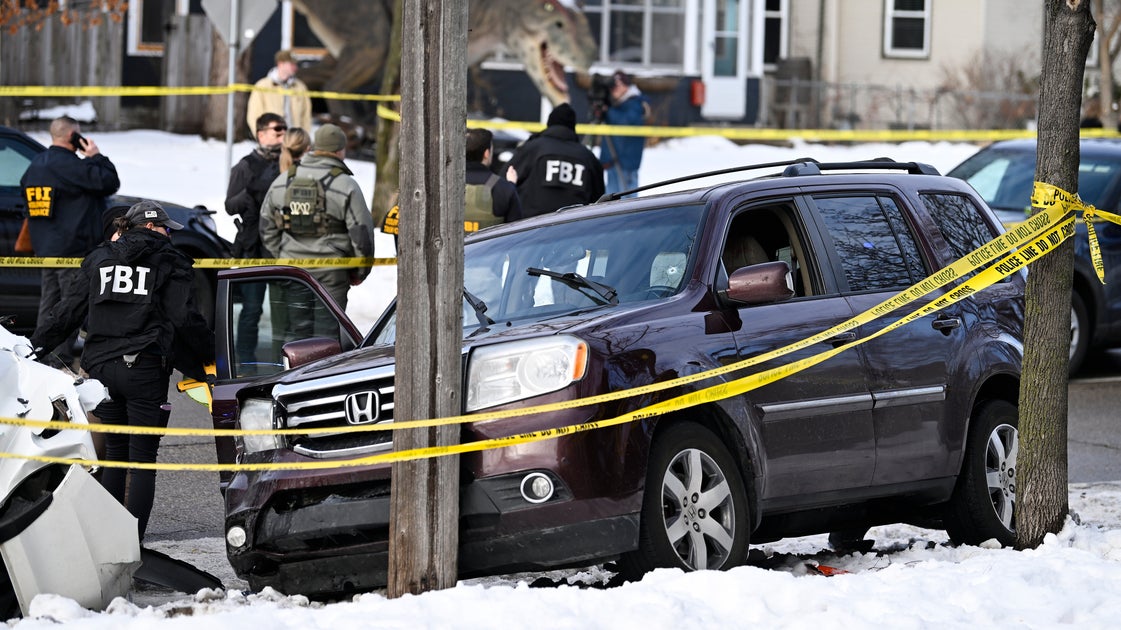
The latter has been on display in recent months when videos of fatal shootings have flooded social media, like the recent event involving a driver and an Immigration and Customs Enforcement agent in Minneapolis, as well as the killing of conservative activist Charlie Kirk. Many people logged on to their apps and immediately were met with gruesome accounts of the incidents thanks to many apps’ autoplay function, where videos start playing without a user’s active involvement.
Research shows that viewing violent content on social media can cause people to experience symptoms similar to post-traumatic stress disorder. A 2015 study published in the British Psychological Society found that 22% of study participants “scored high on clinical measures of PTSD even though none had previous trauma, were not present at the traumatic events and had only watched them via social media,” according to the researchers.
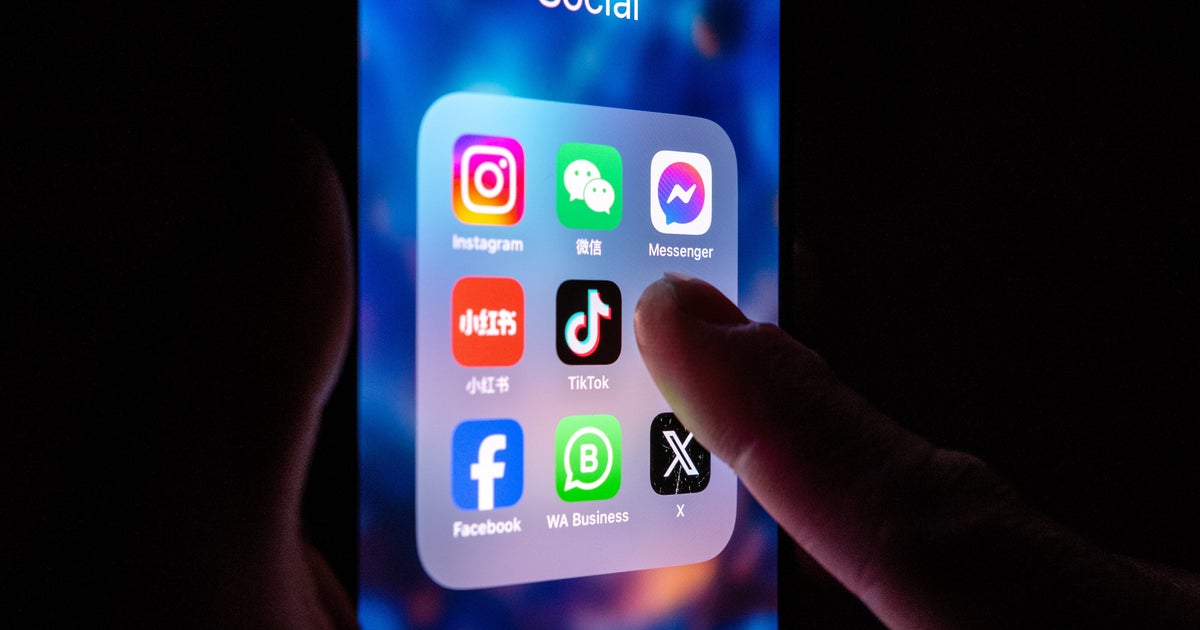
If you don’t want your feeds to automatically play videos, there are ways to disable this function. (And it might be protective for your mental health.) Below are instructions on how to turn off autoplay on various social media apps: