Currently, only residents from certain countries and US states can opt out of certain Tracking Technologies through our Consent Management Platform. Additional options regarding these technologies may be available on your device, browser, or through industry options like AdChoices. Please see our Privacy Policy for more information.
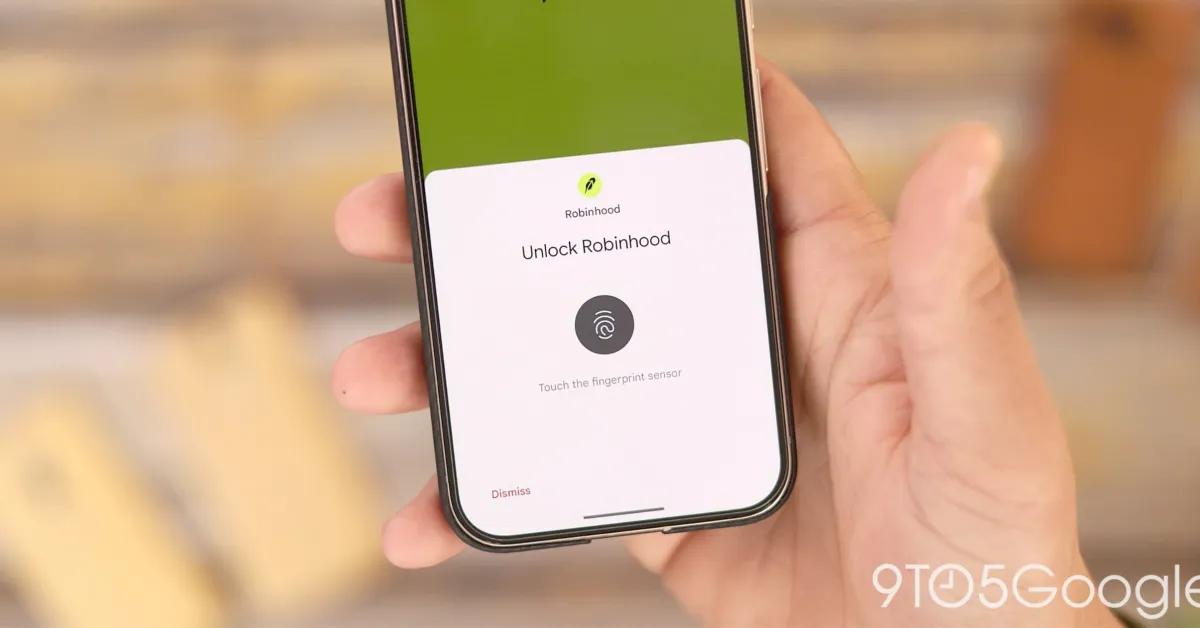
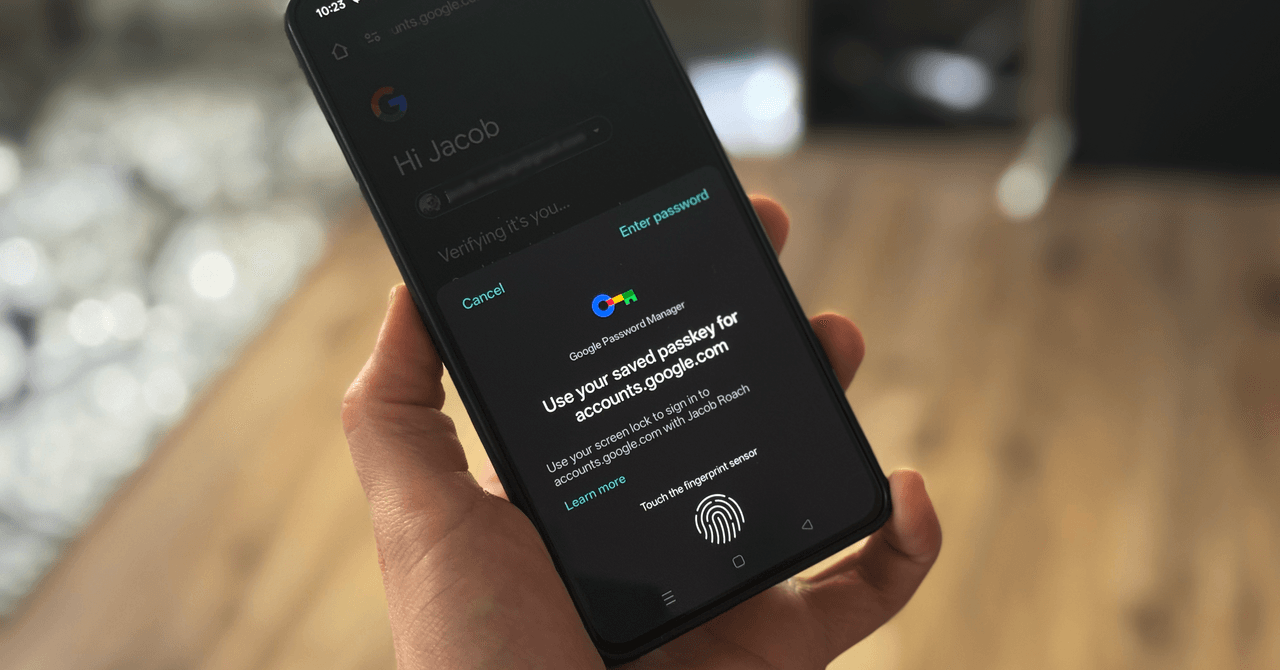
GOOGLE WANTS YOU to start using passkeys. Its vision is to “progress toward a passwordless future," allowing you to store passkeys in the Google Password Manager service. For websites that support the login method, Google now allows you to generate, store, and sync passkeys. The problem is actually finding a consistent way to do it.
It’s easy to change your password, but it’s not so easy to add passkeys to an account you’ve already created, much less manage them solely in your browser. Still, you can use passkeys with the Google Password Manager on supported websites; you'll just need to jump through a few hoops first.
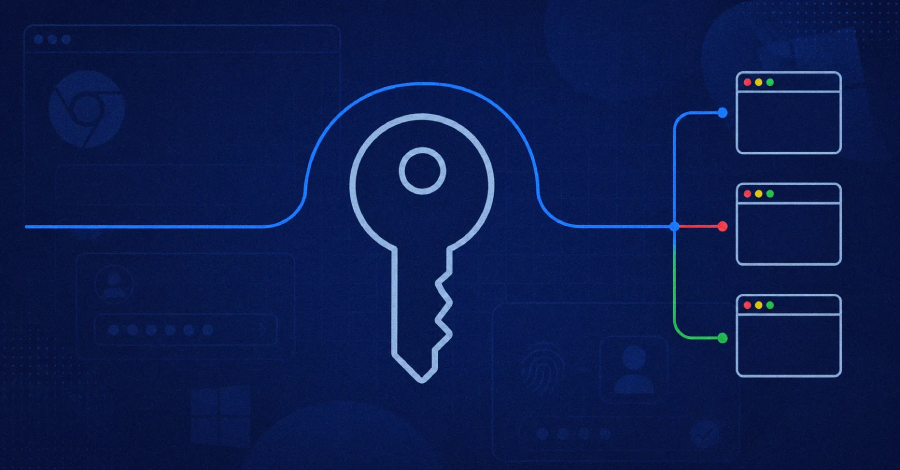
You can learn more about passkeys here, but in short, they're a method to confirm you are who you say you are so that you don't have to remember a long password for every app and website you log in to. You can use a passkey for your Google account, but you can also store passkeys for other websites with the Google Password Manager, which is available on Chrome or directly through Android.