Currently, only residents from certain countries and US states can opt out of certain Tracking Technologies through our Consent Management Platform. Additional options regarding these technologies may be available on your device, browser, or through industry options like AdChoices. Please see our Privacy Policy for more information.
SEARCHES AT THE US border are at an all-time high. Between April and June of this year, US Customs and Border Protection says it searched nearly 15,000 devices, outpacing the previous quarterly record by over 2,000. Combined with visitors allegedly being turned away for content on their devices and hours-long detentions at ports of entry, it’s reasonable to be a little worried about entering the US.
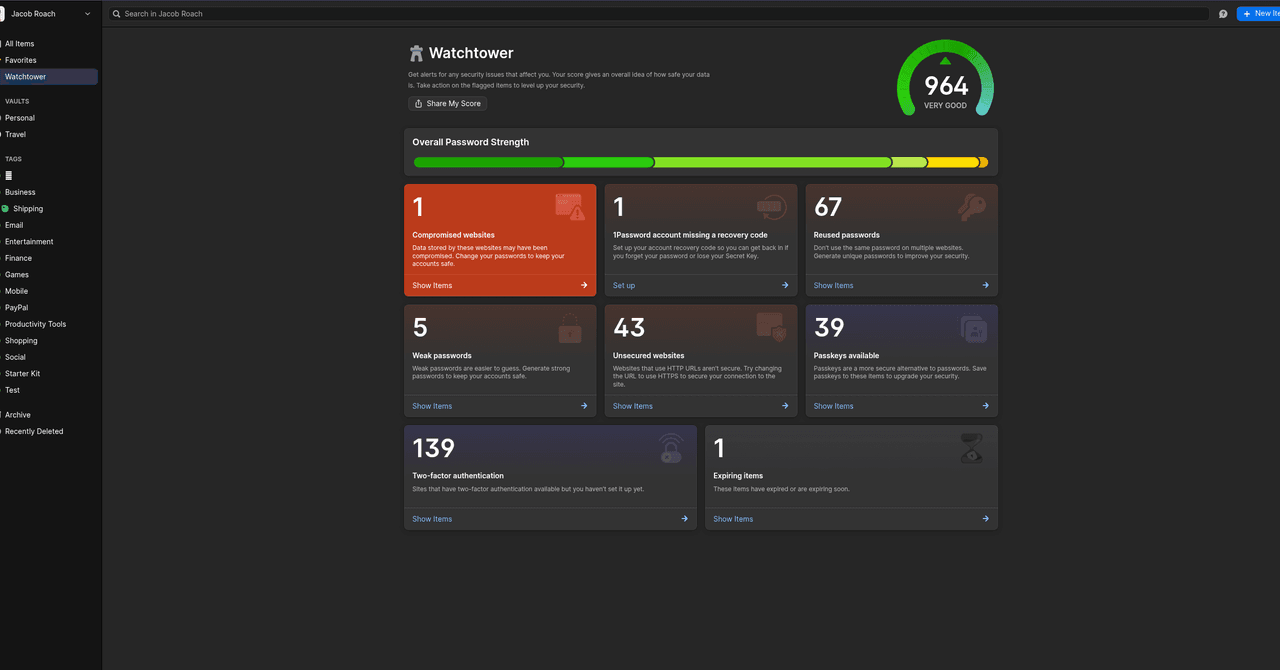
There’s a lot you can do to protect yourself at the US border, but most people have at least some sensitive information they need to keep on a phone or laptop while traveling. That’s where 1Password, the password manager, and its Travel Mode feature come into play.
Although it can’t remove everything, Travel Mode can erase a lot. The way it works is simple: You organize your logins, notes, attachments, and other sensitive information into a series of vaults. From there, you can choose which vaults are safe for travel and which aren’t. When you turn on Travel Mode, your selected vaults aren’t only hidden; 1Password claims they’re entirely removed from your device.