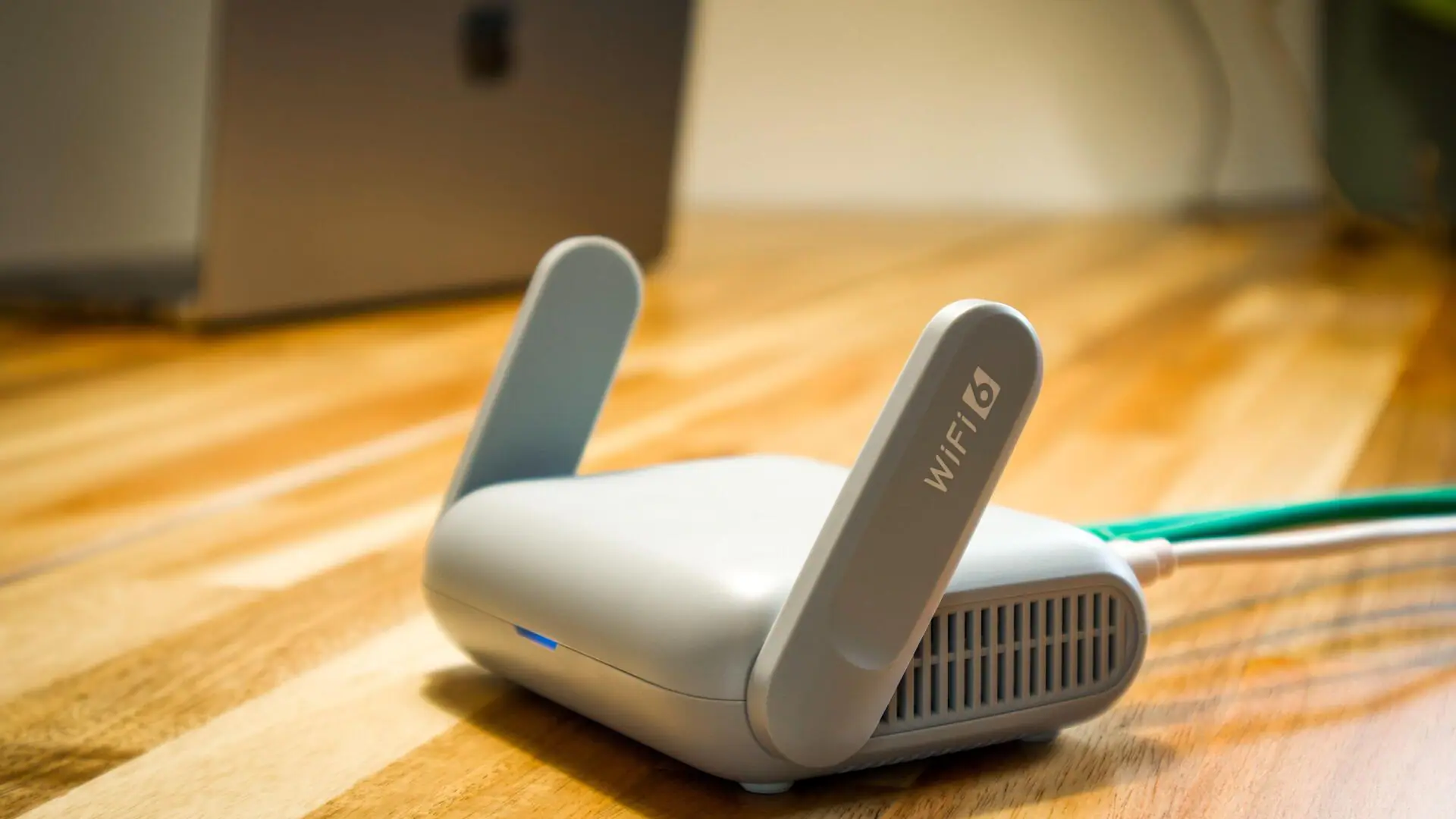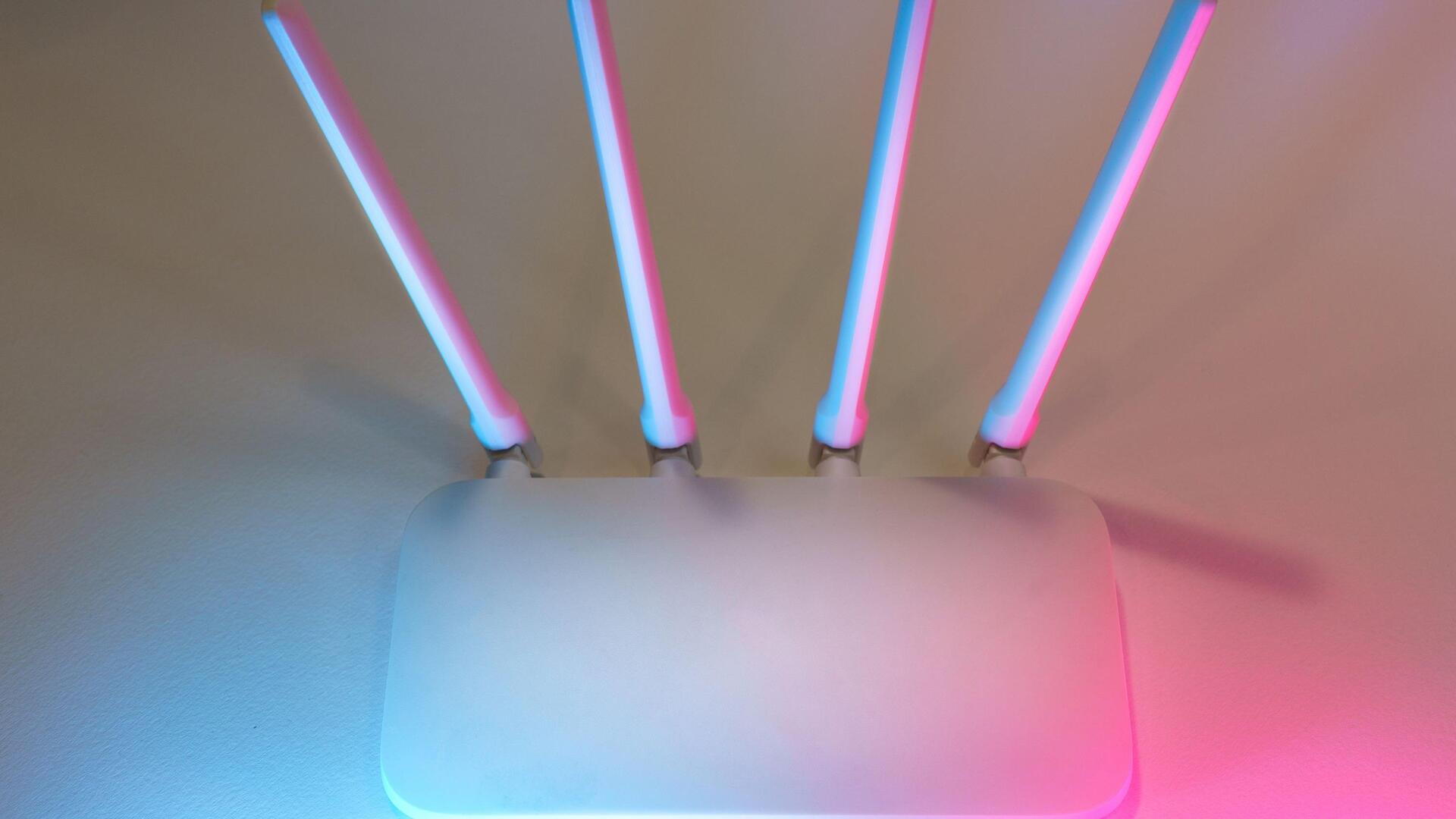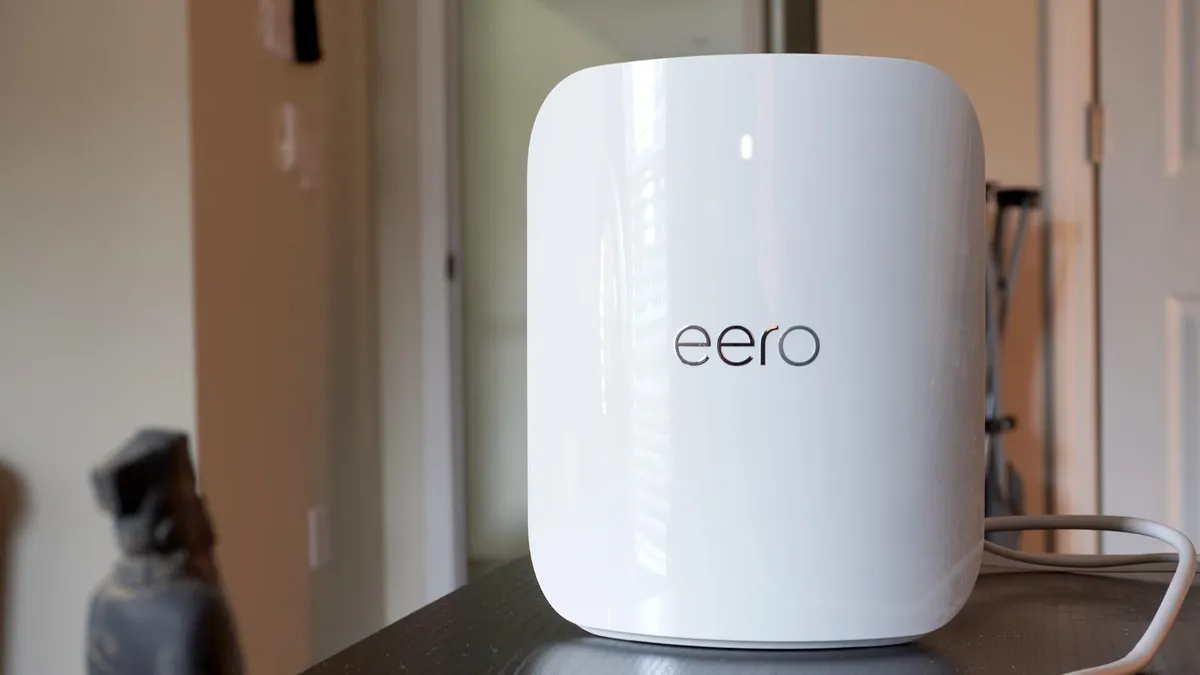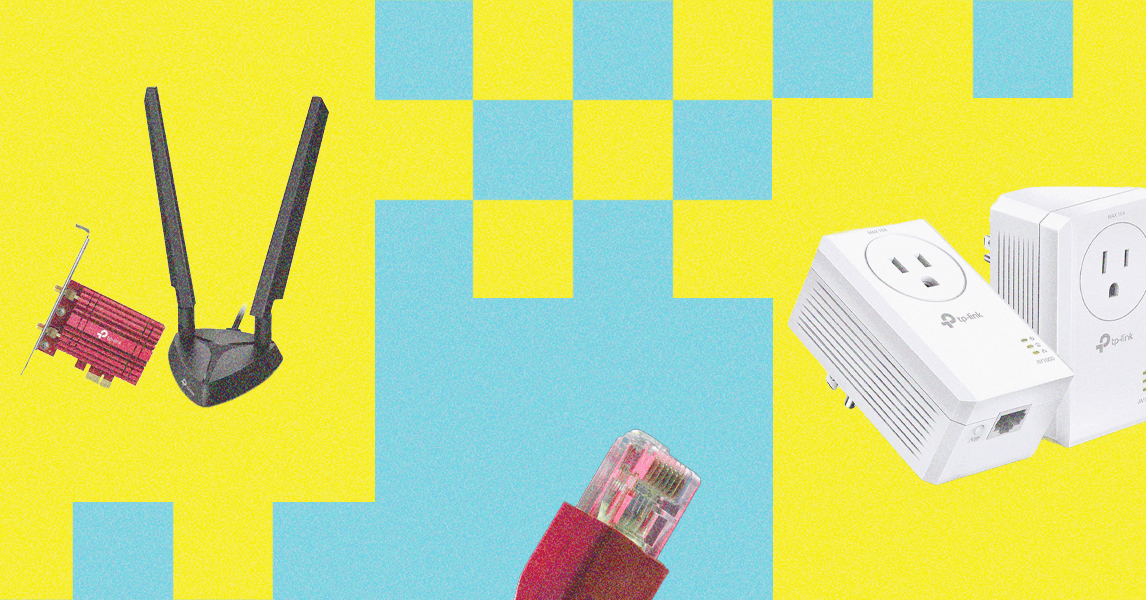
WHETHER YOU'RE WORKING from home, binge-watching Netflix, or streaming your gameplay on Twitch, there's no such thing as too much bandwidth. Even if you have gigabit fiber mainlined into your router, everyone could use help getting faster internet around the house. It doesn't matter if you have the best possible wires outside your house—eliminating subpar speeds and Wi-Fi dead zones is largely up to you. Here are some ways to troubleshoot and, hopefully, improve the quality of the Wi-Fi inside and outside your place.
Check out our other networking guides, including the Best Mesh Routers, Best Wi-Fi Routers, Best Home Office Gear, and explainers, like how to secure your home Wi-Fi network, router shopping tips, and Wi-Fi 6E and Wi-Fi 7 breakdowns.
Updated May 2025: We added details to most sections, including tips on Ethernet, Wi-Fi bands, and adjusting antennas.
That router in the closet? Not a good idea. Walls, cupboards, and even bookshelves can potentially dampen your Wi-Fi signal. Physically moving the router can make a real difference to internet speeds and how far wireless transmissions reach. The perfect spot will depend on your home, but try not to hide your router in a corner, under a cupboard, or inside a drawer—the more central and prominent it is, the better. For more info, read our guide on where to put your router for the best possible home Wi-Fi.