Home
Storia in 1 fonti
What’s New in Designer - March 12, 2026
9 New FeaturesThis month's release helps you spend less time clicking around and more time designing — with faster editing, smarter shortcuts, and a canvas that stays out of your way. We've also made sharing and accessibility smoother, and knocked out a batch of bug fixes to keep everything feeling solid.1. Session state persistence - The designer now remembers where you left off and returns you to the same project and view automatically, even when navigating from the dashboard.2. Share link previews - Share links now render rich Open Graph previews (thumbnail, title, description) when shared in Slack, iMessage, social media, and other platforms.3. Inline Text Editing - Double-click any text node on the canvas to edit its content directly, without leaving the canvas.4. Color Picker Eye Dropper - Pick any color from anywhere on your screen using the new eye dropper tool in the color picker.5. Keyboard Zoom Controls - Use Cmd+= / Cmd+- to zoom in and out on the canvas, and Shift+1 to fit the canvas to your screen.6. Arrow-Key Stepping in Property Editors i Nudge numeric property values up or down using the arrow keys for faster, precise adjustments.7. Smart Paste Targeting - Pasting elements now intelligently targets the nearest valid ancestor container when no direct target is selected.Prompt History - Added a Prompt History panel that records all generation prompts, supports auto-refresh, and lets you revisit and reuse previous inputs.WCAG Contrast Normalization - Text colors are now automatically adjusted to meet accessibility contrast standards, improving legibility across generated UIs.Bug FixesDirect PNG export for single frames — Exporting a single frame now downloads a .png file directly instead of wrapping it in a ZIP archive, reducing friction especially on iPad and mobile.Container Clip-to-Radius — Content inside containers now correctly clips to the container's border radius, eliminating visual overflow artifacts.Landscape design support improvedMore reliable image and font renderingImproved single-frame export namingGradient Editor more consistent
Raccontata da flutterflow.io
Timeline cronologica
- ·
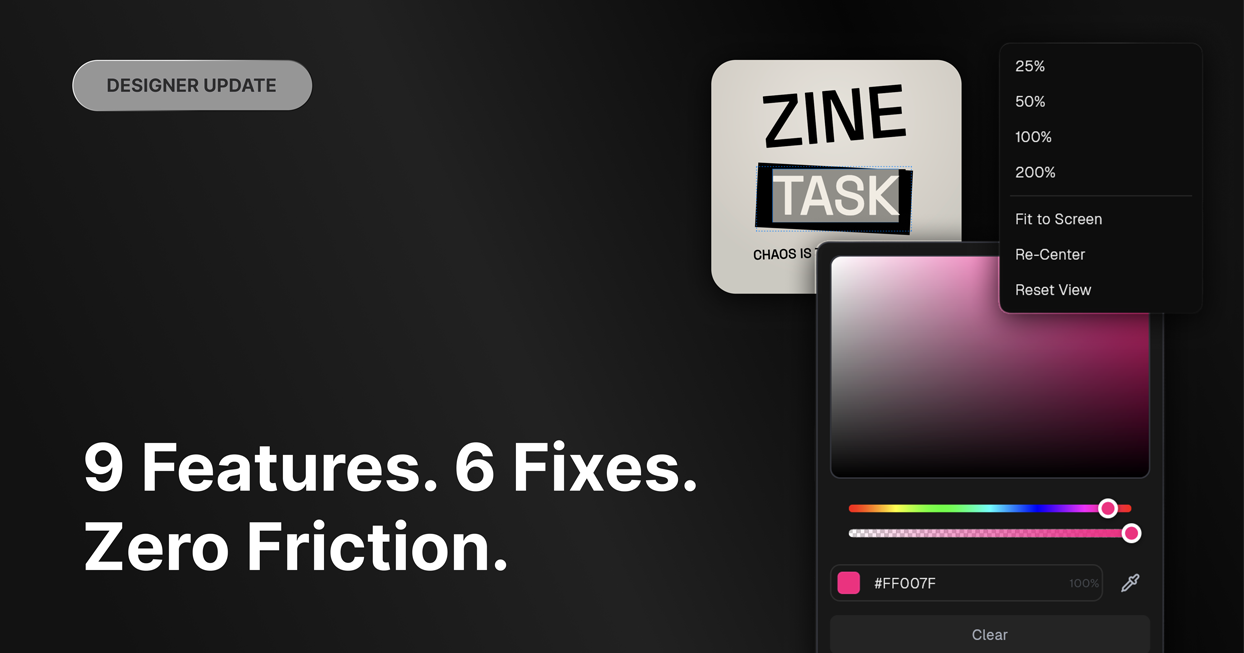
What’s New in Designer - March 12, 2026
9 New FeaturesThis month's release helps you spend less time clicking around and more time designing — with faster editing, smarter shortcuts, and a canvas that stays out of your…
- ·
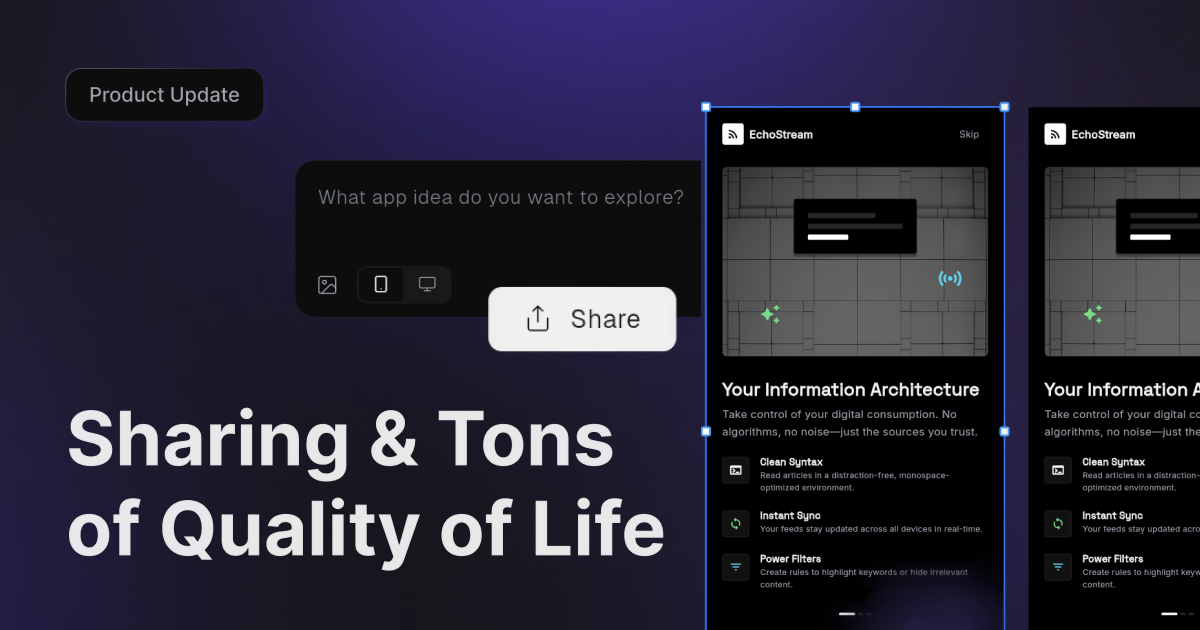
What’s New in Designer - Feb 25, 2026
Welcome to FF Designer. We're so excited to have you here! This is just the beginning, and we're moving fast. As you explore, we'd love to hear what you think. Your feedback is…