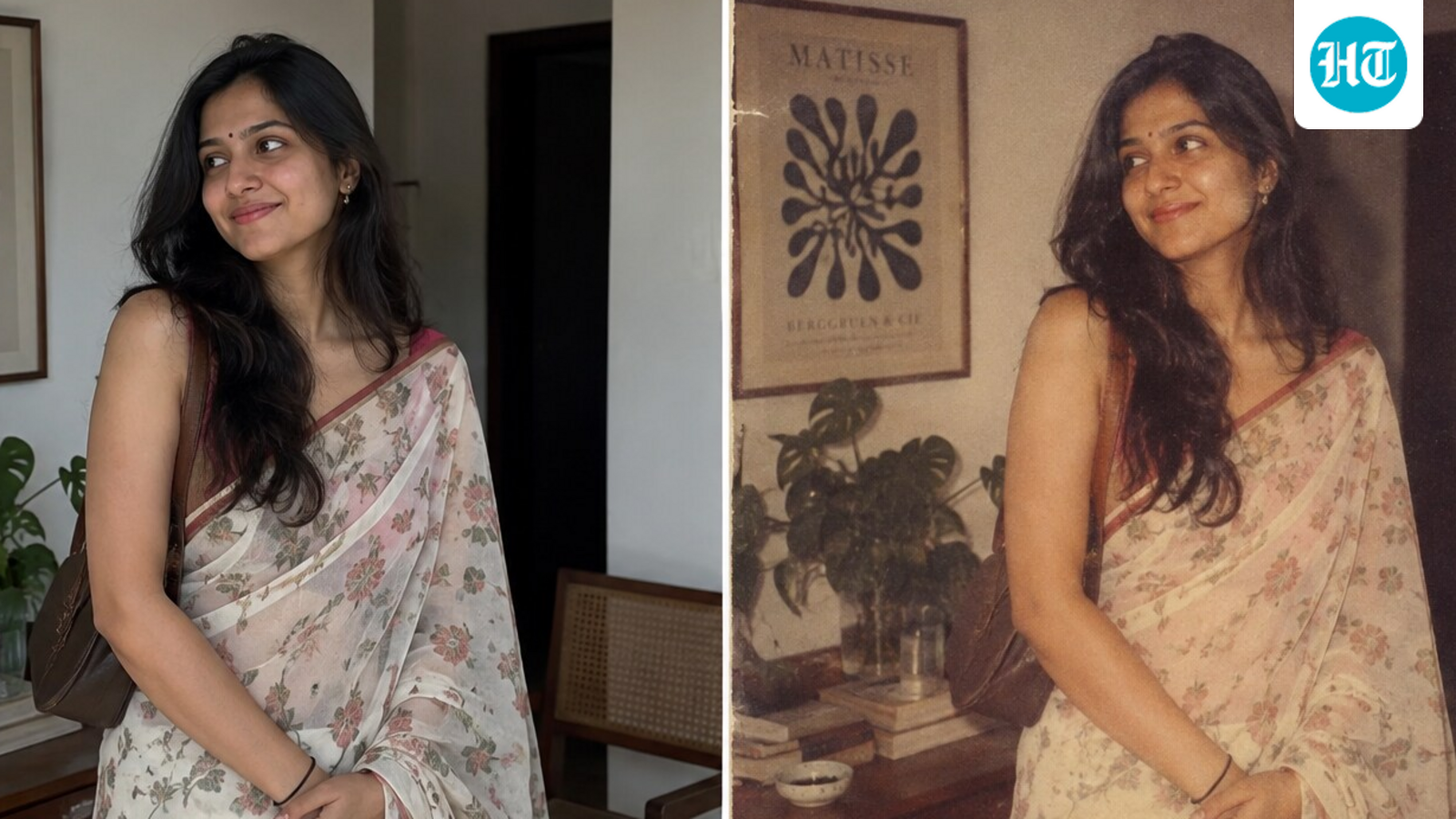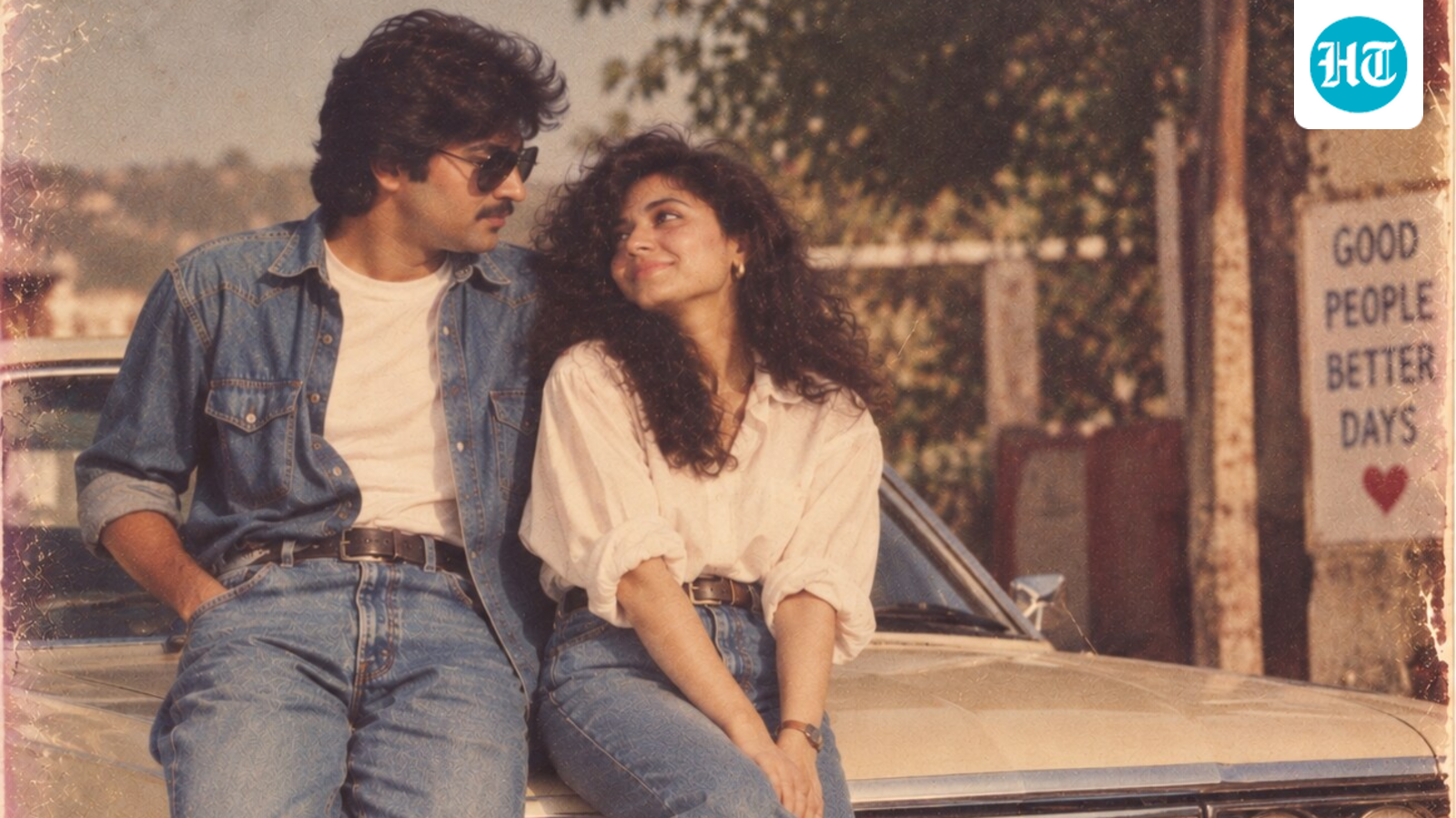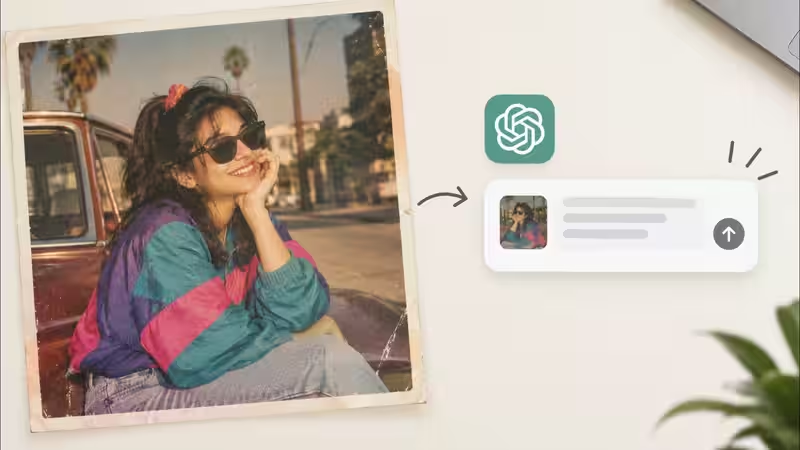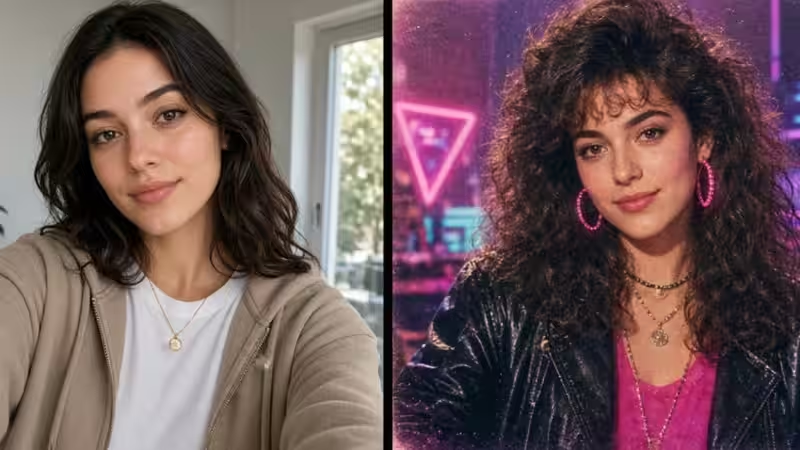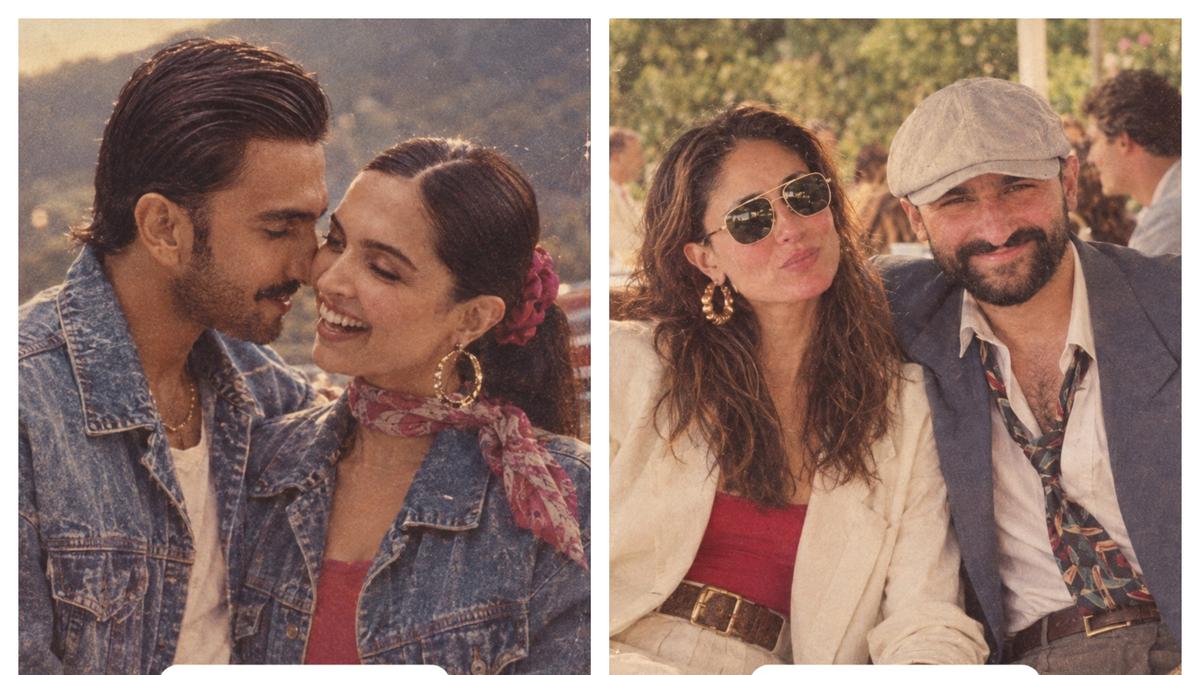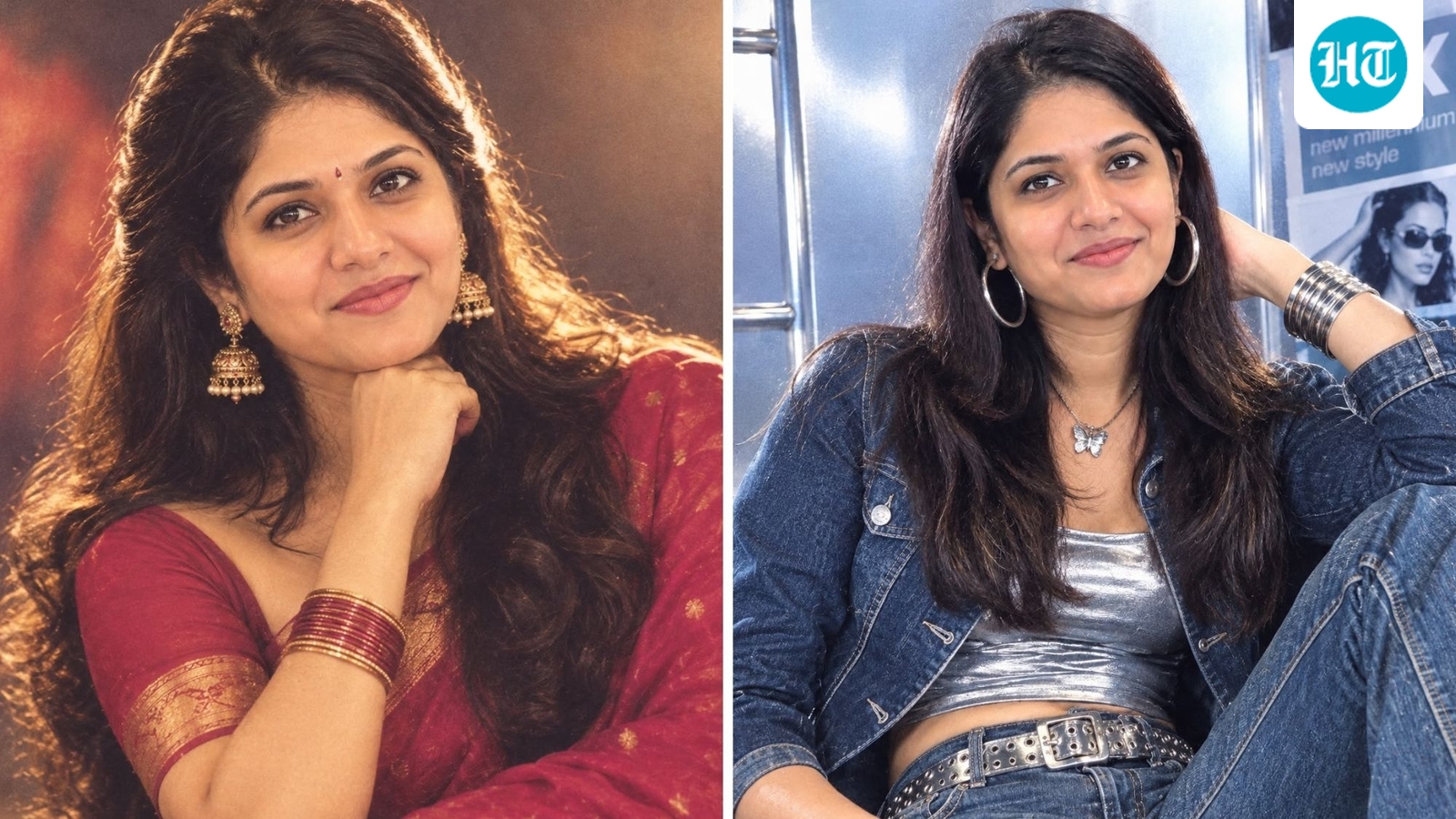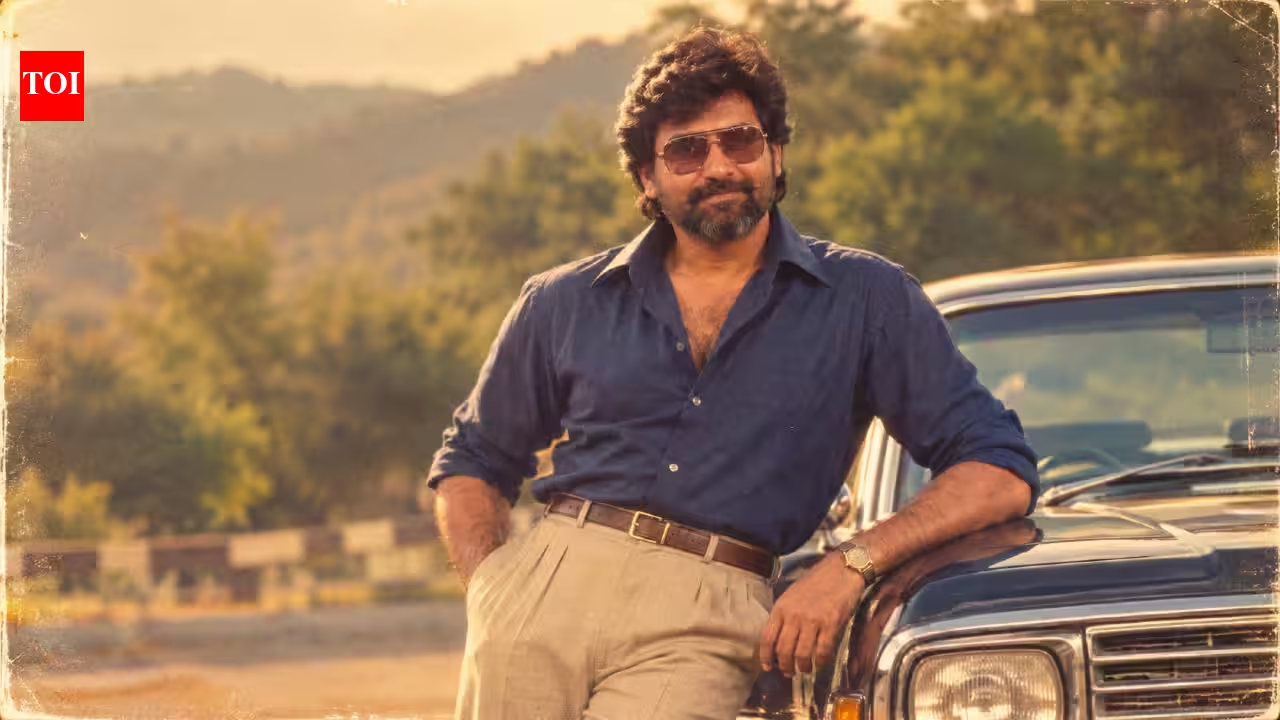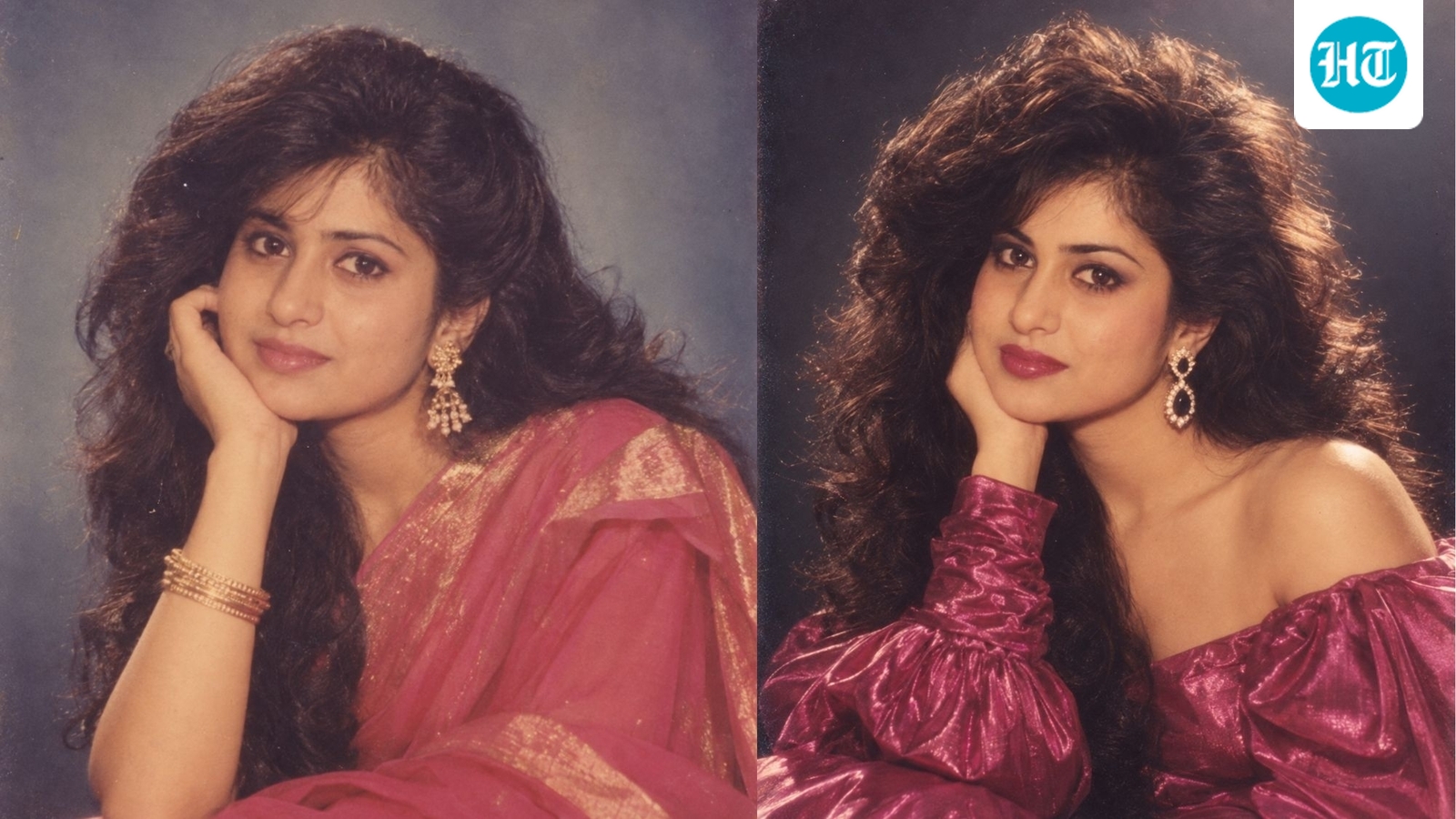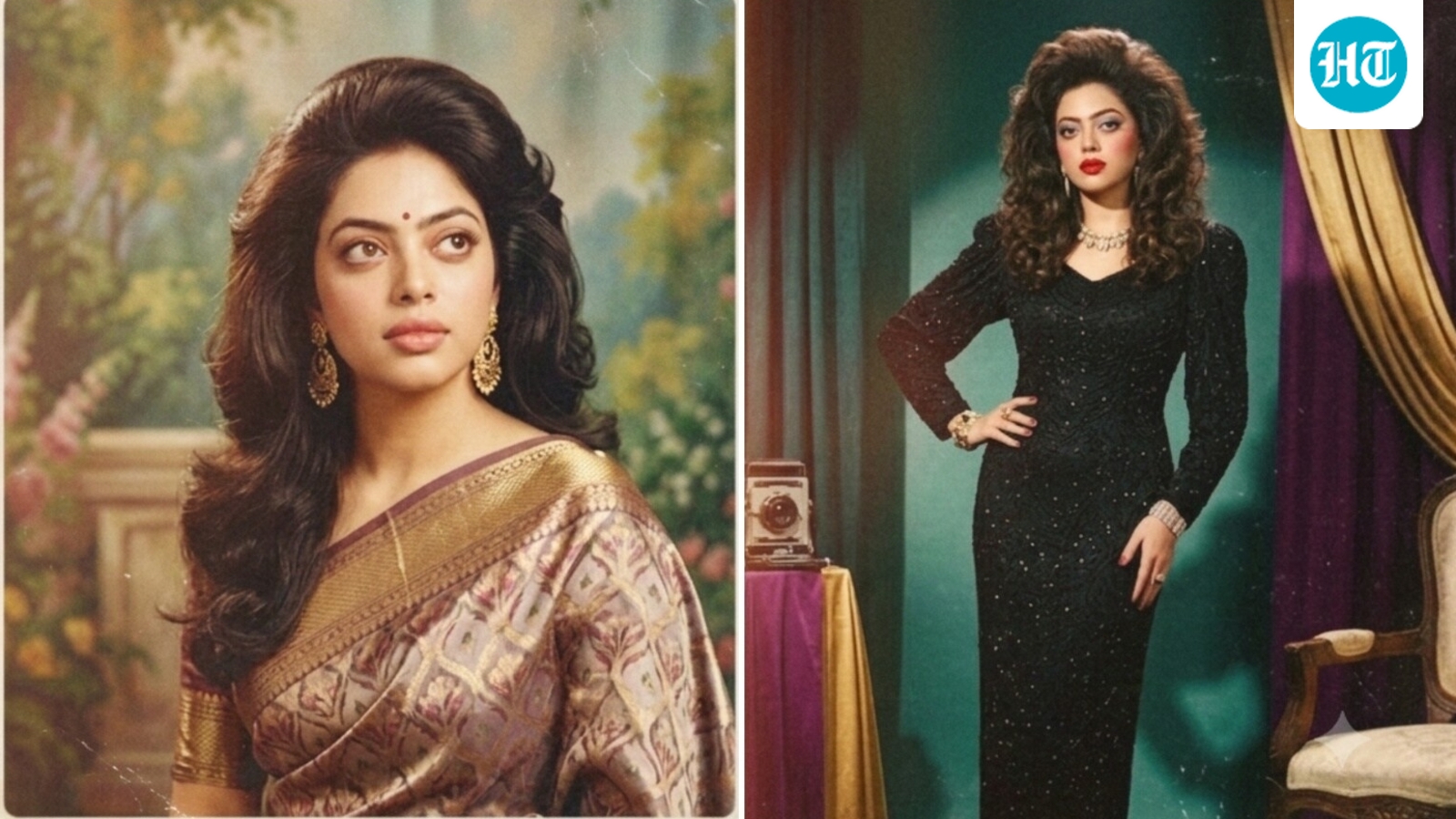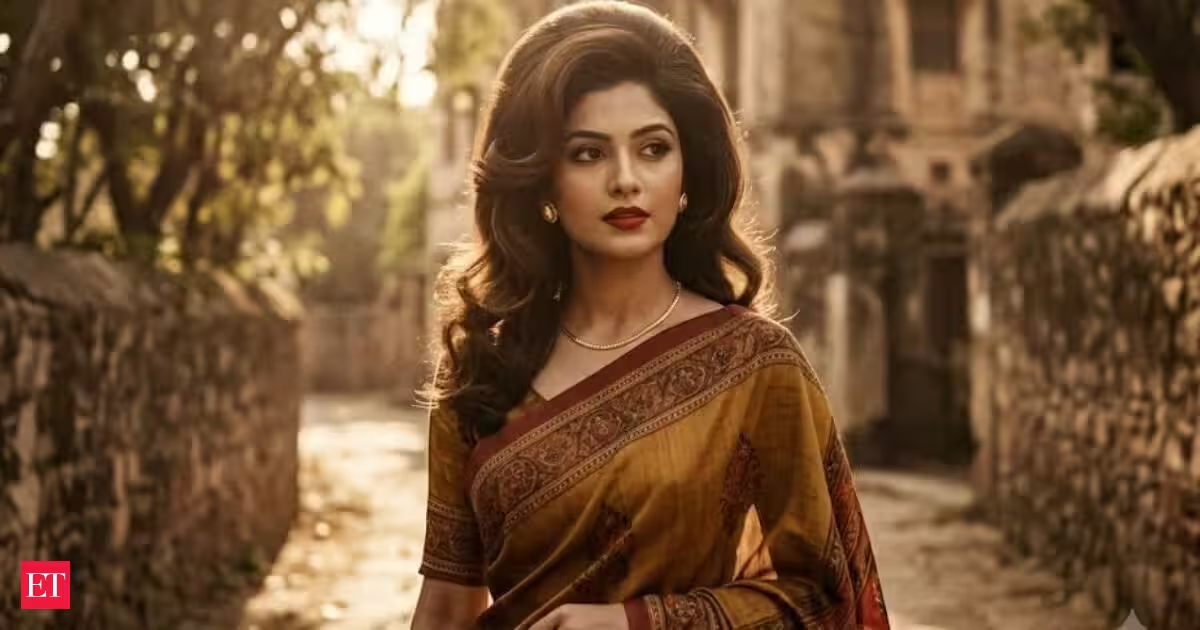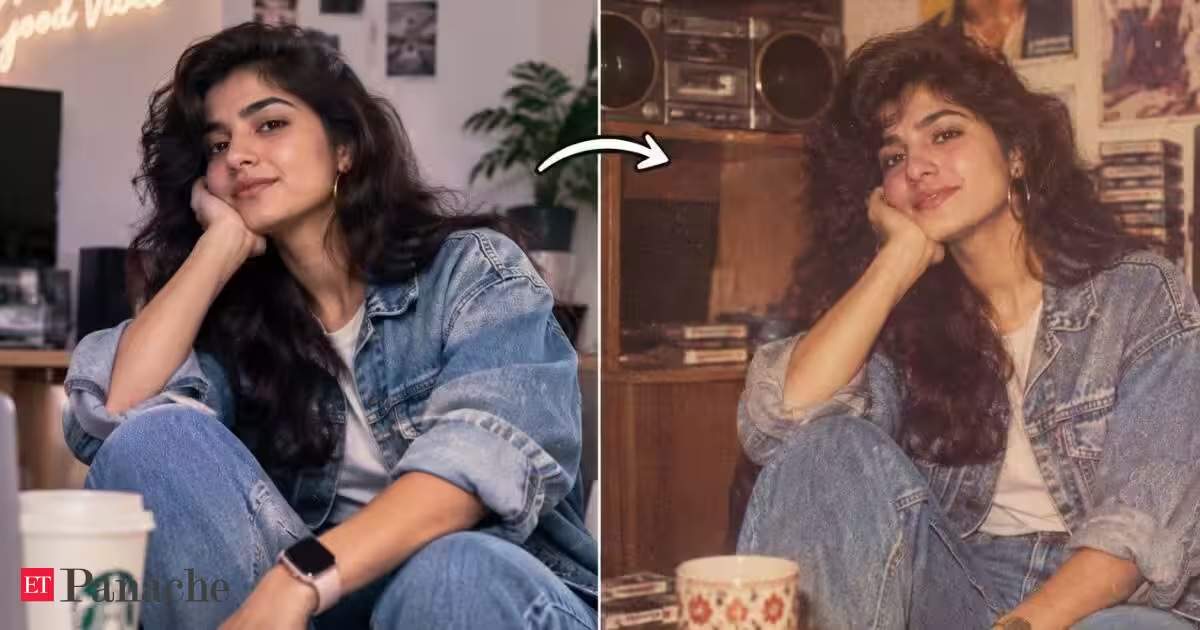
The viral 80s photo trend has turned social media feeds into a digital time machine. People are using AI image generators to transform modern selfies and photographs into pictures that appear to have been taken decades ago, complete with retro clothes, hairstyles, film grain and old-school settings. The results can be surprisingly convincing. However, simply asking an AI tool to turn a picture into an “80s photo” does not always produce an authentic-looking result.AI can sometimes confuse a genuine period aesthetic with a collection of retro clichés. Modern-looking objects can creep into the background, clothing may not match the decade and the final image can look like a contemporary photograph with a vintage filter rather than an actual 1980s picture.If you want your image to look more convincing and different from the thousands of similar AI-generated 80s pictures, these five prompts can help.1. Fix the modern objects hiding in the backgroundOne of the easiest ways to make an AI-generated 80s picture look fake is to leave modern objects in the scene.Cars, phones, televisions, lighting, shop signs, furniture and even buildings can accidentally reveal that the image was generated today. AI may understand the overall instruction but still insert objects that belong to a much later period.You Might Also Like:Try this prompt:“Make every object and background element historically appropriate for the 1980s. Remove smartphones, modern cars, LED lighting, contemporary furniture, modern appliances, current advertisements and any other objects that did not exist or were uncommon during the period. Keep the setting natural and realistic.”This is particularly useful when converting an existing photograph where the background contains several recognisable modern elements.You Might Also Like:2. Stop AI from making the 80s look like a costumeAnother common problem is exaggerated retro styling. When asked for an 80s look, AI can sometimes overdo the hairstyles, clothes, accessories and colours.The result may technically look “retro”, but it can also resemble someone dressed up for an 80s-themed party.For a more believable photograph, ask the AI to use everyday fashion from the period rather than obvious retro stereotypes.Try this prompt:“Use realistic everyday fashion from the 1980s that suits the person's age, location and social setting. Keep the clothing, hairstyle, jewellery and accessories period-appropriate but understated. Avoid exaggerated 80s costumes or stereotypical styling.”The prompt can be further customised depending on whether the image is supposed to represent a college student, office worker, wedding guest or family photograph.3. Make it look like an actual film photographAdding film grain alone does not necessarily make an AI image look as though it was captured decades ago.Many AI-generated images retain the extremely clean skin, sharp details and perfect lighting associated with modern digital photography. Simply adding a sepia or faded filter can make the image look edited rather than genuinely old.Instead, describe the characteristics of an analogue photograph.Try this prompt:“Make the image look like it was captured on an actual consumer film camera in the 1980s. Use natural film grain, subtle colour variation, realistic exposure, slightly imperfect focus, authentic skin texture and mild photographic imperfections. Avoid a modern digital-camera appearance and avoid an artificial vintage filter.”The goal is not to make the image visibly damaged. Small imperfections can make the result feel considerably more believable.4. Make the image culturally accurateThis can make a major difference when creating an 80s photograph from an Indian setting.A generic AI prompt can produce an image that looks like an American or European interpretation of the decade, even when the person or location is Indian. Clothing, interiors, vehicles, architecture, hairstyles and everyday objects varied significantly between countries and communities.Adding the cultural context can therefore make the generated image more distinctive.Try this prompt:“Recreate the scene as an authentic 1980s Indian photograph. Use period-appropriate Indian clothing, hairstyles, interiors, architecture, vehicles, furniture, signage and everyday objects. Reflect the visual style of the location and avoid generic Western 1980s stereotypes.”You can replace “Indian” with a specific city, region or setting for an even more targeted result.5. Give the photograph a story instead of just a retro filterThe most interesting images in the trend do not necessarily look like generic studio portraits. A photograph becomes more convincing when it appears to capture a particular moment.Instead of simply asking AI for an “80s portrait”, describe what the person was doing, where they were and what was happening around them.Try this prompt:“Create the feeling of a genuine candid photograph from the 1980s rather than a staged retro portrait. Place the subject naturally within the environment, with realistic body language, imperfect framing, authentic background details and subtle interactions with the surroundings. The photograph should feel like an ordinary moment captured at the time.”This can help move the image away from the increasingly familiar AI-generated 80s template.How these prompts can make a differenceThe biggest mistake when creating an 80s AI photograph is relying on a single instruction such as “turn this into an authentic 1980s photo”.That tells the AI about the broad aesthetic, but it does not necessarily tell it what makes the image historically believable.A better approach is to break the request into specific elements: the objects in the scene, clothing, photographic technology, cultural setting and the circumstances surrounding the photograph.You can also combine the prompts. For example, after generating an initial image, ask the AI to remove modern objects and then make the photography itself more consistent with analogue film.
Viral 80s photo trend prompts are getting some details wrong. 5 advanced AI prompts to fix these issues and make your pictures stand out
The viral 80s AI photo trend is taking over social media, but AI-generated images can sometimes get important period details wrong. From modern objects and inaccurate clothing to exaggerated retro styling and unrealistic film effects, these mistakes can make images look artificial. Here are five AI prompts that can correct these issues, improve the authenticity of 80s-style pictures and help users create images that stand out from the crowd.
885 words~4 min read