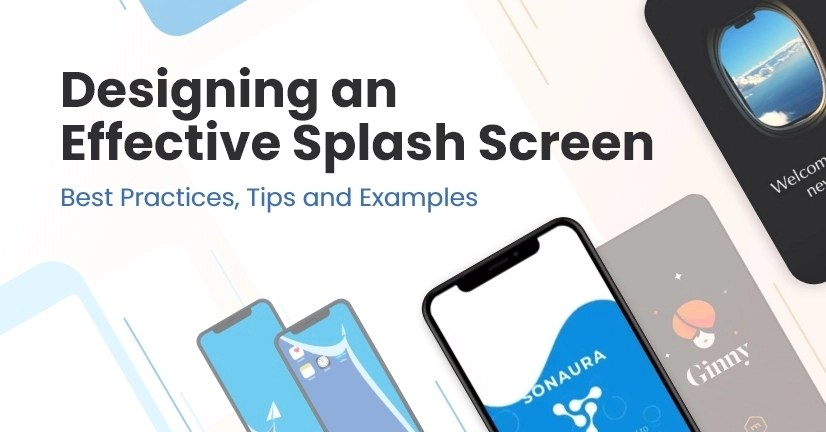
A splash screen is the first thing people see when they open your app. It usually shows your logo, app name, or a short branded animation while the app is launching. Get it right and it feels polished. Get it wrong and users notice the delay.
A lot of developers build a splash screen by creating a full React Native screen and using setTimeout to navigate away after one or two seconds. It works, but it adds extra wait time. If the app takes one second to load and your splash screen waits another second, the user is now waiting two seconds before they can do anything. That extra second is not free. It hurts performance and the user experience.
This article shows how to do it properly using the native splash screen APIs. I will cover three approaches, so you can pick the one that fits your project:
Android SplashScreen API - bare React Native CLI workflow, no extra libraries.
react-native-bootsplash - bare React Native CLI workflow, cross-platform and consistent.