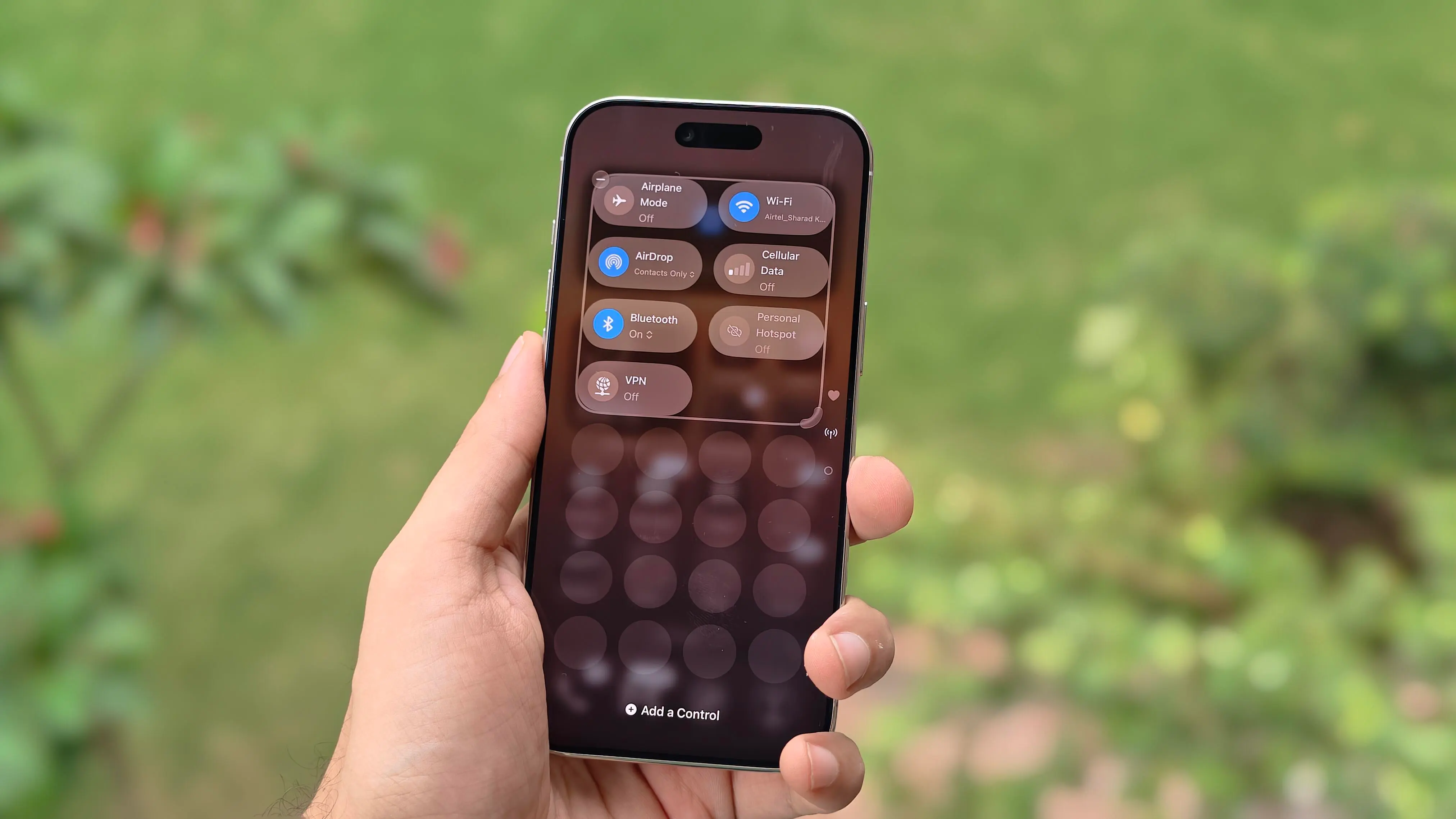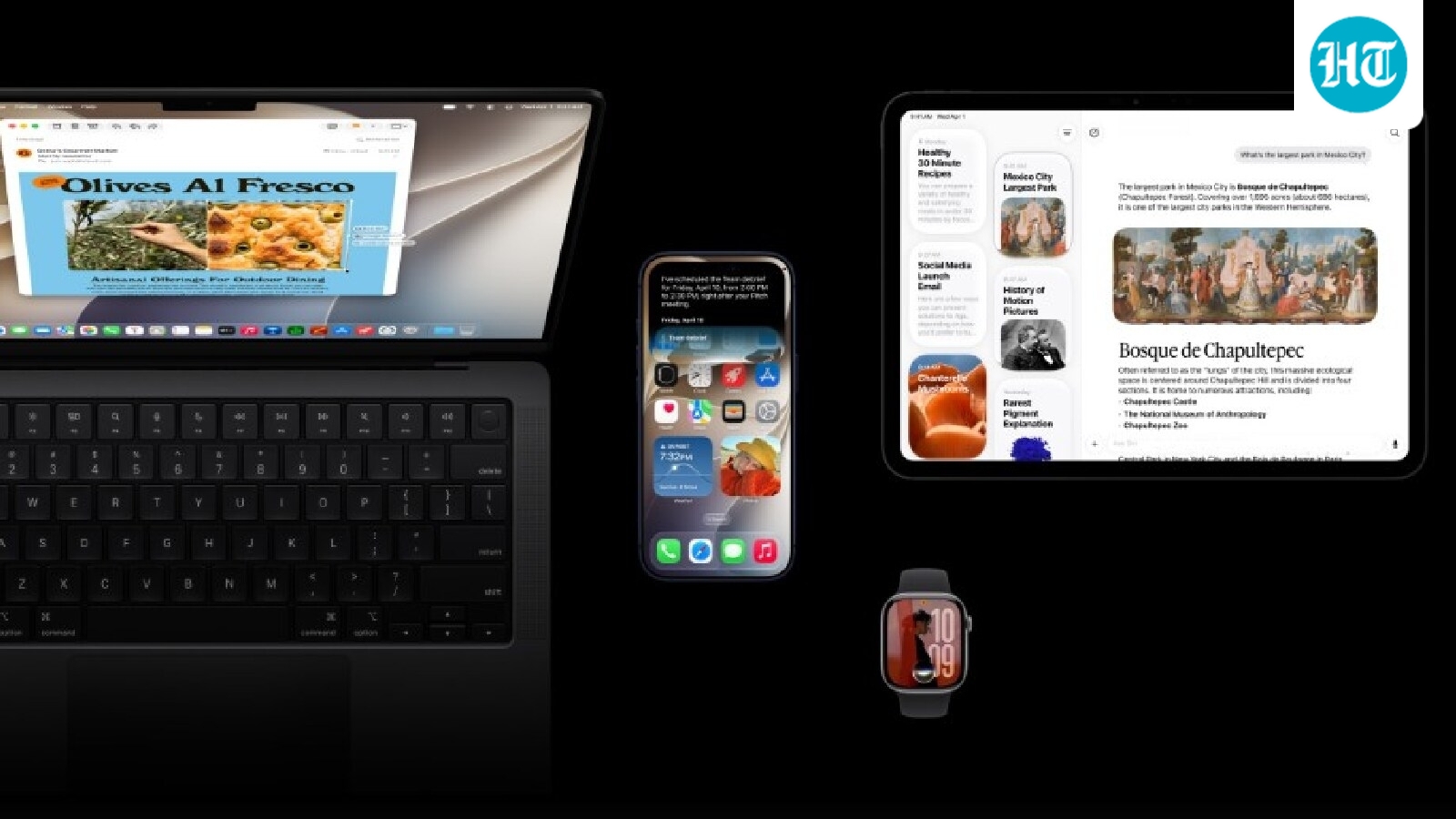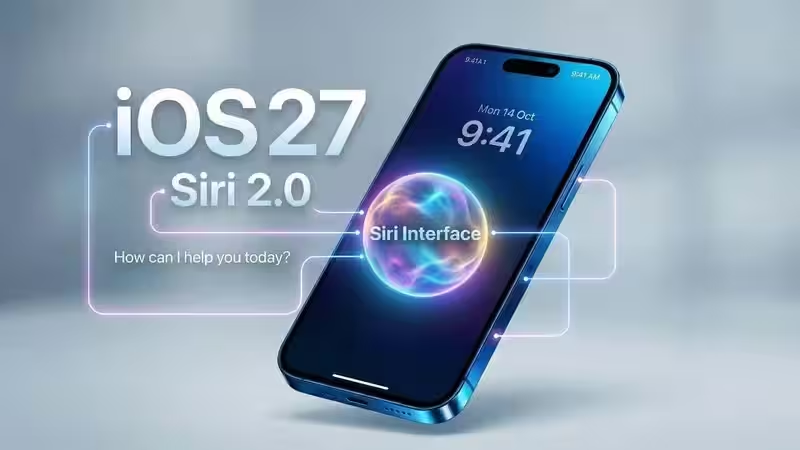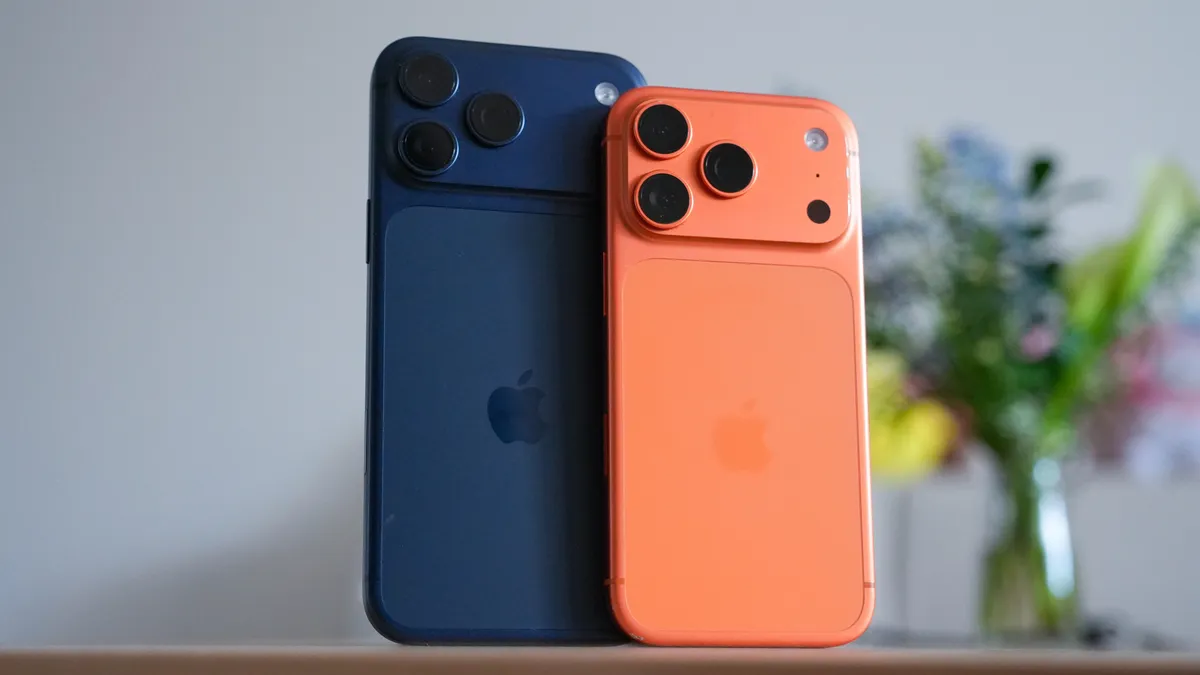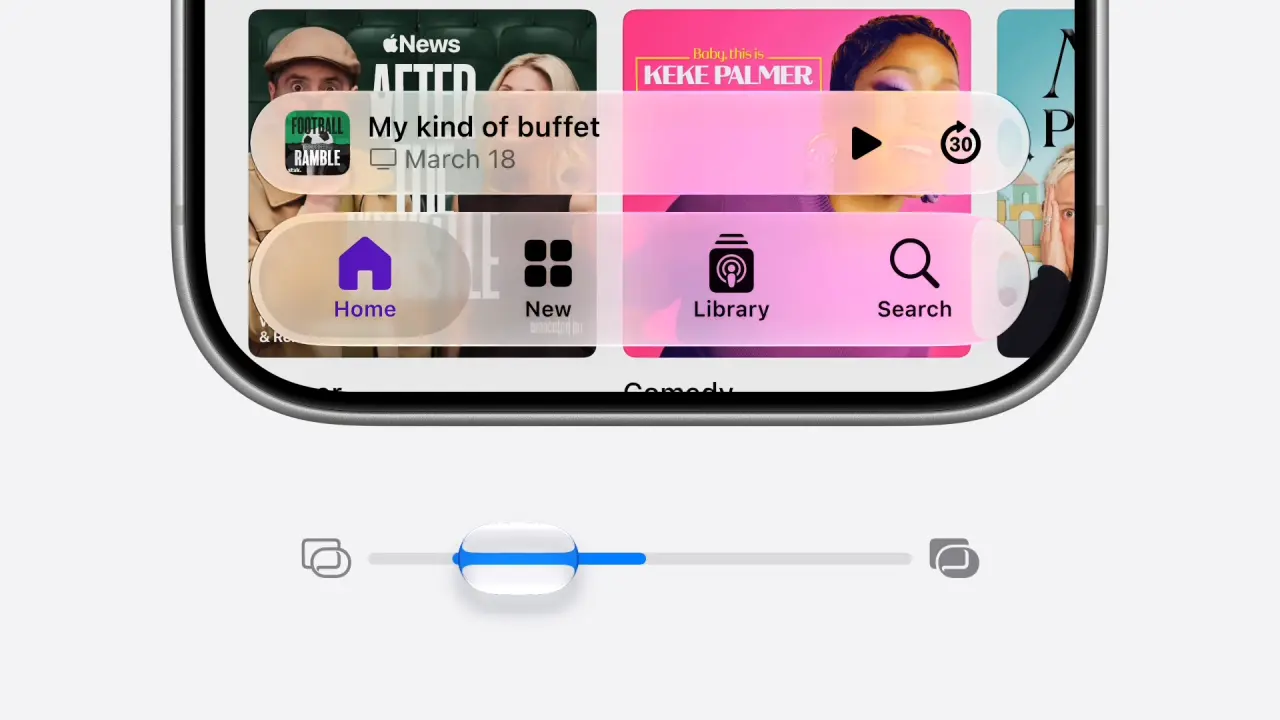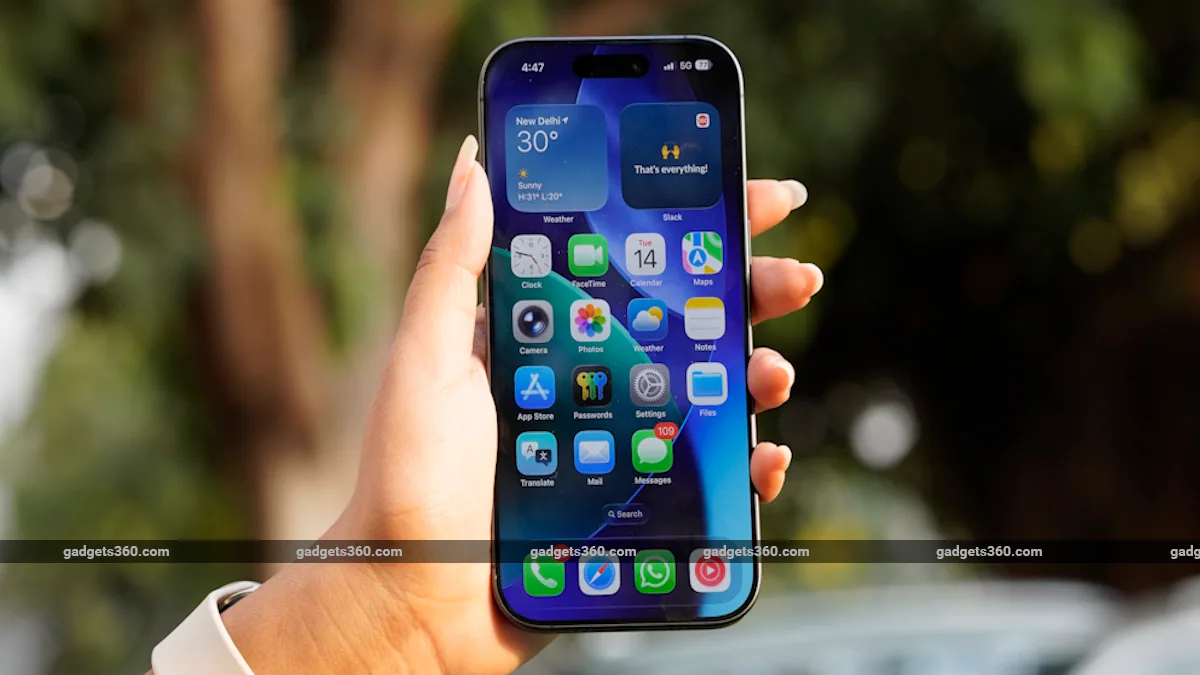
Apple first previewed iOS 27 at WWDC 2026 in June, giving users an early look at the next major software update for the iPhone. The update has since gone through multiple cycles of developer and public beta releases, allowing users to test several of its new features ahead of the stable rollout. Following the launch of the iPhone 18 Pro, iPhone 18 Pro Max and the company's first foldable iPhone, the iPhone Duo, Apple has now confirmed that iOS 27 will be publicly available from next week. The update brings a refreshed Liquid Glass interface, a redesigned Siri experience, faster system performance, expanded parental controls, and new Visual Intelligence capabilities.iOS 27 Release Date and How to UpdateApple has confirmed that iOS 27 will be released to compatible iPhone models on September 14. When a new update is available for the iPhone, it will show on the updates page, although Apple has not announced a specific rollout time.Top 5 Features Worth Trying Out on Apple iOS 27 Public BetaApple apparently isn't done with iOS 27 yetUsers choosing their preferred AI model inside the new iOS 27 betaThe New Transparency Slider Might End Up Being My Favorite iOS 27 FeatureAm I the Only One More Excited for Siri Than iOS 27?To install the iOS 27 update: Open the Settings app on your iPhone. Go to the General > Software Update. The iPhone will check for any pending updates automatically. Tap on Download & Install. Wait for the iOS 26 update to install, and your iPhone will reboot.Before installing a major software update, Apple advises users to back up important data and ensure that the iPhone has sufficient battery or is connected to a charger.iOS 27 Compatible iPhonesiOS 27 continues Apple's existing software support range and is compatible with iPhone 11 and newer models, along with the iPhone SE (2nd generation) and iPhone SE (3rd generation). The newly launched iPhone 18 Pro, iPhone 18 Pro Max, and iPhone Duo ship with iOS 27 out of the box.The compatible devices include: iPhone 18 Pro iPhone 18 Pro Max iPhone Duo iPhone 17 series iPhone 16 series iPhone 15 series iPhone 14 series iPhone 13 series iPhone 12 series iPhone 11 series iPhone SE (2022) iPhone SE (2020)While the OS itself supports a broad range of iPhones, not every iOS 27 feature will be available on every compatible device. Apple Intelligence features, for instance, require supported hardware: iPhone 15 Pro and later models.One of the biggest changes in iOS 27 is the revamped Siri experience. Apple has introduced a dedicated Siri AI app that lets users start new conversations and revisit previous interactions, with conversation history synchronised across supported Apple devices through iCloud. The new Siri is powered by Apple's second-generation Foundation Models and also uses Google's Gemini AI models. Apple says the assistant can understand personal context, access information from apps such as Messages, Mail, and Photos, and perform actions across supported apps.Users can interact with Siri using text or voice, while the assistant also gets options to customise its voice, including its pitch, speed, tone, and accent on iPhone models featuring 12GB of RAM.Apart from this, Apple has introduced a new Search or Ask interface that brings together search, AI assistance, and task management capabilities. It can be used to retrieve information, launch apps, and perform actions using natural-language commands.Visual Intelligence is another area where major upgrades have been introduced. The feature can now work directly through the iPhone's Camera app, allowing users to point their camera at an object or scene and ask Siri for information or perform an action. It can also analyse content displayed on the iPhone, allowing users to search for information or take actions based on what is on their screen.Apple is also giving iOS 27 a visual overhaul with its updated Liquid Glass design. The interface introduces greater transparency and customisation across system elements, while Apple has added an opacity slider that allows users to adjust the intensity of the Liquid Glass effect.Apple Intelligence is being integrated more deeply into iOS 27 as well. The Photos app gets additional AI-powered editing capabilities, including Clean Up, Extend, Reframe and Spatial Reframing, while users can also edit images using natural-language prompts. Apple Intelligence features are also being integrated into applications including Safari, Wallet and Shortcuts.iOS 27 also expands Apple's parental controls with additional tools for managing children's device usage. Parents can use Ask to Buy for app downloads and purchases, while Ask to Browse can require approval before children visit new websites in Safari. Apple is also adding controls for contacts across Messages, FaceTime and Phone.Beyond the headline AI and visual changes, Apple says iOS 27 brings a range of performance improvements. Apps can launch up to 30 percent faster, while the Photos app can load newly captured images up to 70 percent faster. Apple has also optimised the CPU scheduler and system services to improve overall responsiveness. AirDrop transfers are claimed to be up to 80 percent faster, while improvements have also been made to Wi-Fi and cellular network switching.Search has also been rebuilt across Spotlight, Photos and Mail, with Apple claiming improvements in stability and efficiency. Mail gets an updated ranking system to surface more relevant results in its Top Hits section, while other changes include faster AirDrop recipient discovery, quicker NFC reading, improved AirPlay connections, faster Safari content loading, and quicker HomeKit pairing.
iOS 27: Top New Features, List of Compatible Devices, and More
iOS 27 continues Apple's existing software support range and is compatible with iPhone 11 and newer models.
1,014 words~5 min read