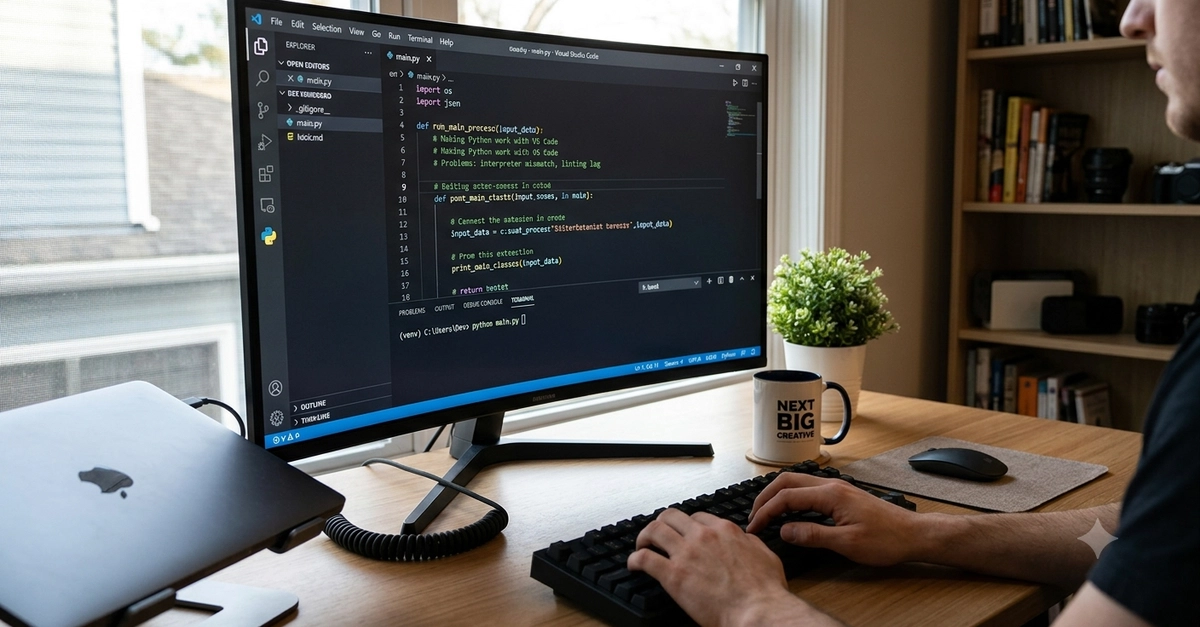
Your venv is activated and IntelliSense resolves everything, but the terminal runs a different Python. Here's why VS Code tracks two separate Pythons, and the real fix.
Adapted from the VS Code Essentials Companion Guide.
You created a virtual environment, activated it, installed your packages — and VS Code still can't find them. Or the opposite: IntelliSense recognizes everything perfectly, but running the file in the terminal throws ModuleNotFoundError for a package you know is installed. Either way, it feels like VS Code is lying to you about something as basic as which Python it's using.
It isn't lying. It's just tracking two separate things that happen to look like one.
What's actually happening