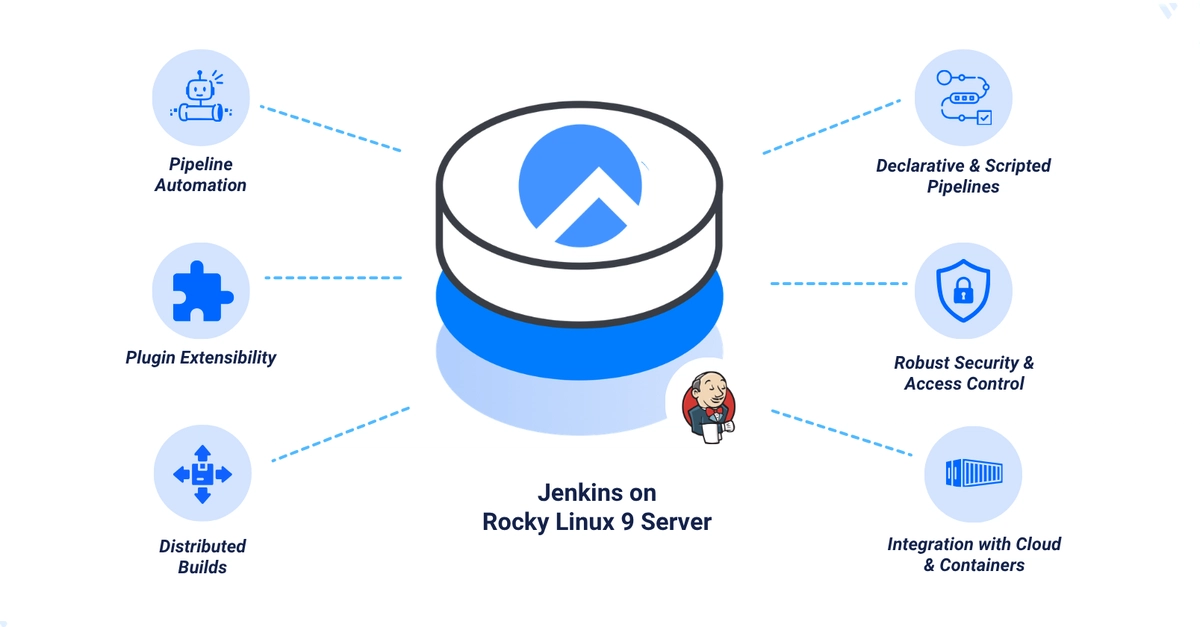
Jenkins is a popular open-source automation server for continuous integration and continuous deployment (CI/CD), letting teams build, test, and deploy software with a large ecosystem of plugins. This guide installs Jenkins on Rocky Linux 9, secures the web interface behind Nginx with a Let's Encrypt SSL certificate, tunes system limits for heavier workloads, and sets up automated backups. By the end, you'll have Jenkins running securely over HTTPS with a test job verified through both the dashboard and the Jenkins CLI.
Before you begin, you need access to a Rocky Linux 9 instance as a non-root sudo user, and a domain A record pointing to the instance's IP address (for example, example.com) configured with your DNS provider.
1. Install Java
Jenkins requires the Java Development Kit (JDK) to run.
1. Update the package index: