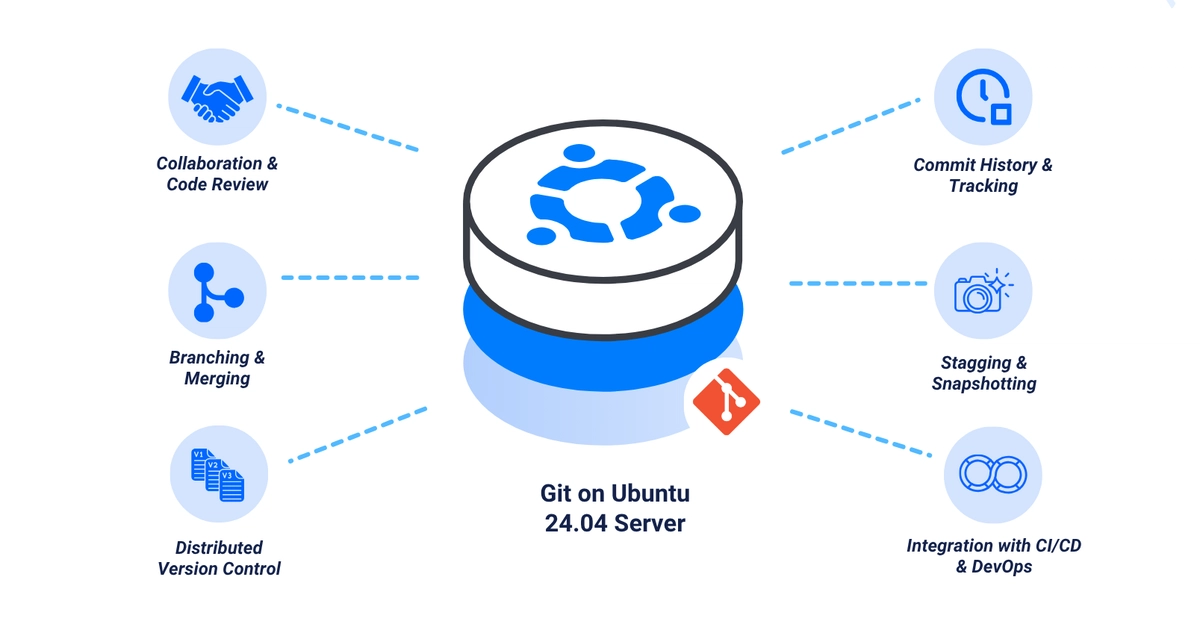
Git is an open-source distributed version control system used to track changes in projects and during software development. Git allows multiple contributors to simultaneously work on a single project, maintain and track the history of all changes. It enables efficient collaboration and allows developers to synchronize changes using Git-compatible platforms such as GitHub, GitLab, and Bitbucket. This guide walks through installing and configuring Git on Ubuntu 24.04. By the end, you'll have the latest Git version installed and configured to work with local and remote repositories in your project environment.
Before you begin, you need access to an Ubuntu 24.04 instance to install Git as a non-root sudo user.
1. Verify the Default Git Version
Git is available by default on Ubuntu 24.04, but the default version may be outdated and not the latest.
1. View the default installed Git version: