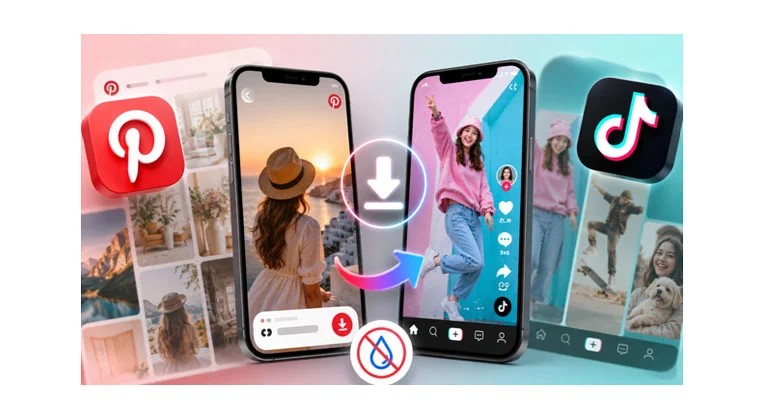
Two platforms, two different obstacles. Pinterest gives you no way to save a video at all, so the clip you found stays locked inside the app. TikTok does let you save, then stamps a moving username across the frame. Either way, the file you actually wanted never reaches your phone.
Both problems have the same kind of fix and it takes under a minute. A Pinterest video download through a browser tool pulls the real file out, and a separate tool does the same for TikTok with the watermark removed.
Why Pinterest has no download button
Look for one and you will not find it. No menu item, no long-press option, no setting buried in your profile. Saving a Pin bookmarks it inside the app and stops there, so the video stays on Pinterest’s servers rather than becoming a file you hold.
That arrangement works until it does not. When a creator deletes their account or takes a Pin down, everyone who saved it loses it. The thumbnail sometimes lingers on the board, which makes it worse, because you assume the video is still there until you tap it and nothing plays. Boards built over years quietly develop holes.