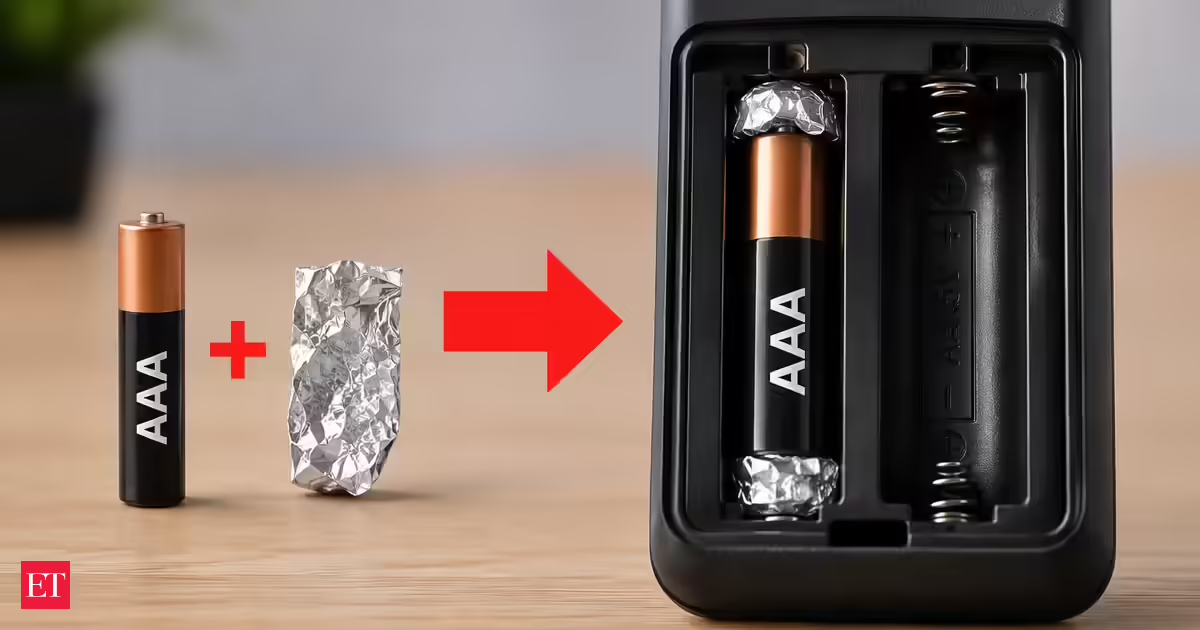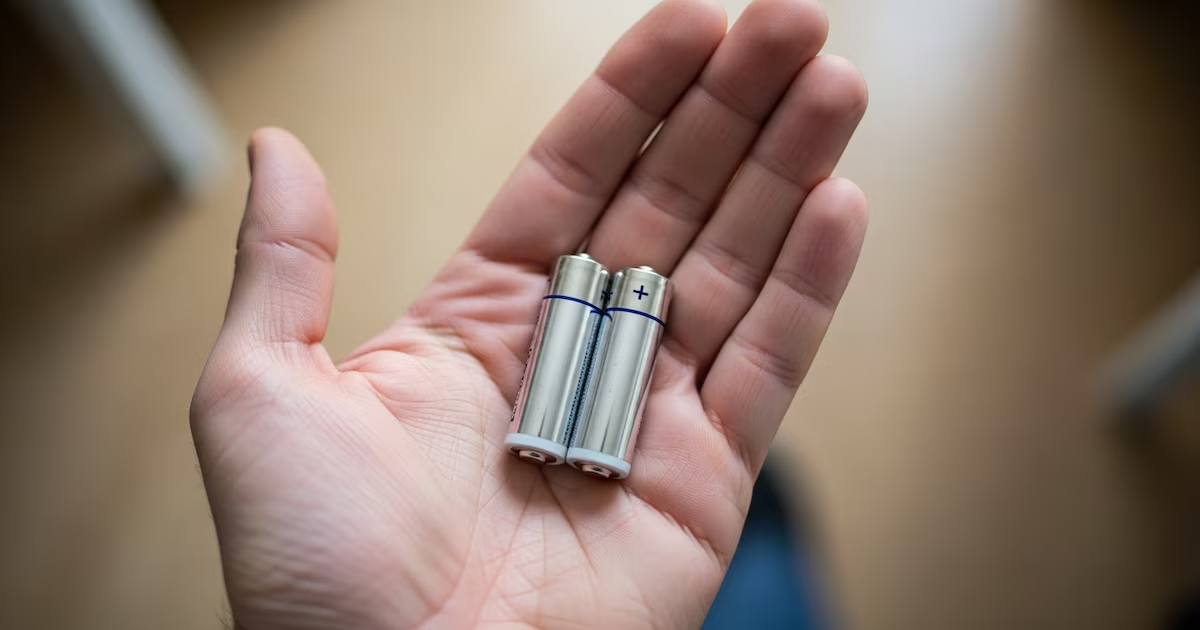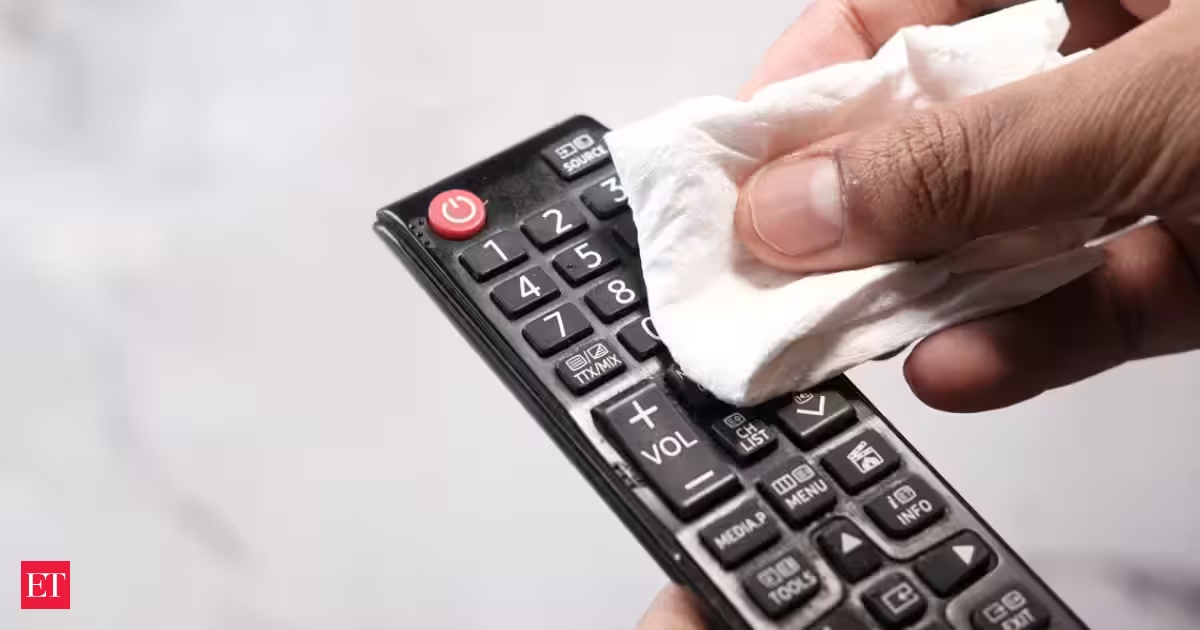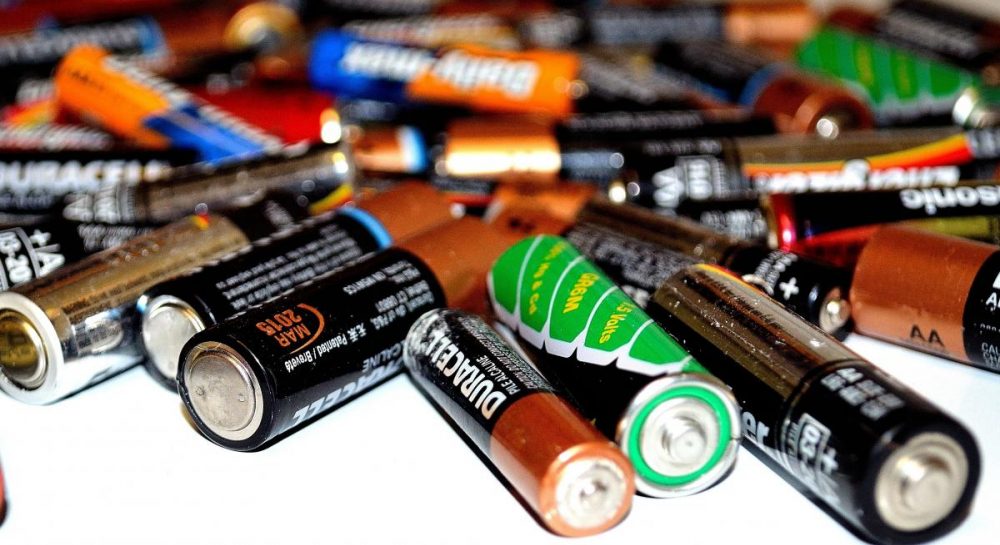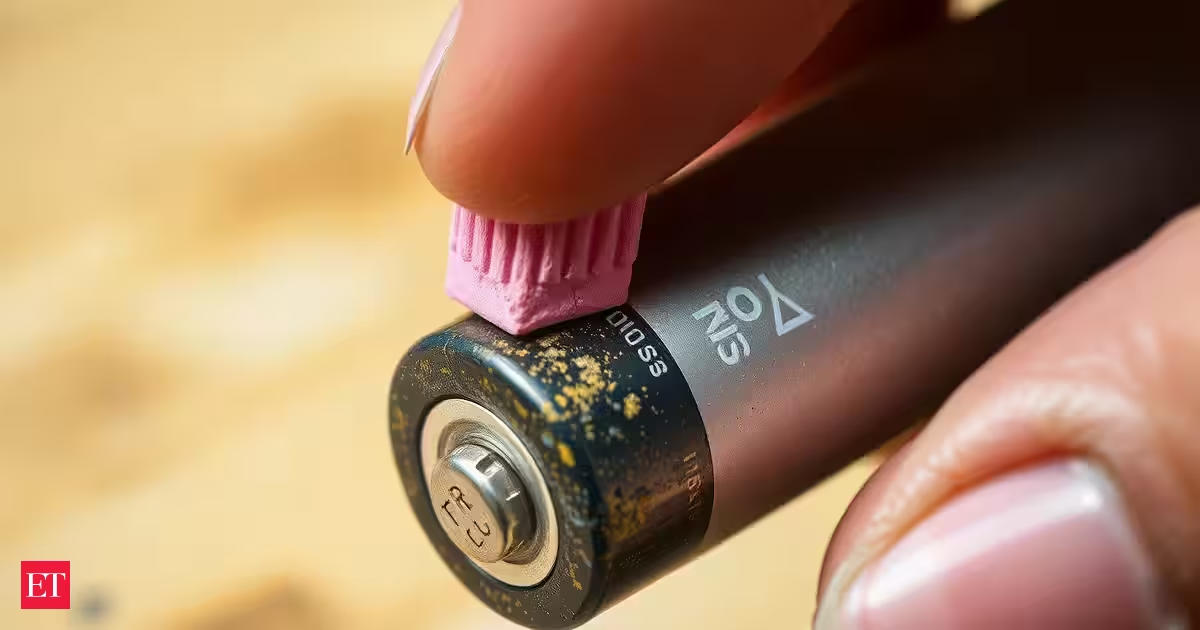
Every time, the remote stops or a toy refuses to turn on, or a flashlight becomes unreliable, the first instinct is usually to remove the batteries and throw them away. But sometimes, the battery itself isn’t the problem.A surprisingly simple household trick involves taking a clean pencil eraser and gently rubbing it over the battery’s metal contact points. The technique is even mentioned by battery manufacturers as a way to keep battery contacts clean.Why would an eraser help a battery?The answer has less to do with the battery’s chemistry and more to do with the electrical connection between the battery and the device.Everyday handling can leave behind dirt, grease and other contaminants on battery terminals. Over time, the metal contact surfaces can also develop a thin layer of oxidation.That buildup can interfere with the connection between the battery and the contacts inside a device. In electrical terms, anything that makes the contact less clean can increase resistance and make it harder for current to flow efficiently.An eraser provides a surprisingly useful solution because it is mildly abrasive.Rather than aggressively scraping the metal with something like sandpaper or steel wool, gently rubbing the contact can remove surface grime and oxidation while being relatively gentle on the terminal.Duracell itself recommends an eraserThis isn't simply an internet hack passed around without any manufacturer support.Duracell's battery guidance says users should keep battery contact surfaces and battery-compartment contacts clean, recommending that they be rubbed with a clean pencil eraser or a rough cloth when batteries are replaced.That recommendation points to the real purpose of the trick: cleaning the electrical contact, not reviving the battery's internal chemistry.The distinction matters.An eraser doesn't actually recharge a dead batteryThere is a common misconception that rubbing a battery somehow “restores” its energy.It doesn't.The chemical reactions inside an alkaline or rechargeable battery aren't regenerated by rubbing its exterior. If a battery has genuinely exhausted its chemical capacity, cleaning its terminals won't create new energy.What the trick can do is improve the connection between the battery and the device.Imagine a battery still has some usable energy left, but contamination on its contact surfaces is preventing that energy from being delivered efficiently. Cleaning the contacts can remove that obstacle.So a device that appeared to have a completely dead battery may sometimes work again—not because the battery was recharged, but because the electrical connection has improved.How to try the trick safelyIf a battery-powered device is behaving as though its batteries are dead, remove the batteries first.Then:Use a clean, dry pencil eraser.Gently rub the metal contact surfaces on the battery.Clean the corresponding contacts inside the battery compartment if they are dirty.Wipe away any loose residue.Reinstall the batteries and test the device.Don't aggressively scrape the terminals. Avoid using liquids around the battery compartment, and don't attempt to repair batteries that are leaking, swollen, damaged or corroded.The goal is simply to clean the contact surface—not to physically wear down the metal.A tiny maintenance trick with a useful lessonThe battery eraser trick works because electricity still has to travel through a physical connection.A battery may contain plenty of remaining chemical energy, but if the pathway between its terminal and the device's contact is compromised by grime or oxidation, the device may not receive power as reliably as it should.That's why something as ordinary as a pencil eraser can occasionally make a difference.It won't turn an exhausted battery into a new one. But before sending a battery-powered gadget to the trash—or assuming the batteries are completely finished—cleaning the contacts is a quick, inexpensive troubleshooting step worth trying.
Before throwing away a 'dead' AA, AAA batteries, try this simple eraser trick; it can restore a better connection
That little rubber eraser sitting on your desk may have an unexpected use: cleaning battery contacts and helping devices get the remaining power from batteries that seem to have stopped working.
588 words~3 min read