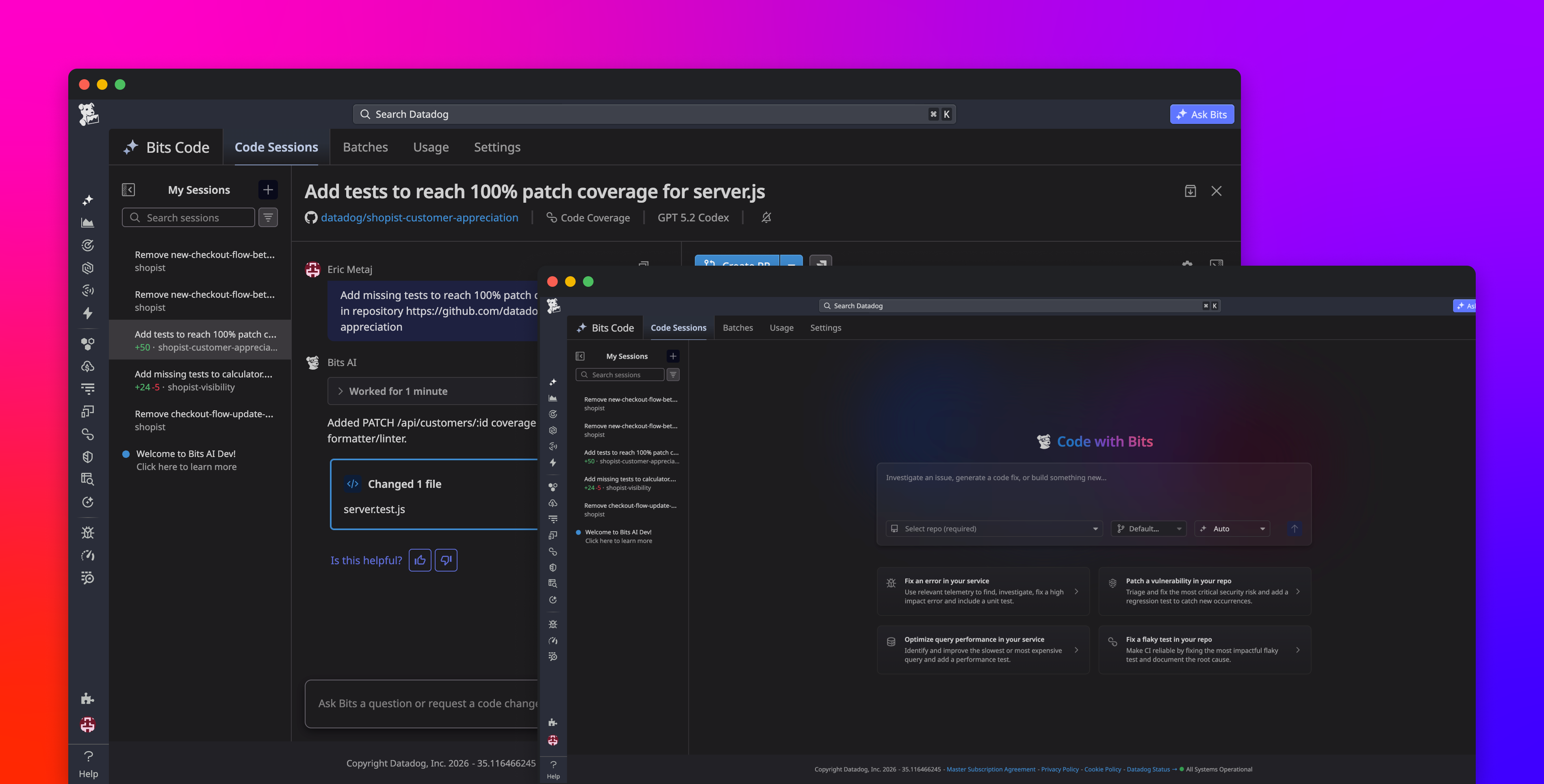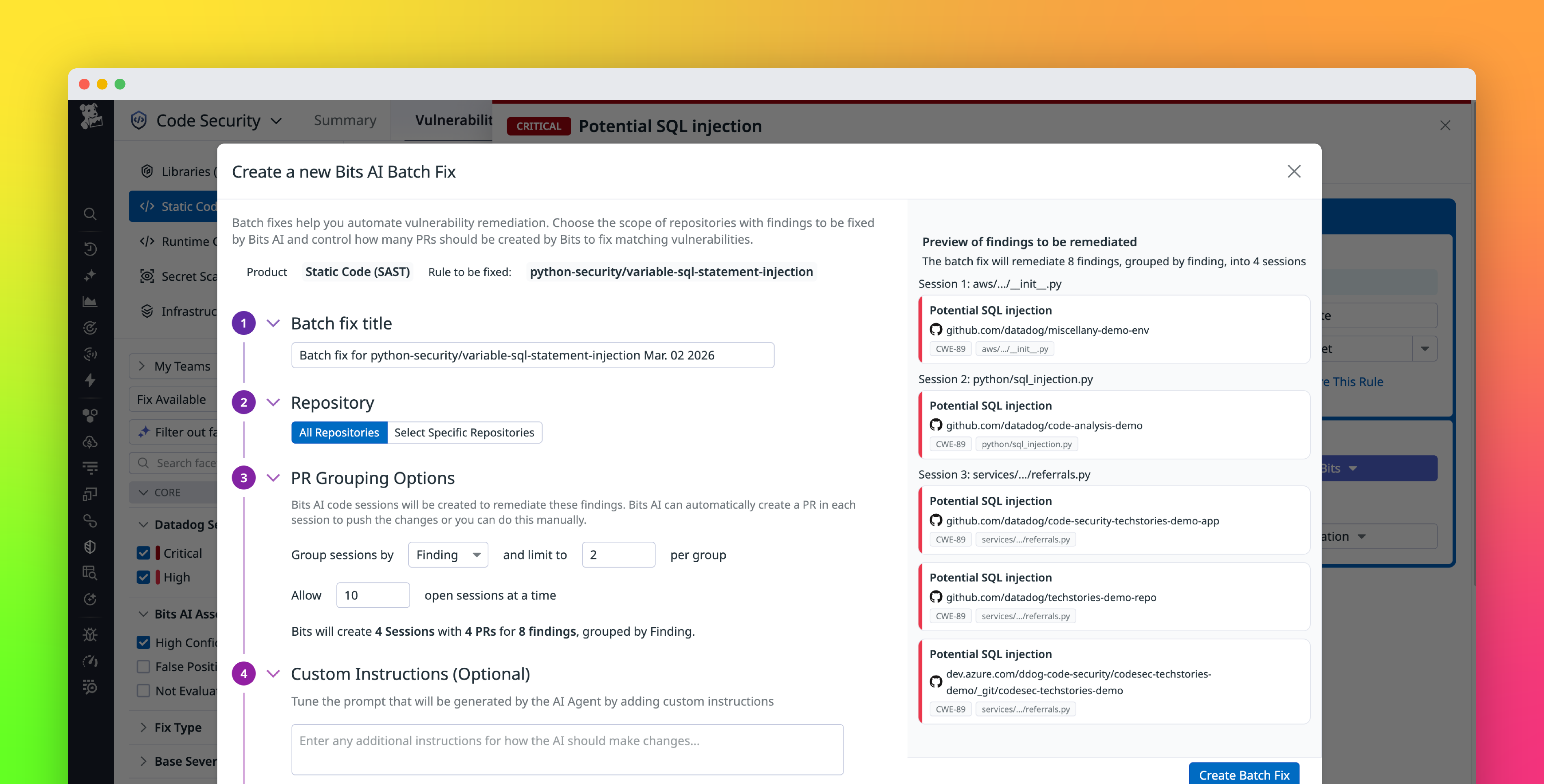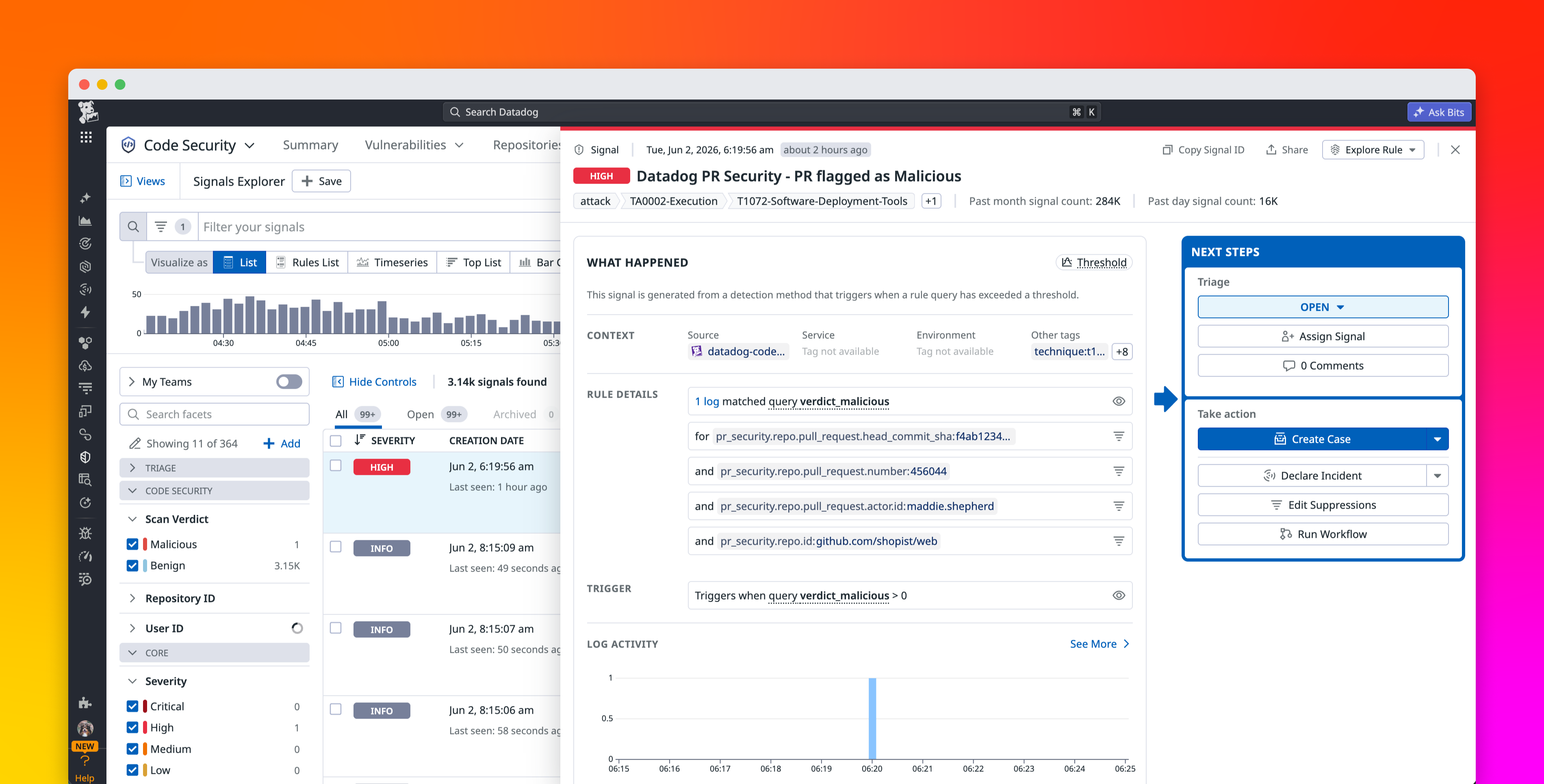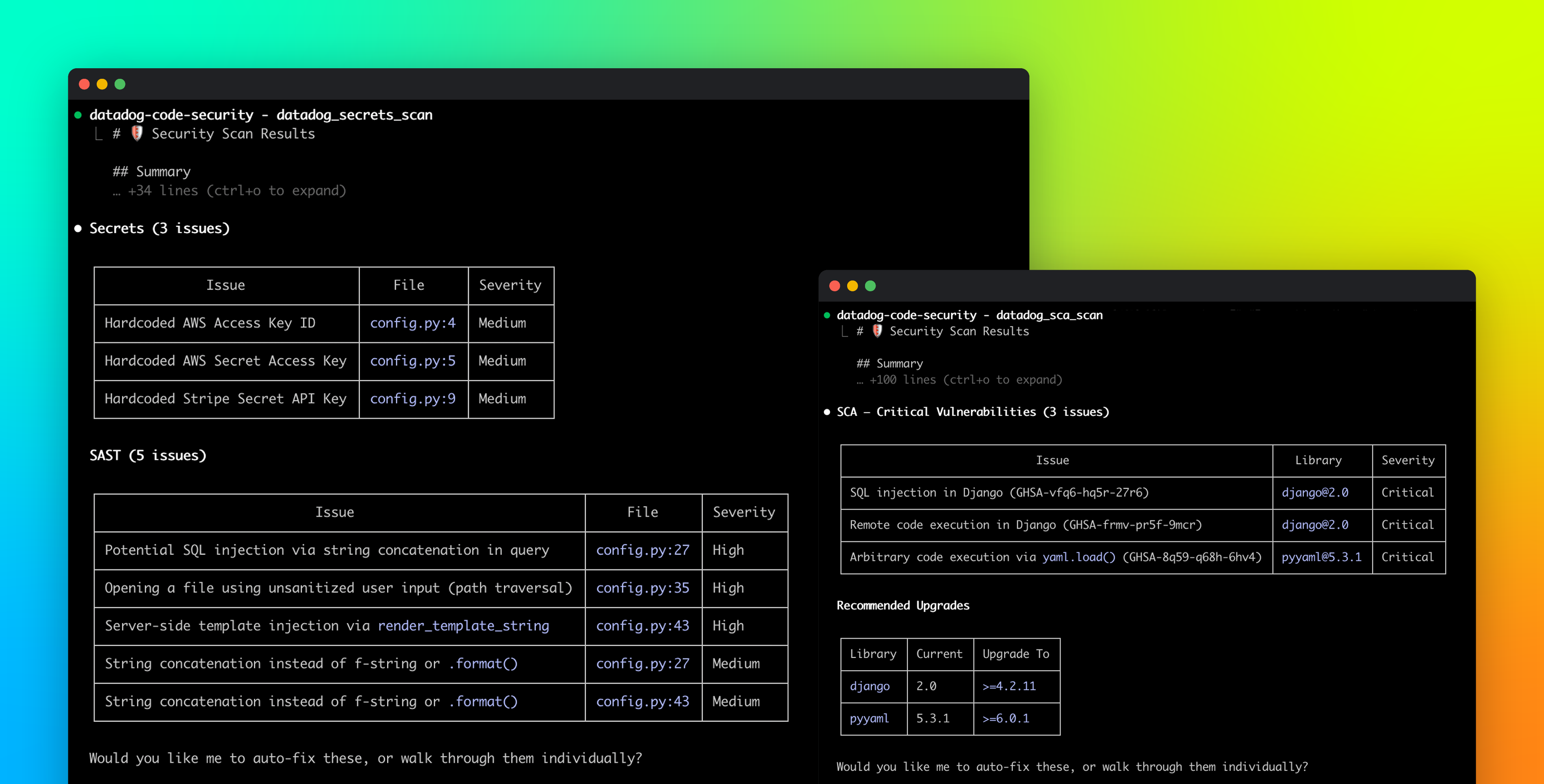
Developers and SREs who use Bitbucket Cloud often need to move between their source code, observability data, test results, and security findings to investigate a problem. Connecting an error or slow method to the correct repository, file, and commit takes time. Teams may also discover vulnerabilities, infrastructure misconfigurations, coverage regressions, or flaky tests only after code has progressed further through the software development life cycle, when remediation is more disruptive.
The Bitbucket Cloud Source Code integration connects Bitbucket Cloud repositories to Datadog. It gives each Datadog product access to the source code context it needs to help developers investigate production issues, review automated feedback within pull requests (PRs), and apply quality and security checks before code is merged. In this post, we’ll explain how the integration helps you:
Gain immediate visibility into code health and securityAccelerate troubleshooting with code-aware APMAutomate code reviews with PR feedback
Connecting your Bitbucket Cloud workspace gives Datadog products access to the repositories that your teams select during setup. You can authorize the integration from its Configuration tab, choose the workspaces that you want to connect, and then configure the Datadog capabilities that you plan to use. Installing the integration provides the repository access required by supported features, but it does not enable billable products by default.