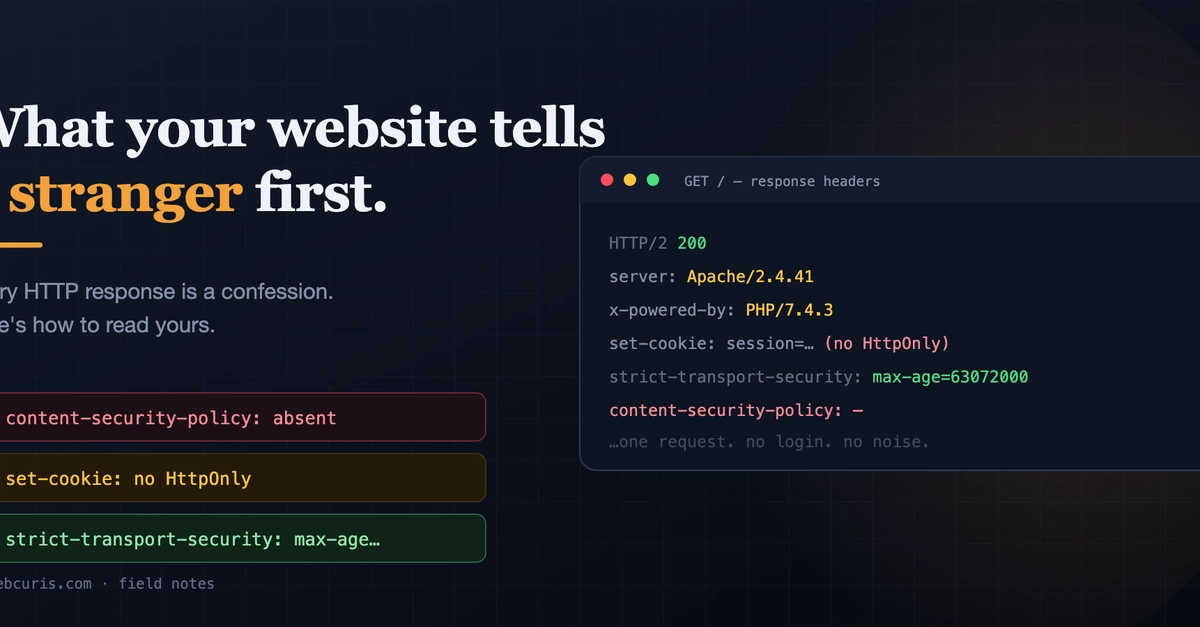
Type a domain, hit enter, and before anything paints, your server and the browser have already had a short conversation. The server sends back response headers — and to anyone who knows how to read them, those headers are a fairly candid statement about how seriously that site takes its own security.
Attackers read them first. Not because headers are exciting, but because they're free: no login, no exploit, nothing in your logs. One request tells them whether you're worth more attention.
Let's read them the way they do. Open devtools → Network → reload → click the first request → Response Headers. Follow along on your own site.
1. Strict-Transport-Security — does your HTTPS actually mean anything?
You have a cert. The padlock shows. But think about what happens when someone types your domain without the scheme — which is everyone: